

GOG.comGlobal· Key
Worms Forts: Under Siege
€4.05
+€0.41 cashback eligibility in Relic Coins
Check before you play
- Platform
- GOG.com
- Region
- Global
- Product type
- Key
- Developer
- Team17
- Publisher
- Team17
- Supplier release date
- 2004-11-19
- Genres
- Strategy
GOG.comGlobal· Key
€4.05
+€0.41 cashback eligibility in Relic Coins
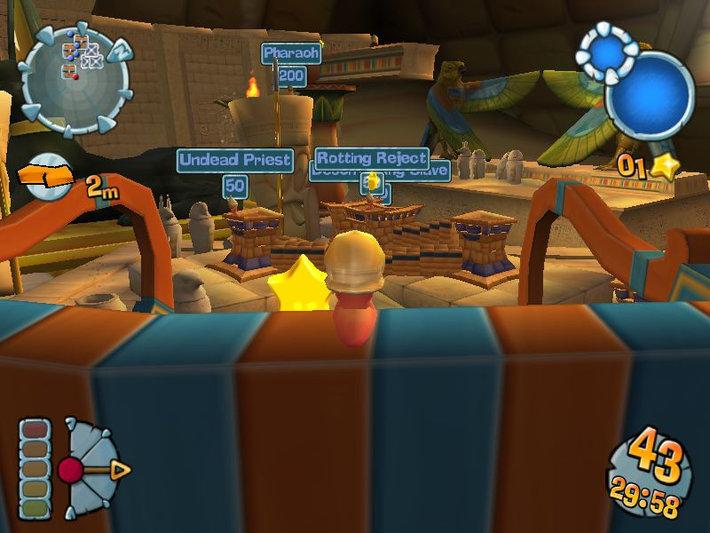
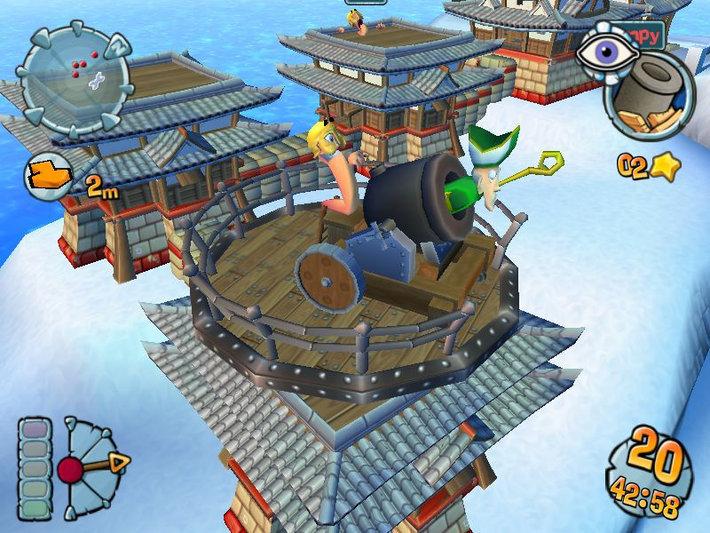
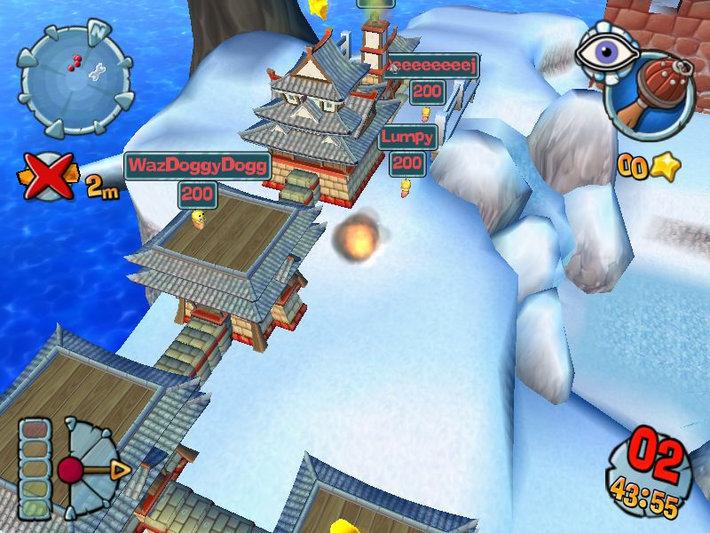
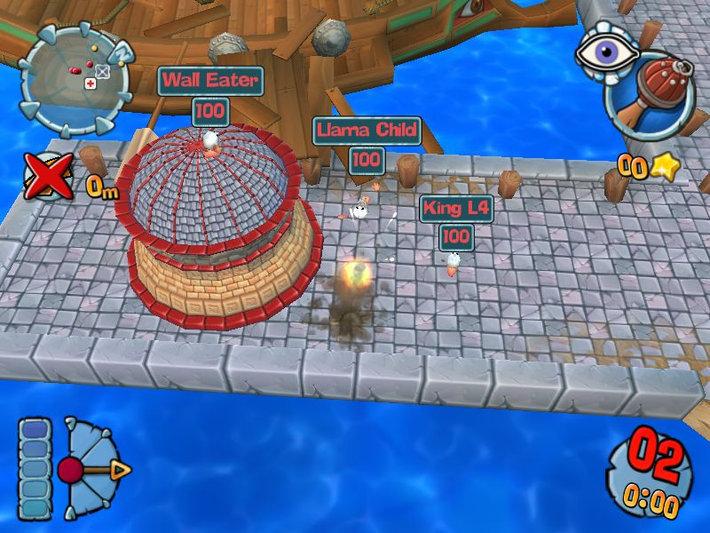
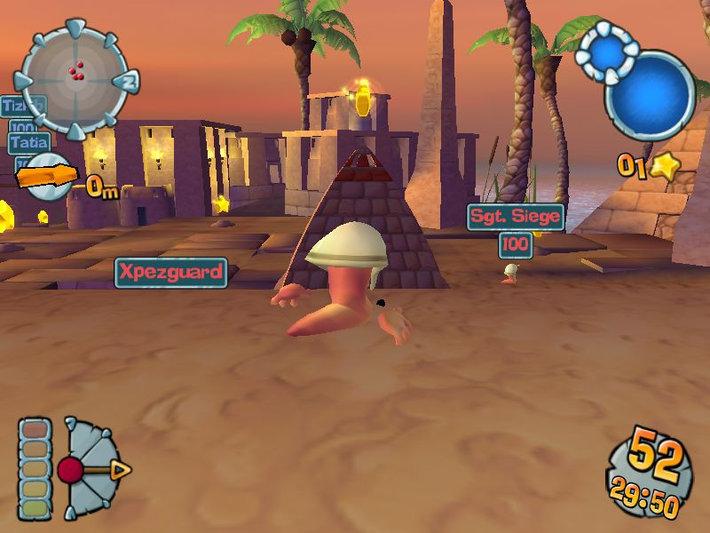
These Worms are coming to crash your castle! Enter the world of Worms’ Forts: Under Siege, now in full 3-D! You can defend yourself from atop your mighty castles or unleash your wrath on your opponents. Crush or be crushed in the classic Worms style! Worms Forts: Under Siege! puts you in command of a team of up to four fort-dwelling worms. The game is set wacky 3-D cartoon environments, and you must command your worm garrison to quickly construct defenses to maximize your strategic advantage. Direct your worms to expand your castle and seize valuable resources. Have them build weapons of mass destruction to destroy your opponents' fortifications. Test yourself against the single-player game by battling through the 20 missions, and then lay siege against your friends via hot seat, LAN, or FortNet multiplayer! Now, who’s king of the castle? Prove your worth in Worms: Fort Under Siege! Features Build huge forts and arsenals before completely crushing your enemy. Raze and conquer 4 ancient eras as you lay siege in 5 epic battles per era. Unleash your fury with classic siege weaponry with a Worms style makeover - from flaming oil to rocket-propelled hippos!

Please create an account or login on https://www.gog.com Go to https://www.gog.com/redeem Enter the code and then press "CONTINUE" After a short amount of time you will see the details about the product, please press "CONTINUE" again. Download and install the GOG.com downloader Login to the software and get back to the product page Go to https://www.gog.com/account and look for the "Games" tab. Press the box of the product you want to download. Activate the GOG.com Download Mode on the right side of product menu. Choose the installation package from the list and save it with the GOG Downloader.