

SteamGlobal· Key
Civil War: Gettysburg
€202.13
+€20.21 cashback eligibility in Relic Coins
Check before you play
- Platform
- Steam
- Region
- Global
- Product type
- Key
- Publisher
- Creative Computing Software
- Supplier release date
- 2017-08-25
- Genres
- Strategy
SteamGlobal· Key
€202.13
+€20.21 cashback eligibility in Relic Coins
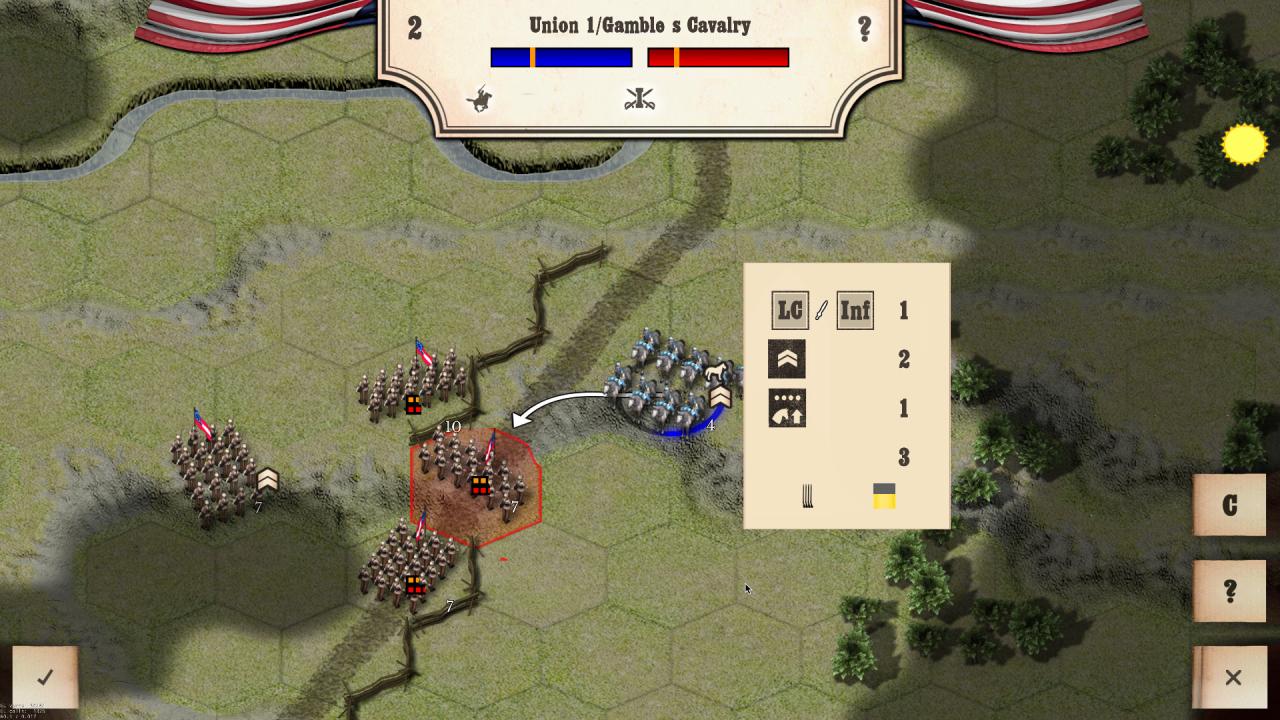
The Battle of Gettysburg was fought from 1st to 3rd July 1863, in Pennsylvania. The battle resulted the largest number of casualties in any battle of the entire war, and was the turning point of the American Civil War. Over three days General George Meade’s Army of the Potomac defeated the Confederate army of General Robert E. Lee’s, ending Confederate attempts to invade the North. The first day ended with the Confederates in control of the town of Gettysburg but they had failed to push on to take the high ground. Day two was a day of a series of actions at both ends of the battlefield at Culp’s Hill and Little Round Top. Day three ended with the disaster of Pickett’s Charge. Features Historically accurate game play. Three day ‘battle’ game. ‘Twilight’ scenario covering the key actions from the 2nd and 3rd day of the battle. Three massive one-day scenarios for each of the three days. Five scenarios covering the battles of: Thoroughfare Gap Furr Farm Goose Creek Ewell’s Chapel Marsh Cree Little Round Top Accurate Civil War Units; 8 different types of artillery. 5 different types of cavalry (mounted & dismounted). 3 different types of infantry. Four categories of unit quality. Four categories of generals. Different types of formations. Detailed combat analysis. In-depth reference charts. Advanced tactical features including: Day and Night. Map zoom. Strategic movement. Flank attacks. Ammo. Hours of Gameplay.



Go to: http://store.steampowered.com/ and download STEAM client Click "Install Steam" (from the upper right corner) Install and start application, login with your Account name and Password (create one if you don't have). Please follow these instructions to activate a new retail purchase on Steam: Launch Steam and log into your Steam account. Click the Games Menu. Choose Activate a Product on Steam... Follow the onscreen instructions to complete the process. After successful code verification go to the "MY GAMES" tab and start downloading.