Get 10% back in Relic Coins on every order
Lost Region cover

SteamGlobal· Key

Lost Region

€20.99

+€2.10 cashback eligibility in Relic Coins

Check before you play

Platform
Steam
Region
Global
Product type
Key
Developer
Farom Studio
Supplier release date
2019-07-15
Genres
Action, Adventure, Strategy, Simulation, Indie

About this product

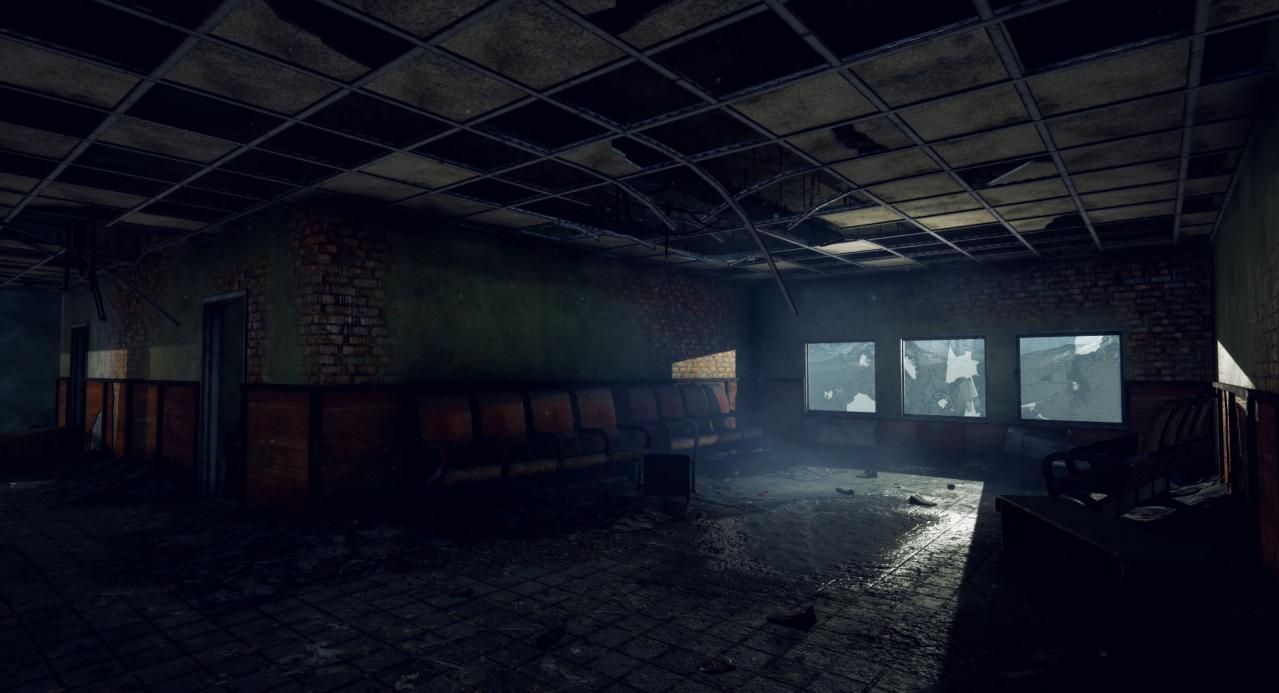
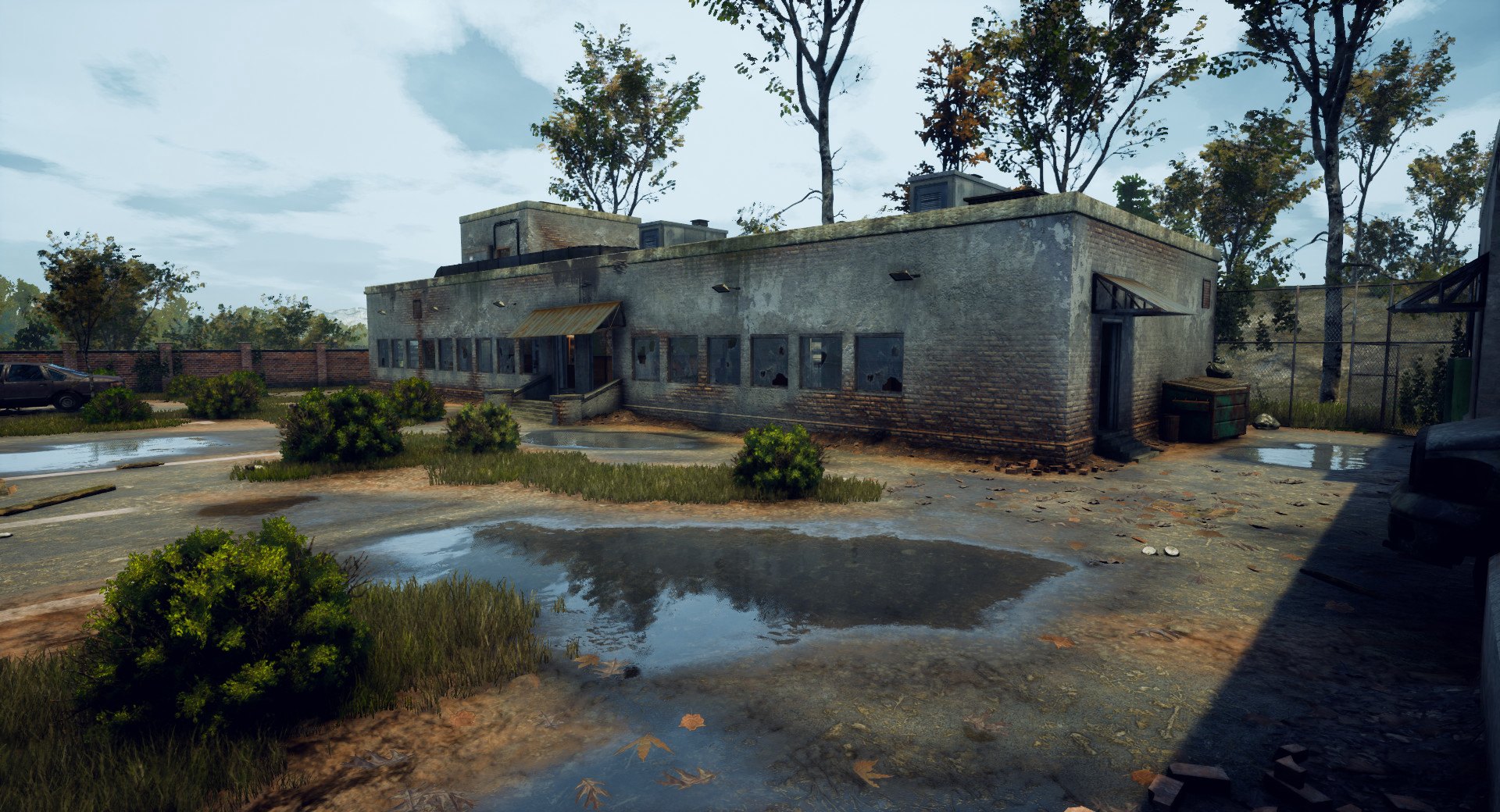
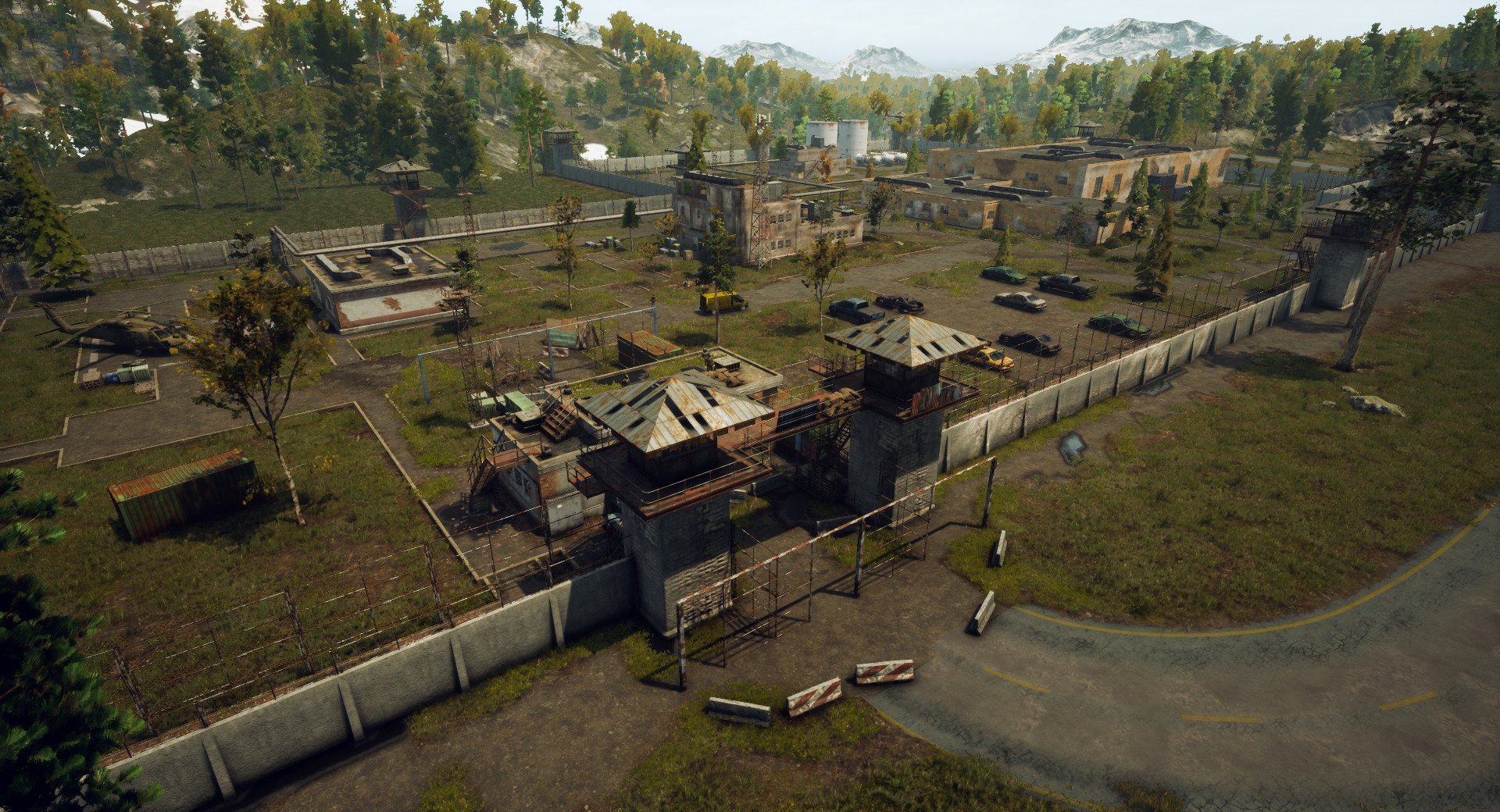
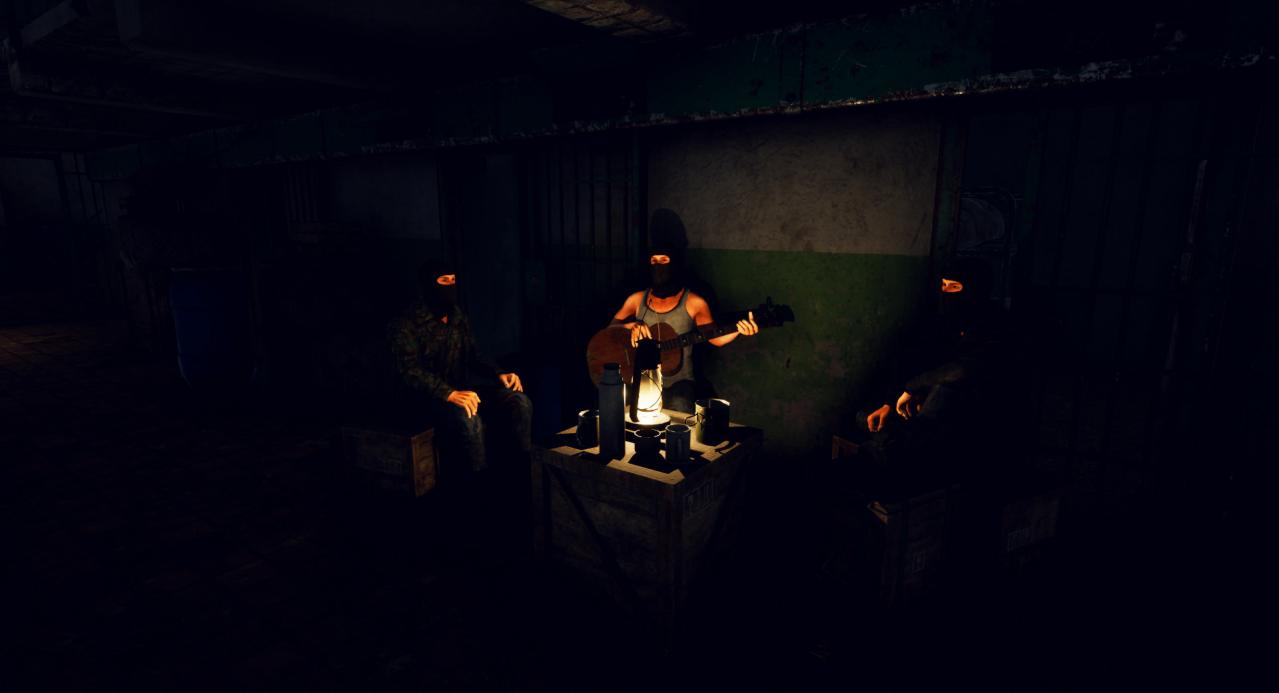
A third-person, open world Survival Action sandbox with combat, looting, crafting, building, that will take you to the world after civilization crisis.Join one of the factions, build your base, explore 64sq/km. Create your own world where you can be proud loner, or create a group with your friends. The entire subsequent history of the world depends on you.World – Large realistic US themed open world covering over 64sq.km(39sq.miles). Every building in this world is explorable, you can search loot or create your base in almost every building in the world.Build system – You can either build temporal camps to store found loot, or huge bases for you and your friends.Combat – The combat system is designed more for stealth or fighting from ambush. Attack on the forehead is not so rational. Also you can take your friends in the fight. If you are a solo player you can crouch and sneak your way past enemies.Huge expanses of Lost Region are fully open and how explore them is up to you.You can explore world by yourself or with your friends, gather resources and build camps or bases, craft, hunt, fight with other players.World covers approximately 64 sq. km. with vast forests, and underground locations.

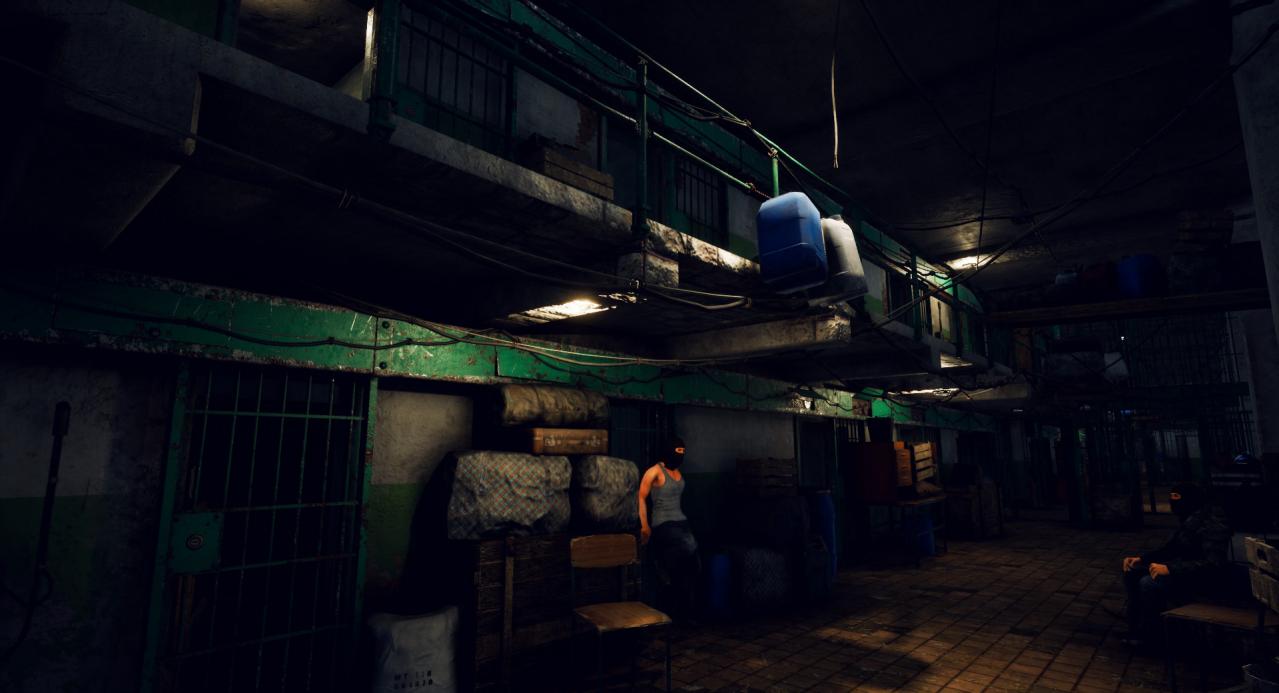
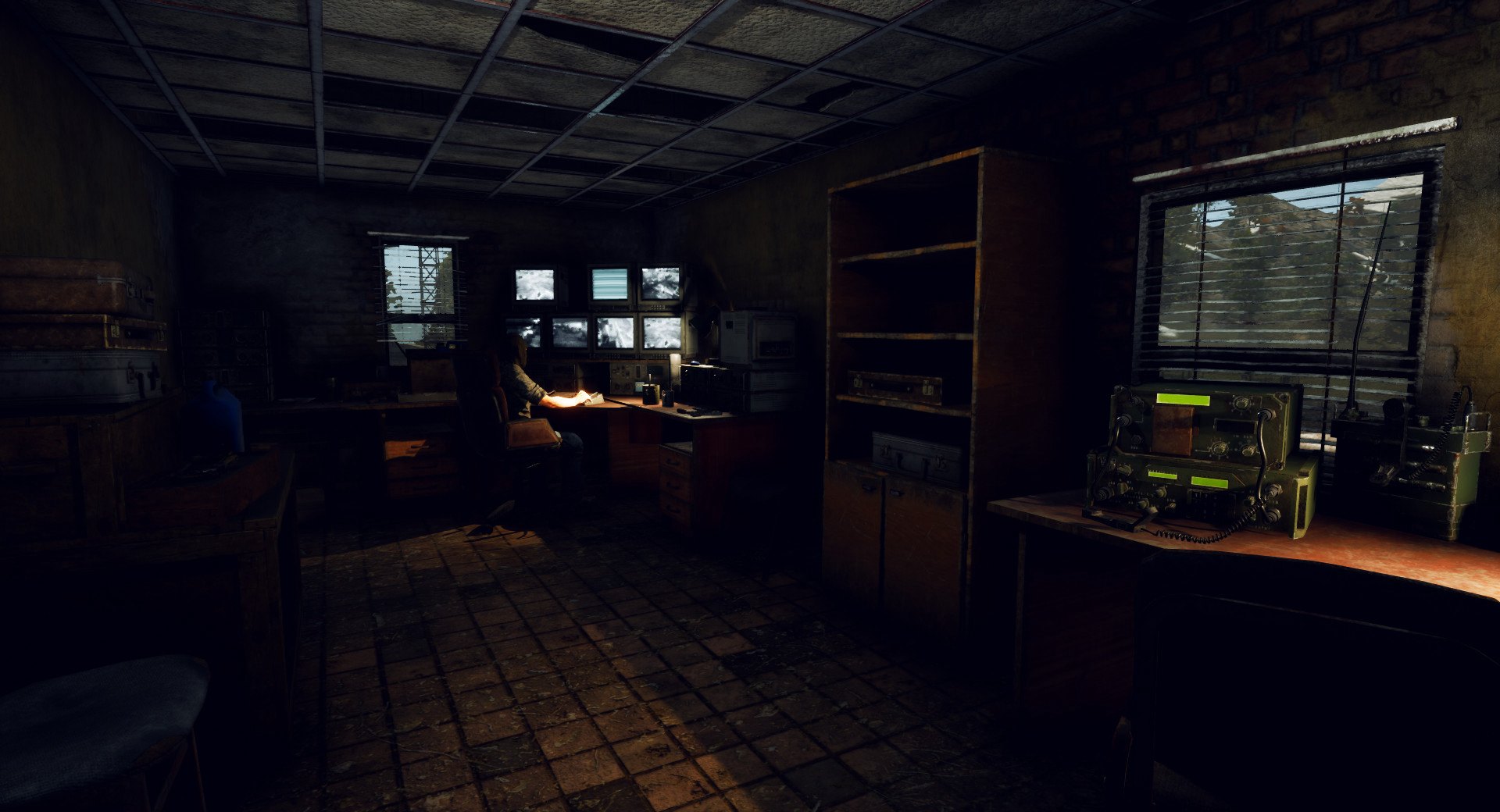
Lost Region screenshotLost Region screenshotLost Region screenshotLost Region screenshotLost Region screenshotLost Region screenshot

How to redeem

  1. 1Check your Steam account and the listed region before purchasing.
  2. 2Find your code and supplier activation instructions in your confirmed order.
  3. 3Open the redeem-code section on Steam, enter the code and follow the platform’s prompts.

Supplier instructions

Go to: http://store.steampowered.com/ and download STEAM client Click "Install Steam" (from the upper right corner) Install and start application, login with your Account name and Password (create one if you don't have). Please follow these instructions to activate a new retail purchase on Steam: Launch Steam and log into your Steam account. Click the Games Menu. Choose Activate a Product on Steam... Follow the onscreen instructions to complete the process. After successful code verification go to the "MY GAMES" tab and start downloading.

You might also like