Get 10% back in Relic Coins on every order
DISTRAINT 2 - Original Soundtrack DLC cover

SteamGlobal· DLC

DISTRAINT 2 - Original Soundtrack DLC

€0.15

+€0.02 cashback eligibility in Relic Coins

Check before you play

Platform
Steam
Region
Global
Product type
DLC

Check the required base game and edition before purchasing this add-on.

Developer
Jesse Makkonen
Publisher
Jesse Makkonen
Supplier release date
2018-11-13
Genres
Adventure, Casual

About this product

Composed by Jesse Makkonen, the DISTRAINT 2 OST features beautifully haunting and just plain weird and playful original songs.DISTRAINT 2 OST is available in FLAC and MP3 320 kbps formats! Tracklist 01 - Menu 02 - Previously in DISTRAINT 03 - Somewhere Beyond 04 - Where It All Began 05 - Save 06 - Fear's Creature 07 - Greed 08 - Delusion 09 - Hope's Domain - Part One 10 - The Old Couple 11 - Mom 12 - Comfort 13 - We Play Cards 14 - Hope's Domain - Part Two 15 - Childhood 16 - Cafe 17 - Loss 18 - Hope's Domain - Part Three 19 - Inspiration 20 - Forgiveness 21 - McDade, Bruton & Moore 22 - I'm Sorry 23 - Run 24 - We Are Here For You 25 - Blink of an Eye 26 - The End 27 - Release Trailer 28 - Hidden Bosses

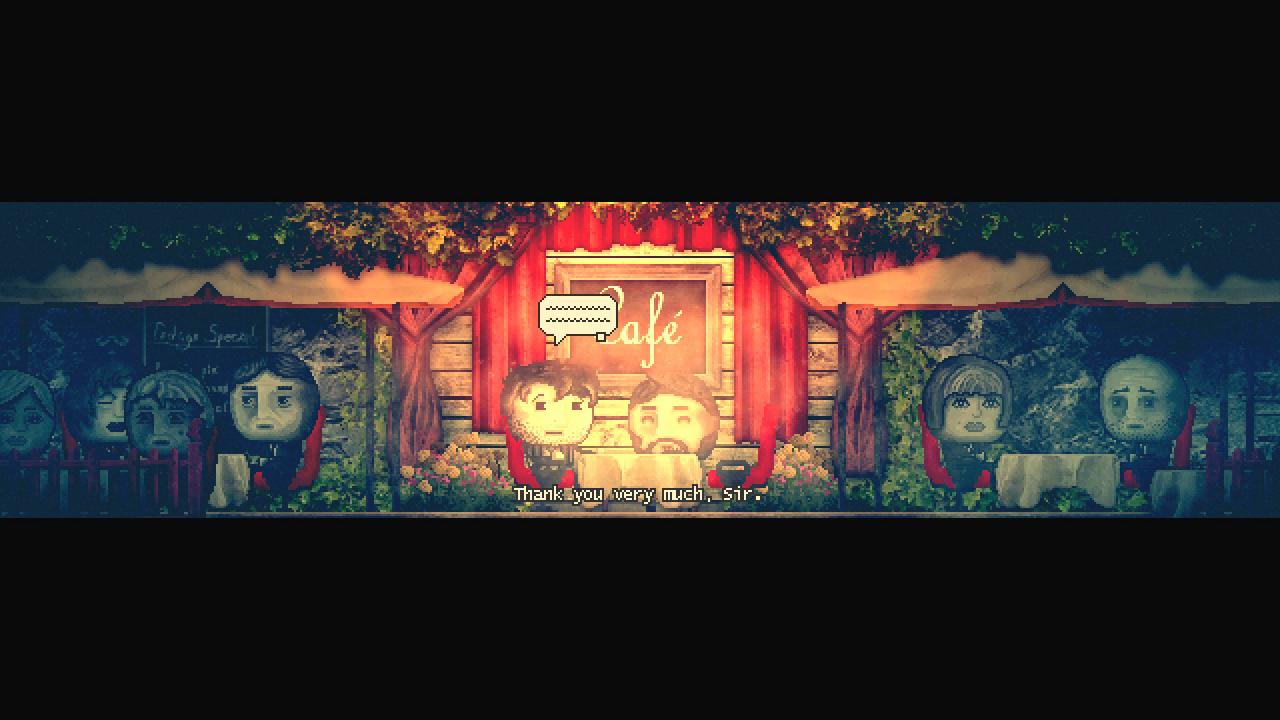
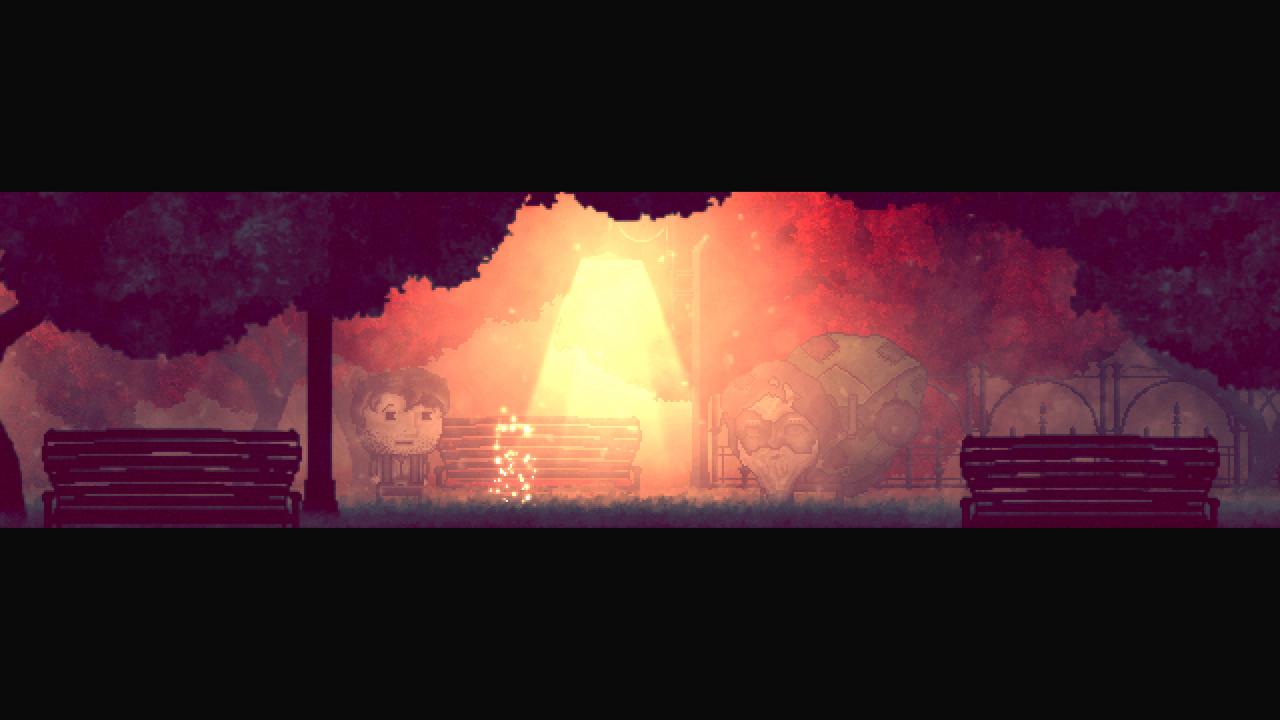
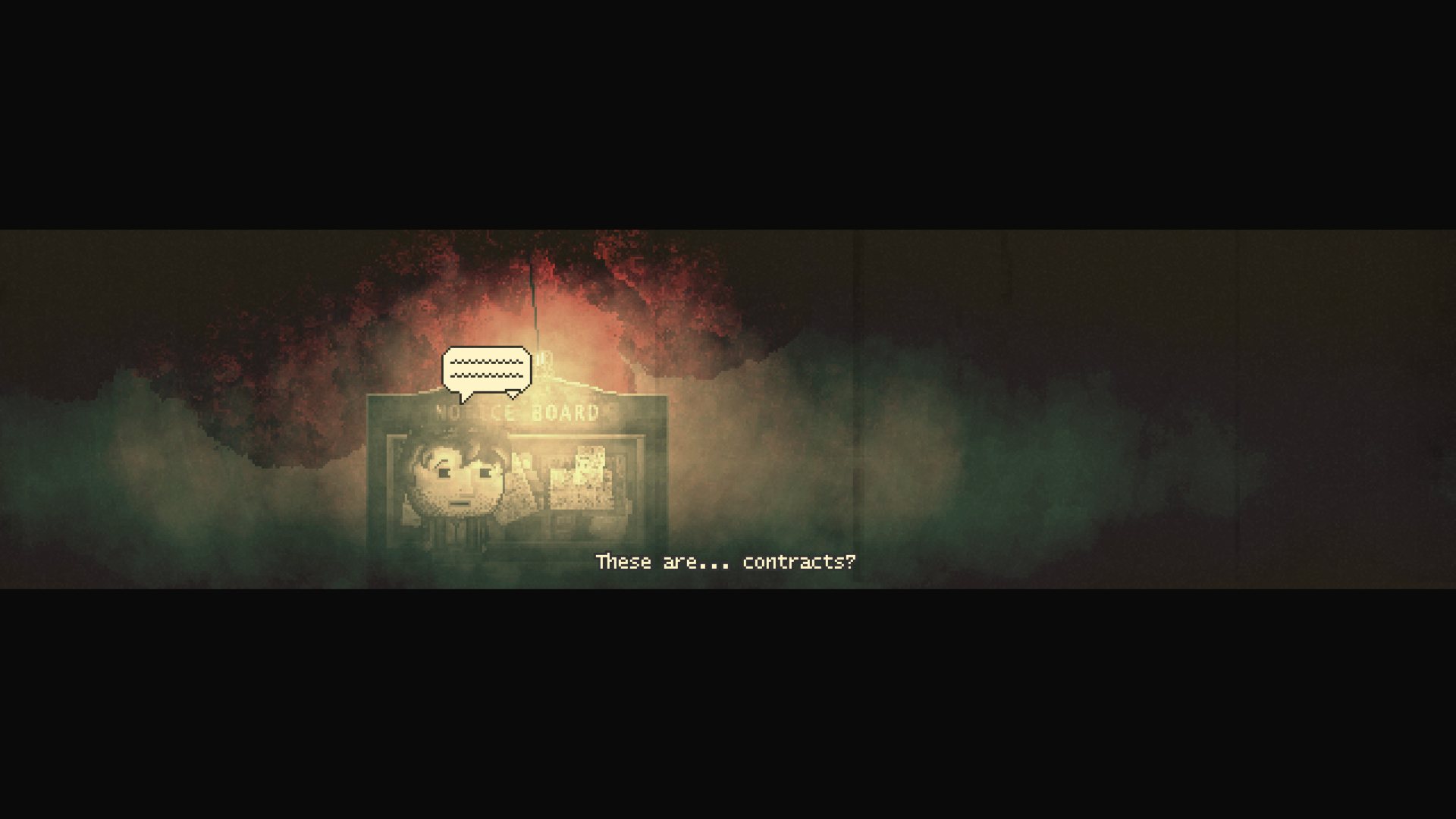
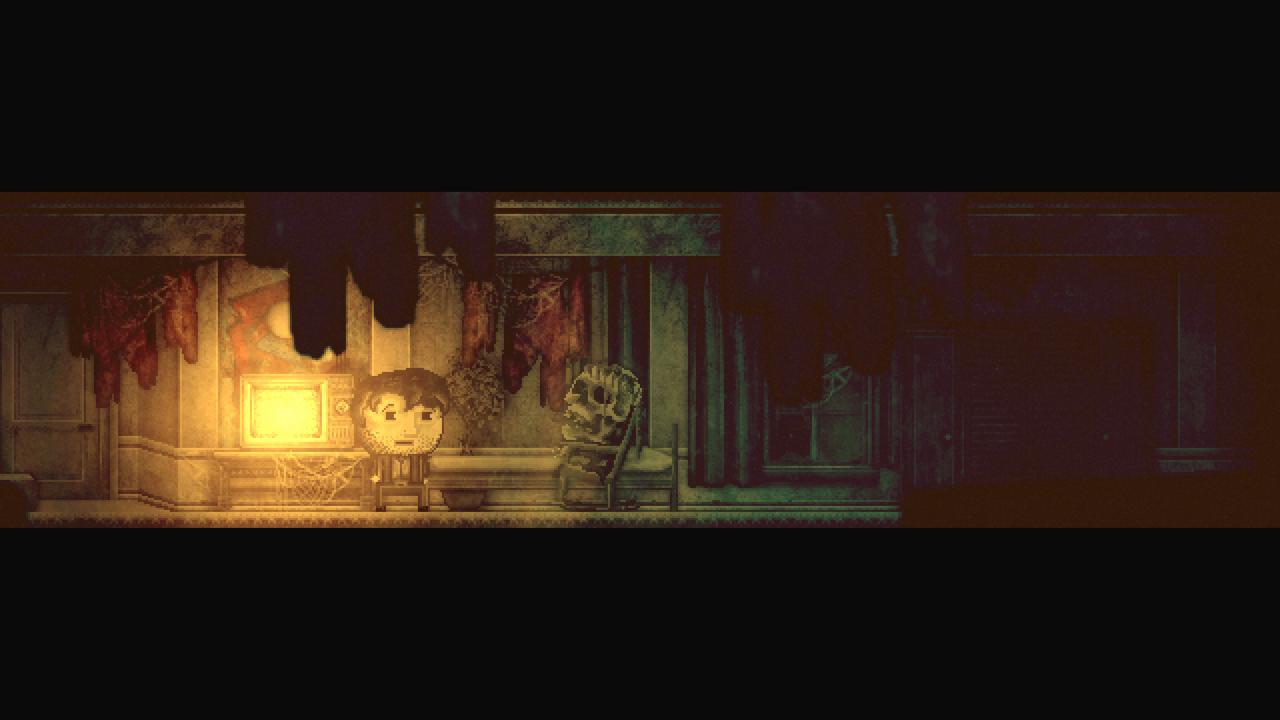
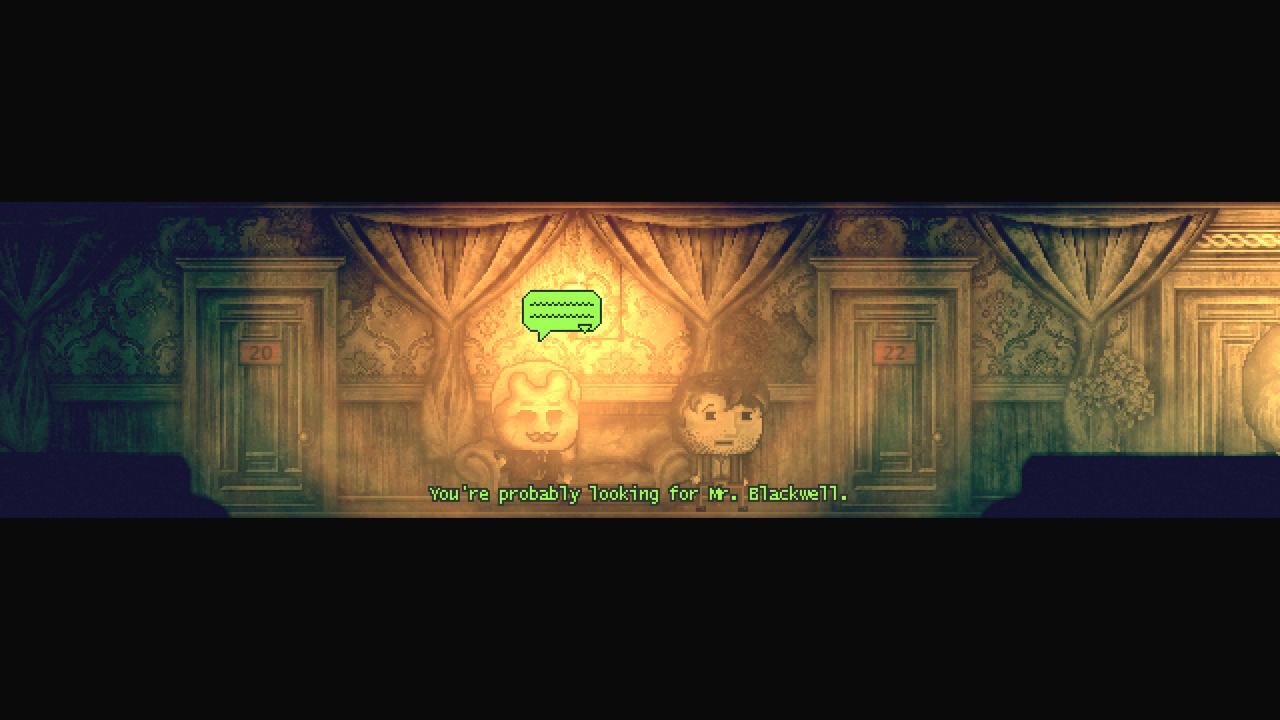
DISTRAINT 2 - Original Soundtrack DLC screenshotDISTRAINT 2 - Original Soundtrack DLC screenshotDISTRAINT 2 - Original Soundtrack DLC screenshotDISTRAINT 2 - Original Soundtrack DLC screenshotDISTRAINT 2 - Original Soundtrack DLC screenshotDISTRAINT 2 - Original Soundtrack DLC screenshot

How to redeem

  1. 1Check the required base game, platform and edition before purchasing.
  2. 2Find the code or supplier activation instructions in your confirmed order.
  3. 3Redeem on Steam using the supplied instructions, then install the add-on with the compatible base game.

Supplier instructions

Go to: http://store.steampowered.com/ and download STEAM client Click "Install Steam" (from the upper right corner) Install and start application, login with your Account name and Password (create one if you don't have). Please follow these instructions to activate a new retail purchase on Steam: Launch Steam and log into your Steam account. Click the Games Menu. Choose Activate a Product on Steam... Follow the onscreen instructions to complete the process. After successful code verification go to the "MY GAMES" tab and start downloading.

You might also like