Get 10% back in Relic Coins on every order
The Chronicles of King Arthur: Episode 2 - Knights of the Round Table cover

SteamGlobal· Key

The Chronicles of King Arthur: Episode 2 - Knights of the Round Table

€0.87

+€0.09 cashback eligibility in Relic Coins

Check before you play

Platform
Steam
Region
Global
Product type
Key
Supplier release date
2019-05-03
Genres
Casual

About this product

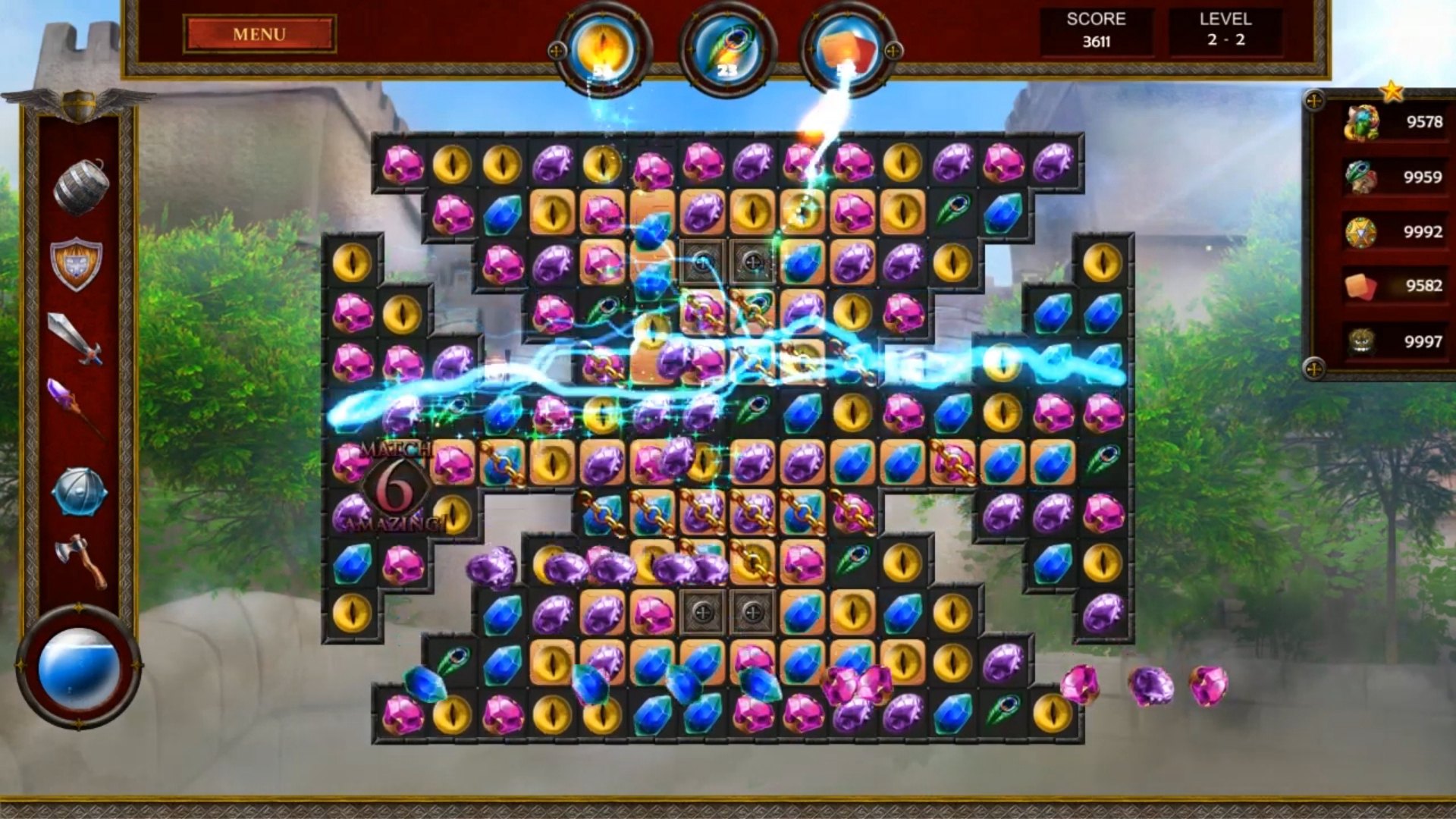
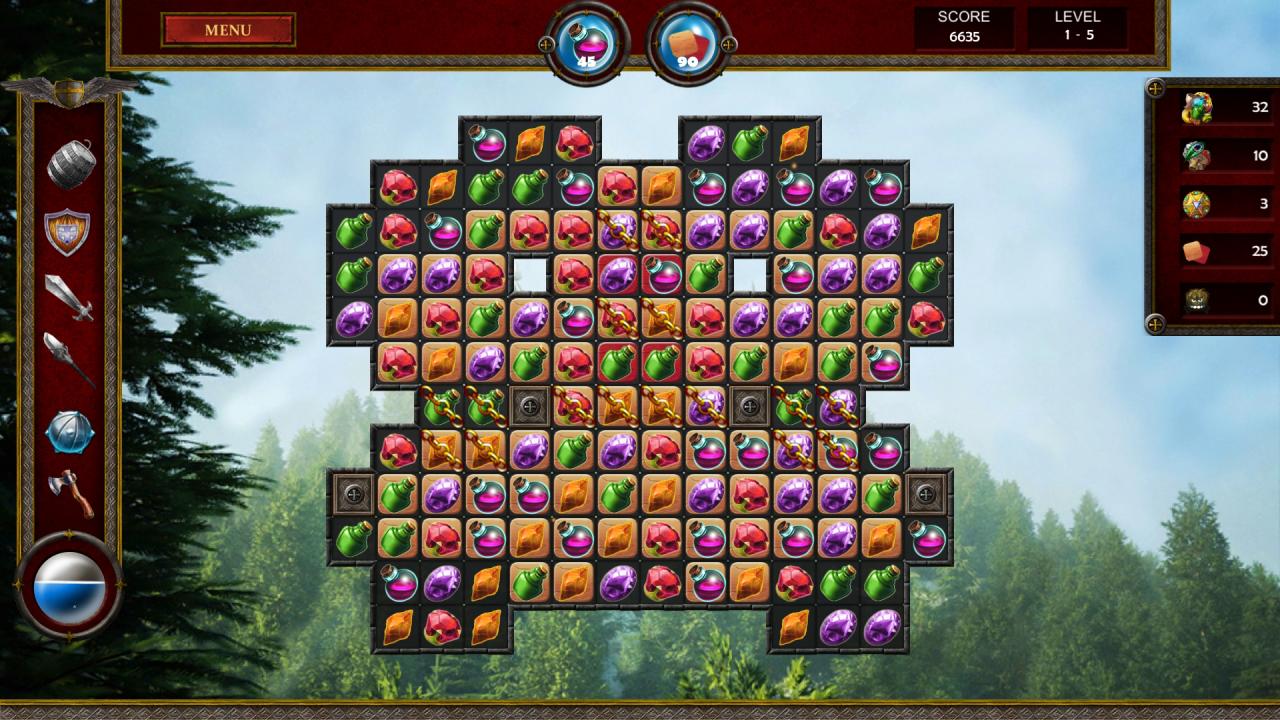
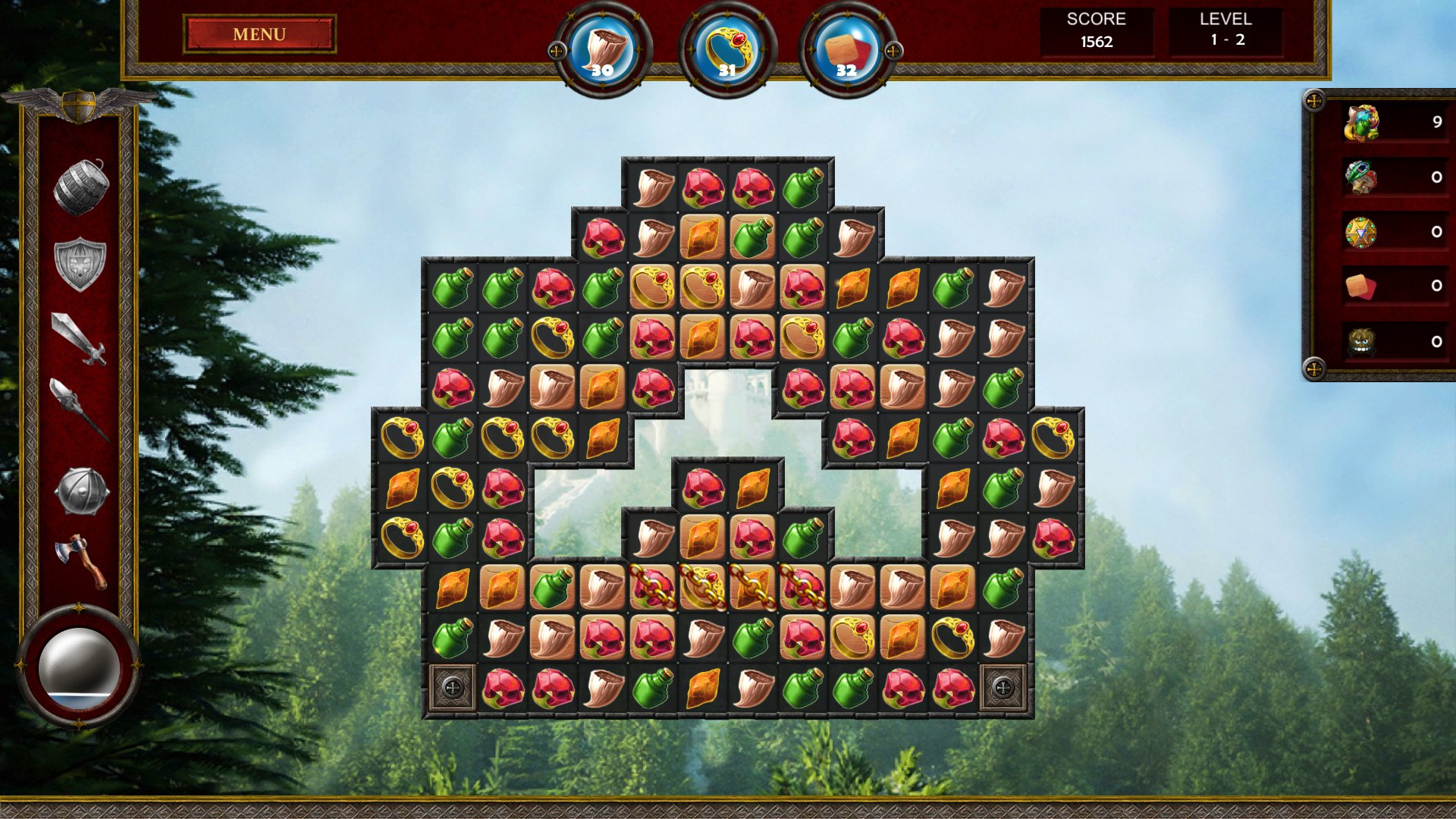
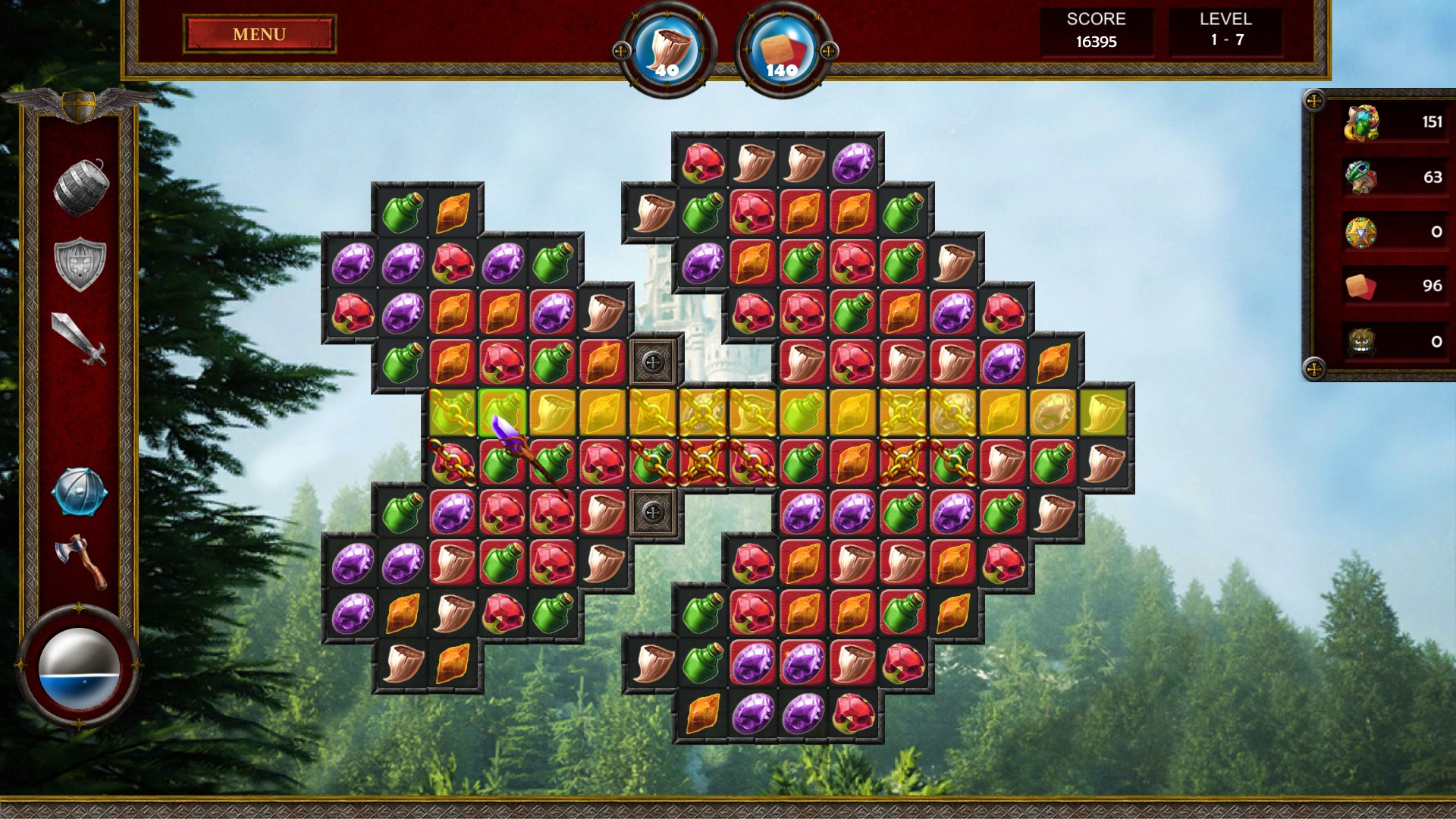
King Arthur reigns in Camelot, but the time of peace is at an end. Saxon invaders are marching across the land, led by a king who dreams of conquering the world. Determined to fight back and protect the kingdom he loves, Arthur puts out a call for knights. Many brave men answer the call, including a young man named Lancelot whose strange past promises him a great destiny. With Lancelot and the others by his side, King Arthur sets out to defeat the Saxons and restore peace to the land… Features A thrilling match3 game inspired by Arthurian legend, following King Arthur and the Knights of the Round Table. Join Arthur, Guinevere, Lancelot, and other legendary figures in a journey that takes them from Camelot to Avalon, told across five chapters. Play through challenging match-3 puzzle levels to continue Arthur’s quest. Unlock 20 upgrades and powerups in your quest to defeat the Saxons and restore the land.

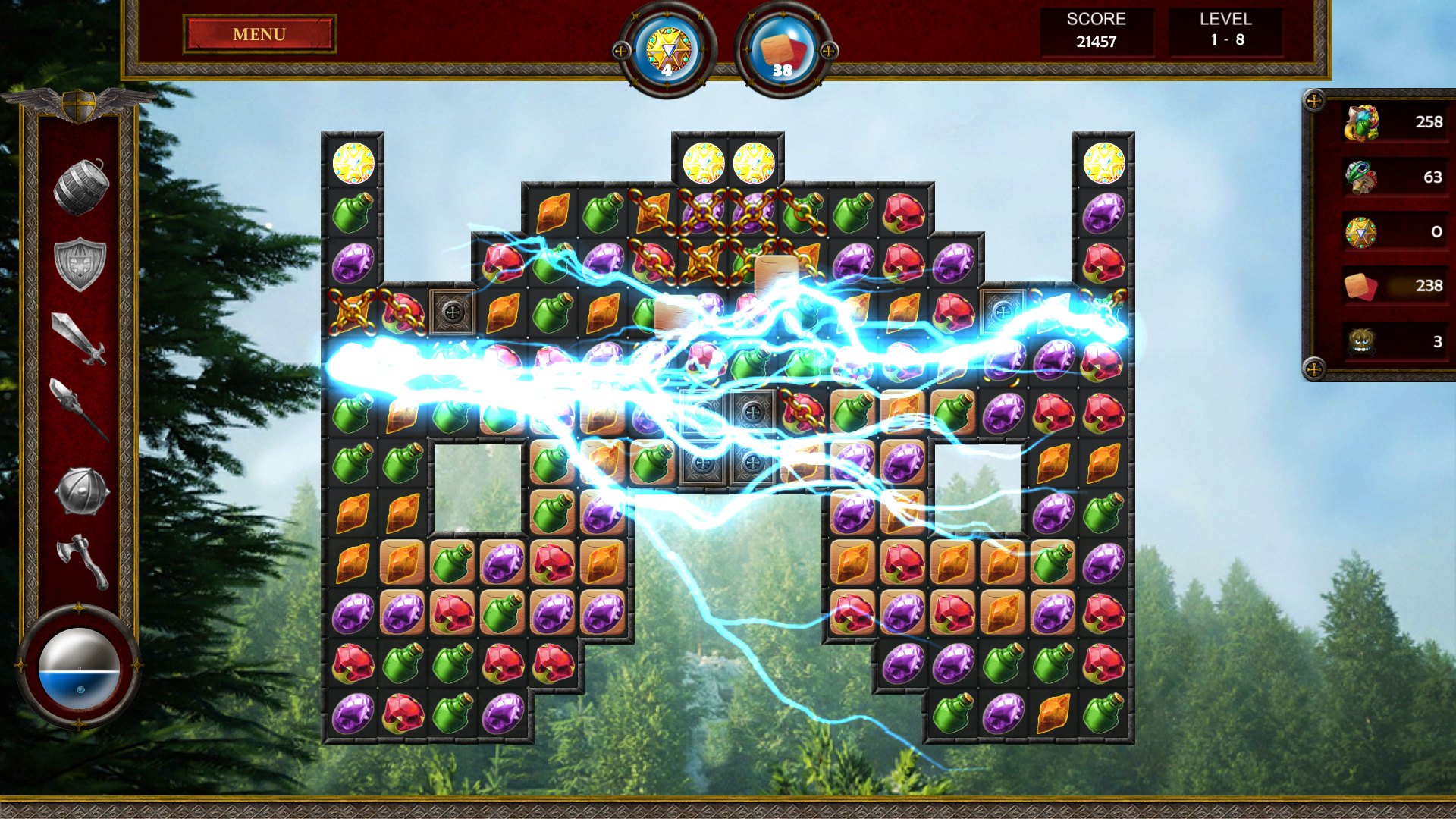
The Chronicles of King Arthur: Episode 2 - Knights of the Round Table screenshotThe Chronicles of King Arthur: Episode 2 - Knights of the Round Table screenshotThe Chronicles of King Arthur: Episode 2 - Knights of the Round Table screenshotThe Chronicles of King Arthur: Episode 2 - Knights of the Round Table screenshotThe Chronicles of King Arthur: Episode 2 - Knights of the Round Table screenshot

How to redeem

  1. 1Check your Steam account and the listed region before purchasing.
  2. 2Find your code and supplier activation instructions in your confirmed order.
  3. 3Open the redeem-code section on Steam, enter the code and follow the platform’s prompts.

Supplier instructions

Go to: http://store.steampowered.com/ and download STEAM client Click "Install Steam" (from the upper right corner) Install and start application, login with your Account name and Password (create one if you don't have). Please follow these instructions to activate a new retail purchase on Steam: Launch Steam and log into your Steam account. Click the Games Menu. Choose Activate a Product on Steam... Follow the onscreen instructions to complete the process. After successful code verification go to the "MY GAMES" tab and start downloading.

You might also like