

SteamGlobal· Key
RETRO/GRADE
€1.37
+€0.14 cashback eligibility in Relic Coins
Check before you play
- Platform
- Steam
- Region
- Global
- Product type
- Key
- Developer
- 24 Caret Games
- Publisher
- 24 Caret Games
- Genres
- Action, Indie
SteamGlobal· Key
€1.37
+€0.14 cashback eligibility in Relic Coins
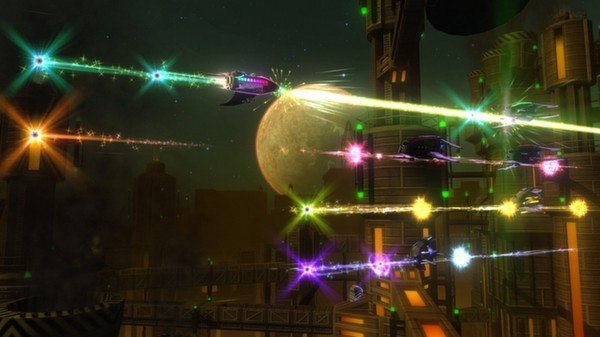
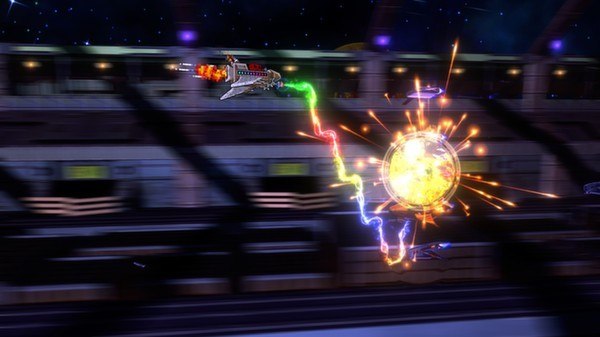
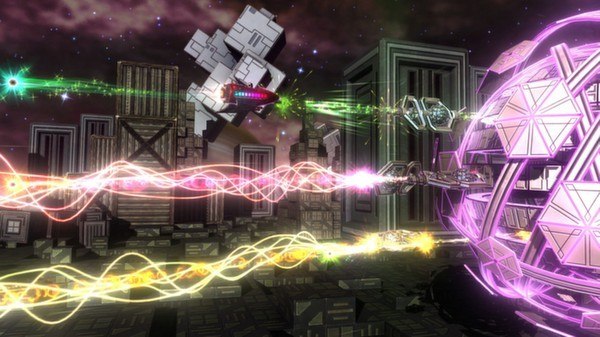
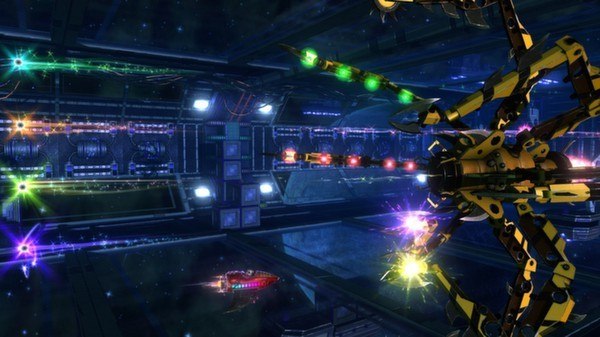
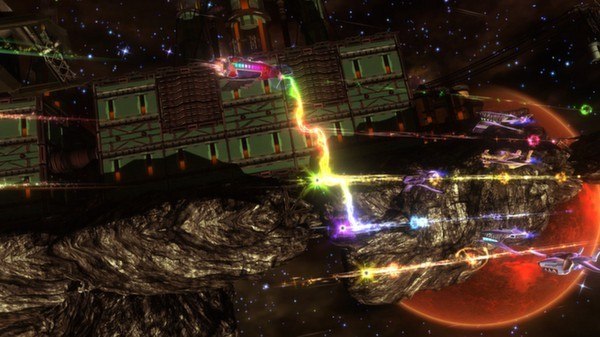
AAA Platform: Steam Languages: EN/DE/FR/IT/ES Release Date: 20 Mar 2013 Product Description Play a classic Shoot 'Em Up... in reverse! Navigate deadly enemy waves and un-fire attacks in Retro/Grade, a mind-bending rhythm game by 24 Caret Games. Pick up a gamepad or a guitar controller and help Rick Rocket restore the continuity of space-time, before a temporal anomaly rips the universe a new time-hole! Features Play with a gamepad, keyboard, or a guitar controller, and control the flow of time with the Retro/Rocket to undo your mistakes. 10 dazzling worlds with unique enemies, epic boss fights, and amazing effects. A campaign with 6 difficulties, 130 different challenges, over 50 minutes of original music, and dozens of unlockable ships and rewards. System Requirements OS:Windows XP SP2, Vista, Windows 7, or Windows 8 Processor:2.0+ GHz or better (dual core recommended) Memory:2 GB RAM Graphics:NVIDIA 8000 series DirectX®:9.0c Hard Drive:300 MB HD space Sound:Windows compatible

Go to: http://store.steampowered.com/ and download STEAM client Click "Install Steam" (from the upper right corner) Install and start application, login with your Account name and Password (create one if you don't have). Please follow these instructions to activate a new retail purchase on Steam: Launch Steam and log into your Steam account. Click the Games Menu. Choose Activate a Product on Steam... Follow the onscreen instructions to complete the process. After successful code verification go to the "MY GAMES" tab and start downloading.