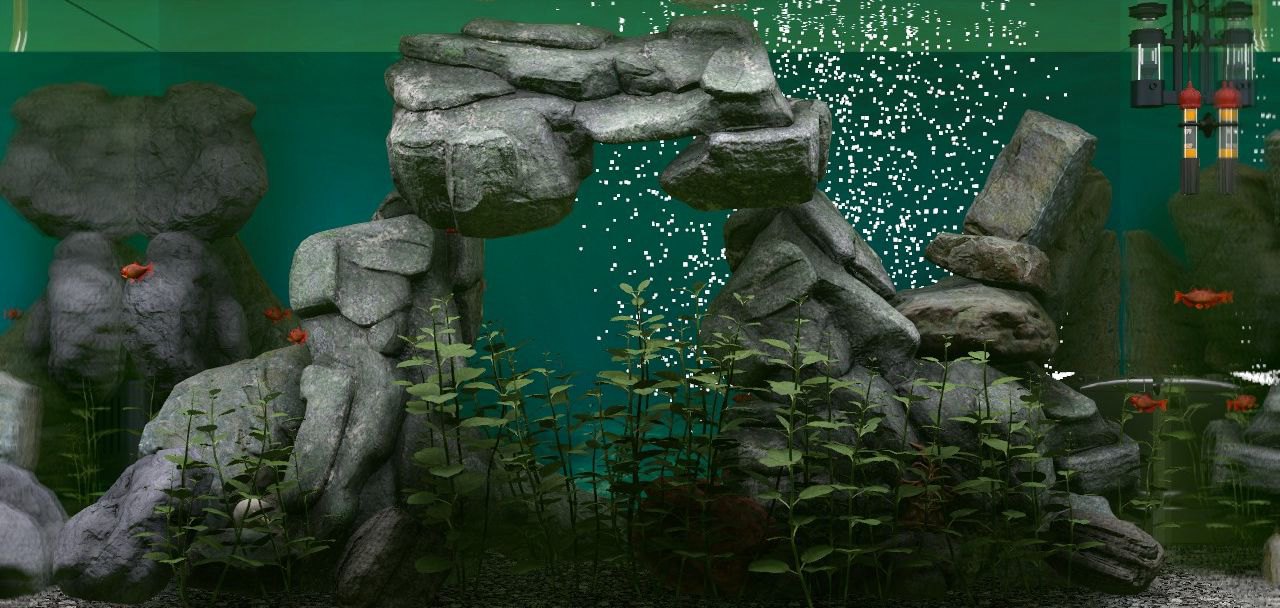
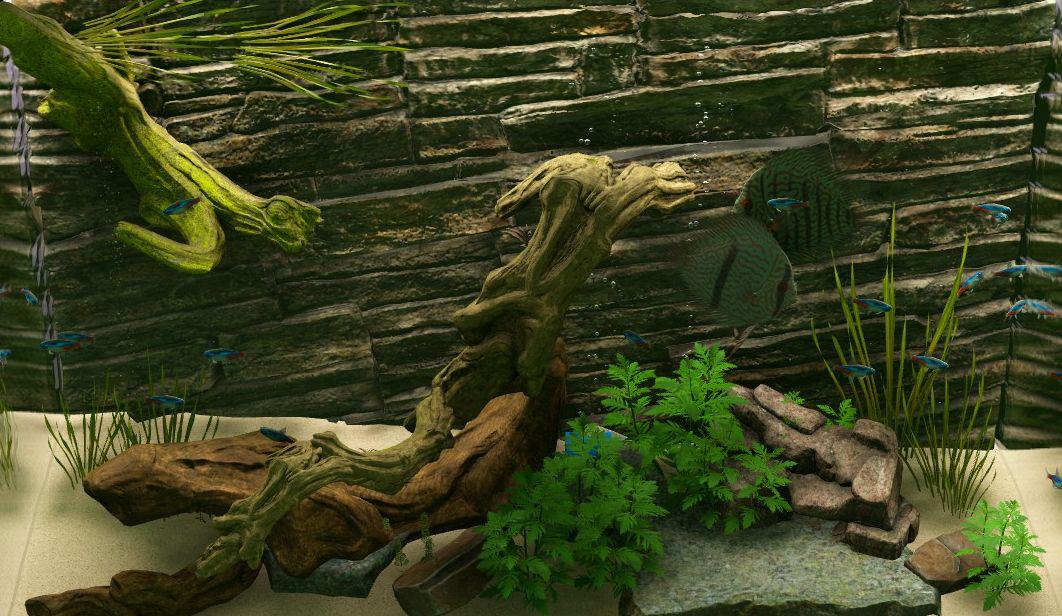
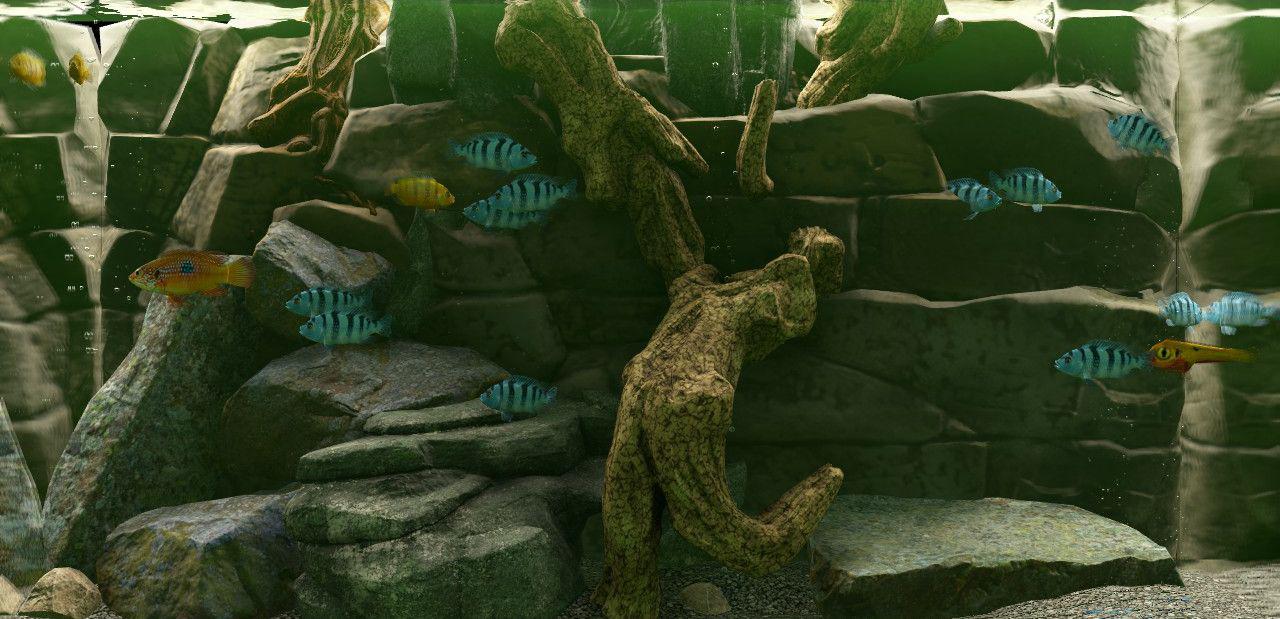
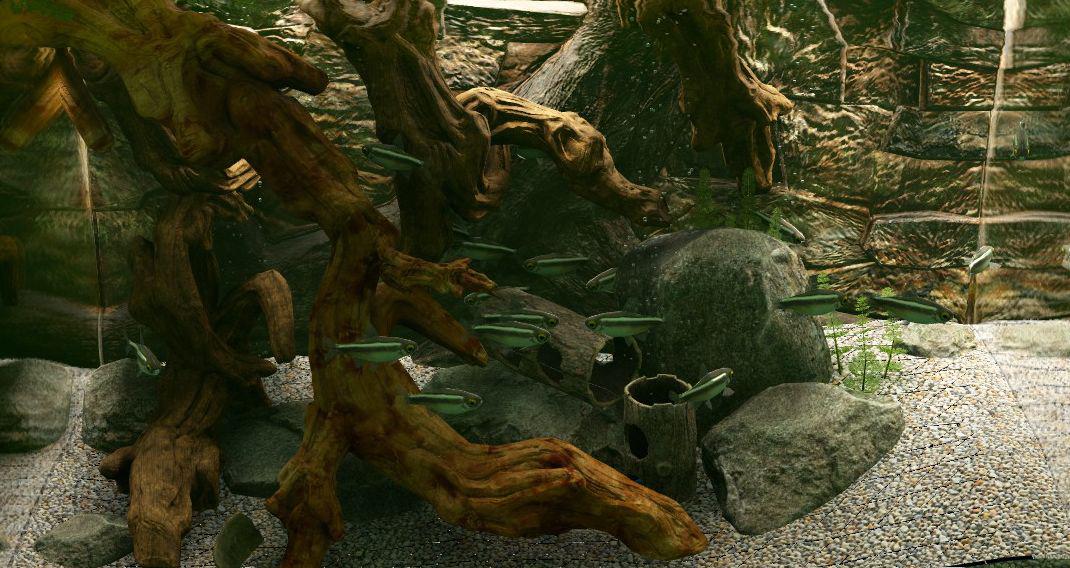
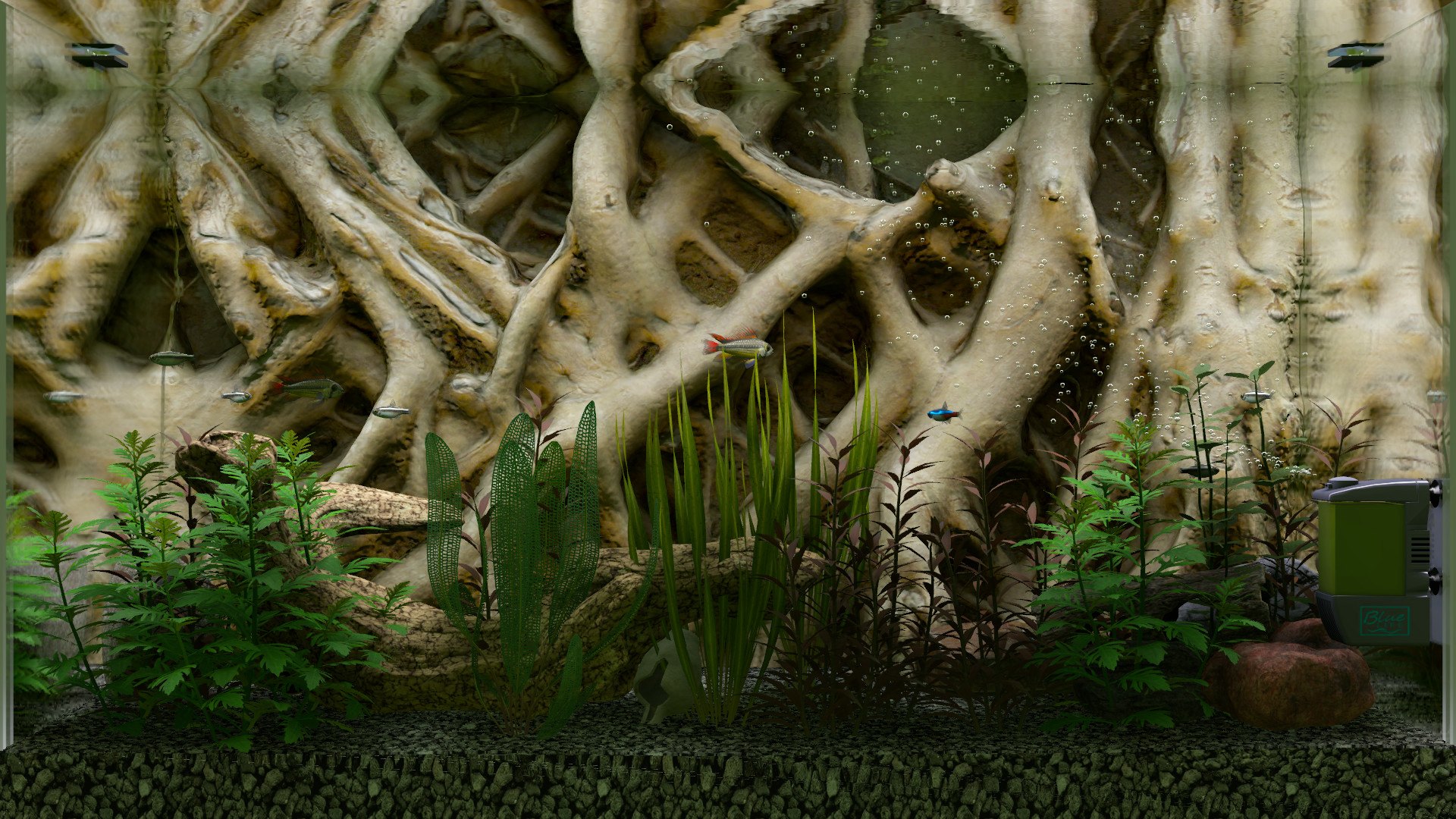
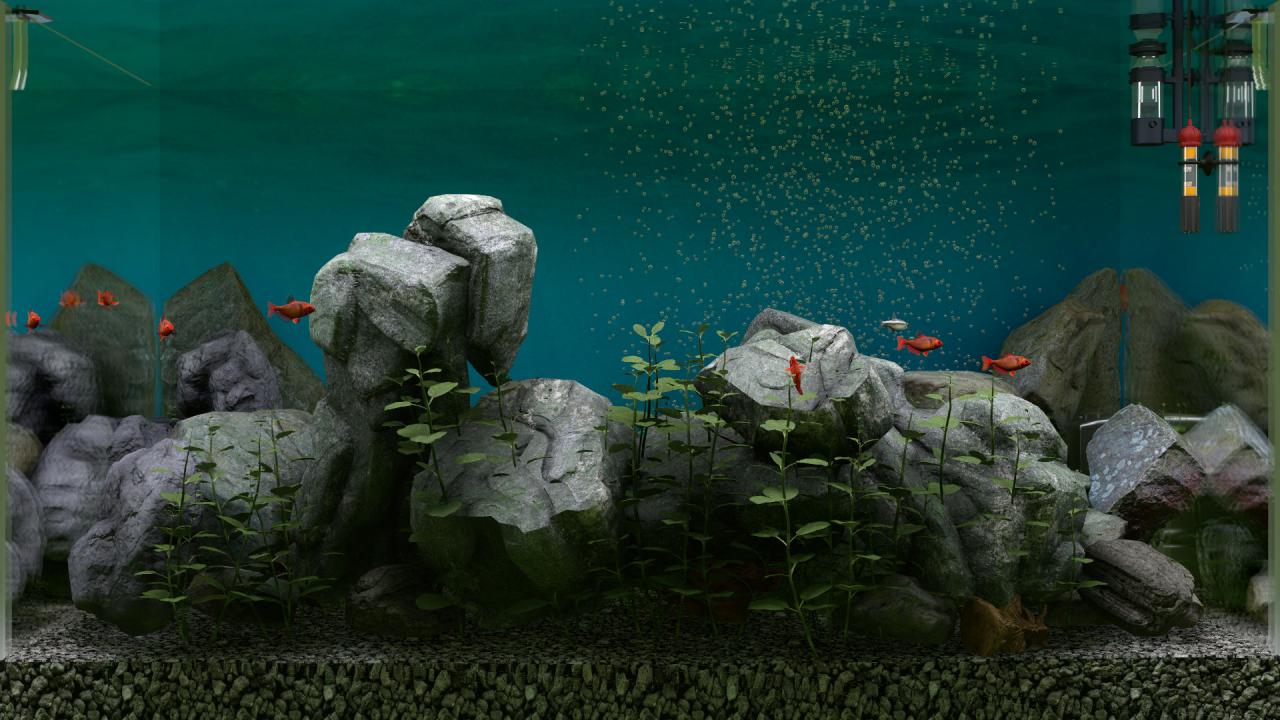
BIOTOPE - Aquarium Simulator is the first and only photorealistic aquarium simulator to date. Biotope makes it possible to create populations of fishes and plants and actively influence their complete life cycle.Face strategic challenges and manage the expansion and operation of the aquarium, with a limited budget. Cultivate, breed and trade-in fishes and plants.Use authentic equipment such as filters pumps and lamps to preserve your biotope and create ideal living conditions for your fishes and plants.Many decorative objects are available to you to make beautiful and unusual biotopes. Depending on the quality and performance of the individual components, their durability and impact on the entire ecosystem of the aquarium will change. Features Entry: Choose from three Starter Kits: Empty Tank (Tutorial), Amazon or Malawi Aquarium Budget: Use your monthly budget and keep an eye on the statistics! Shopping: Browse the Blue World Store The building blocks of life: Breed healthy and robust animals to increase the DNA rating of your fishes to the maximum! Stress reduction: Take care of your fishes and keep their stress levels low. A stressed fish will quickly get sick and will not reproduce. Decorate your aquarium: Create your biotope according to the preferences and needs of your fishes, and they will thank you with good breeding values and offspring. Complete quests and earn additional budget for the expansion of the aquarium.