Get 10% back in Relic Coins on every order
Middle-earth: Shadow of War - The Blade of Galadriel Story Expansion DLC cover

Steam Europe - All Countries· DLC

Middle-earth: Shadow of War - The Blade of Galadriel Story Expansion DLC

€3.26

+€0.33 cashback eligibility in Relic Coins

Check before you play

Platform
Steam
Region
Europe - All Countries
Product type
DLC

Check the required base game and edition before purchasing this add-on.

Developer
Monolith Productions, Inc.
Publisher
Warner Bros. Interactive
Supplier release date
2018-02-06
Genres
Action, Adventure, RPG

About this product

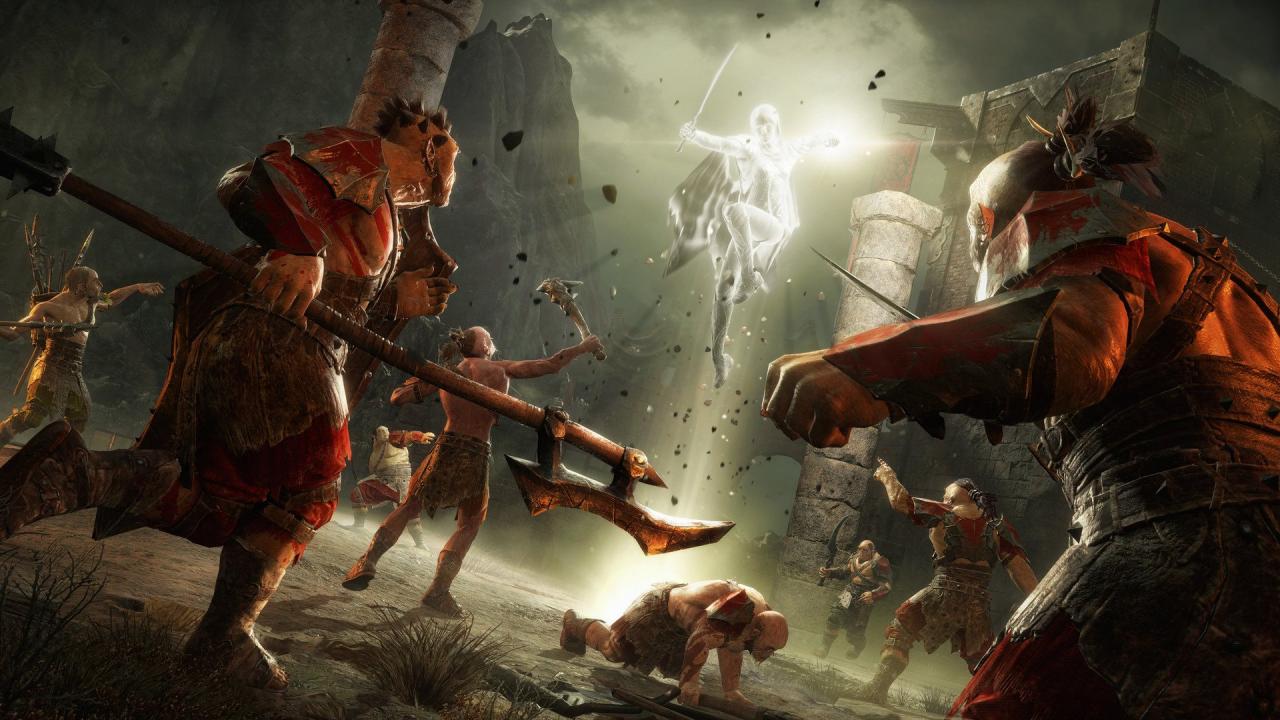
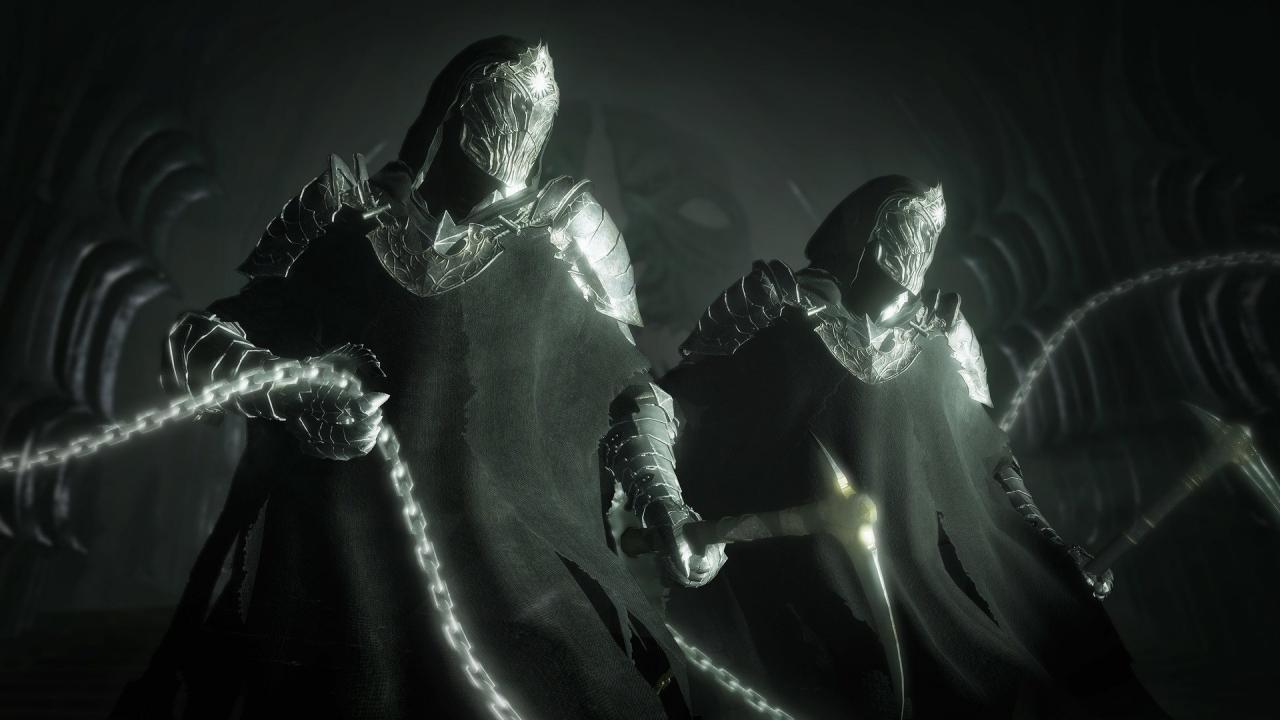
The Blade of Galadriel Story Expansion includes: NEW Story campaign NEW Orc Allies & Side Missions NEW Boss fights against the Ringwraiths and Dark Talion NEW Light wielding Combat NEW Legendary Gear Set for Eltariel Play as Eltariel, the Blade of Galadriel, as she hunts the newest Ringwraith. Her epic story begins on the tower of Barad-dûr after the battle with Sauron and takes her across Mordor. Eltariel enters battle with a new dual wield combat style, new powers based on the Light of Galadriel and the ability to wield the New Ring.

Middle-earth: Shadow of War - The Blade of Galadriel Story Expansion DLC screenshotMiddle-earth: Shadow of War - The Blade of Galadriel Story Expansion DLC screenshotMiddle-earth: Shadow of War - The Blade of Galadriel Story Expansion DLC screenshotMiddle-earth: Shadow of War - The Blade of Galadriel Story Expansion DLC screenshot

How to redeem

  1. 1Check the required base game, platform and edition before purchasing.
  2. 2Find the code or supplier activation instructions in your confirmed order.
  3. 3Redeem on Steam using the supplied instructions, then install the add-on with the compatible base game.

Supplier instructions

Go to: http://store.steampowered.com/ and download STEAM client Click "Install Steam" (from the upper right corner) Install and start application, login with your Account name and Password (create one if you don't have). Please follow these instructions to activate a new retail purchase on Steam: Launch Steam and log into your Steam account. Click the Games Menu. Choose Activate a Product on Steam... Follow the onscreen instructions to complete the process. After successful code verification go to the "MY GAMES" tab and start downloading.

You might also like