Get 10% back in Relic Coins on every order
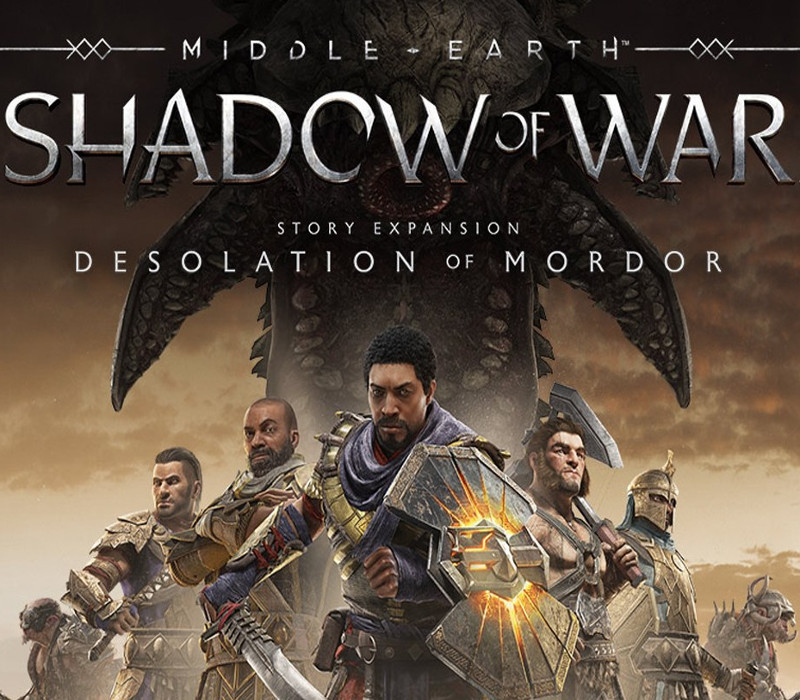
Middle-earth: Shadow of War - The Desolation of Mordor Story Expansion DLC cover

SteamGlobal· DLC

Middle-earth: Shadow of War - The Desolation of Mordor Story Expansion DLC

€3.58

+€0.36 cashback eligibility in Relic Coins

Check before you play

Platform
Steam
Region
Global
Product type
DLC

Check the required base game and edition before purchasing this add-on.

Developer
Monolith Productions
Publisher
WB Games
Supplier release date
2018-05-08
Genres
Action, Adventure

About this product

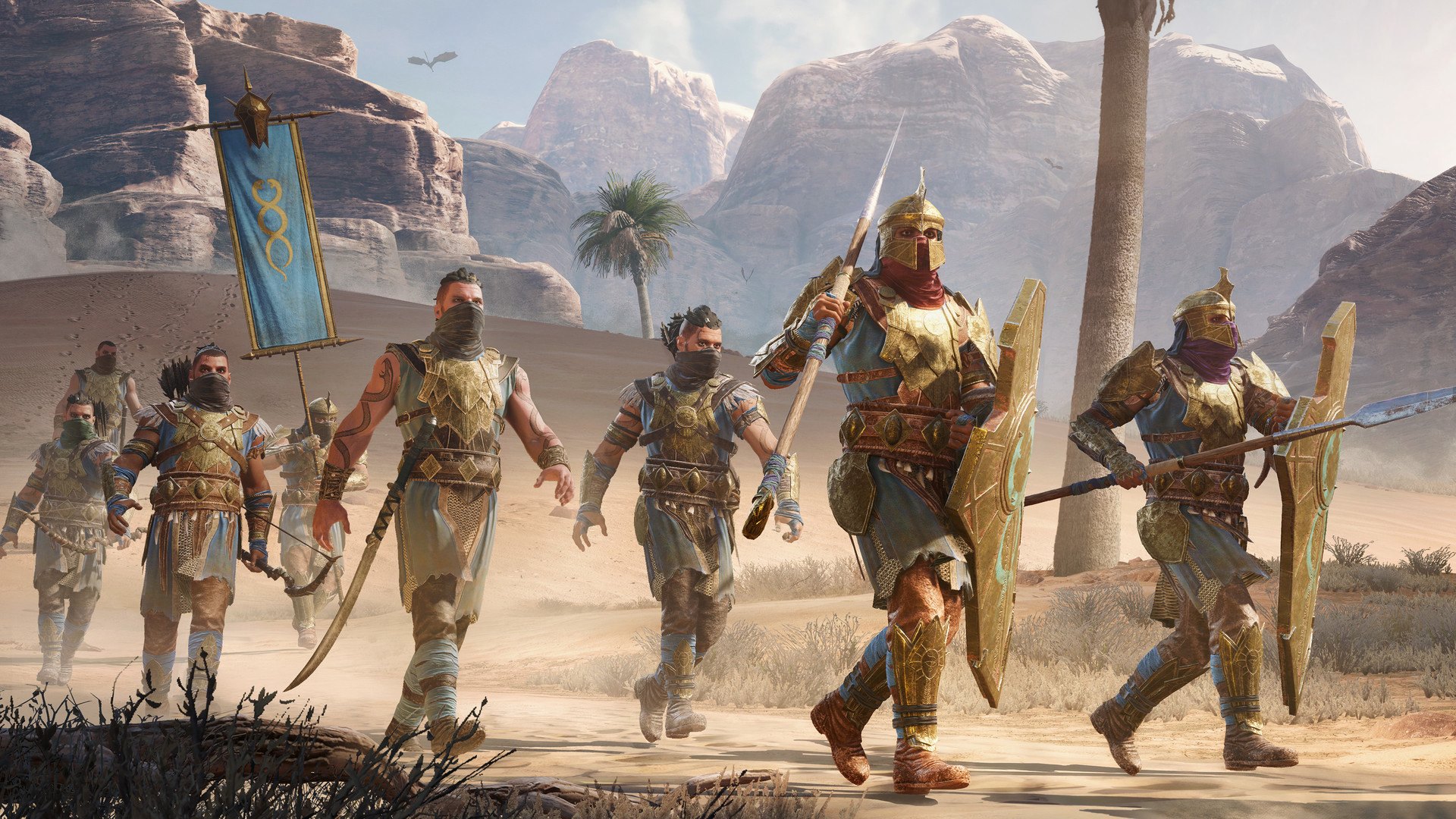
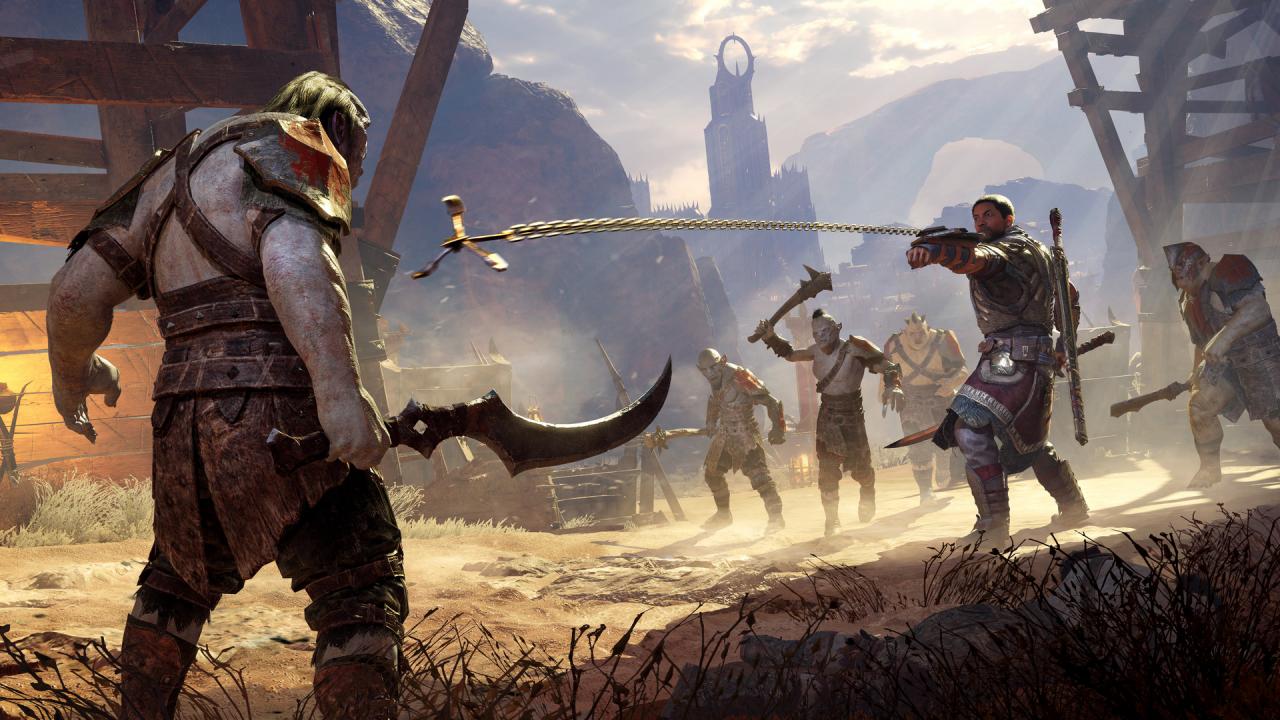
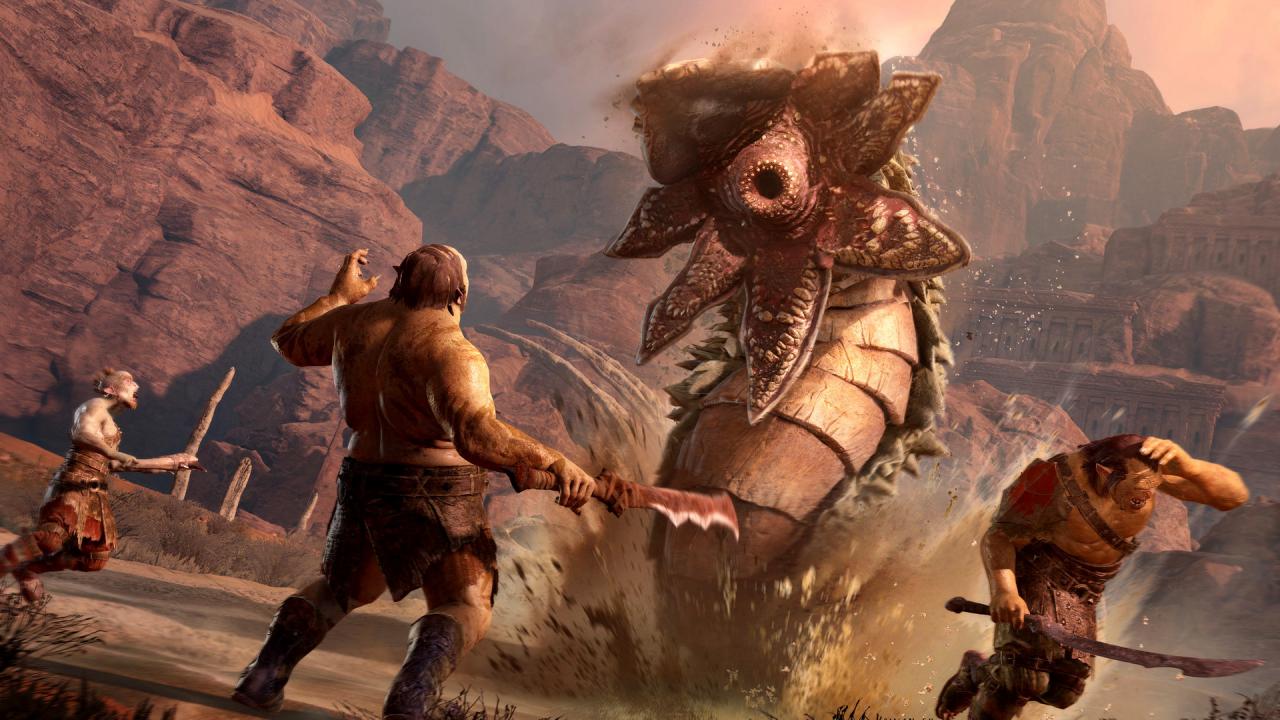
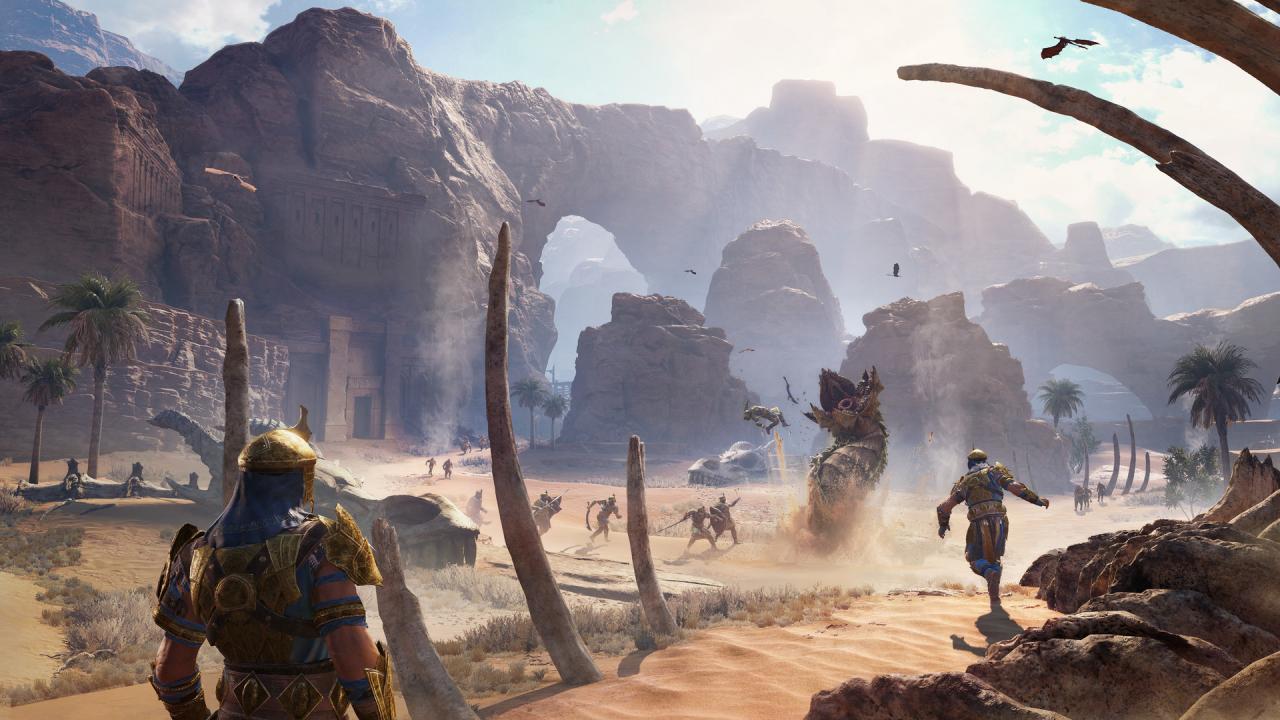
The Desolation of Mordor Story Expansion includes: NEW Story campaign NEW Side missions featuring Torvin NEW Human Mercenaries and Bodyguards NEW Region of Mordor - The Desert of Lithlad NEW Beasts: Were-wyrms Play as Baranor, the Captain of the Tower from Minas Ithil, and travel deep behind enemy lines in the Eastern Deserts of Mordor and raise an Easterling Army to open a new front in the Shadow War. Rendezvous with Torvin, the epic Dwarven Hunter who traveled deep into the Desolation of Mordor pursuing the legendary Were-wyrms. Baranor is an exceptional Commander with new Skills and Abilities to lead his men into battle against the Orc forces.

Middle-earth: Shadow of War - The Desolation of Mordor Story Expansion DLC screenshotMiddle-earth: Shadow of War - The Desolation of Mordor Story Expansion DLC screenshotMiddle-earth: Shadow of War - The Desolation of Mordor Story Expansion DLC screenshotMiddle-earth: Shadow of War - The Desolation of Mordor Story Expansion DLC screenshot

How to redeem

  1. 1Check the required base game, platform and edition before purchasing.
  2. 2Find the code or supplier activation instructions in your confirmed order.
  3. 3Redeem on Steam using the supplied instructions, then install the add-on with the compatible base game.

Supplier instructions

Go to: http://store.steampowered.com/ and download STEAM client Click "Install Steam" (from the upper right corner) Install and start application, login with your Account name and Password (create one if you don't have). Please follow these instructions to activate a new retail purchase on Steam: Launch Steam and log into your Steam account. Click the Games Menu. Choose Activate a Product on Steam... Follow the onscreen instructions to complete the process. After successful code verification go to the "MY GAMES" tab and start downloading.

You might also like