
SteamGlobal· Key
Evertown
€0.21
+€0.02 cashback eligibility in Relic Coins
Check before you play
- Platform
- Steam
- Region
- Global
- Product type
- Key
- Supplier release date
- 2016-01-11
- Genres
- Strategy, Indie
SteamGlobal· Key
€0.21
+€0.02 cashback eligibility in Relic Coins
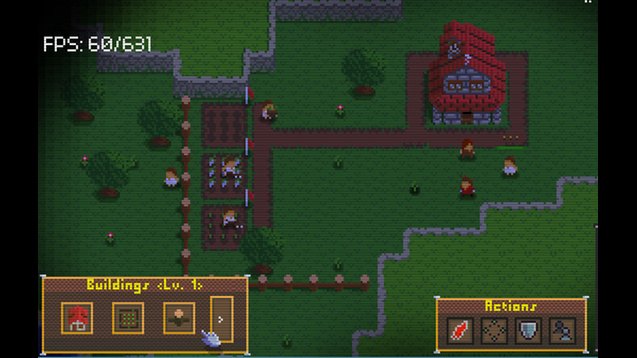
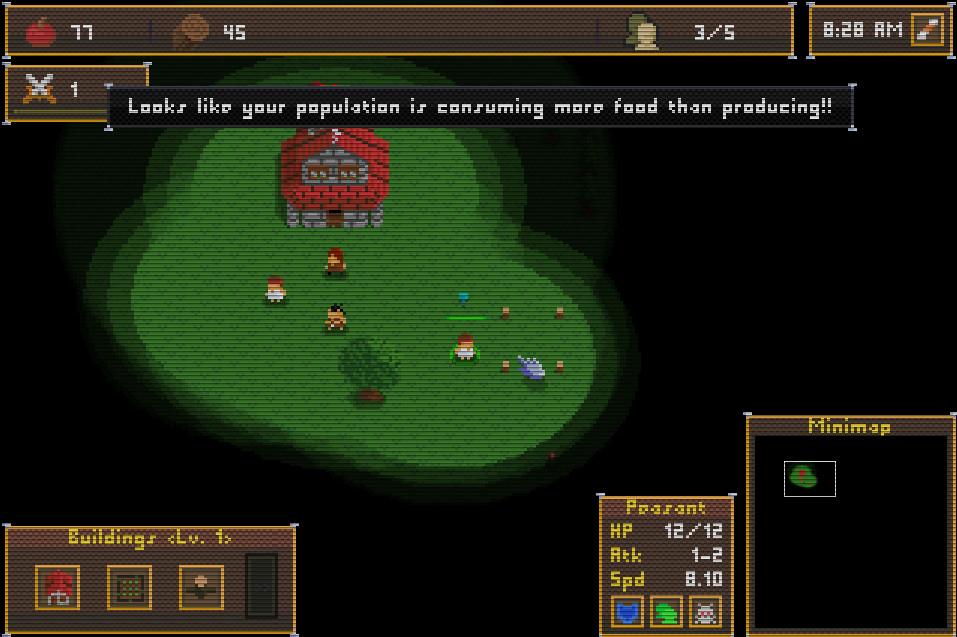
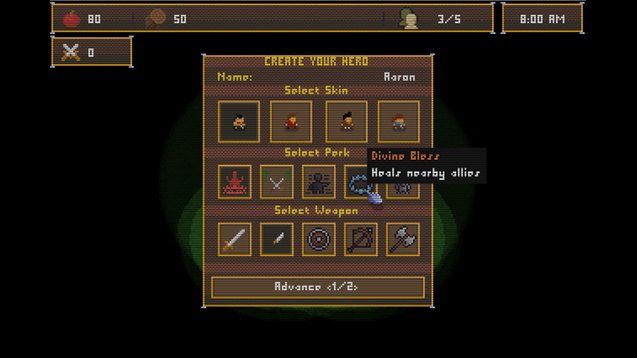
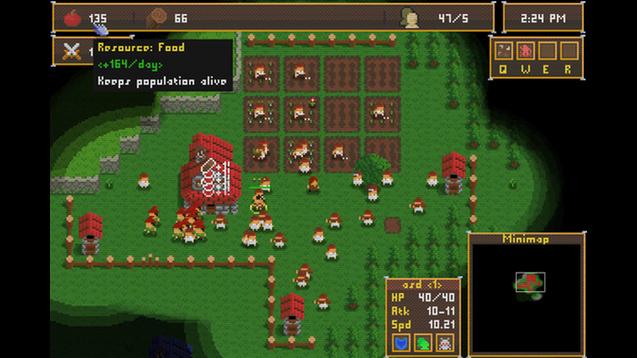
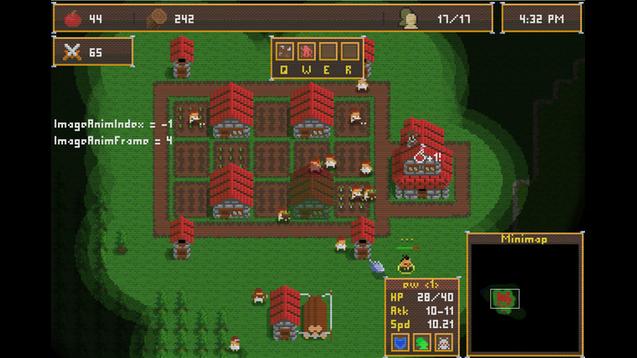
Evertown is a RTS (real-time strategy) game with some survival elements. The goal is to raise your town to make it safe (the longest you can). It features a day/night cycle system and monsters show up at night and may attack you. The number of enemies and their power increase as the days pass. There are 5 resources in Evertown (food, wood, iron, gold, and glory). You get glory by building stuff and battling, and you can use it to buy upgrades for your town and leveling it up (unlocking NEW buildings and units)! Food is also really important in Evertown since your population consumes it, and when there's no food on stocks, they starve to death. At the beginning of the game, you get to create your hero, and he is going to be very important for your village since he gets stronger as he levels up. You get to be careful and try to keep him alive, so he won't lose too much experience points! The world is randomly generated with lakes, hills, pines, sand, etc and you need to adapt your gameplay based on where you've spawned. Features AoE-like controls; Awesome pixel art and animations; Randomly generated world; Lots of upgrades, units and buildings (more will be added); Challenging difficulties; Fun cheats to change player's experience a bit; Instructions for units (defensive mode, follow, patrol, aggressive); 30, 45, 60 or 80 FPS.
Go to: http://store.steampowered.com/ and download STEAM client Click "Install Steam" (from the upper right corner) Install and start application, login with your Account name and Password (create one if you don't have). Please follow these instructions to activate a new retail purchase on Steam: Launch Steam and log into your Steam account. Click the Games Menu. Choose Activate a Product on Steam... Follow the onscreen instructions to complete the process. After successful code verification go to the "MY GAMES" tab and start downloading.