Get 10% back in Relic Coins on every order
Dead Horde cover

SteamGlobal· Key

Dead Horde

€3.08

+€0.31 cashback eligibility in Relic Coins

Check before you play

Platform
Steam
Region
Global
Product type
Key
Developer
DnS Development
Publisher
DnS Development
Supplier release date
2011-07-27
Genres
Action, Indie

About this product

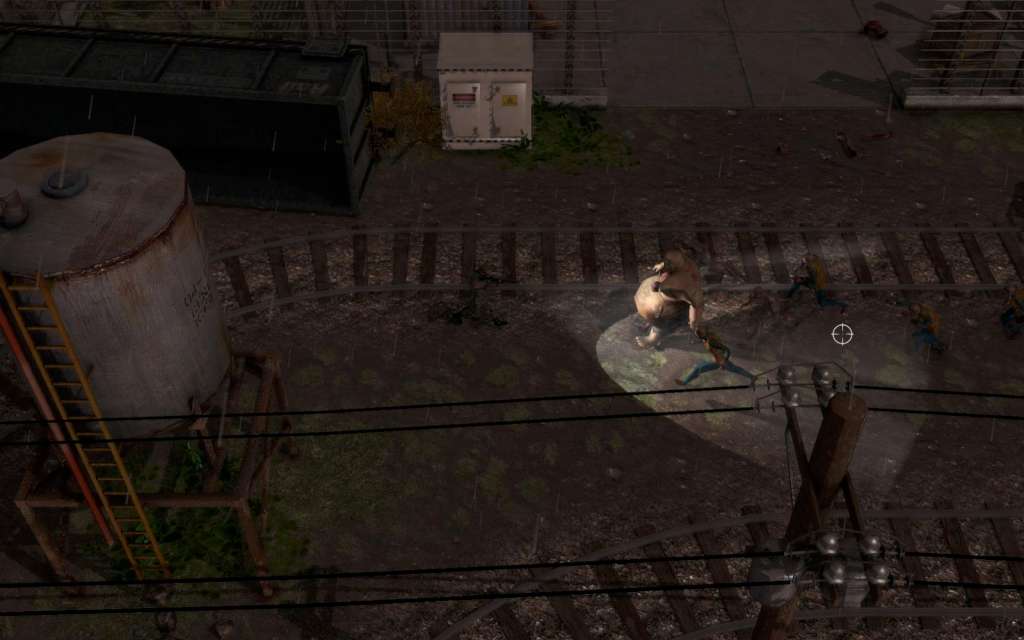
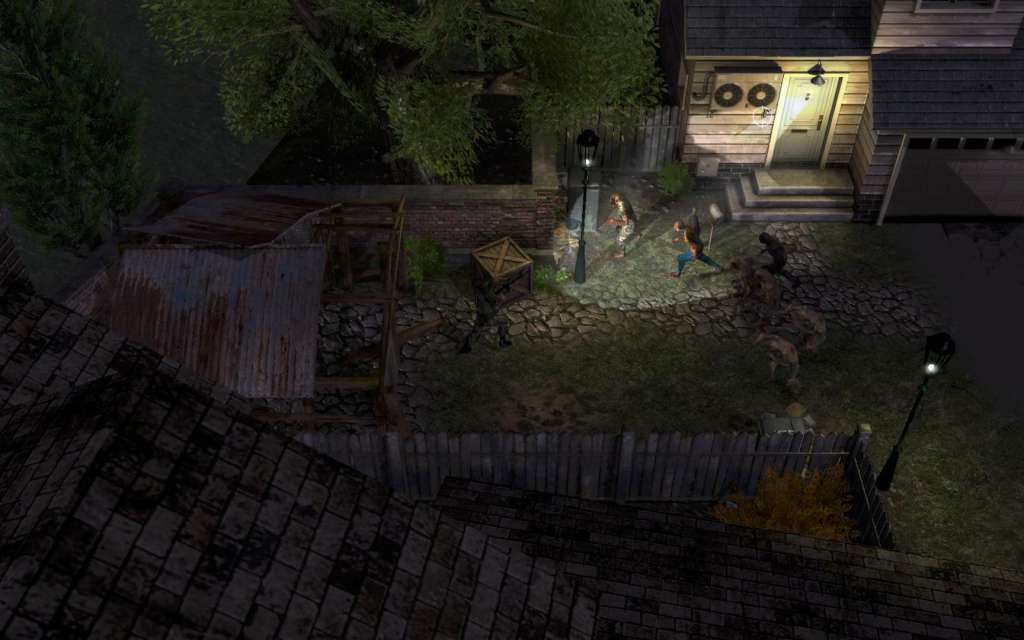
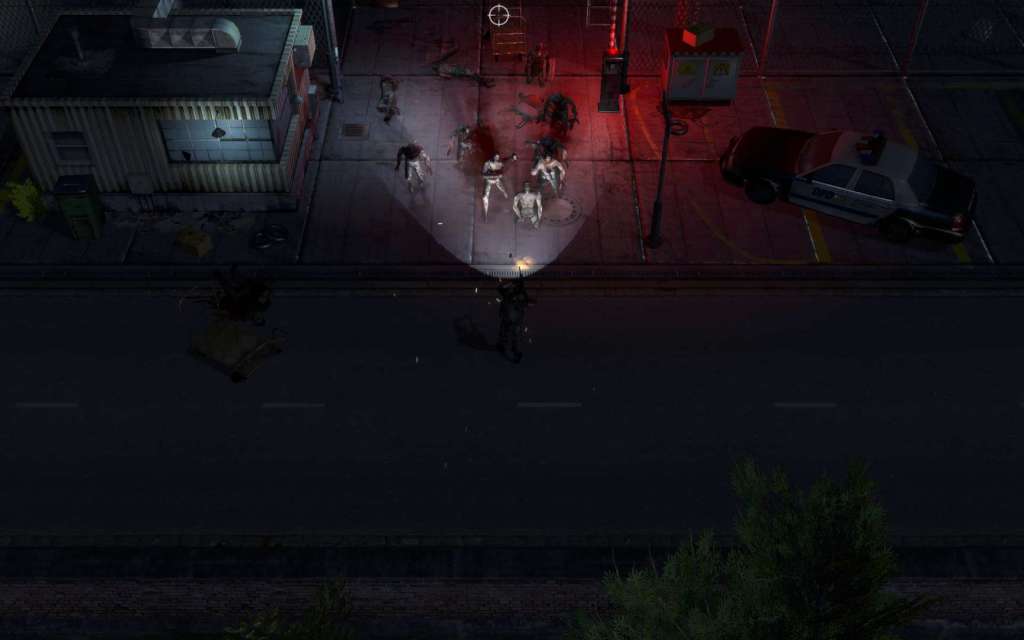
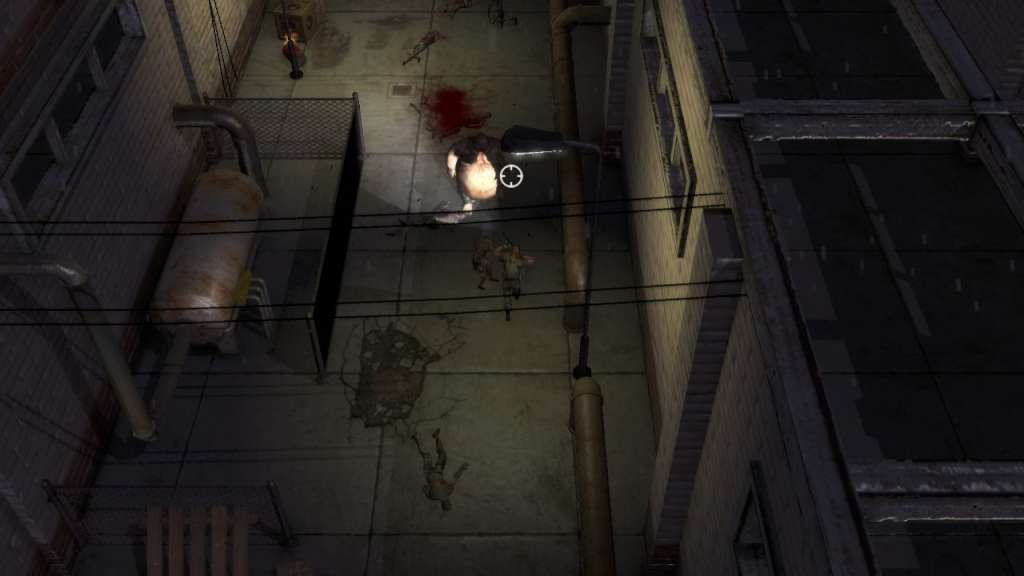
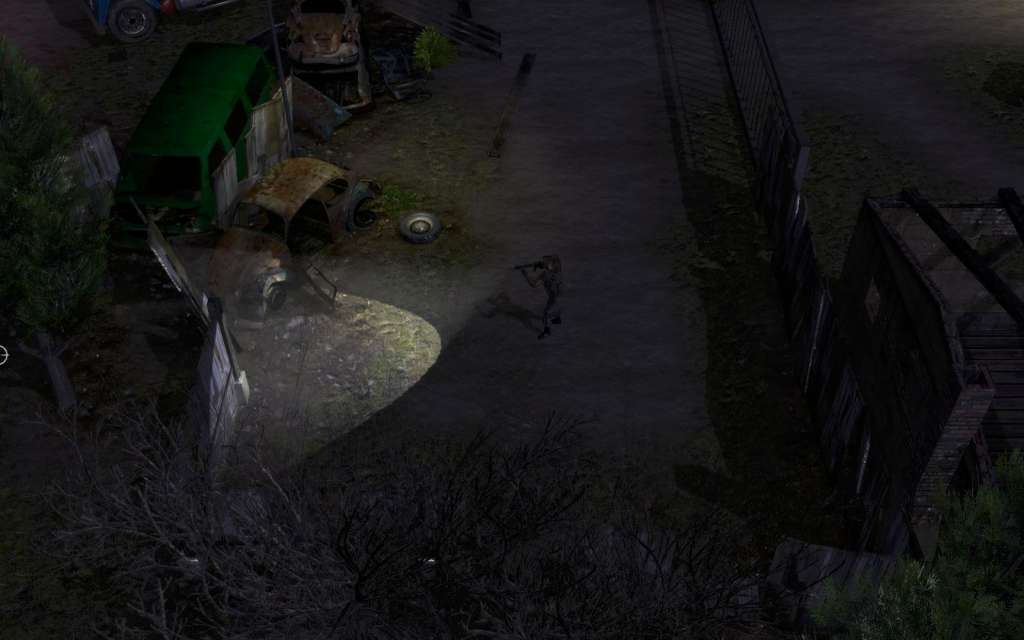
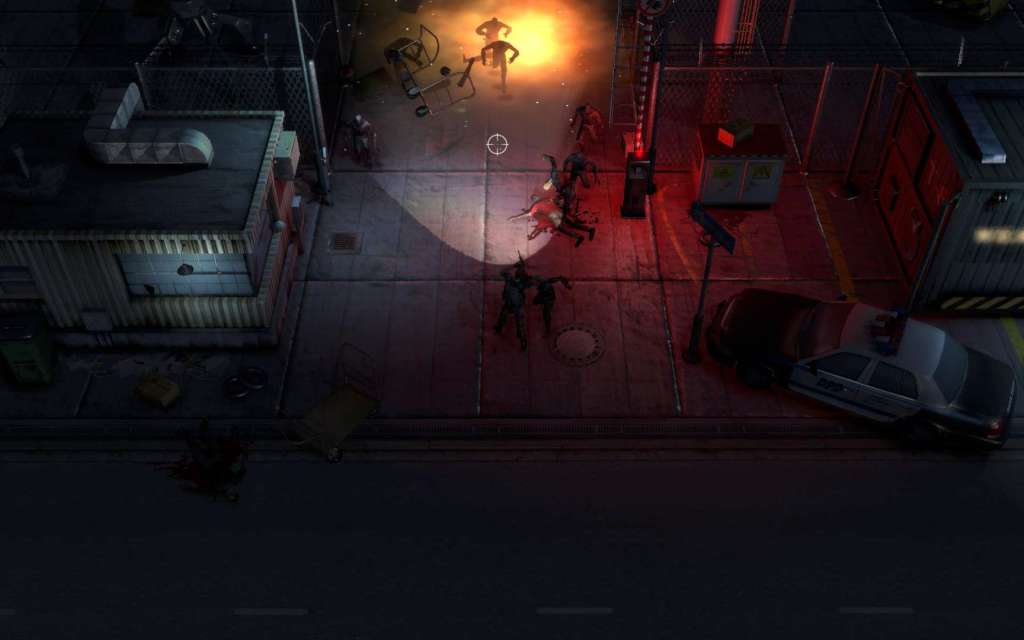
As a survivor of the mutant virus together with a comrade or alone, you must make your way through the city levels, every new area uncovering new challenges to overcome and mutants to destroy. With a large variety of weapons at your disposal, together you must wipe out the hordes of flesh eating mutants. Teamwork is the key to survive the DEAD HORDE... Features Dead Horde is an action packed, co-op top down, survival-horror shooter Play the campaign in single-player, local co-op or online co-op with a friend Make your way through the levels with a huge variety of weapons. Use assault rifles, shotguns, grenades, mini-guns and a lot more to unlock during the game Fast paced action with seemingly never ending hordes of mutants. Mutants evolve and become bigger, faster and stronger throughout the game. Use vehicles solo or with a teammate to fight the mutants Earn money by killing mutants and buy and upgrade weapons

Dead Horde screenshotDead Horde screenshotDead Horde screenshotDead Horde screenshotDead Horde screenshotDead Horde screenshot

How to redeem

  1. 1Check your Steam account and the listed region before purchasing.
  2. 2Find your code and supplier activation instructions in your confirmed order.
  3. 3Open the redeem-code section on Steam, enter the code and follow the platform’s prompts.

Supplier instructions

Go to: http://store.steampowered.com/ and download STEAM client Click "Install Steam" (from the upper right corner) Install and start application, login with your Account name and Password (create one if you don't have). Please follow these instructions to activate a new retail purchase on Steam: Launch Steam and log into your Steam account. Click the Games Menu. Choose Activate a Product on Steam... Follow the onscreen instructions to complete the process. After successful code verification go to the "MY GAMES" tab and start downloading.

You might also like