Get 10% back in Relic Coins on every order
Vitrum cover

SteamGlobal· Key

Vitrum

€1.45

+€0.15 cashback eligibility in Relic Coins

Check before you play

Platform
Steam
Region
Global
Product type
Key
Developer
9heads Game Studios
Publisher
9heads Game Studios
Supplier release date
2012-09-25
Genres
Action, Casual, Indie

About this product

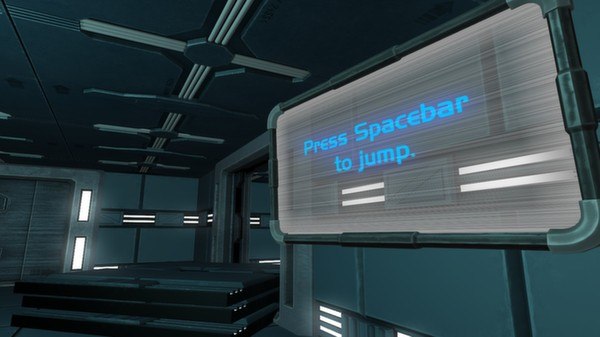
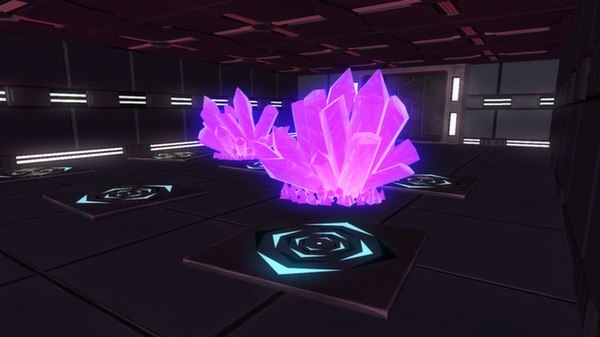
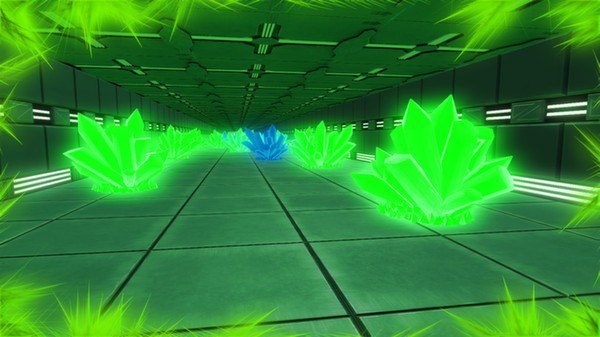
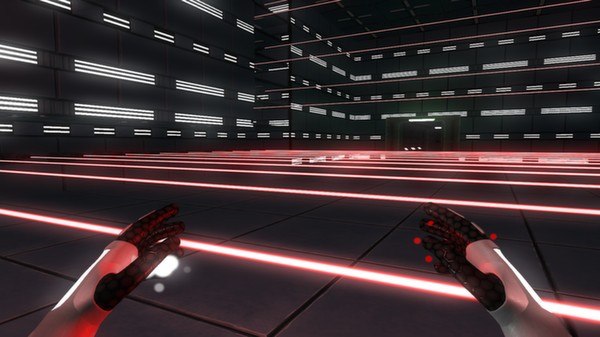
Vitrum is a 3D, first person, puzzle/platform game. The main character is an android designed to convert energy from crystals into powers. The android can absorb energy in each of his hands, allowing him to combine different powers. One of the coolest powers is the ability to invert the gravity, because it’s 3d and because the player can freely choose when and where to use it! Vitrum takes place in a desert laboratory full of different colored crystals. Some crystals grant powers, others are harmful to the android. The player will have to figure out how to use the crystals, solve the puzzles and finish each stage in Vitrum. Features: Stage editor More than 45 stages. Collect crystal shards to unlock Insane stages. Each crystal color represents a power, explore each color and discover every power the android can execute. Combine powers to solve more difficult puzzles. Explore 3D gravity inversion, materialization of crystal platforms, super high jumps and other powers.

Vitrum screenshotVitrum screenshotVitrum screenshotVitrum screenshotVitrum screenshot

How to redeem

  1. 1Check your Steam account and the listed region before purchasing.
  2. 2Find your code and supplier activation instructions in your confirmed order.
  3. 3Open the redeem-code section on Steam, enter the code and follow the platform’s prompts.

Supplier instructions

Go to: http://store.steampowered.com/ and download STEAM client Click "Install Steam" (from the upper right corner) Install and start application, login with your Account name and Password (create one if you don't have). Please follow these instructions to activate a new retail purchase on Steam: Launch Steam and log into your Steam account. Click the Games Menu. Choose Activate a Product on Steam... Follow the onscreen instructions to complete the process. After successful code verification go to the "MY GAMES" tab and start downloading.

You might also like