

SteamGlobal· Key
ORION: Prelude
€6.83
+€0.68 cashback eligibility in Relic Coins
Check before you play
- Platform
- Steam
- Region
- Global
- Product type
- Key
- Supplier release date
- 2012-05-04
- Genres
- Action, Adventure, Indie, Co-op
SteamGlobal· Key
€6.83
+€0.68 cashback eligibility in Relic Coins
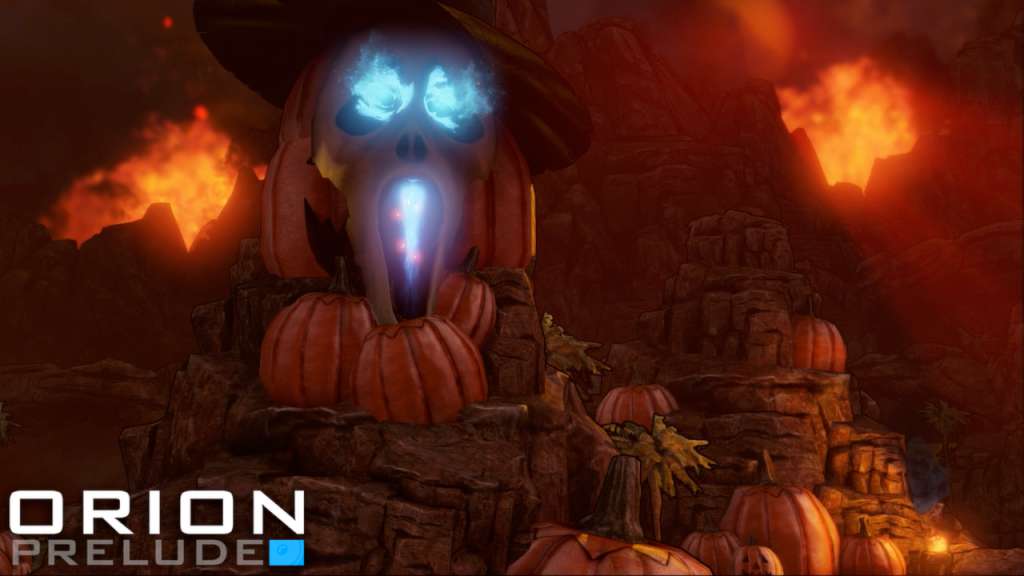
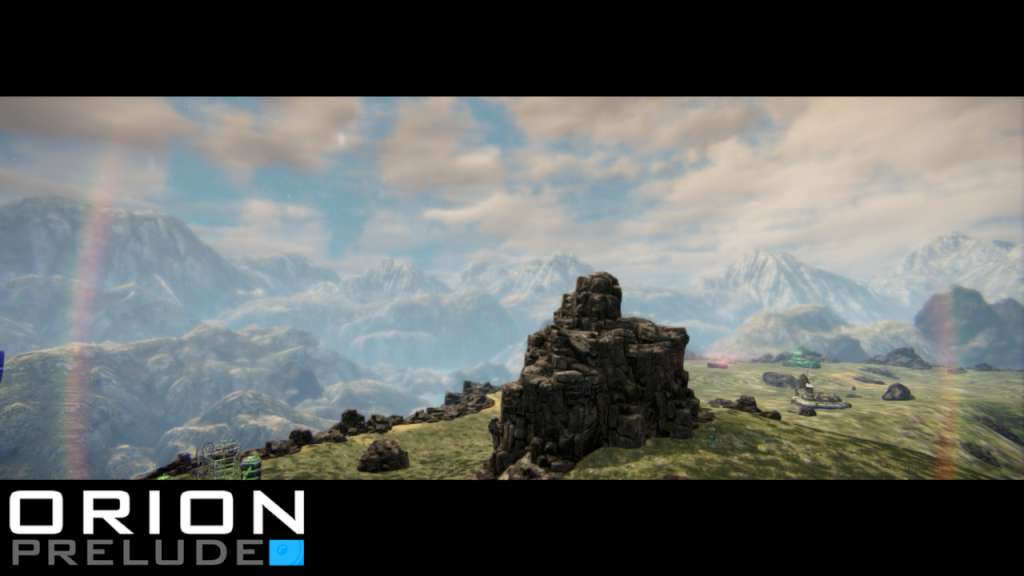
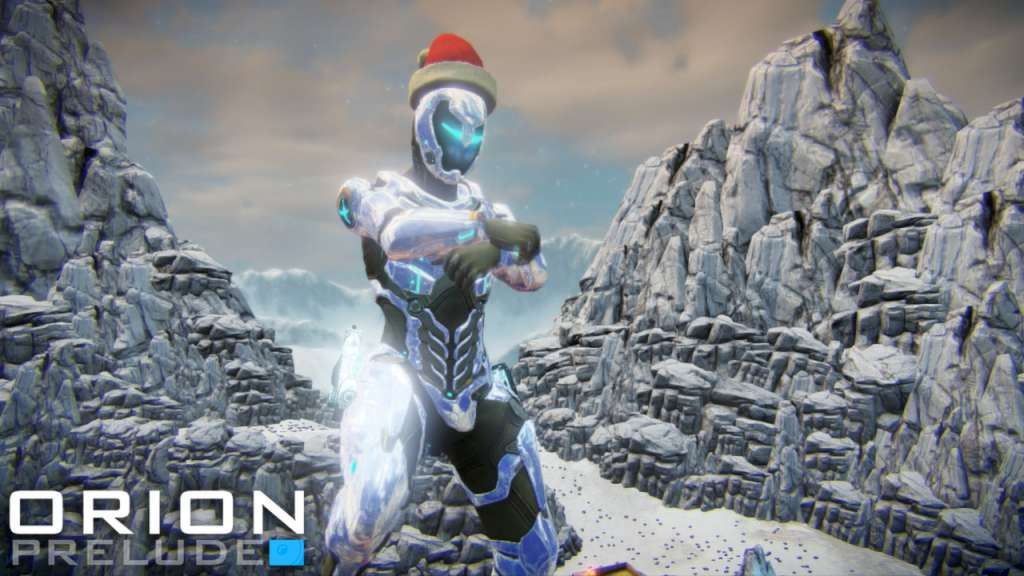
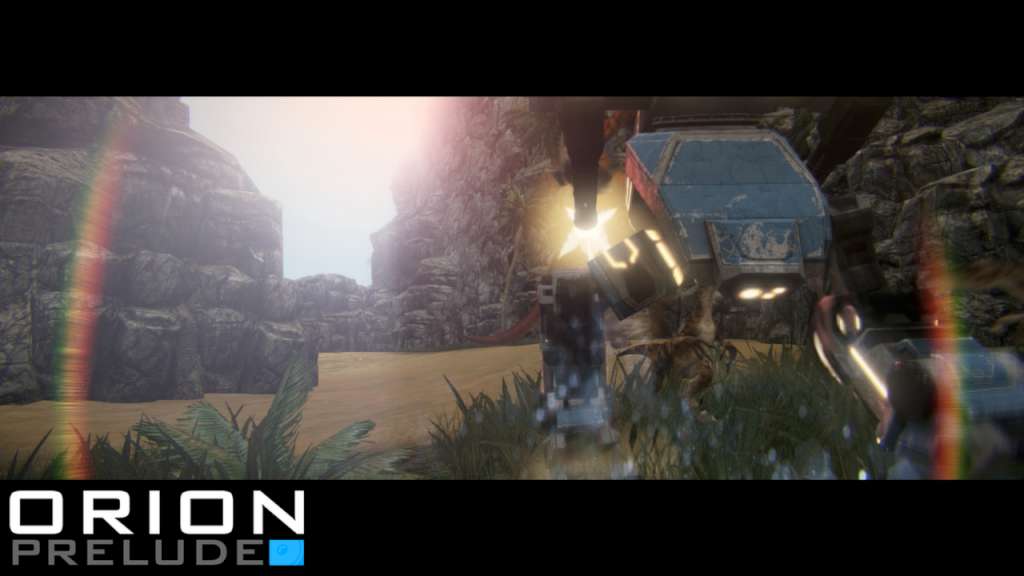
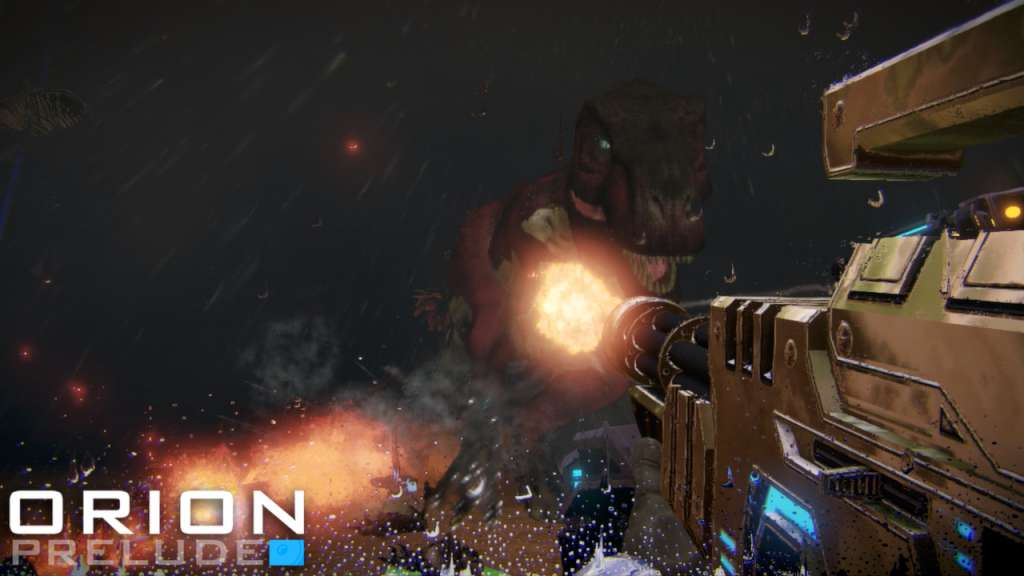
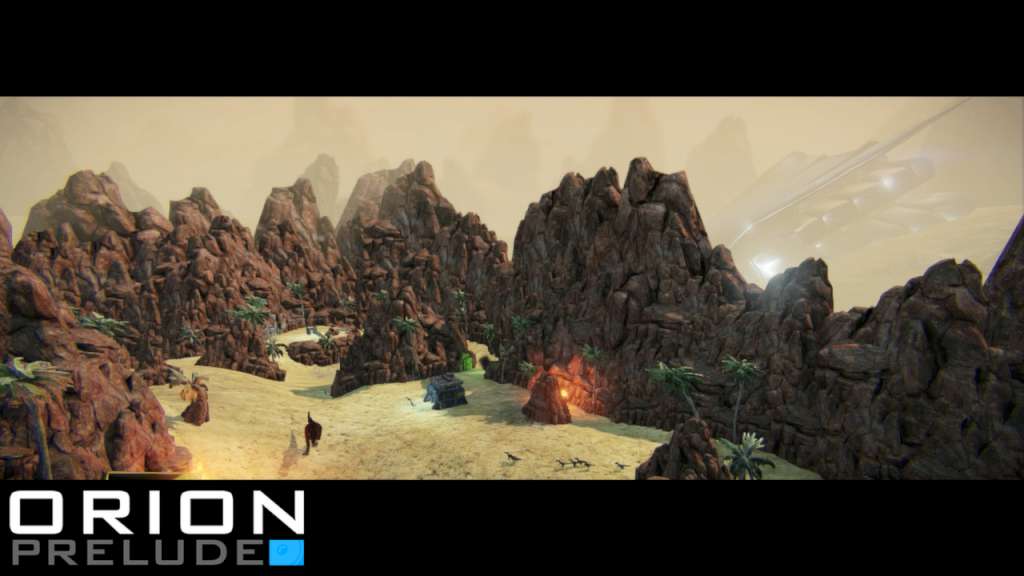
ORION: Prelude is an indie Sci-Fi shooter (FPS/TPS) that seamlessly blends together incredible visuals and addictive combat. It puts you and your friends together into intense, cinematic battles using some of the most incredible weaponry and amazing vehicles in which you must work or compete against one another to accomplish mission objectives, explore giant worlds and survive the devastating Dinosaur Horde. In addition to the return of the adventurous, survival-based cooperative gameplay and retro-inspired Arena Combat, 'ORION: Prelude' features massive, Open World Cooperative and PvP/PvE. Features Open World Gameplay Cooperative & Competitive Gameplay Dueling & Melee Combat Gameplay 1st Person / 3rd Person Hybrid Gameplay 15 Game Modes 50+ Weapons & Gear 30 Augmentations (Mutators) 20+ Multiplayer Maps 7 Vehicles Full Weather System Persistence & Player Progression (150 Levels) Class-Based Gameplay & Player Loadouts Statistics & Leaderboards Lobbies, Matchmaking & Server Browser Player Store (Cosmetics) Rewards & Unlockables Real-time Dynamic Day/Night Cycles 10 Dinosaurs (All Playable) 250+ Steam Achievements 12 Steam Trading Cards Steam Big Picture Mode Support Bots & Offline Play Tutorial System SDK & Steam Workshop (Custom Maps)
Go to: http://store.steampowered.com/ and download STEAM client Click "Install Steam" (from the upper right corner) Install and start application, login with your Account name and Password (create one if you don't have). Please follow these instructions to activate a new retail purchase on Steam: Launch Steam and log into your Steam account. Click the Games Menu. Choose Activate a Product on Steam... Follow the onscreen instructions to complete the process. After successful code verification go to the "MY GAMES" tab and start downloading.