Get 10% back in Relic Coins on every order
Queen's Quest 5: Symphony of Death cover

SteamGlobal· Key

Queen's Quest 5: Symphony of Death

€1.76

+€0.18 cashback eligibility in Relic Coins

Check before you play

Platform
Steam
Region
Global
Product type
Key
Supplier release date
2019-07-18
Genres
Adventure, Casual, Hidden Object, Point & click

About this product

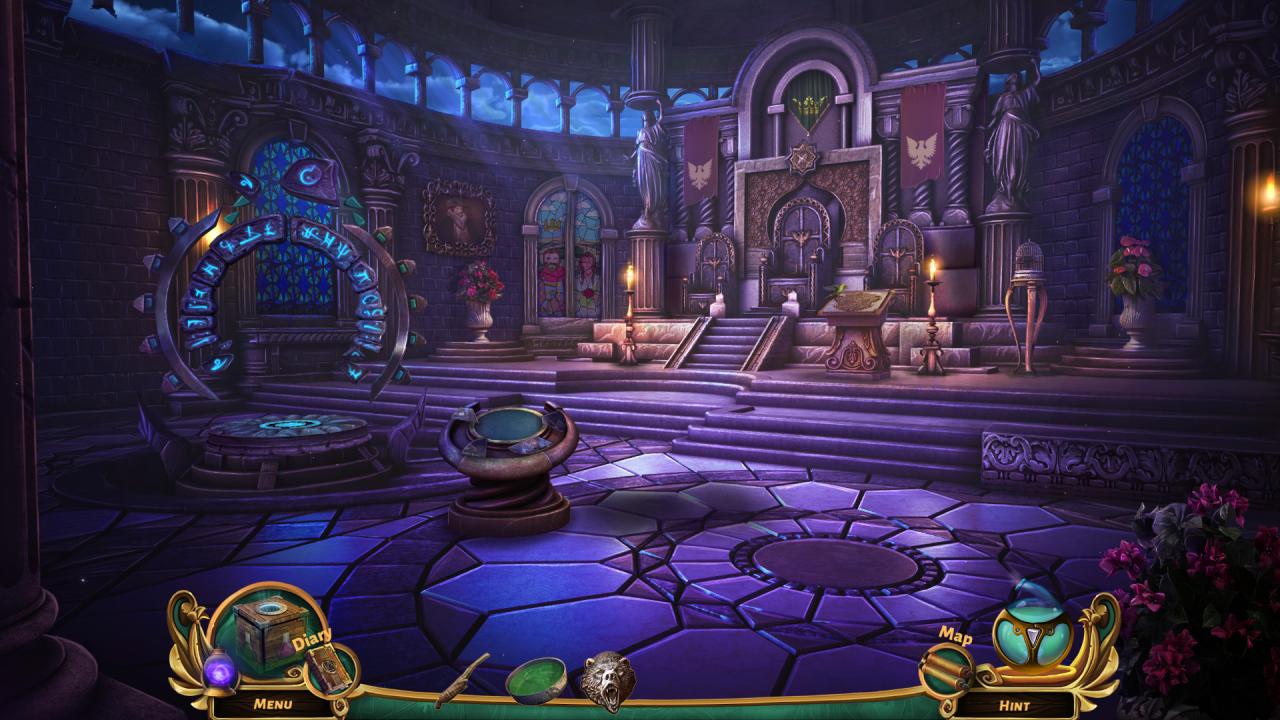
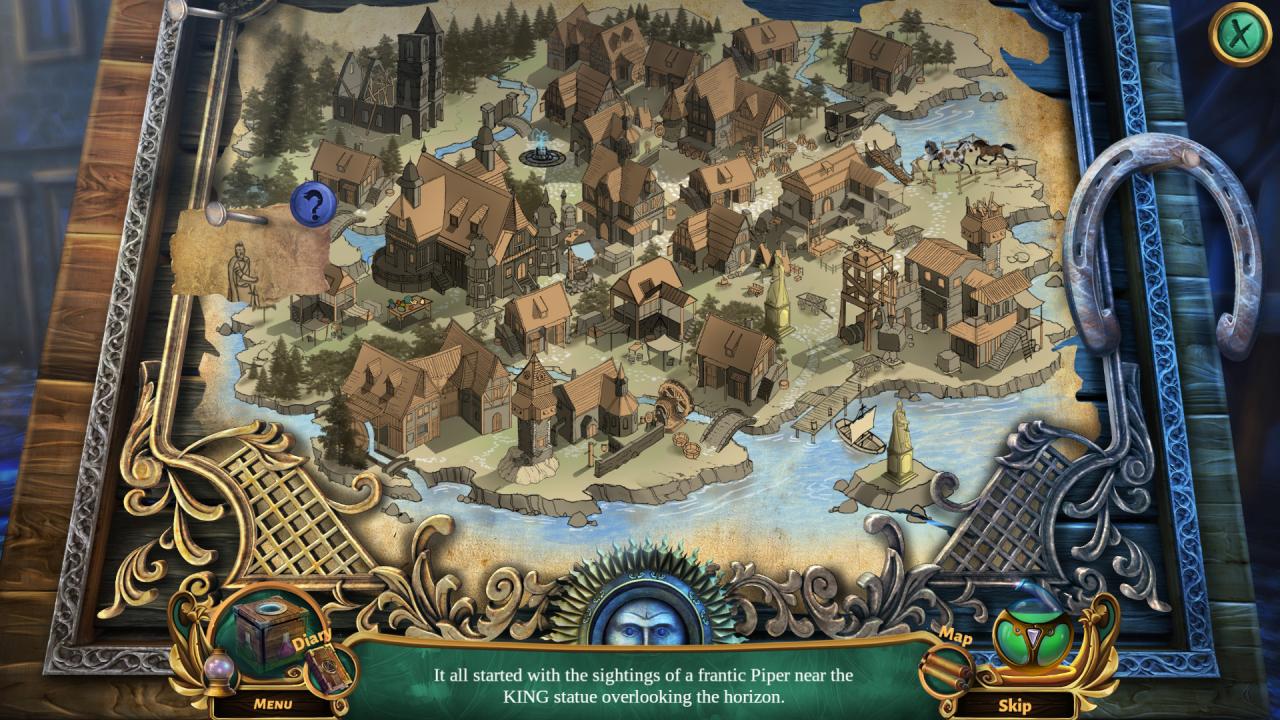
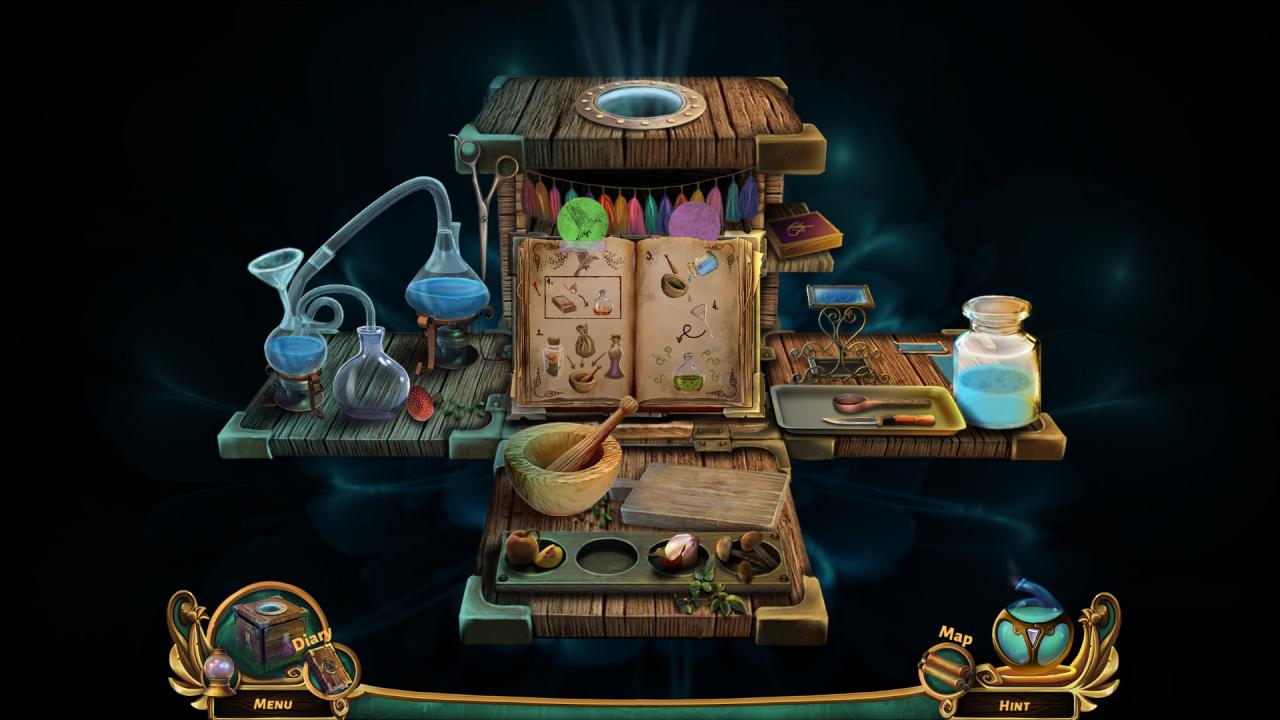
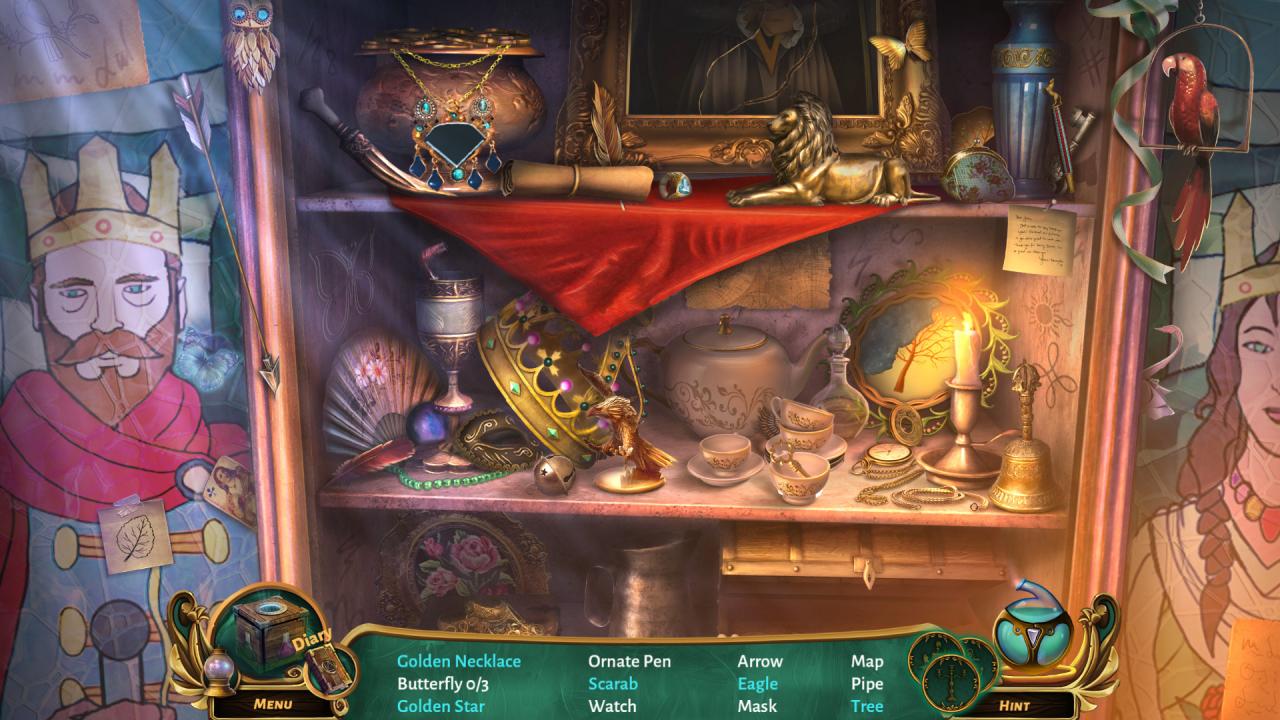
A few months after stopping the intrigue of the evil queen and saving the fairy-tale land of Netherfall, King Robert asks for your help once again. This time the stakes are even higher. Children are disappearing from the capital and the suspicions fall on the local Pied Piper, playing his mesmerizing melodies. However, it quickly turns out that he is not the only one who came to the city and the case is much more complicated... and dangerous.Equipped with your magical elixirs and talent for transformation, you set on a journey full of mysteries, twists and turns to face the sinister virtuoso of crime and a vindictive melody.Take on the role of a distinguished, shapeshifting alchemist, who thanks to a keen mind and cunning, is also the best detective in Netherfall. Remove the curse, save the happiness of the young lovers and rescue the children! Features An adventure for both enthusiasts and novice players of HOPA games Defeat a true crime virtuoso by solving 35 puzzles! Meet characters from fairy tales and folklore in over 40 locations! Prepare magical transformation potions! Learn the fate of Pied Piper in a exciting bonus adventure!


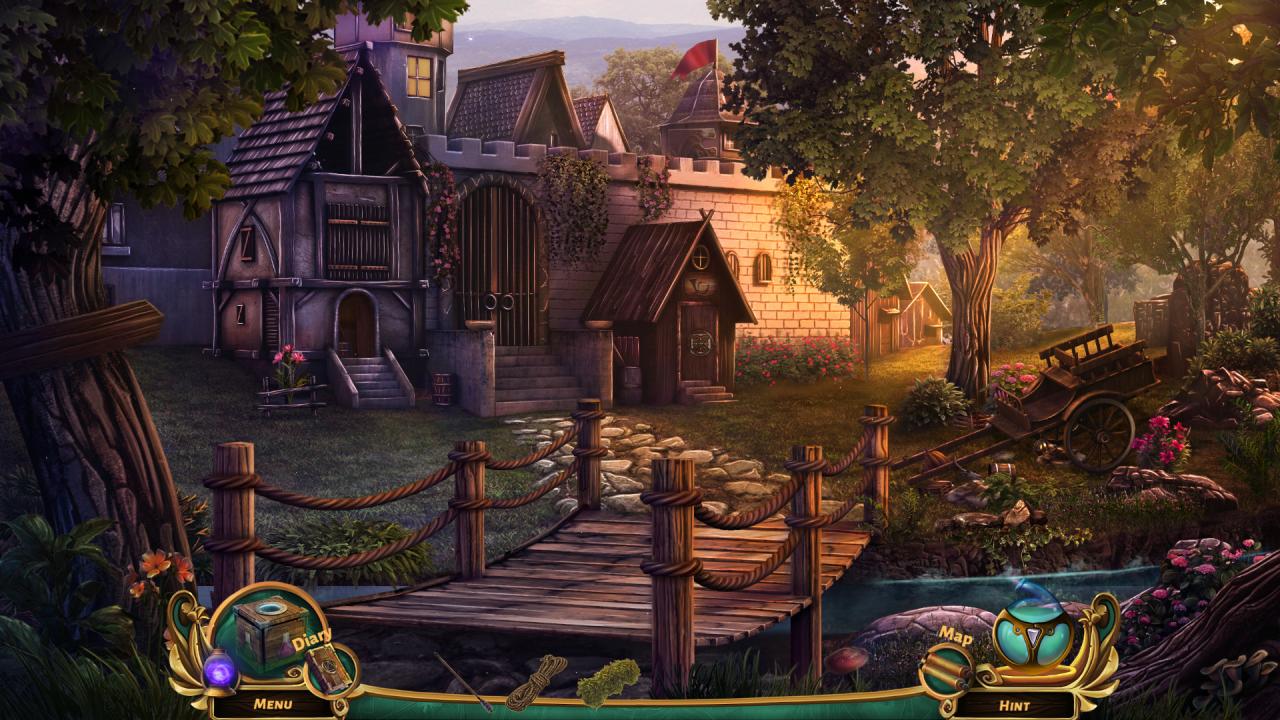
Queen's Quest 5: Symphony of Death screenshotQueen's Quest 5: Symphony of Death screenshotQueen's Quest 5: Symphony of Death screenshotQueen's Quest 5: Symphony of Death screenshotQueen's Quest 5: Symphony of Death screenshotQueen's Quest 5: Symphony of Death screenshot

How to redeem

  1. 1Check your Steam account and the listed region before purchasing.
  2. 2Find your code and supplier activation instructions in your confirmed order.
  3. 3Open the redeem-code section on Steam, enter the code and follow the platform’s prompts.

Supplier instructions

Go to: http://store.steampowered.com/ and download STEAM client Click "Install Steam" (from the upper right corner) Install and start application, login with your Account name and Password (create one if you don't have). Please follow these instructions to activate a new retail purchase on Steam: Launch Steam and log into your Steam account. Click the Games Menu. Choose Activate a Product on Steam... Follow the onscreen instructions to complete the process. After successful code verification go to the "MY GAMES" tab and start downloading.

You might also like