Get 10% back in Relic Coins on every order
Graveyard Keeper cover

Steam Europe - All Countries· Key

Graveyard Keeper

€3.76

+€0.38 cashback eligibility in Relic Coins

Check before you play

Platform
Steam
Region
Europe - All Countries
Product type
Key
Developer
Lazy Bear Games
Publisher
tinyBuild
Supplier release date
2018-08-15
Genres
Adventure, RPG, Simulation, Indie

About this product

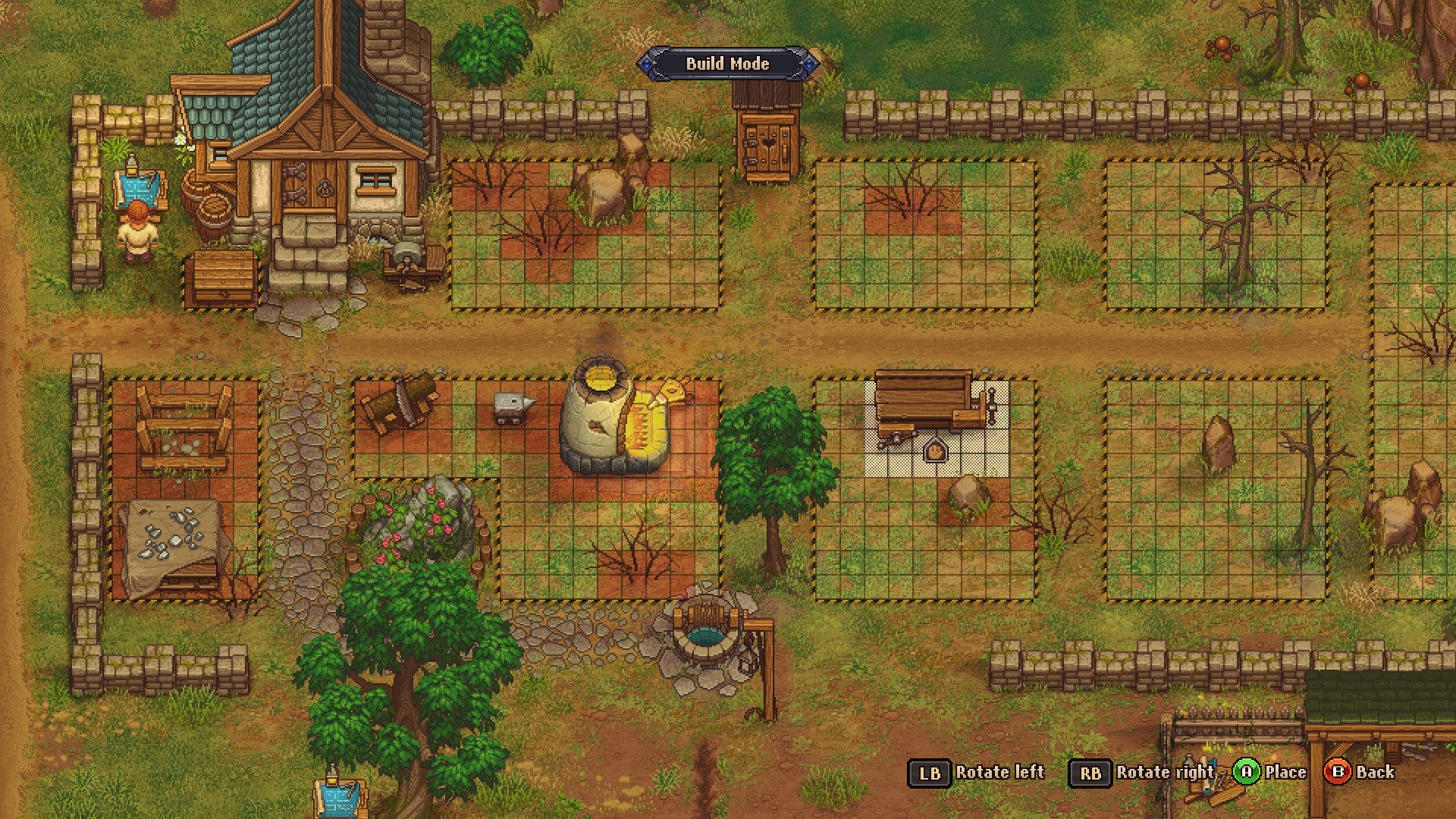
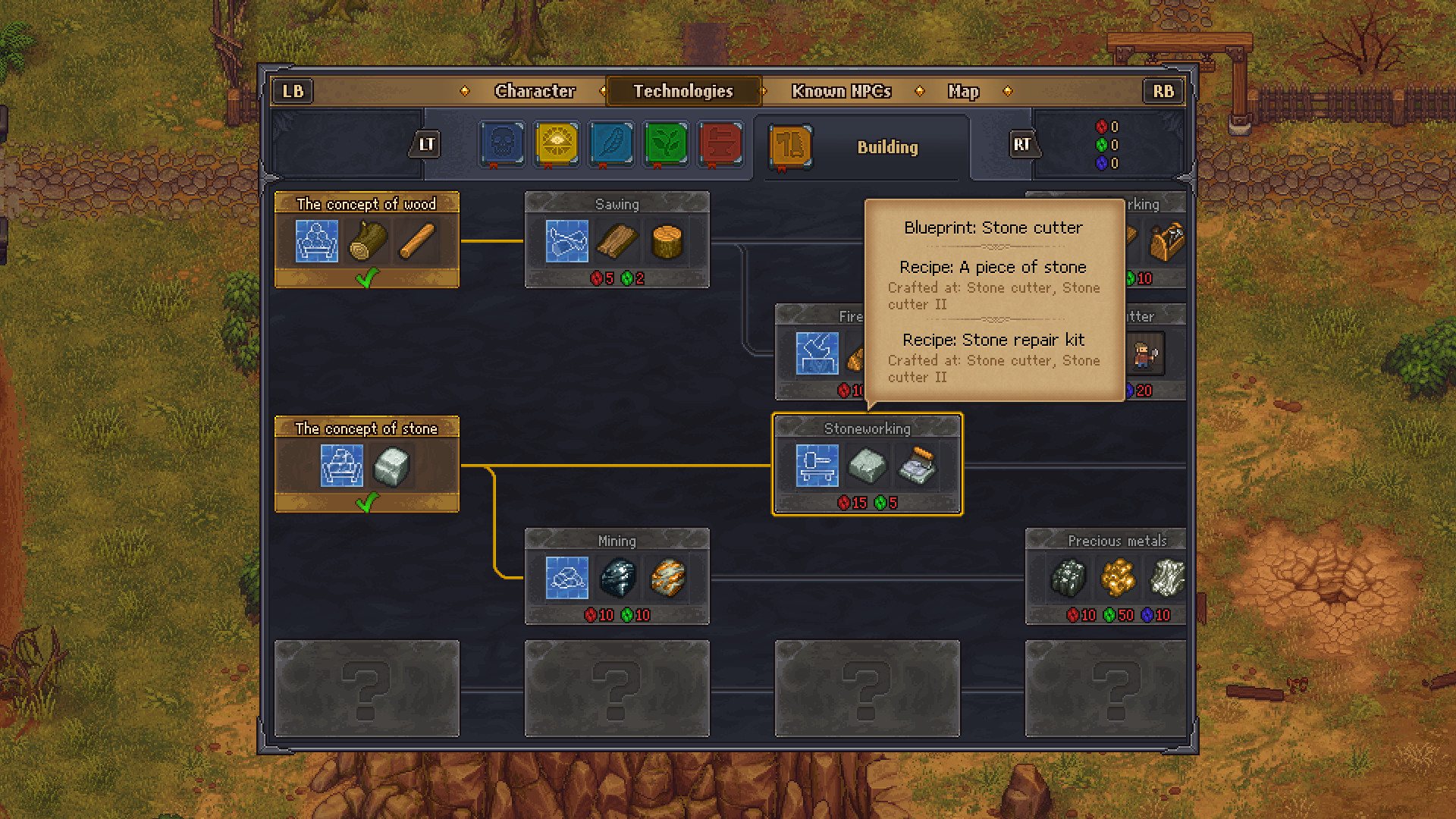
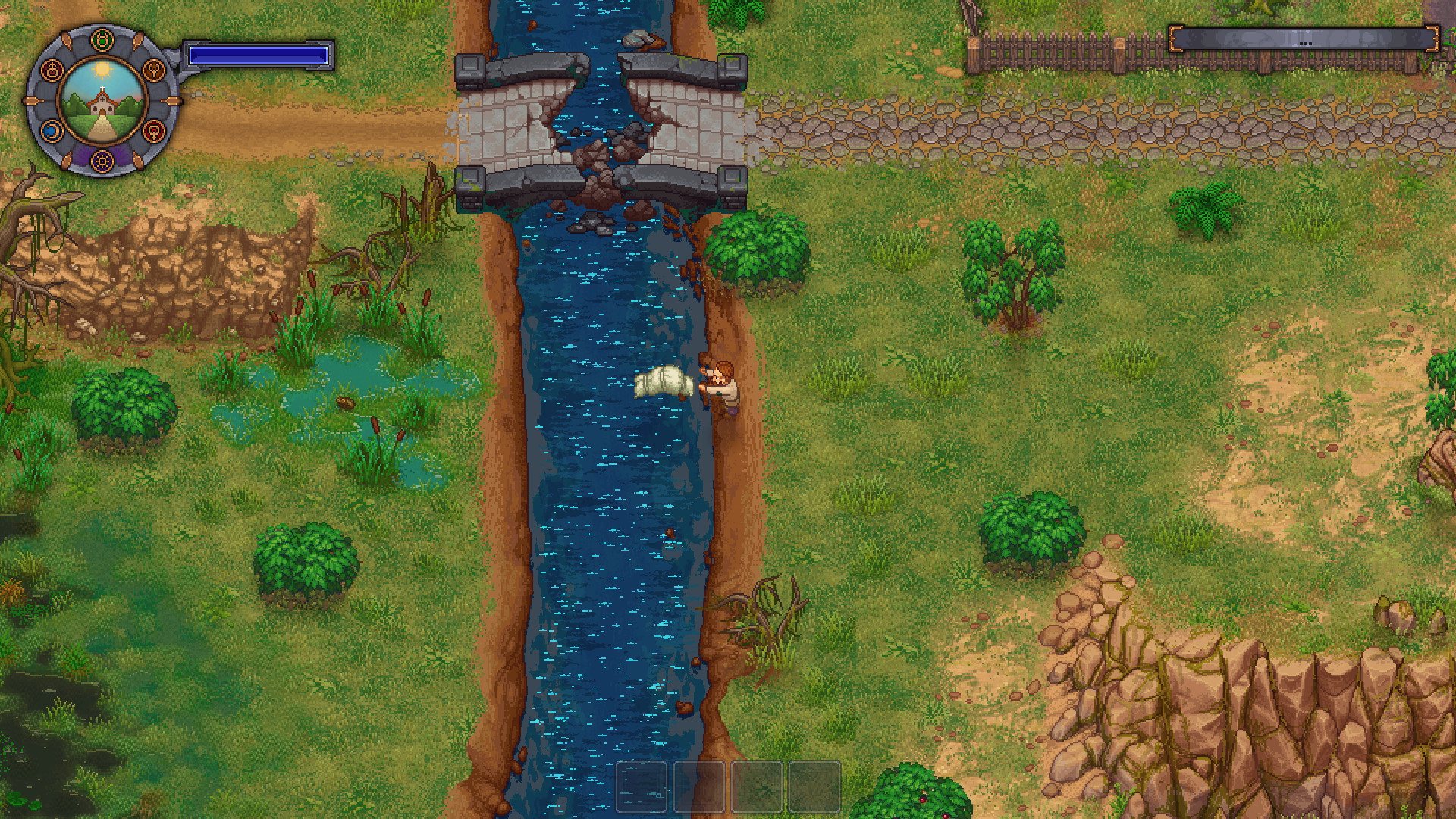
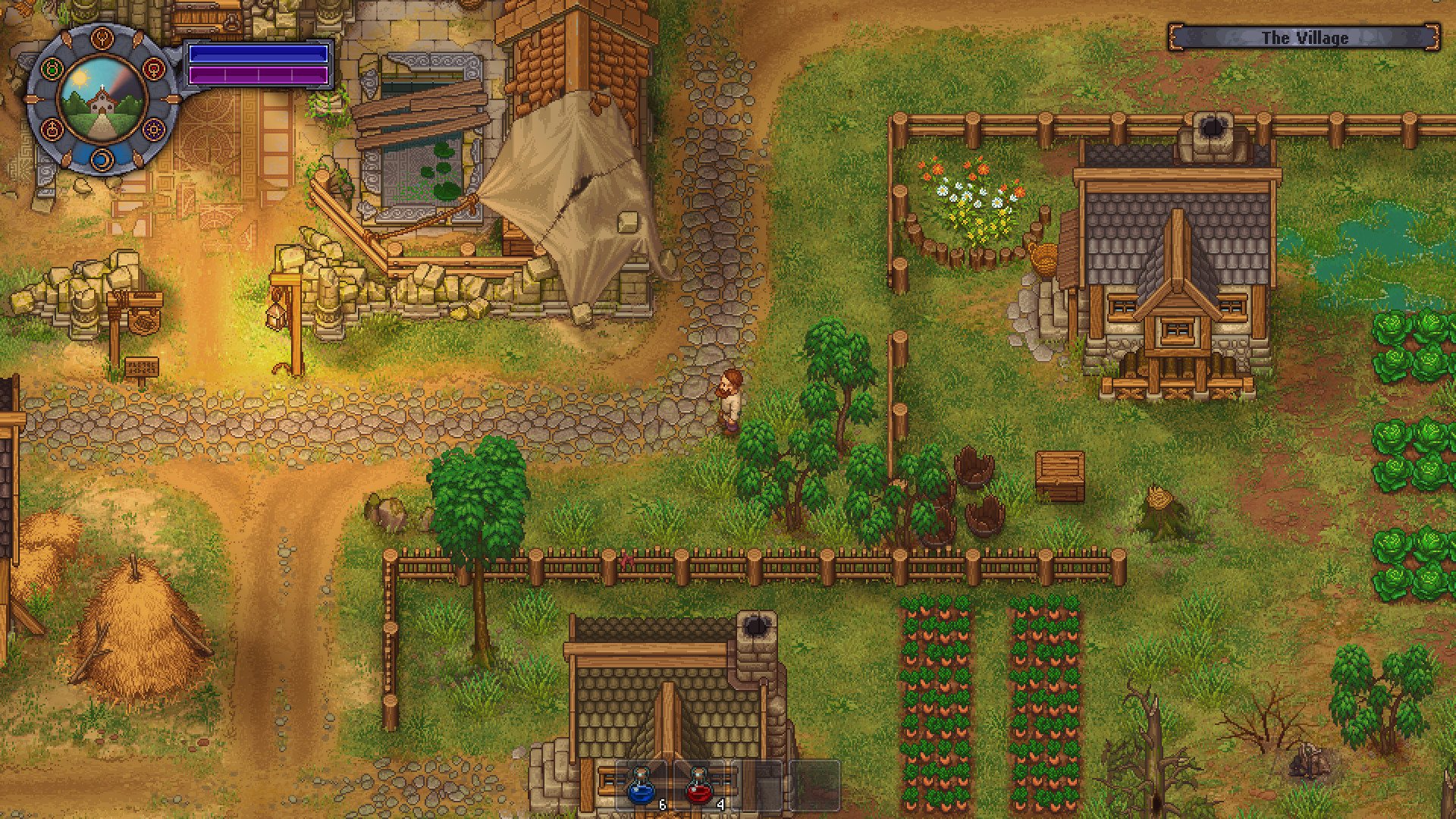
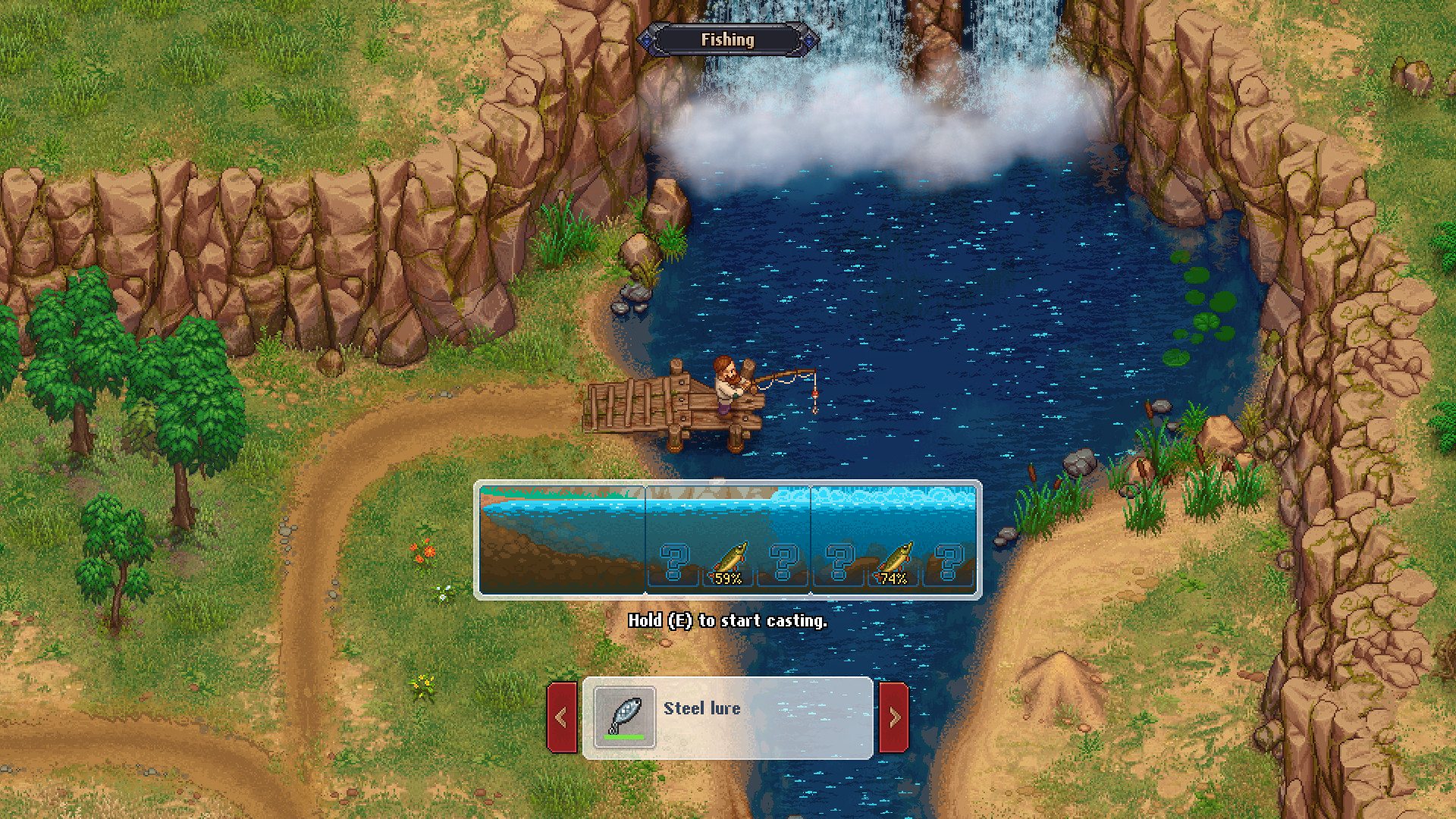
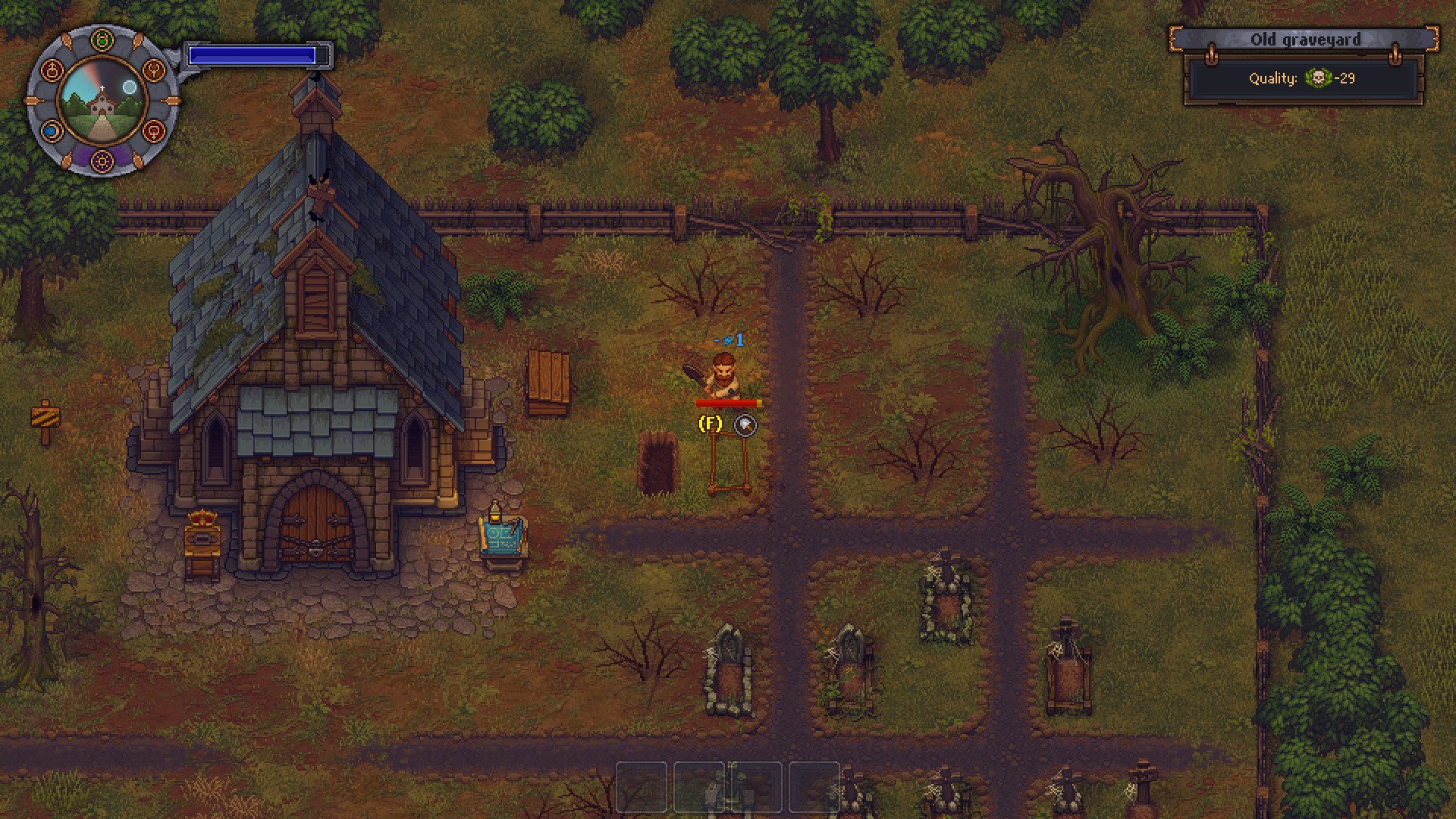
Graveyard Keeper is the most inaccurate medieval cemetery management sim of all time. Build and manage your own graveyard, and expand into other ventures, while finding shortcuts to cut costs. Use all the resources you can find. After all, this is a game about the spirit of capitalism, and doing whatever it takes to build a thriving business. And it’s also a love story. Features Face ethical dilemmas. Do you really want to spend money on that proper burger meat for the witch-burning festival, when you have so many resources lying around? Gather valuable materials and craft new items. Expand your Graveyard into a thriving business. Help yourself -- gather the valuable resources scattered across the surrounding areas, and explore what this land has to offer. Quests and corpses. These dead bodies don't need all those organs, do they? Why not grind them up and sell them to the local butcher? Or you can go on proper quests, you roleplayer. Explore mysterious dungeons. No medieval game would be complete without those! Take a trip into the unknown, and find discover new alchemy ingredients -- which may or may not poison a whole bunch of nearby villagers.

Graveyard Keeper screenshotGraveyard Keeper screenshotGraveyard Keeper screenshotGraveyard Keeper screenshotGraveyard Keeper screenshotGraveyard Keeper screenshot

How to redeem

  1. 1Check your Steam account and the listed region before purchasing.
  2. 2Find your code and supplier activation instructions in your confirmed order.
  3. 3Open the redeem-code section on Steam, enter the code and follow the platform’s prompts.

Supplier instructions

Go to: http://store.steampowered.com/ and download STEAM client Click "Install Steam" (from the upper right corner) Install and start application, login with your Account name and Password (create one if you don't have). Please follow these instructions to activate a new retail purchase on Steam: Launch Steam and log into your Steam account. Click the Games Menu. Choose Activate a Product on Steam... Follow the onscreen instructions to complete the process. After successful code verification go to the "MY GAMES" tab and start downloading.

You might also like