

SteamGlobal· Key
BEEP
€2.09
+€0.21 cashback eligibility in Relic Coins
Check before you play
- Platform
- Steam
- Region
- Global
- Product type
- Key
- Developer
- Big Fat Alien
- Publisher
- Big Fat Alien
- Supplier release date
- 2011-05-06
- Genres
- Action, Indie
SteamGlobal· Key
€2.09
+€0.21 cashback eligibility in Relic Coins
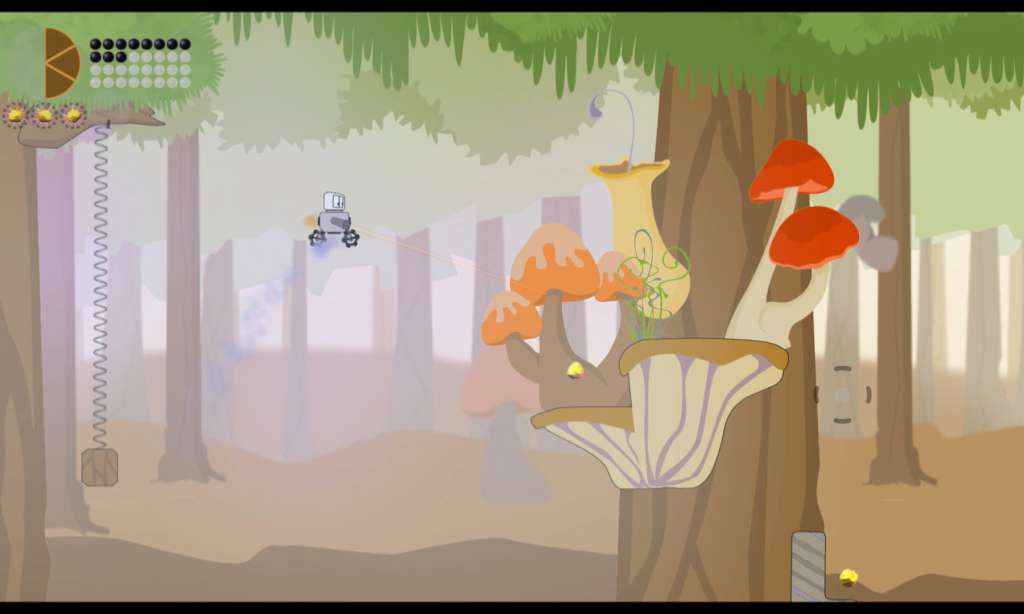
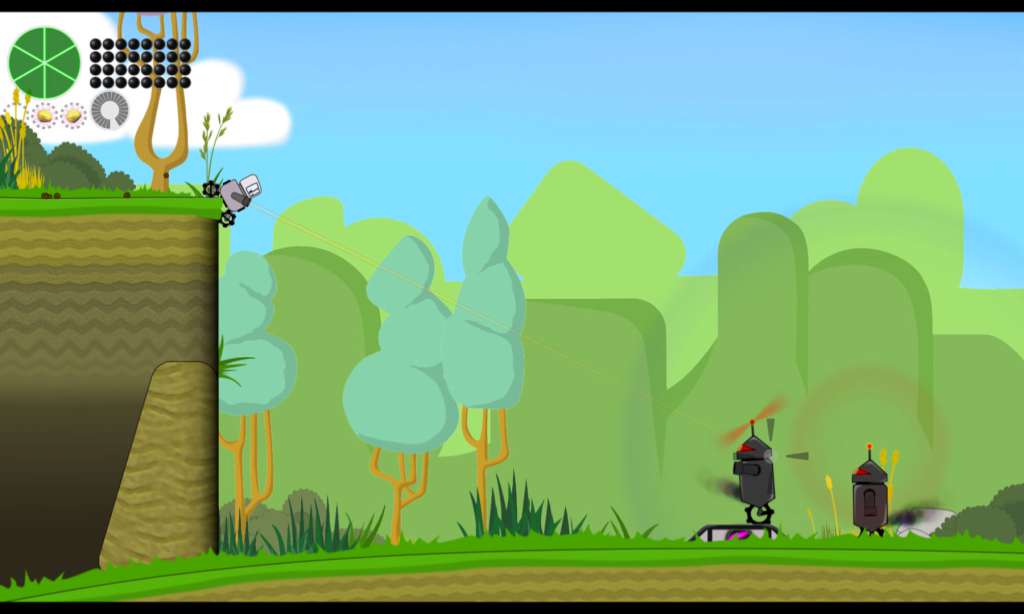
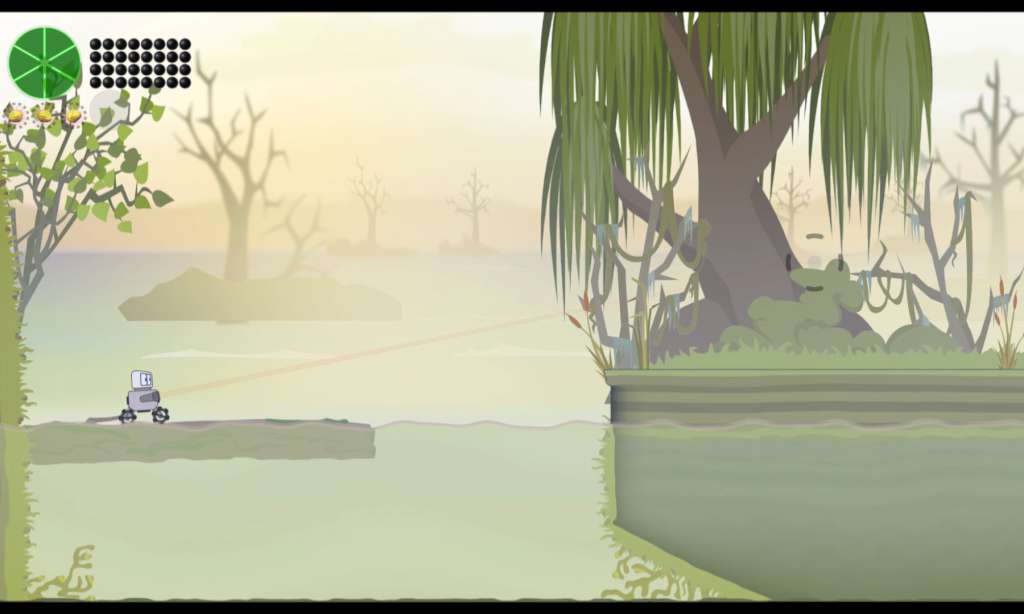
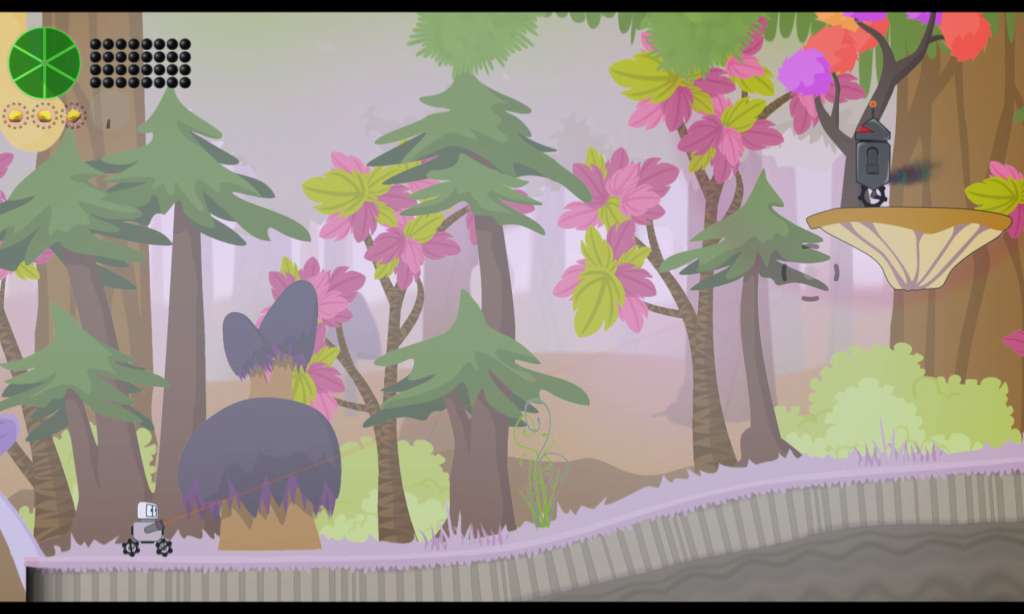
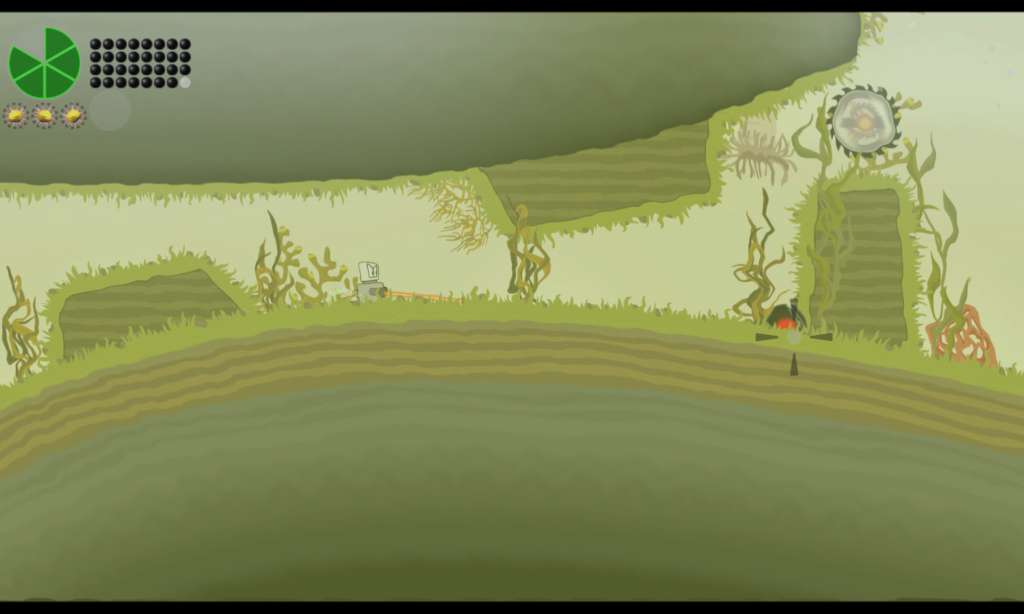
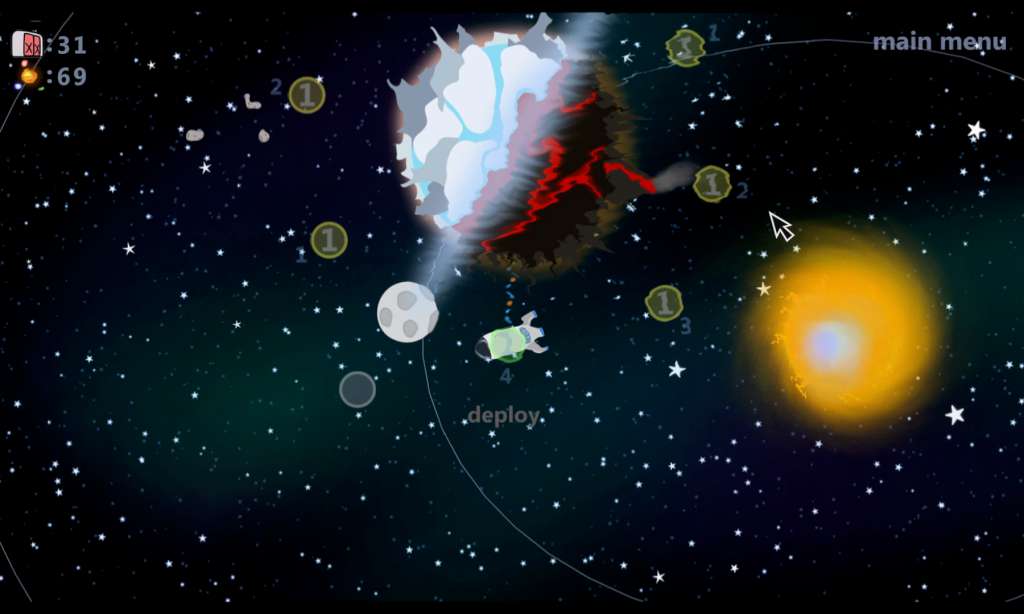
BEEP is a 2D side-scrolling platformer with physics-based gameplay. You control a small robot equipped with an anti-gravity device, a jet-pack and a gun. Drive, jump, fly, swim and shoot your way through 24 levels scattered across 6 unique environments. Use BEEP’s anti-gravity device to directly manipulate the physics-based environments. The anti-gravity device is both a tool and a weapon. Use it to smash enemy robots, build towers and solve puzzles. BEEP has traveled for thousands of years through deep space to explore the Galaxy. Traverse a foreign star system with the BEEP-ship and send robots to the surface of the planets. Features Control a small robot with ultimate precision. Directly manipulate a physics-based environment. Encounter a variety of procedurally animated AI opponents. Explore 6 different environments; each with unique challenges. Enjoy stylish vector-graphics presented in 16:9 widescreen. Features rich sound effects and 14 custom music tracks. Runs at 60hz with a custom OpenGL-based engine. Uses a spacial sound system with environmental filters.
Go to: http://store.steampowered.com/ and download STEAM client Click "Install Steam" (from the upper right corner) Install and start application, login with your Account name and Password (create one if you don't have). Please follow these instructions to activate a new retail purchase on Steam: Launch Steam and log into your Steam account. Click the Games Menu. Choose Activate a Product on Steam... Follow the onscreen instructions to complete the process. After successful code verification go to the "MY GAMES" tab and start downloading.