Get 10% back in Relic Coins on every order
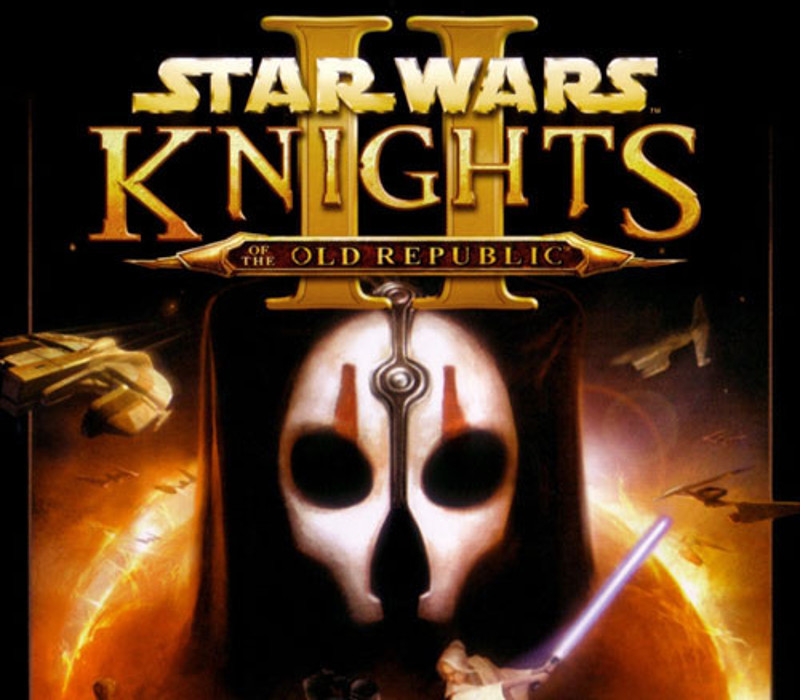
Star Wars: Knights of the Old Republic (Mac OS X) cover

SteamGlobal· Key

Star Wars: Knights of the Old Republic (Mac OS X)

€3.86

+€0.39 cashback eligibility in Relic Coins

Check before you play

Platform
Steam
Region
Global
Product type
Key
Developer
BioWare
Publisher
LucasArts
Supplier release date
2009-09-05
Genres
Adventure, RPG

About this product

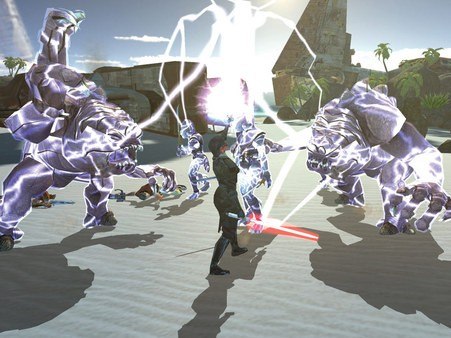
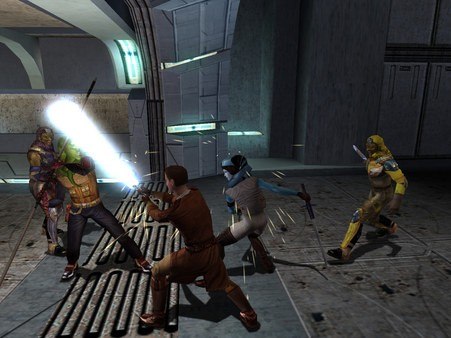
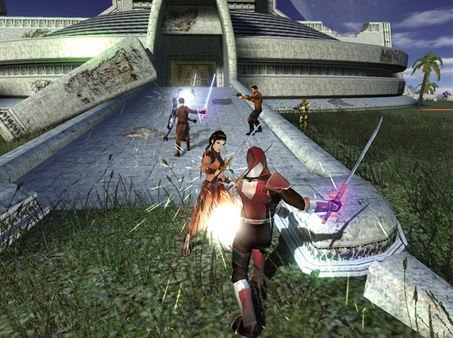
Choose Your Path.It is four thousand years before the Galactic Empire and hundreds of Jedi Knights have fallen in battle against the ruthless Sith. You are the last hope of the Jedi Order. Can you master the awesome power of the Force on your quest to save the Republic? Or will you fall to the lure of the dark side? Hero or villain, saviour or conqueror... you alone will determine the destiny of the entire galaxy! Features A brand new Star Wars role-playing experience with unique characters, creatures, vehicles and planets. Learn to use the Force with over 40 different powers and build your own lightsaber. Adventure through some of the most popular Star Wars locations, including Tatooine and the Wookiee homeworld Kashyyyk. Choose your party from nine customisable characters, including Twi'leks, droids and Wookiees. Travel to eight enormous worlds in your own starship, the Ebon Hawk. Note: Mac version only supports English language

Star Wars: Knights of the Old Republic (Mac OS X) screenshotStar Wars: Knights of the Old Republic (Mac OS X) screenshotStar Wars: Knights of the Old Republic (Mac OS X) screenshotStar Wars: Knights of the Old Republic (Mac OS X) screenshotStar Wars: Knights of the Old Republic (Mac OS X) screenshot

How to redeem

  1. 1Check your Steam account and the listed region before purchasing.
  2. 2Find your code and supplier activation instructions in your confirmed order.
  3. 3Open the redeem-code section on Steam, enter the code and follow the platform’s prompts.

Supplier instructions

Go to: http://store.steampowered.com/ and download STEAM client Click "Install Steam" (from the upper right corner) Install and start application, login with your Account name and Password (create one if you don't have). Please follow these instructions to activate a new retail purchase on Steam: Launch Steam and log into your Steam account. Click the Games Menu. Choose Activate a Product on Steam... Follow the onscreen instructions to complete the process. After successful code verification go to the "MY GAMES" tab and start downloading.

You might also like