Get 10% back in Relic Coins on every order
RPG Maker VX Ace - Seraph Circle: Monster Pack 1 cover

SteamGlobal· Key

RPG Maker VX Ace - Seraph Circle: Monster Pack 1

€2.35

+€0.24 cashback eligibility in Relic Coins

Check before you play

Platform
Steam
Region
Global
Product type
Key
Developer
Kuusou Kagaku
Publisher
Enterbrain
Supplier release date
2017-06-02

About this product

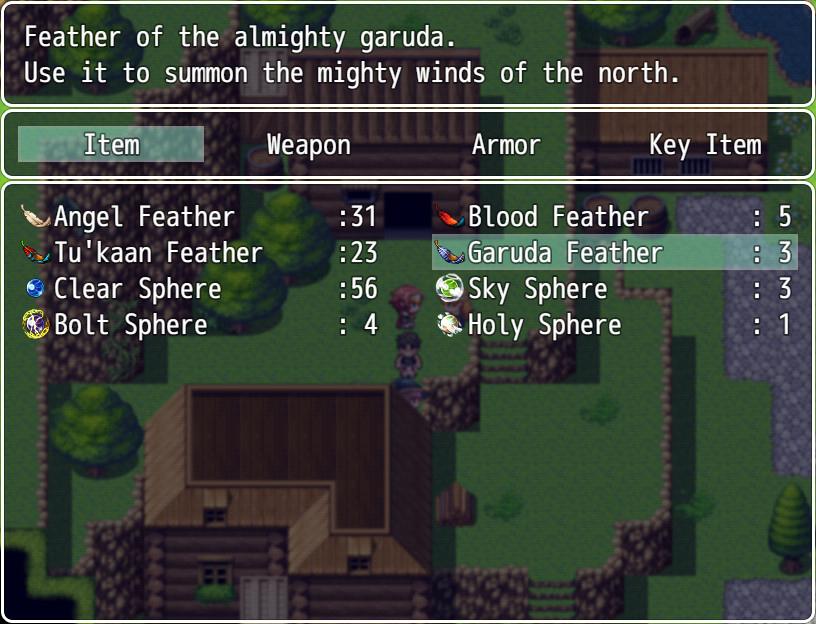
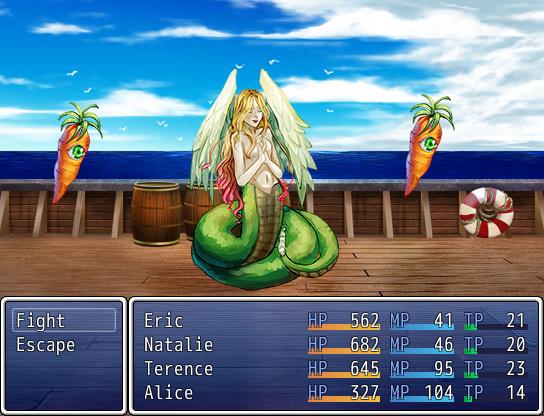
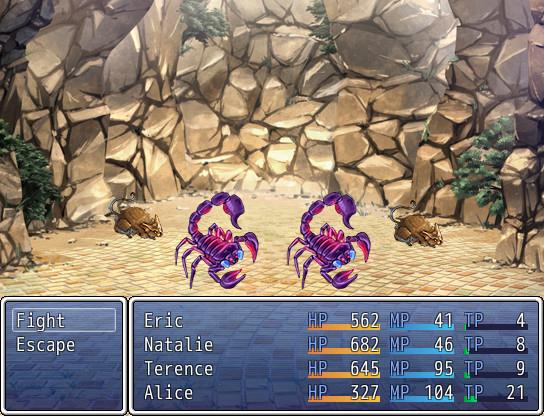
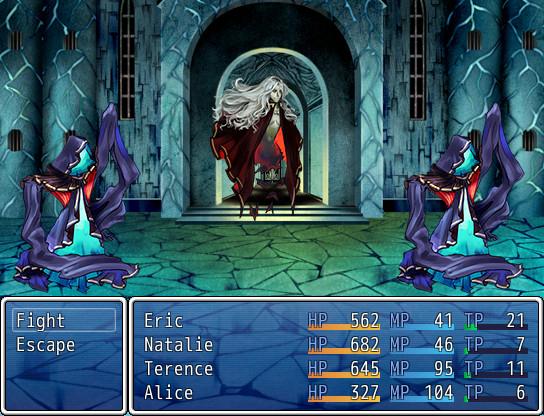
From enchanting sirens to spooky floating eyes, Seraph Circle Sideview battlers are a journey into the mysterious world of fantasy monsters. Including both the classic staples such as slimes, scorpions or rats, as well as unique representations of cockatrices, piranas or worms, this brightly-colored set is there to help you enhance your enemy encounters.Whether you're on a lookout for a new enemy rotation or need an inspiration boost for constructing your game's lore, Seraph Circle battler pack is a fantastic addition to your growing library of RPG Maker Resources. Features 42 side-view battlers. 42 matching facesets. Unique painted style, with bright colors and contrast. Illustrations based on both classic fantasy and modern imagination, for a memorable look. BONUS: 10 icons, with large scale illustrations.


RPG Maker VX Ace - Seraph Circle: Monster Pack 1 screenshotRPG Maker VX Ace - Seraph Circle: Monster Pack 1 screenshotRPG Maker VX Ace - Seraph Circle: Monster Pack 1 screenshotRPG Maker VX Ace - Seraph Circle: Monster Pack 1 screenshot

How to redeem

  1. 1Check your Steam account and the listed region before purchasing.
  2. 2Find your code and supplier activation instructions in your confirmed order.
  3. 3Open the redeem-code section on Steam, enter the code and follow the platform’s prompts.

Supplier instructions

Go to: http://store.steampowered.com/ and download STEAM client Click "Install Steam" (from the upper right corner) Install and start application, login with your Account name and Password (create one if you don't have). Please follow these instructions to activate a new retail purchase on Steam: Launch Steam and log into your Steam account. Click the Games Menu. Choose Activate a Product on Steam... Follow the onscreen instructions to complete the process. After successful code verification go to the "MY GAMES" tab and start downloading.

You might also like