Get 10% back in Relic Coins on every order
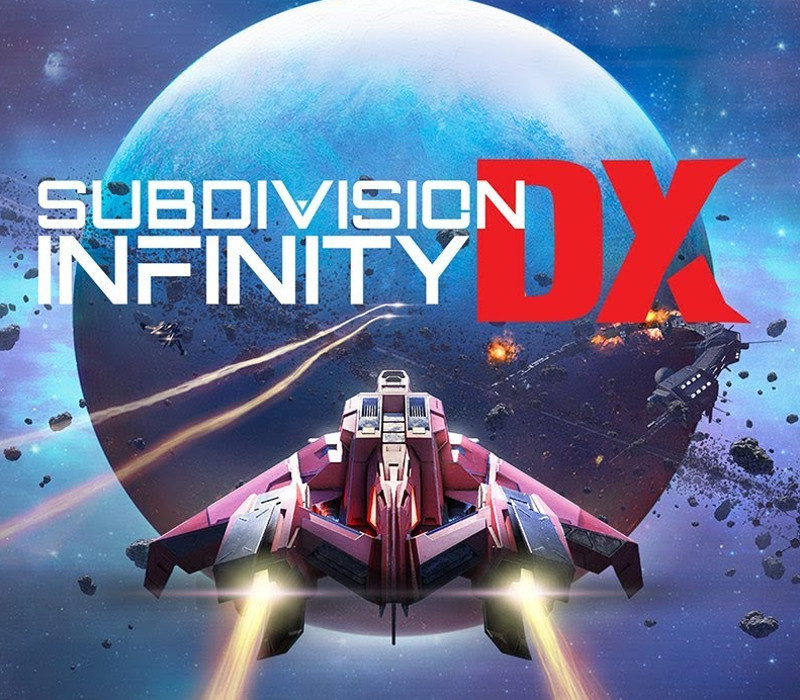
Subdivision Infinity DX cover

SteamGlobal· Key

Subdivision Infinity DX

€2.66

+€0.27 cashback eligibility in Relic Coins

Check before you play

Platform
Steam
Region
Global
Product type
Key
Developer
Mistfly Games
Publisher
Blowfish Studios
Supplier release date
2019-08-07
Genres
Action, Indie

About this product

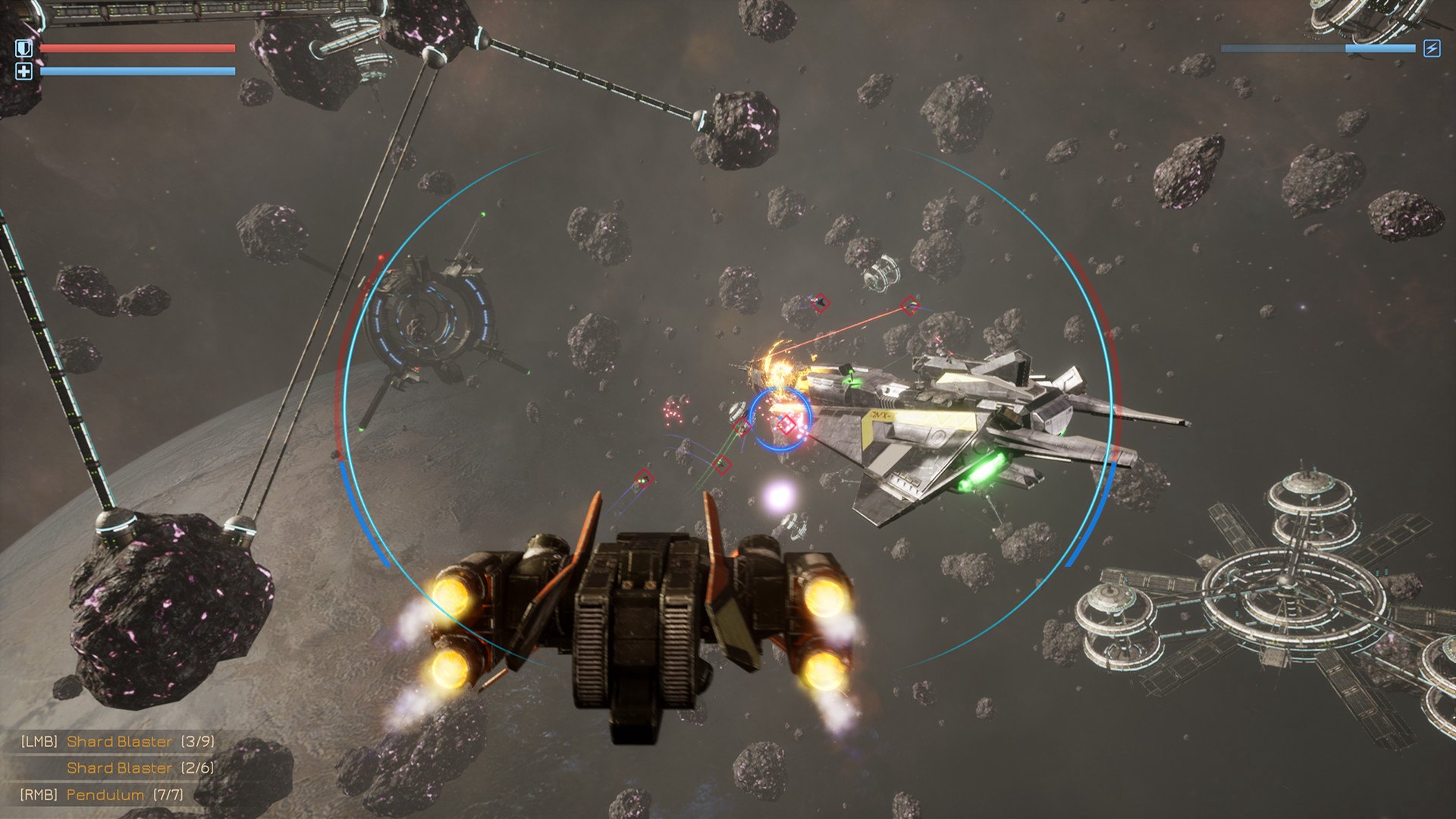
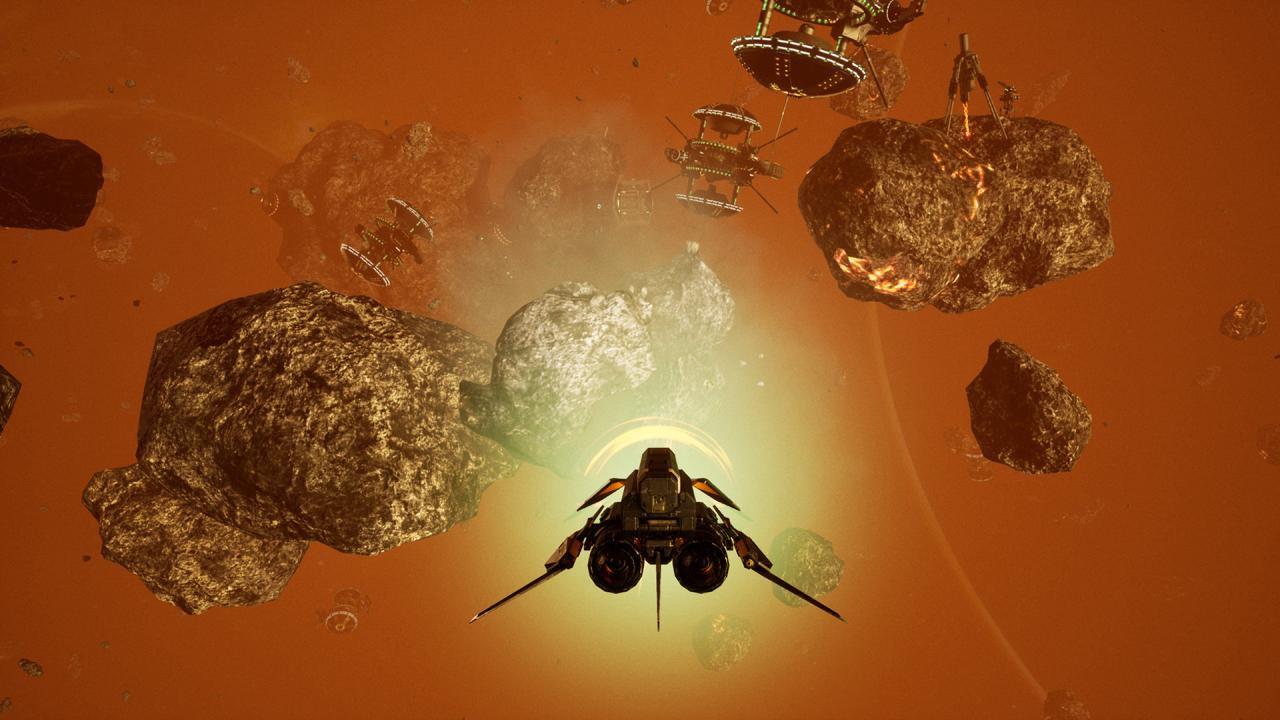
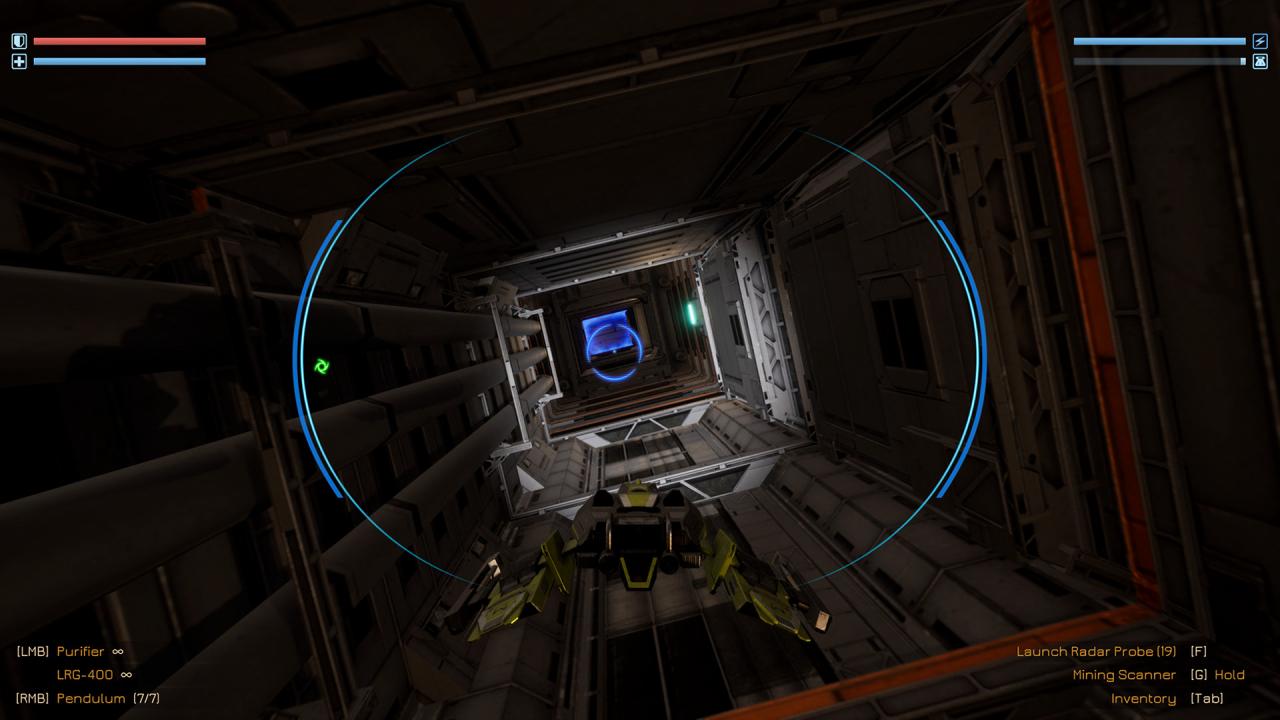
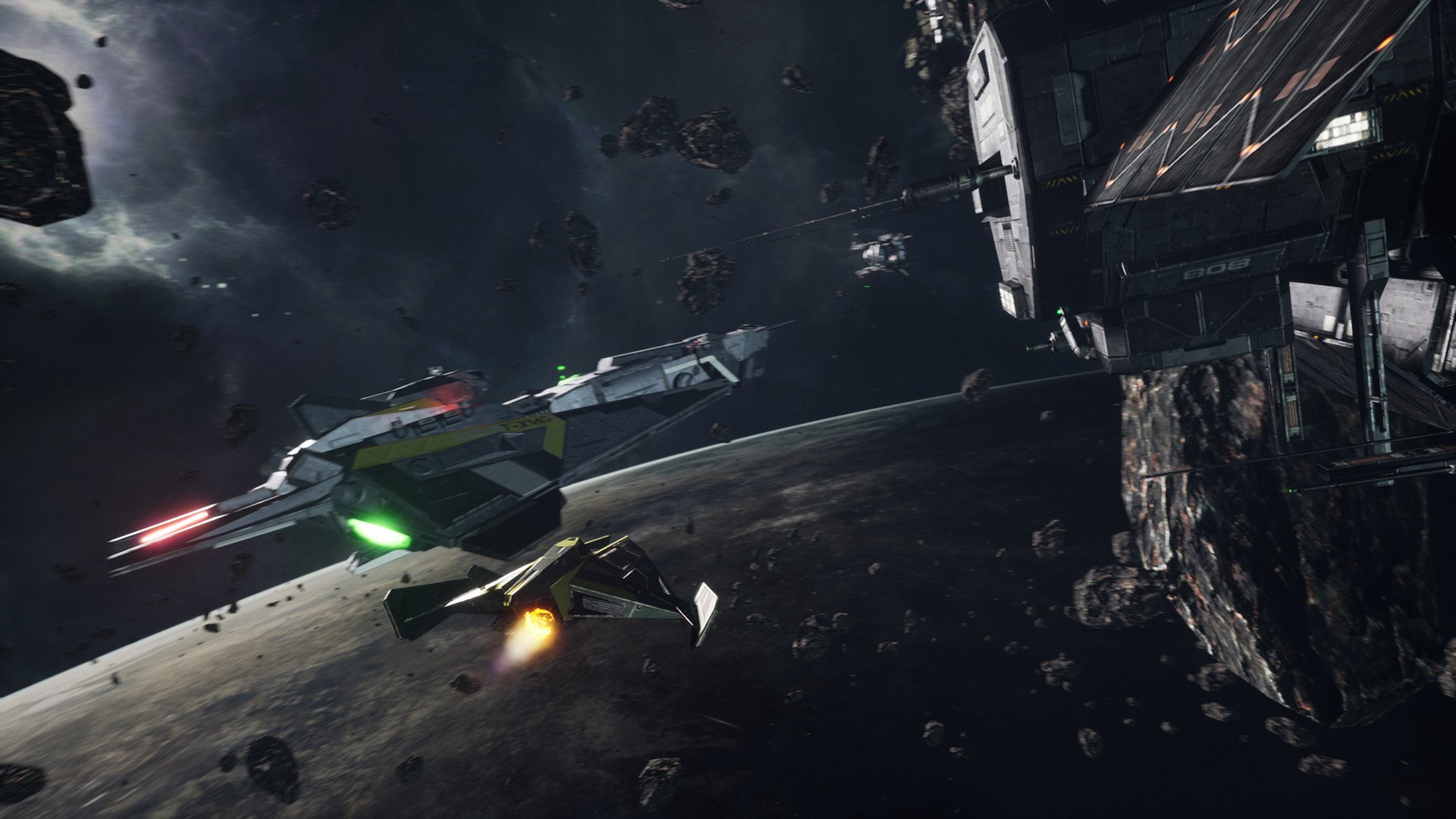
Step into the cockpit of an intergalactic fighter and explore the great expanses of outer space. With more than 30 engaging story missions and sidequests spanning several star systems, Subdivision Infinity is an action-packed journey brimming with dogfights, boss battles, and more set against the stunning wild outer reaches of the cosmos. Features Complete exciting missions in the main storyline and explore mysterious sectors of the galaxy. Tight space combat gameplay - fight massive space battles against different enemies: drones, fighters, dreadnoughts capital ship and more. Explore stunning locations, each with a different feel and atmosphere. Find lost relics to build new ships, harvest asteroids and sell their minerals for profit, or use them for crafting. Boss battles - hone your combat skills facing most powerful enemies Prepare for the fight - enhance your ship and equip with diverse selection of weapons available for upgrade.

Subdivision Infinity DX screenshotSubdivision Infinity DX screenshotSubdivision Infinity DX screenshotSubdivision Infinity DX screenshotSubdivision Infinity DX screenshotSubdivision Infinity DX screenshot

How to redeem

  1. 1Check your Steam account and the listed region before purchasing.
  2. 2Find your code and supplier activation instructions in your confirmed order.
  3. 3Open the redeem-code section on Steam, enter the code and follow the platform’s prompts.

Supplier instructions

Go to: http://store.steampowered.com/ and download STEAM client Click "Install Steam" (from the upper right corner) Install and start application, login with your Account name and Password (create one if you don't have). Please follow these instructions to activate a new retail purchase on Steam: Launch Steam and log into your Steam account. Click the Games Menu. Choose Activate a Product on Steam... Follow the onscreen instructions to complete the process. After successful code verification go to the "MY GAMES" tab and start downloading.

You might also like