
SteamGlobal· Key
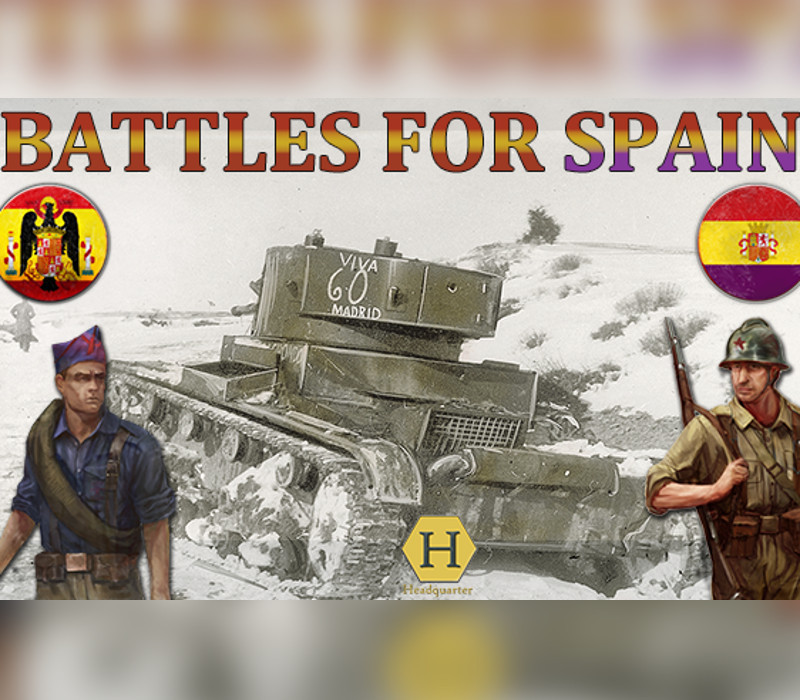
Battles For Spain
€6.77
+€0.68 cashback eligibility in Relic Coins
Check before you play
- Platform
- Steam
- Region
- Global
- Product type
- Key
- Developer
- Headquarter
- Publisher
- Avalon Digital
- Supplier release date
- 2019-08-05
- Genres
- Strategy
SteamGlobal· Key
€6.77
+€0.68 cashback eligibility in Relic Coins
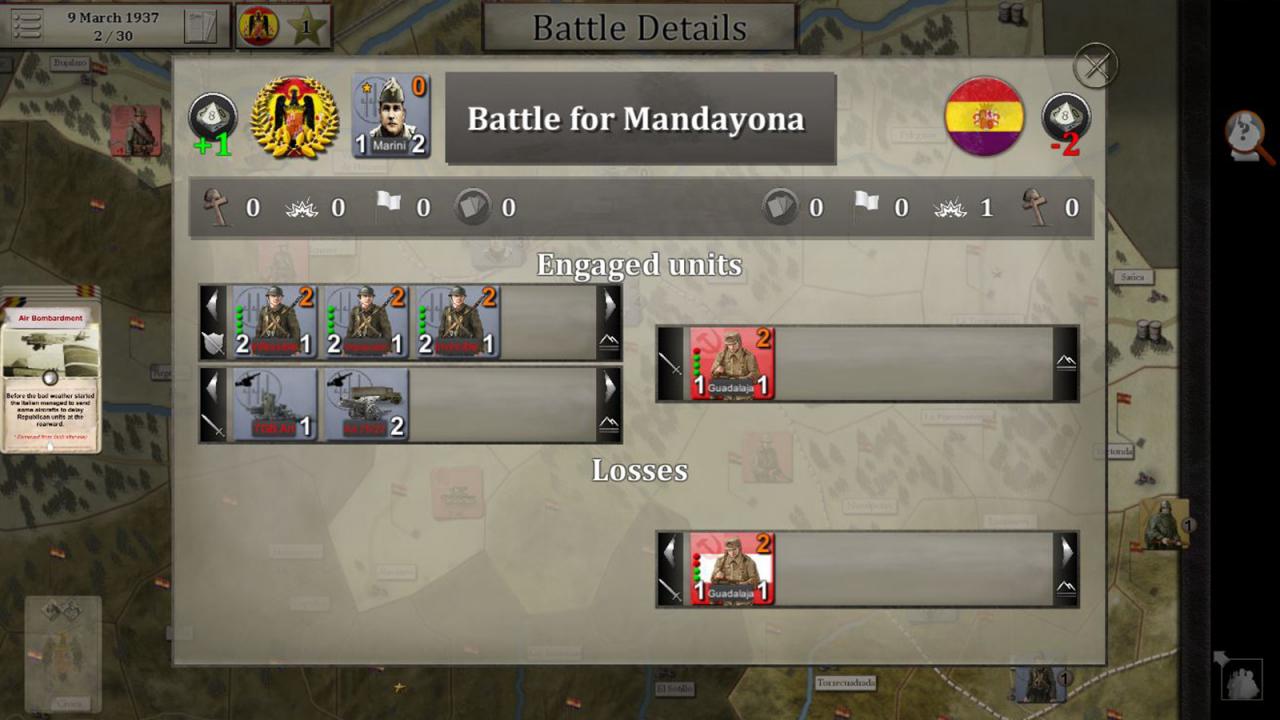
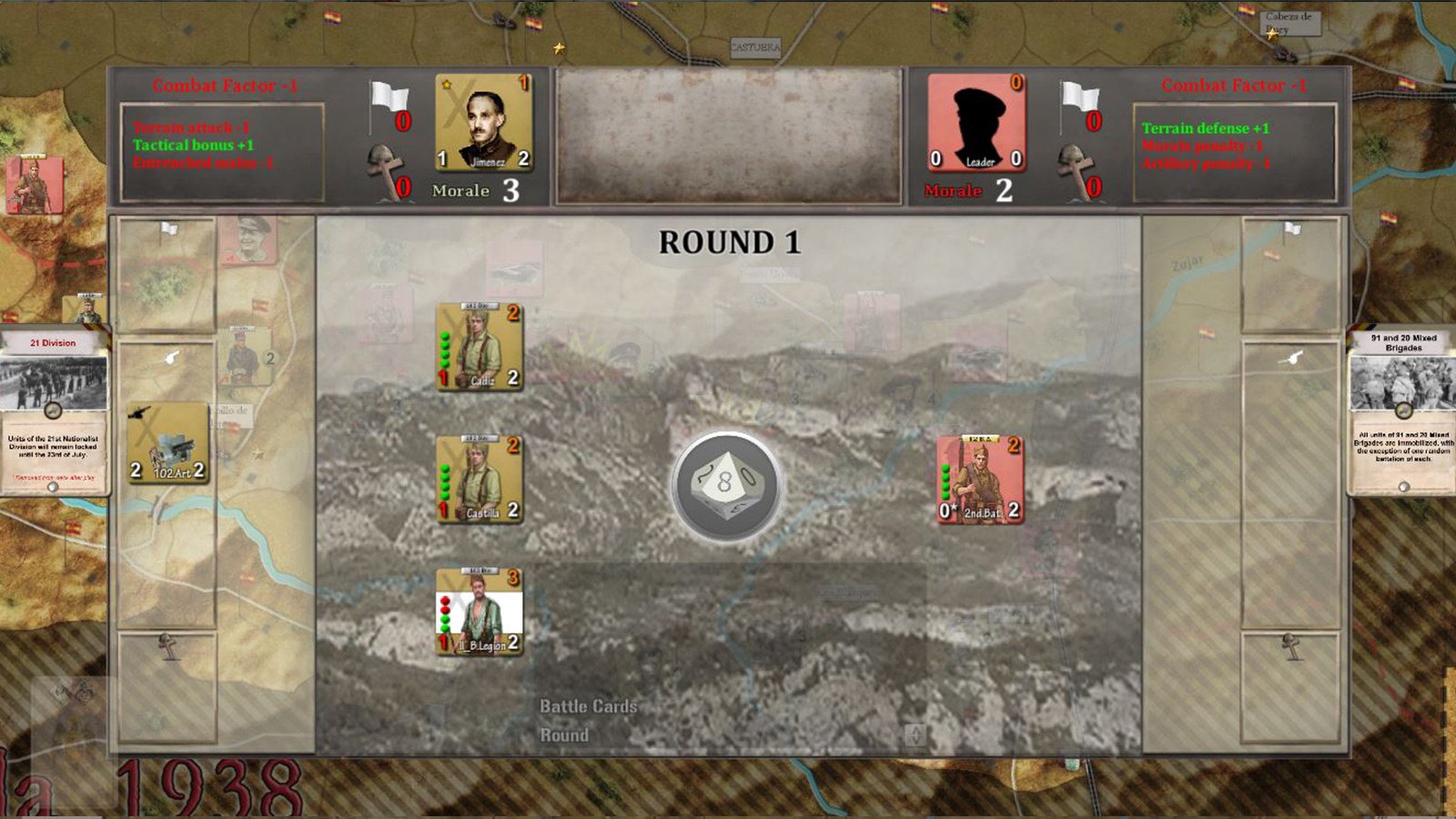
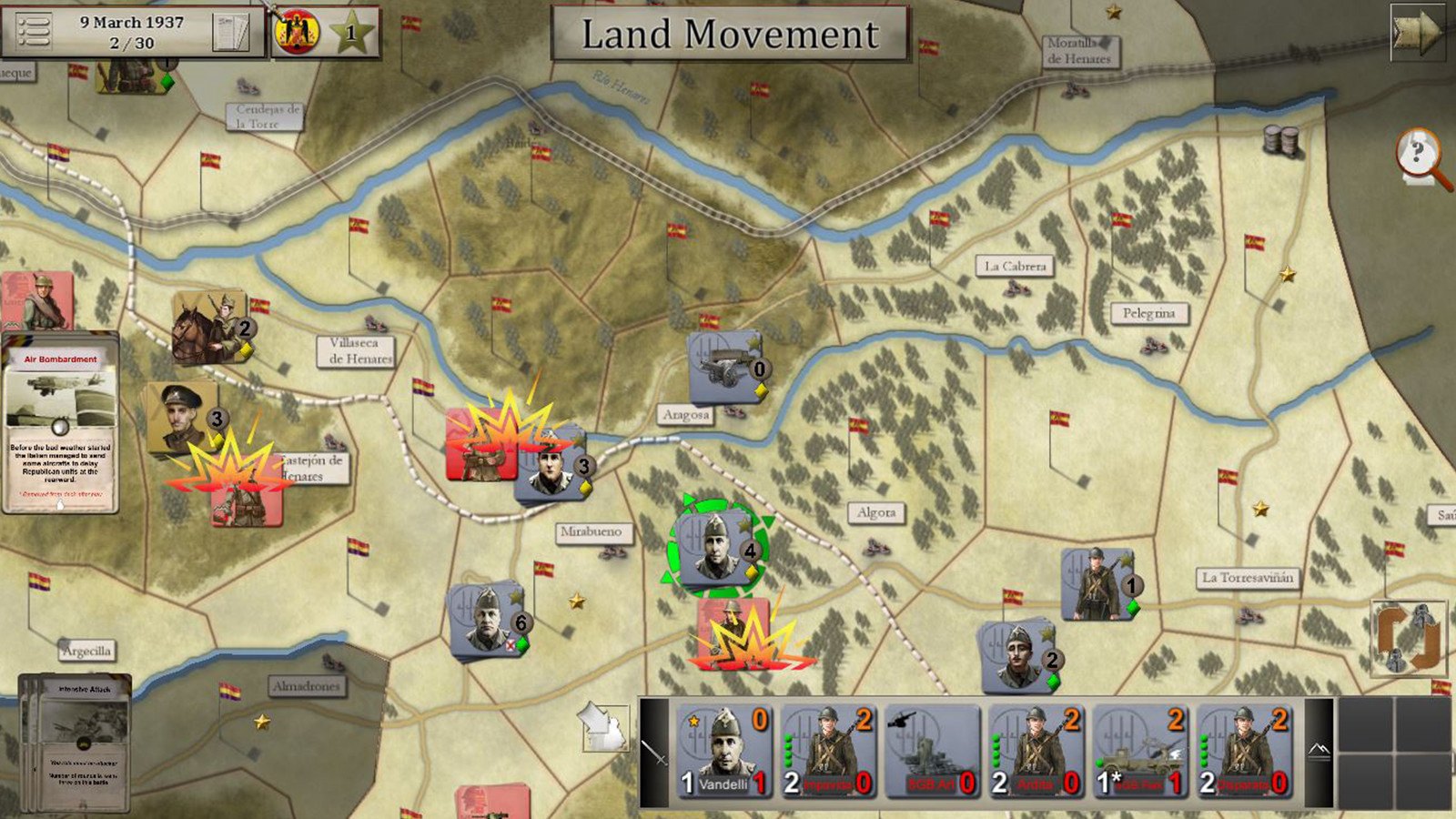
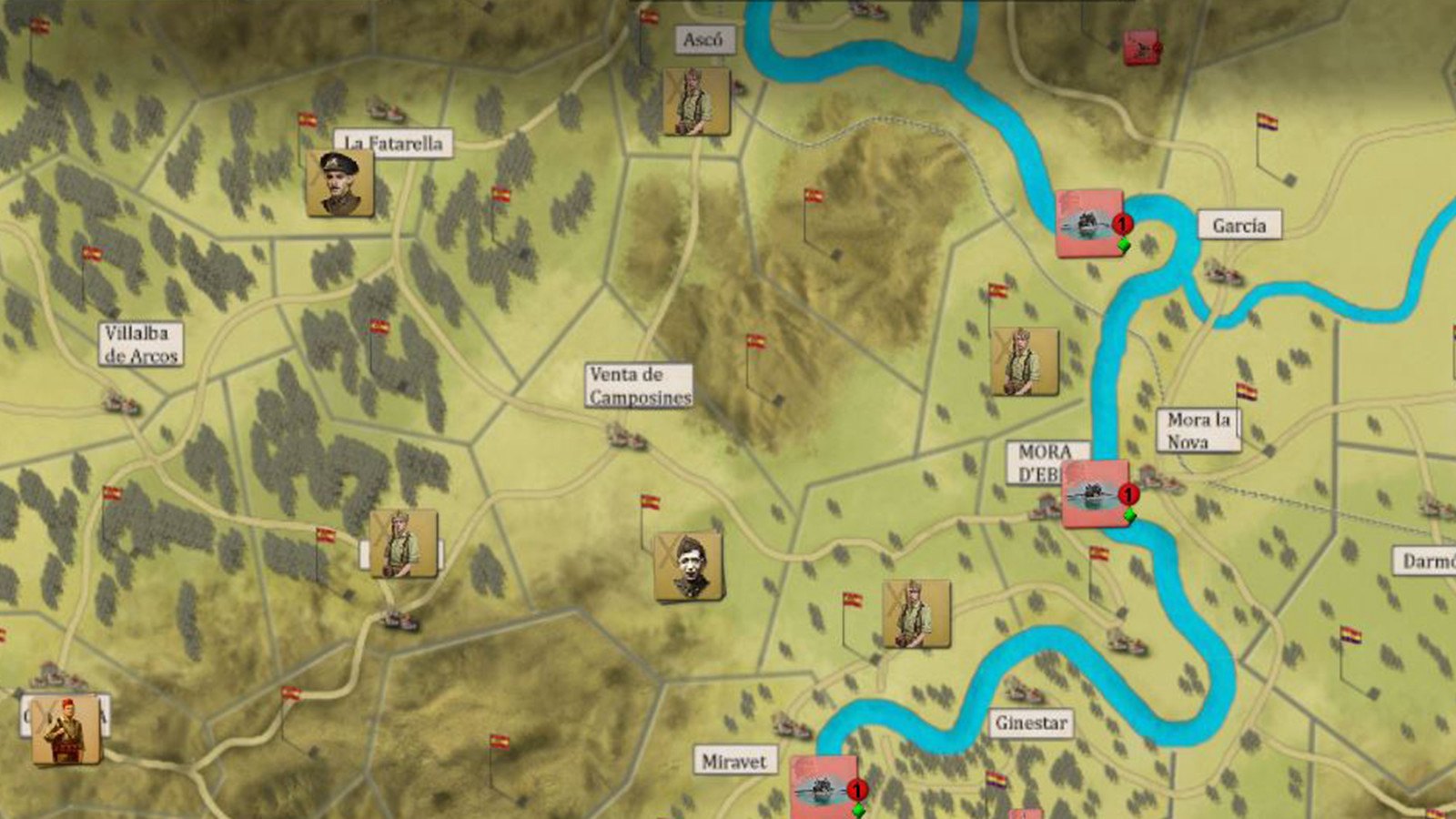
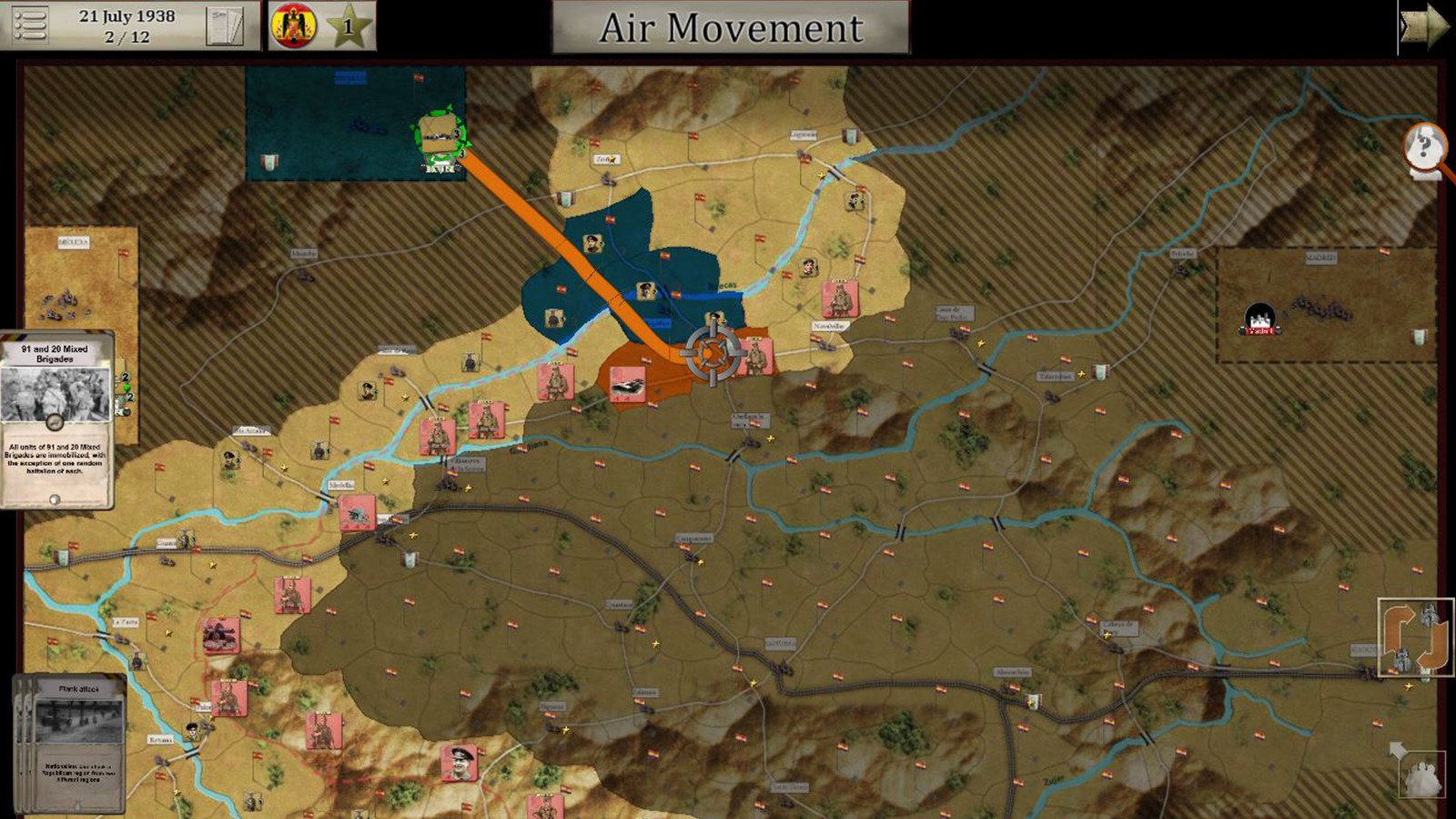
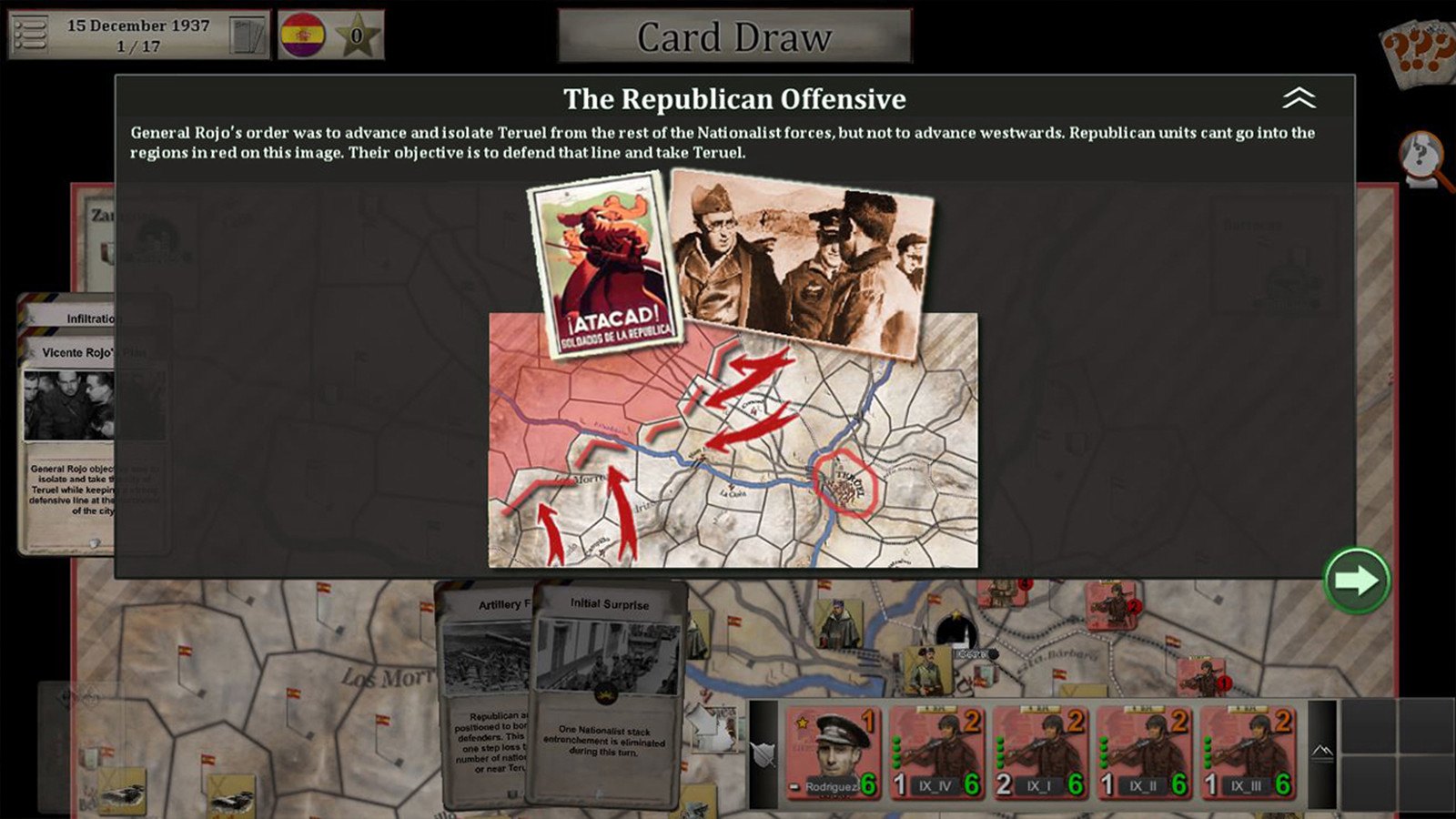
This game represents Four Battles of the Spanish Civil War, battles of Ebro, Teruel, Guadalajara and Merida or La Serena. Players can play as Nationalists, Republican or both in player vs player game. Unit size is battalion for infantry and cavalry, company or battalion for armoured cars or tanks, batteries for artillery and squadron for Aircrafts. In each battle, there is an attacker and a defender. The objective for the attacker is to do as history was or better, and for the defensor to avoid the historical defeat or to do a counterattack succesful to achieve better results than the historical ones. In Battles For Spain you will find Historical units like Legion, Falange, CTV italian fascist battalions, Requetes, Mixed Brigades and International Brigades with historical deployment and leaders like Hans Kahle, El Campesino, Redondo etc... , and a deck of cards representing reinforcements, weather, desertions, artillery bombardment and many other events that give the game historical feeling. The objective for the attacker is to do as history was or better, and for the defensor to avoid the historical defeat or to do a counterattack succesful to achieve better results than the historical ones.
Go to: http://store.steampowered.com/ and download STEAM client Click "Install Steam" (from the upper right corner) Install and start application, login with your Account name and Password (create one if you don't have). Please follow these instructions to activate a new retail purchase on Steam: Launch Steam and log into your Steam account. Click the Games Menu. Choose Activate a Product on Steam... Follow the onscreen instructions to complete the process. After successful code verification go to the "MY GAMES" tab and start downloading.