
SteamGlobal· Key
Dry Drowning
€0.97
+€0.10 cashback eligibility in Relic Coins
Check before you play
- Platform
- Steam
- Region
- Global
- Product type
- Key
- Developer
- Studio V
- Publisher
- VLG Publishing
- Supplier release date
- 2019-08-02
- Genres
- Adventure, Indie
SteamGlobal· Key
€0.97
+€0.10 cashback eligibility in Relic Coins
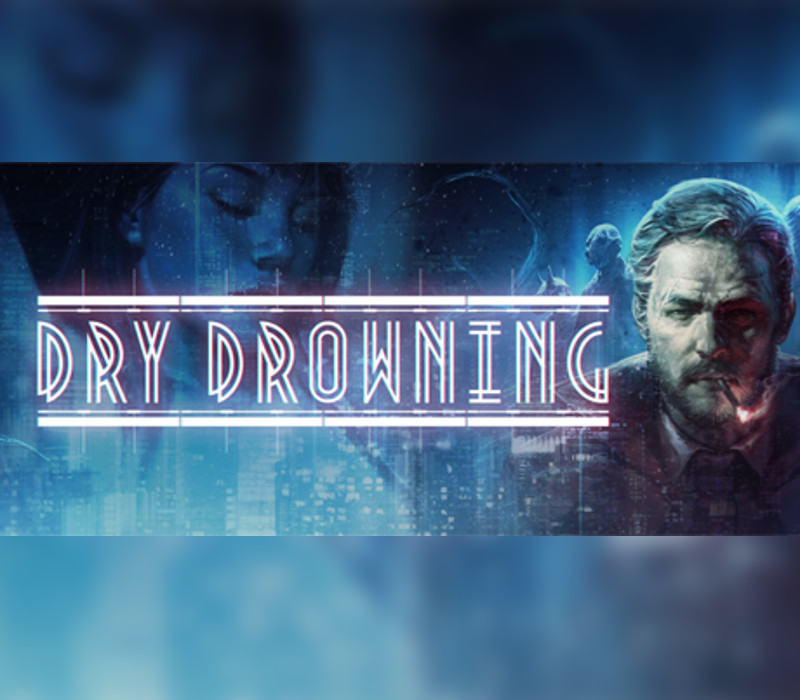
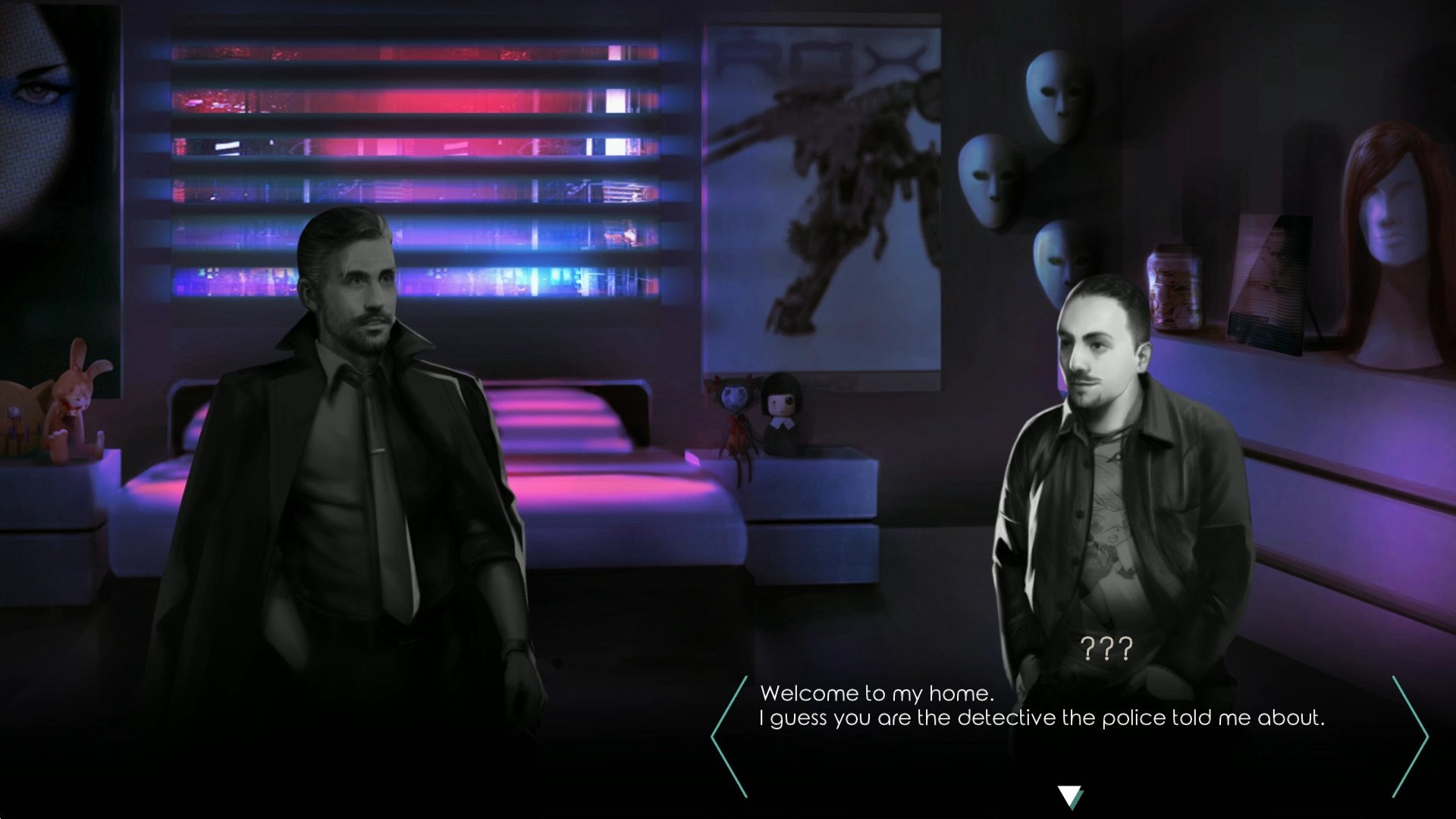
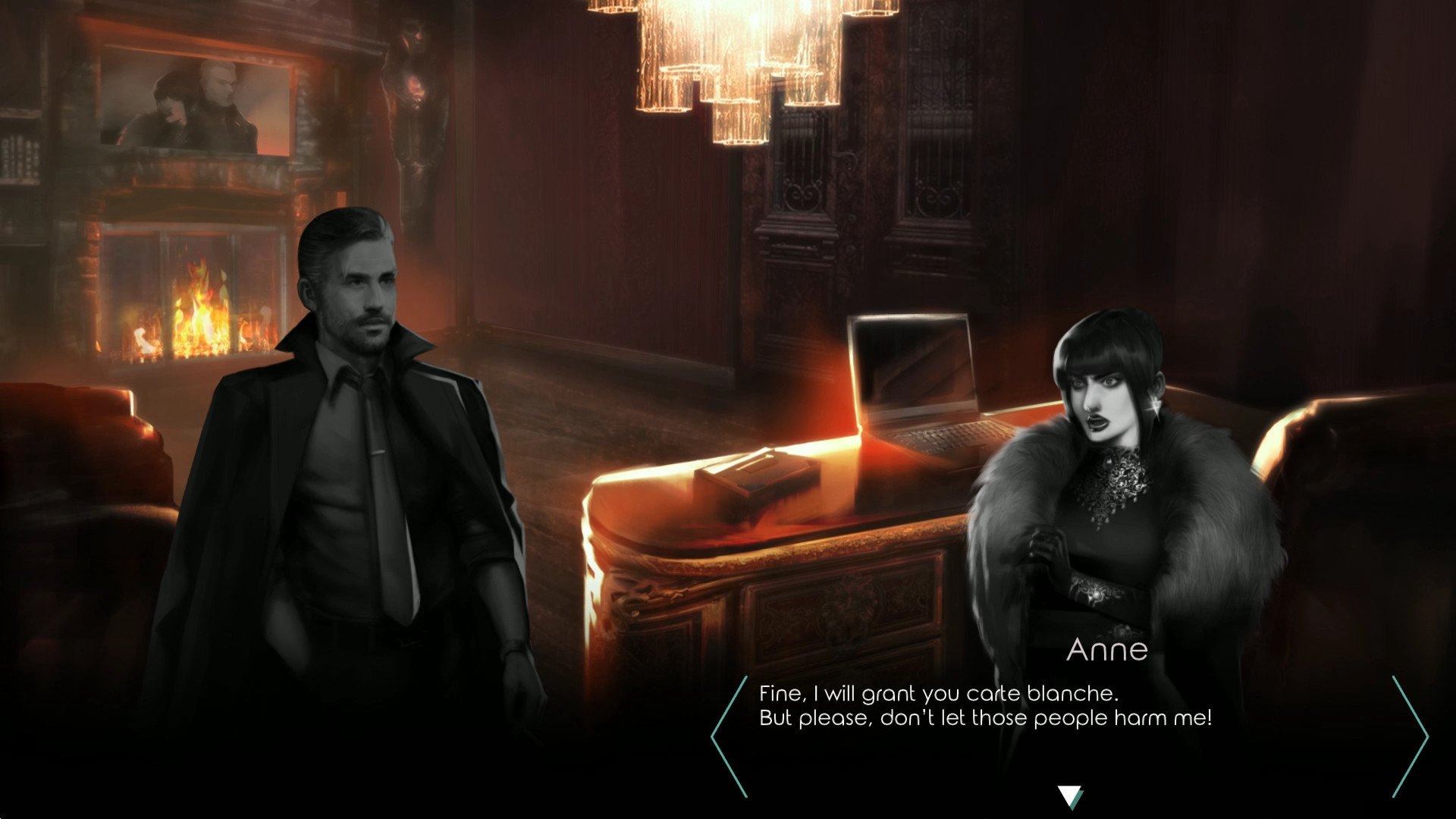
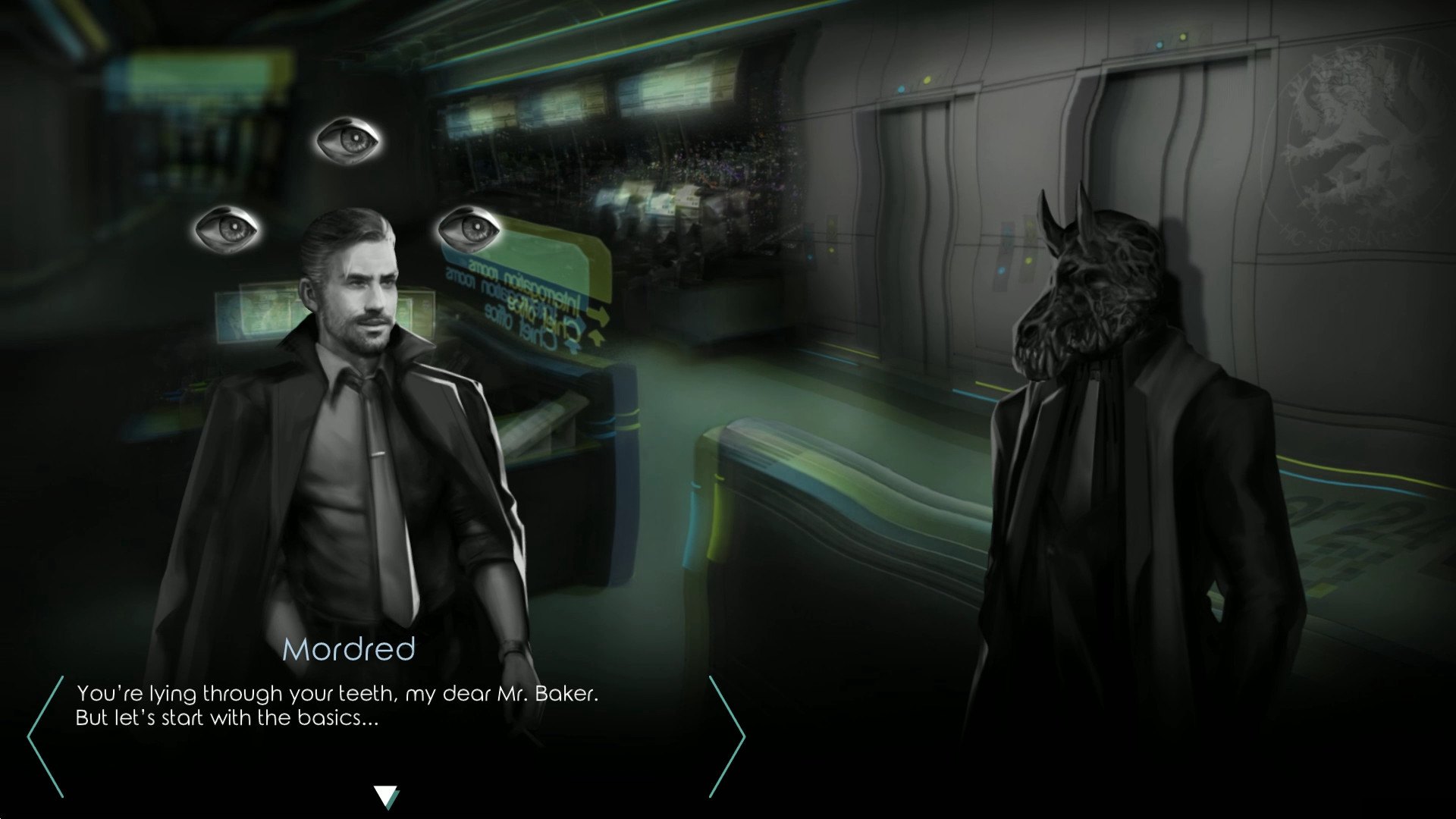
Dry Drowning is an investigative thriller-oriented visual novel set in the futuristic dystopian universe of Nova Polemos. A shady socio-political situation dragging everything down to the abyss, a serial killer drawing strength from this darkness, a tormented detective and his assistant craving for redemption. Dry Drowning challenges the player to find the truth, going through ambiguous characters, riddles, clues and unexpected events, while telling an extremely compelling and mature story. Features Choices really matter: Players choices can lead to an always different story, with more than 150 story branches and 3 completely different endings Heavy moral choices: Dramatically change the way you live the game, affecting background politics, technology, environment, NPC encounters, who lives and who dies High replayability: More than 20 hours gameplay to see everything about Time travel: Explore the detective's flashbacks and investigate cases from the past to help you solve new ones Psychological interrogations: Break the masks and uncover the truth with the Living Nightmares system Original soundtrack: dynamic OST with more than 50 audio tracks, some of which live recording, for more than 2 hours of music



Go to: http://store.steampowered.com/ and download STEAM client Click "Install Steam" (from the upper right corner) Install and start application, login with your Account name and Password (create one if you don't have). Please follow these instructions to activate a new retail purchase on Steam: Launch Steam and log into your Steam account. Click the Games Menu. Choose Activate a Product on Steam... Follow the onscreen instructions to complete the process. After successful code verification go to the "MY GAMES" tab and start downloading.