Get 10% back in Relic Coins on every order
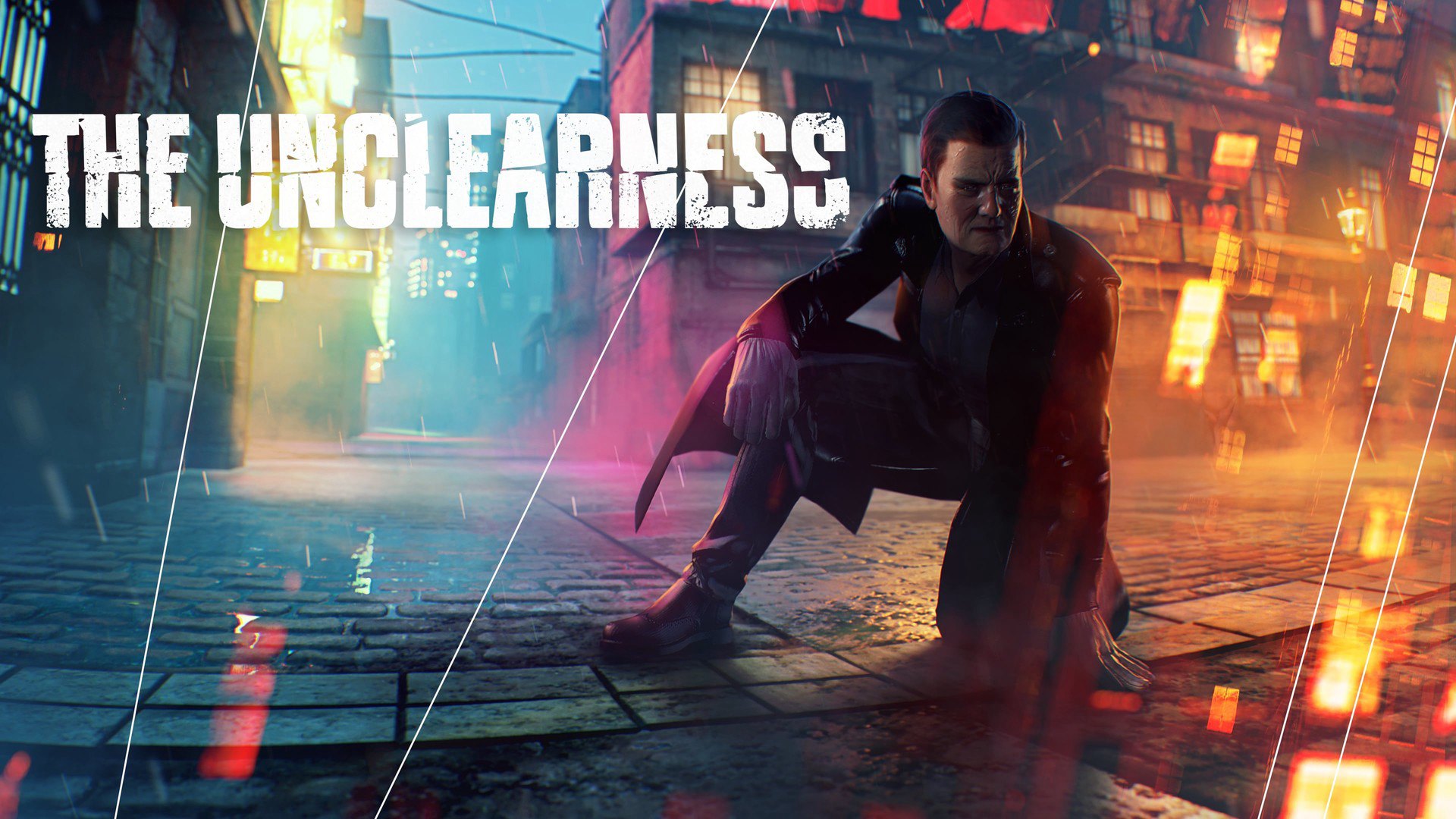
THE UNCLEARNESS cover

SteamGlobal· Key

THE UNCLEARNESS

€7.84

+€0.78 cashback eligibility in Relic Coins

Check before you play

Platform
Steam
Region
Global
Product type
Key
Developer
Orphic Games
Publisher
Orphic Games
Supplier release date
2019-08-09
Genres
Action, Adventure, RPG, Simulation, Indie

About this product

In 2080, mankind faced the inevitability of land flooding as a result of global warming. But even then nobody could expect that it would happen so fast. By the Christmas of 2097, the area of land had reduced ten times. By then the Governments completely lost the opportunity to control people with liberal methods, as a consequence, the military dictatorship was introduced to oppose crime syndicates. Those who survived got used to dividing the land into zones according to the quality of life. The Green Zone is in the center on a hill. The place of rich people and government. An island of old life built on the bones. The Blue Zone is steel reservations with hundreds of stories under the Green Zone. The people who live in this Zone have to work hard to survive, but who can call it life? The Grey Zone is an old city. It was a miracle that it was not flooded, but the miracle had an effect only on buildings and roads while the democratic foundations sank in the ocean together with the rule of law. The Red Zone is a slum area that is behind the old city. It is inhabited with those who cannot afford to live even in the old city. The Black Zone is parts of land unsuitable for the living of people.

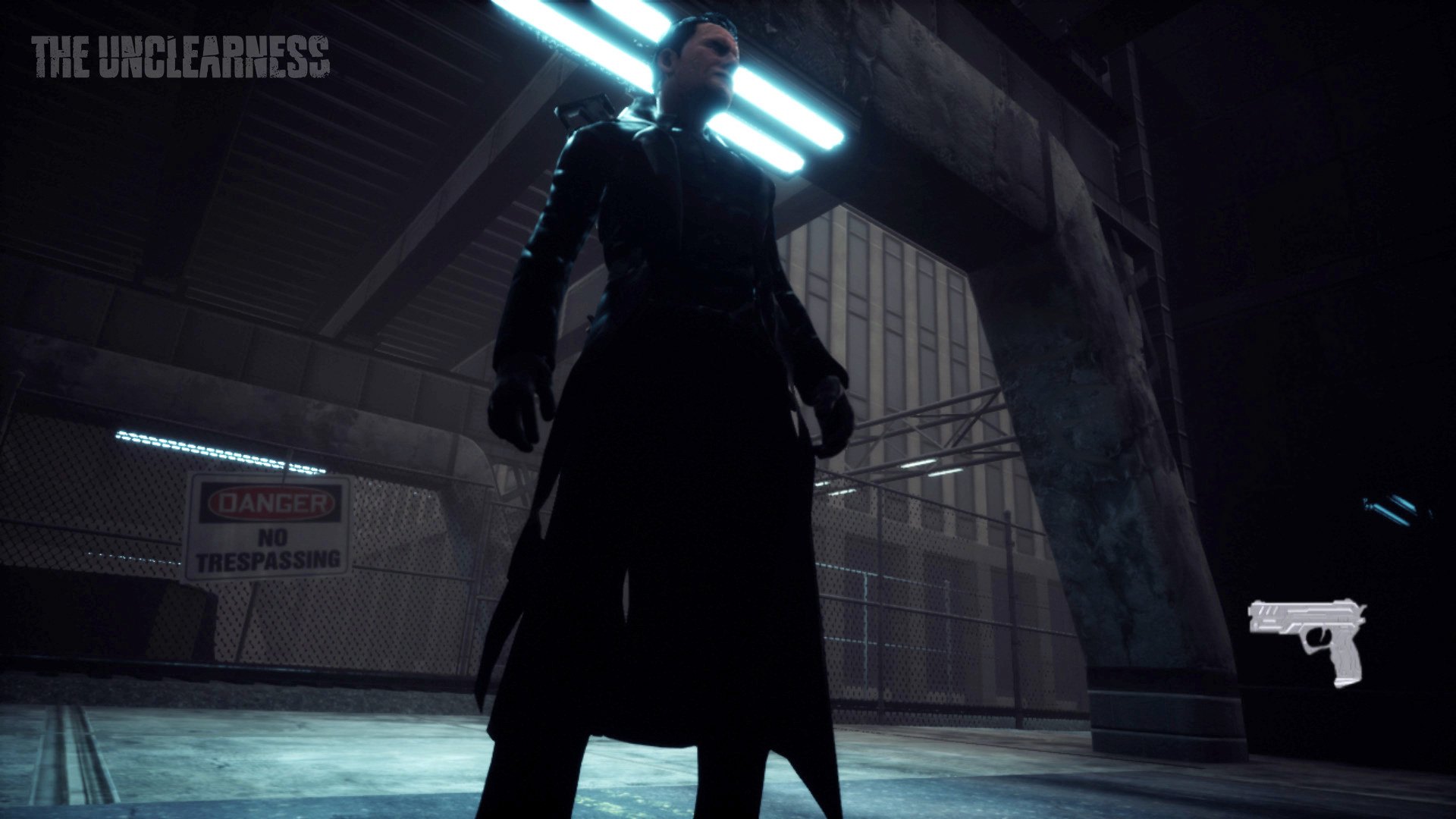
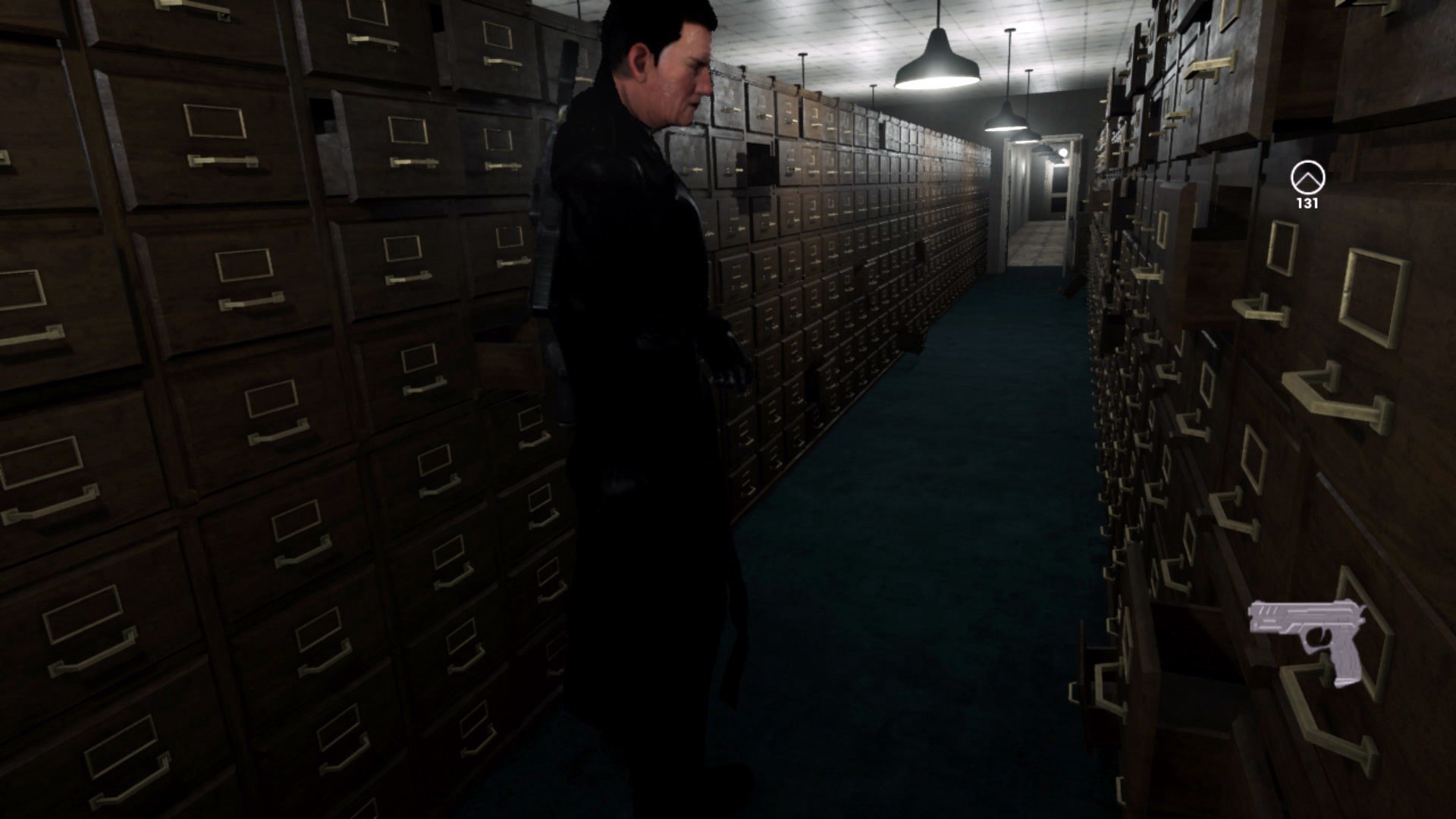
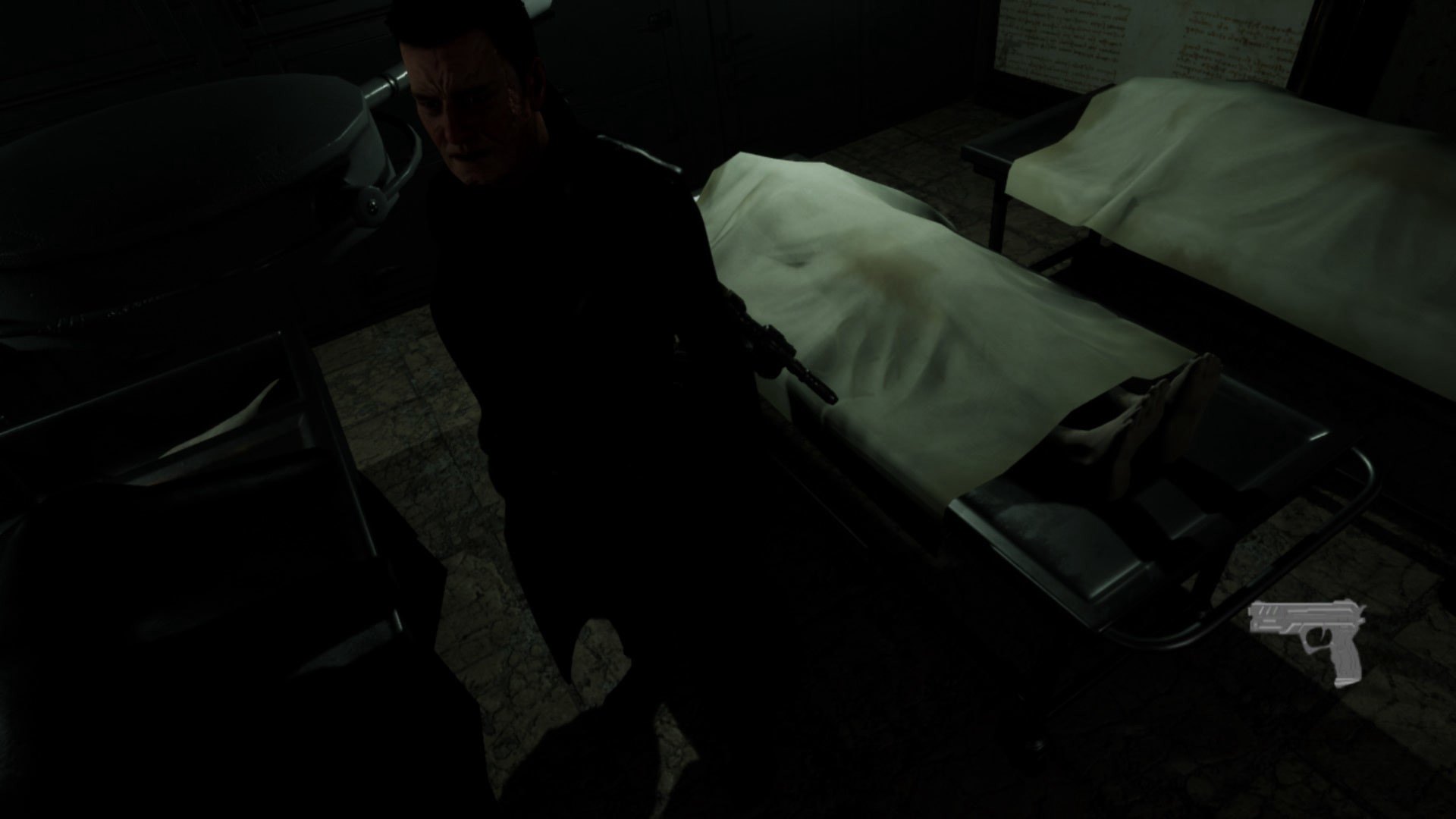
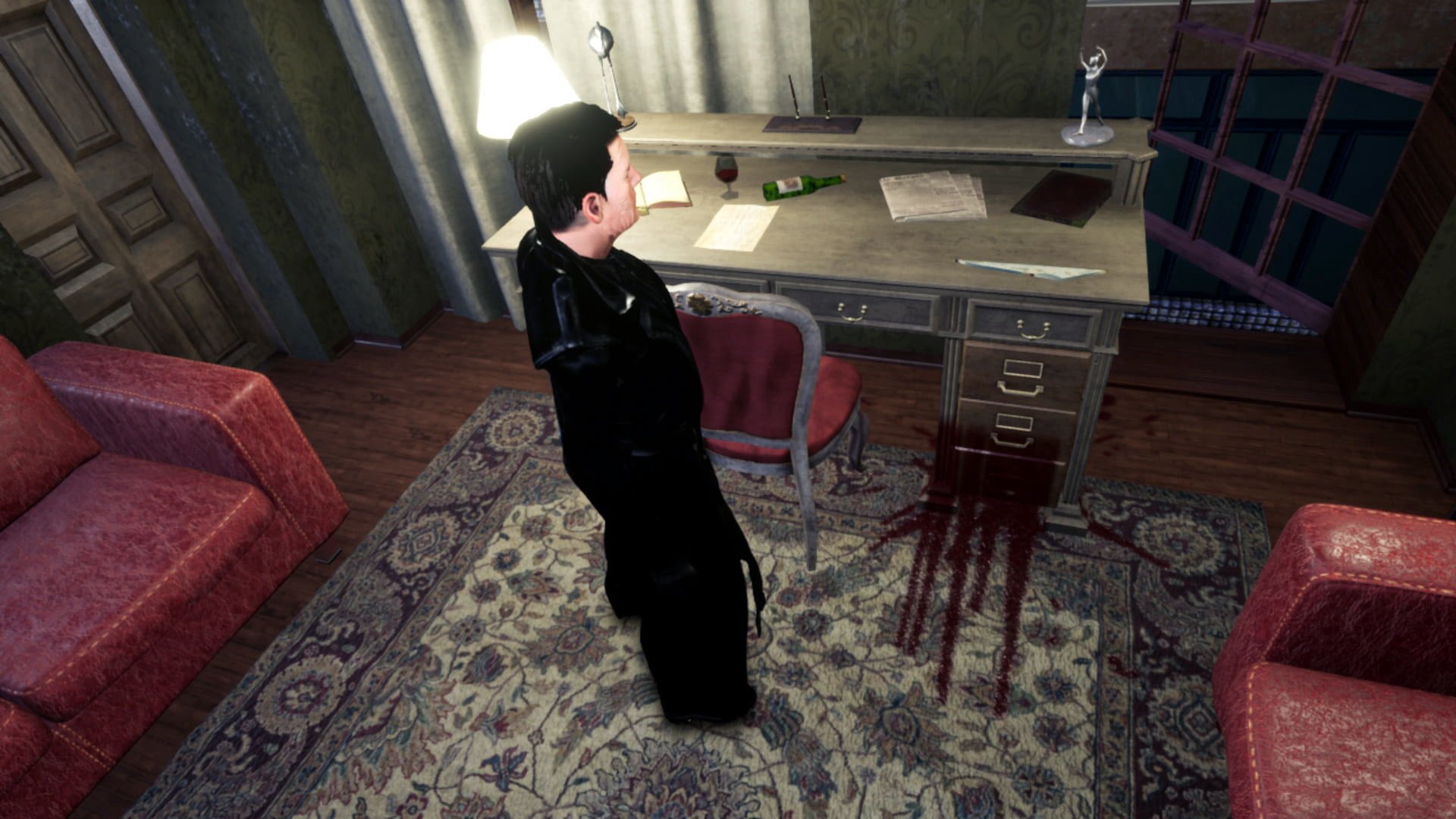
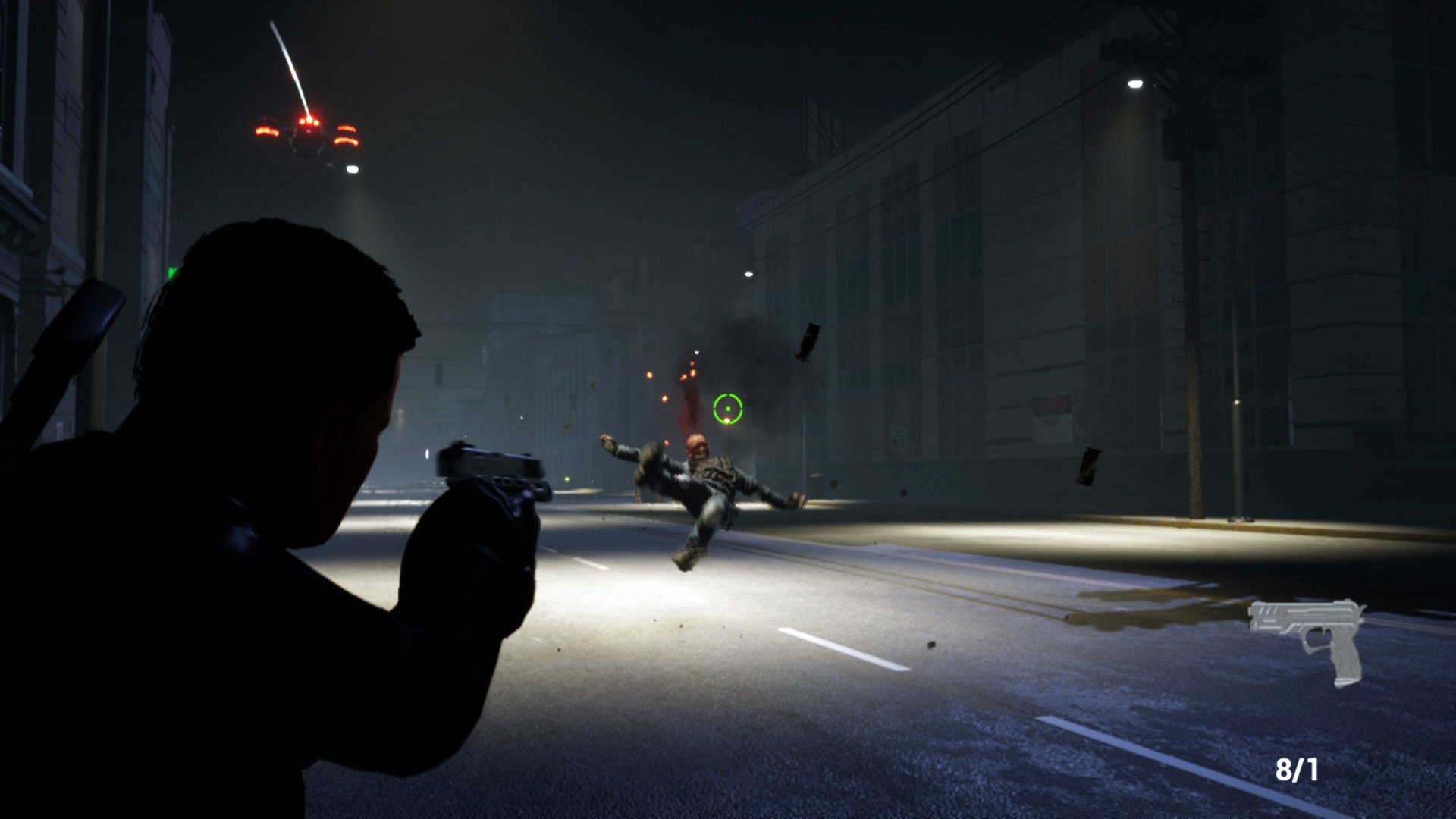
THE UNCLEARNESS screenshotTHE UNCLEARNESS screenshotTHE UNCLEARNESS screenshotTHE UNCLEARNESS screenshotTHE UNCLEARNESS screenshotTHE UNCLEARNESS screenshot

How to redeem

  1. 1Check your Steam account and the listed region before purchasing.
  2. 2Find your code and supplier activation instructions in your confirmed order.
  3. 3Open the redeem-code section on Steam, enter the code and follow the platform’s prompts.

Supplier instructions

Go to: http://store.steampowered.com/ and download STEAM client Click "Install Steam" (from the upper right corner) Install and start application, login with your Account name and Password (create one if you don't have). Please follow these instructions to activate a new retail purchase on Steam: Launch Steam and log into your Steam account. Click the Games Menu. Choose Activate a Product on Steam... Follow the onscreen instructions to complete the process. After successful code verification go to the "MY GAMES" tab and start downloading.

You might also like