Get 10% back in Relic Coins on every order
AmazeD 3D cover

SteamGlobal· Key

AmazeD 3D

€1.82

+€0.18 cashback eligibility in Relic Coins

Check before you play

Platform
Steam
Region
Global
Product type
Key
Developer
Blender Games
Publisher
Blender Games
Supplier release date
2018-07-14
Genres
Adventure, Strategy, RPG, Indie, Casual

About this product

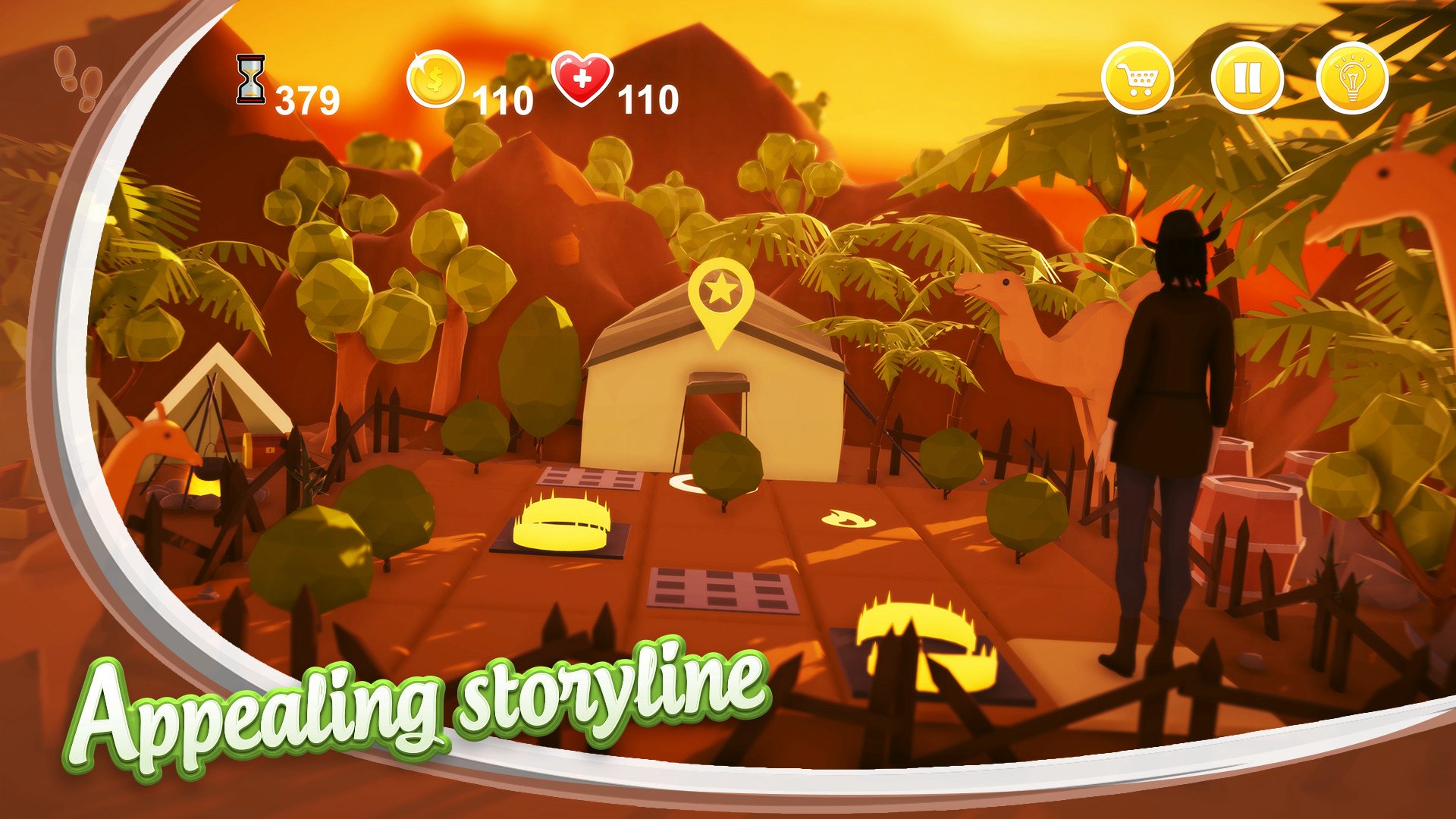
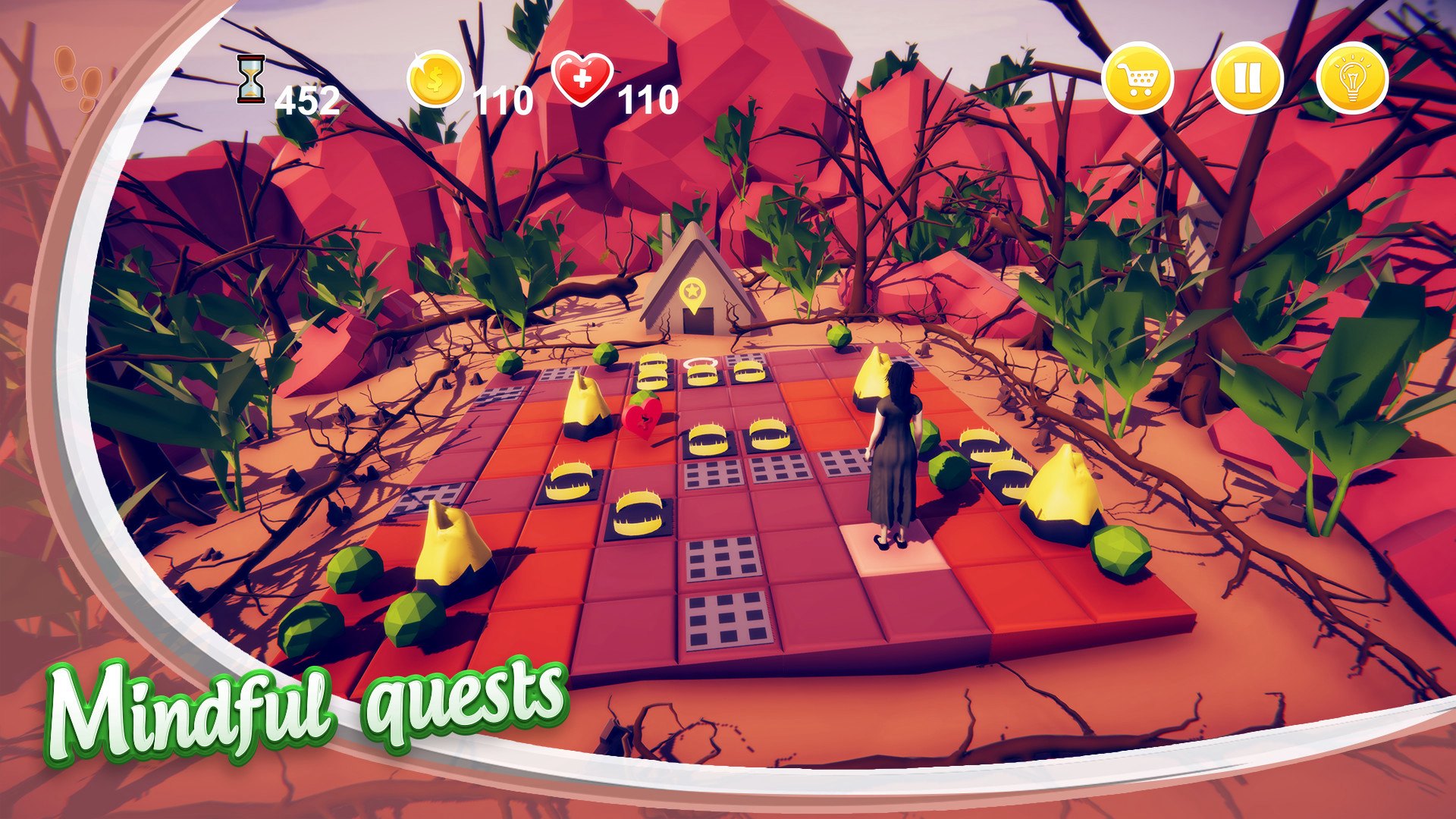
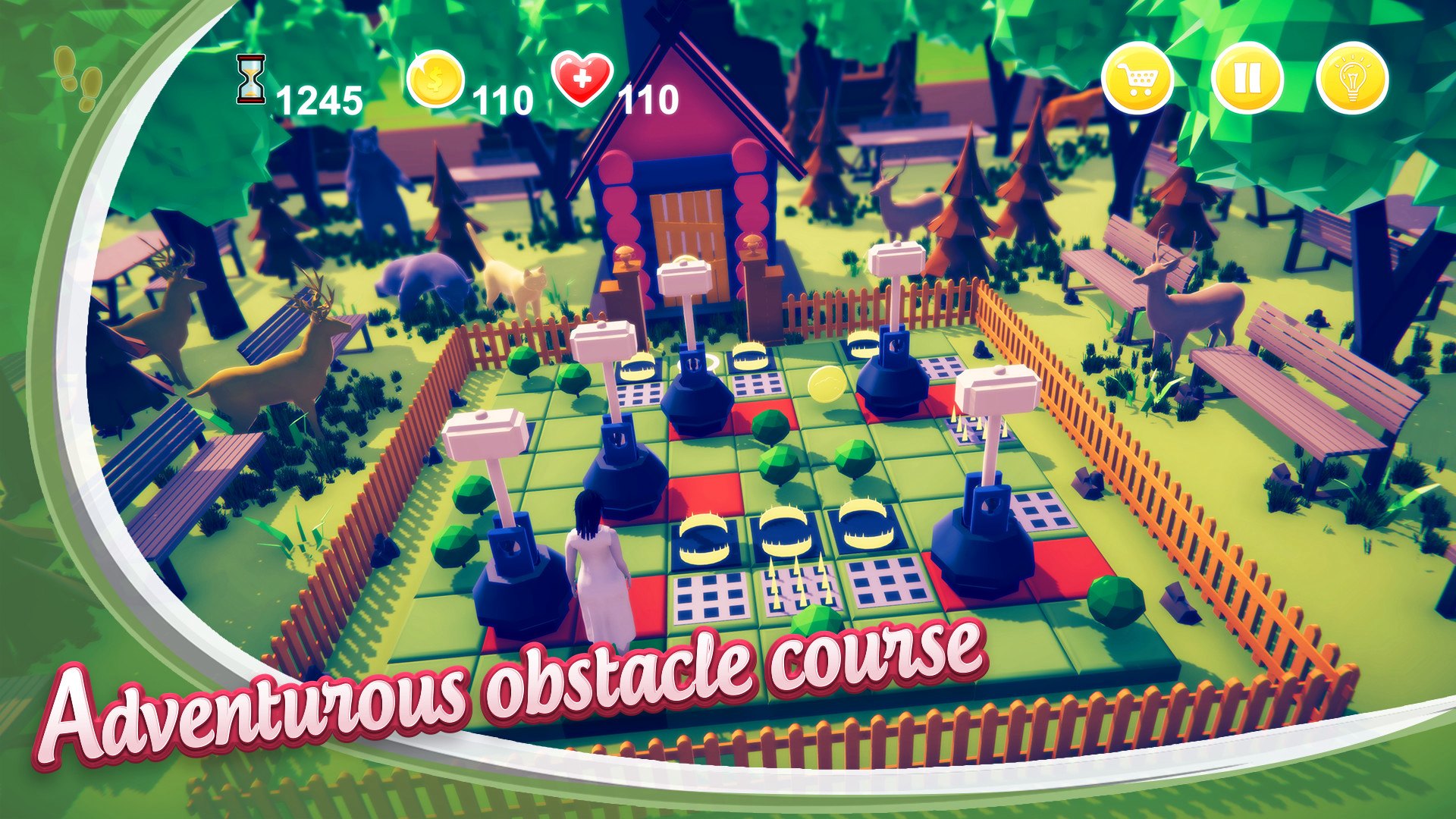
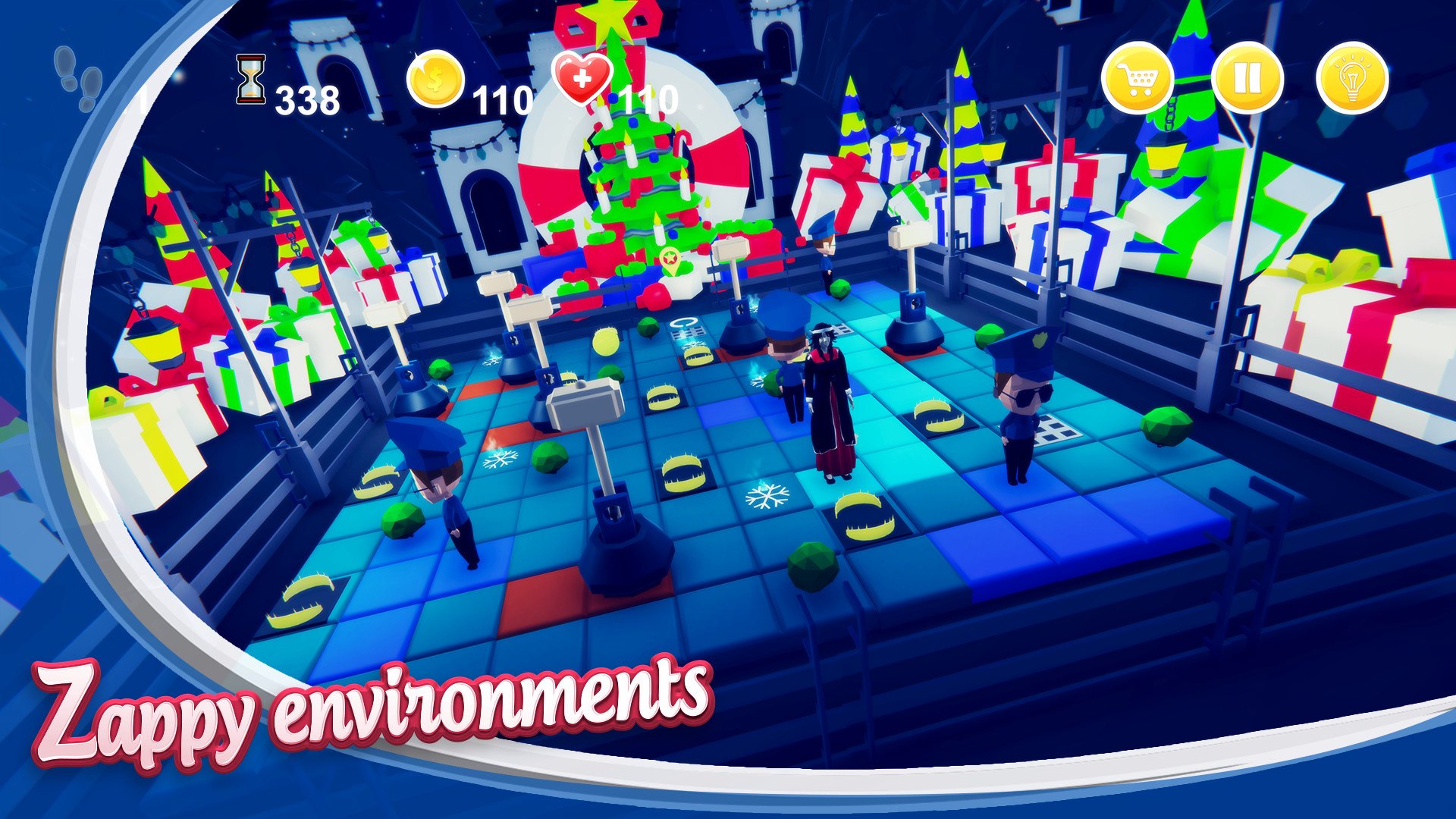
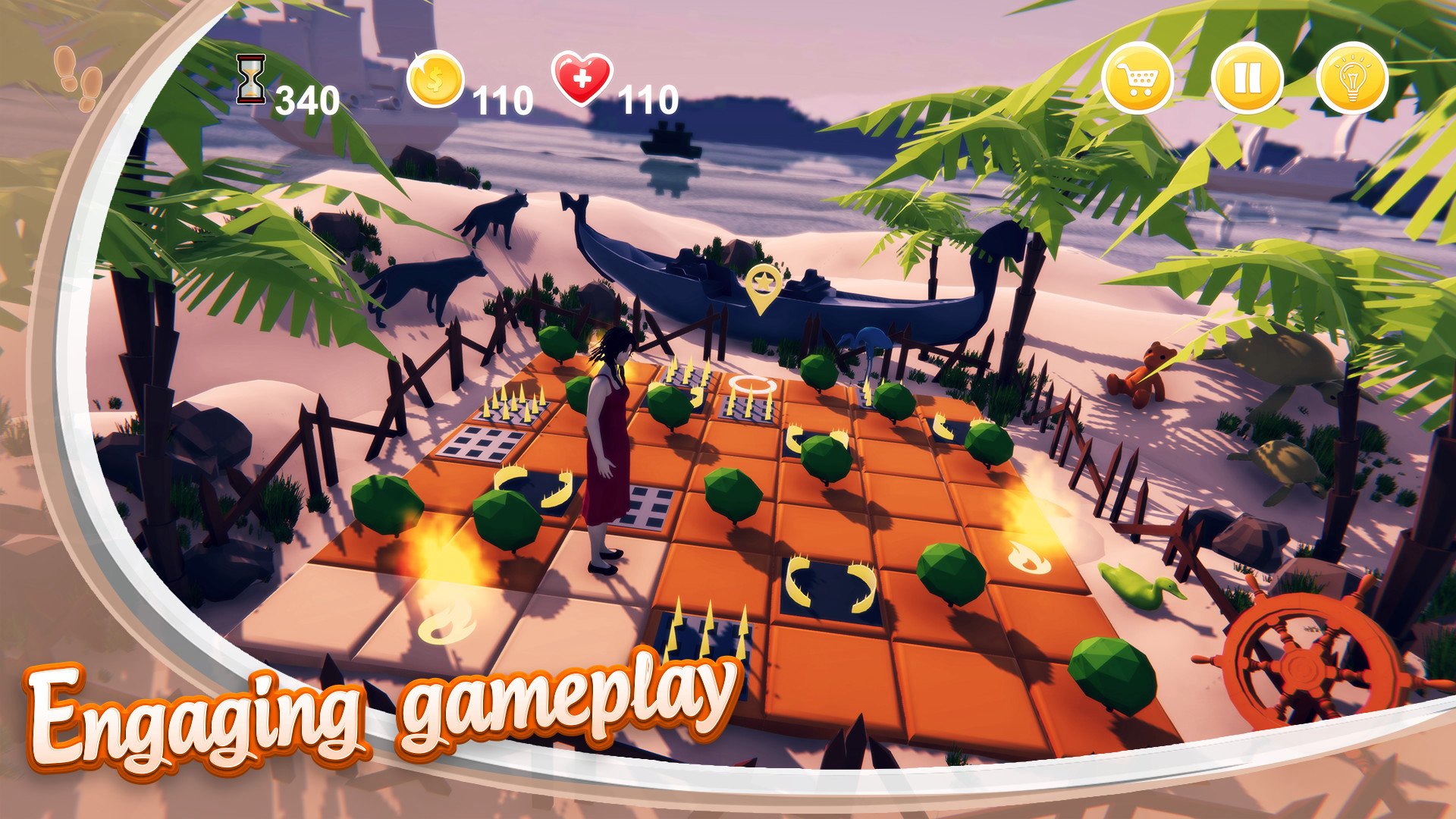
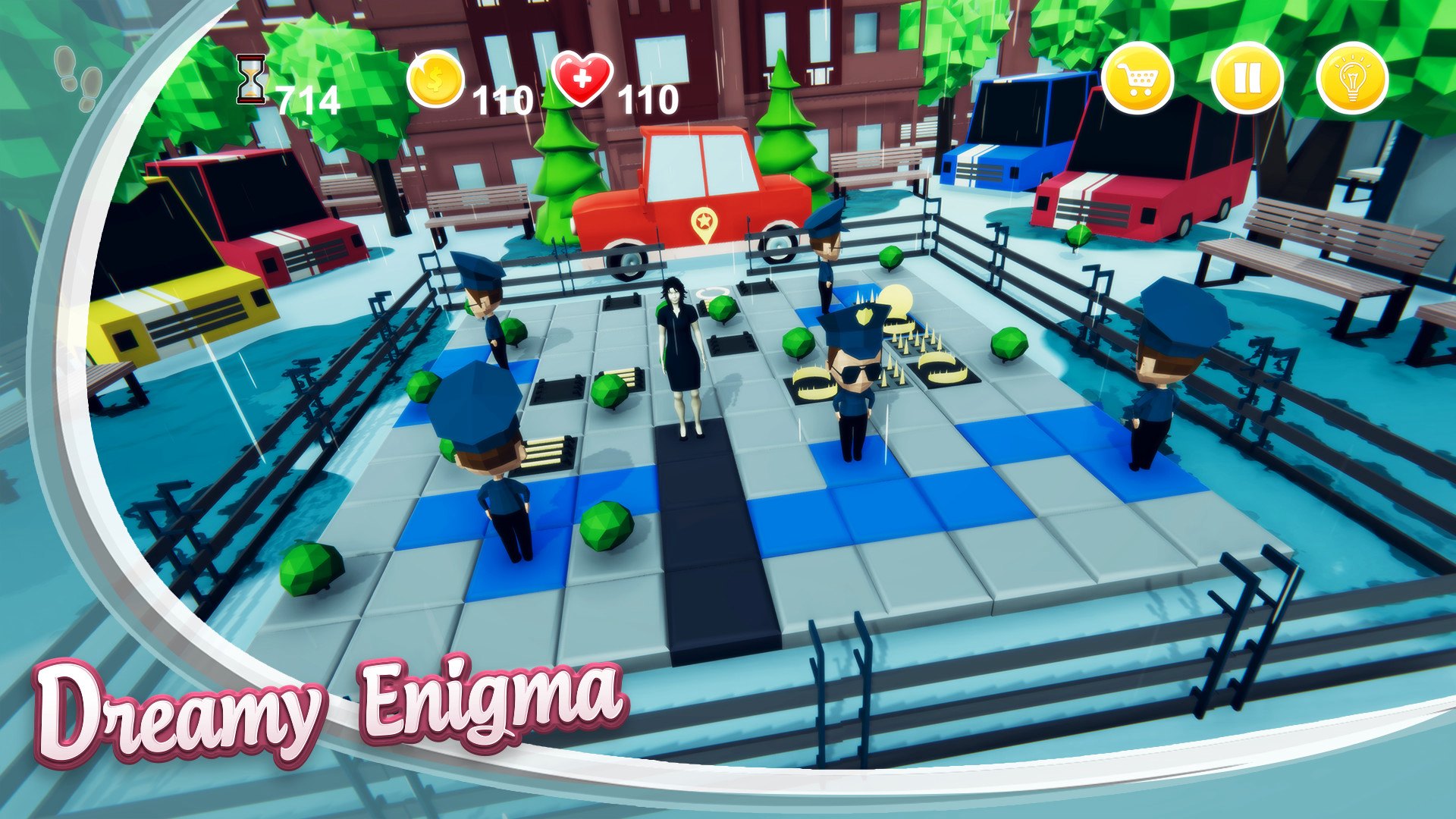
AmazeD 3D is a one of a kind of a puzzle game with turn-based movements and RPG themed quests where the player is stuck up in her dream and in order to return to reality she has to cross different levels of adventurous quests. Each sequence is crafted uniquely with various landscapes styles, obstacles and weather conditions. Each Chapter is crafted uniquely with various landscapes styles, obstacles and weather conditions. This game has more than 8 different kinds of obstacles, each having a unique style in preventing the girl from reaching her destination. Featuring some brain-twisting levels, each with their own set of hints to help players find the answer. The game has its playable character with various outfits that change according to the storyline to give the sense of freshness and cinematic appeal to the game. Features Intuitive Clue system to help find answers to the puzzles. Credit system to help you prolong the course of the game for the ultimate fun adventurous experience. Diverse landscapes and climatic conditions to create a sense of visual appeal to the game. Different character outfits to make the game feel fresh every time you play. A badass obstacle course that will hinder your progress with its own level of complexity.

AmazeD 3D screenshotAmazeD 3D screenshotAmazeD 3D screenshotAmazeD 3D screenshotAmazeD 3D screenshotAmazeD 3D screenshot

How to redeem

  1. 1Check your Steam account and the listed region before purchasing.
  2. 2Find your code and supplier activation instructions in your confirmed order.
  3. 3Open the redeem-code section on Steam, enter the code and follow the platform’s prompts.

Supplier instructions

Go to: http://store.steampowered.com/ and download STEAM client Click "Install Steam" (from the upper right corner) Install and start application, login with your Account name and Password (create one if you don't have). Please follow these instructions to activate a new retail purchase on Steam: Launch Steam and log into your Steam account. Click the Games Menu. Choose Activate a Product on Steam... Follow the onscreen instructions to complete the process. After successful code verification go to the "MY GAMES" tab and start downloading.

You might also like