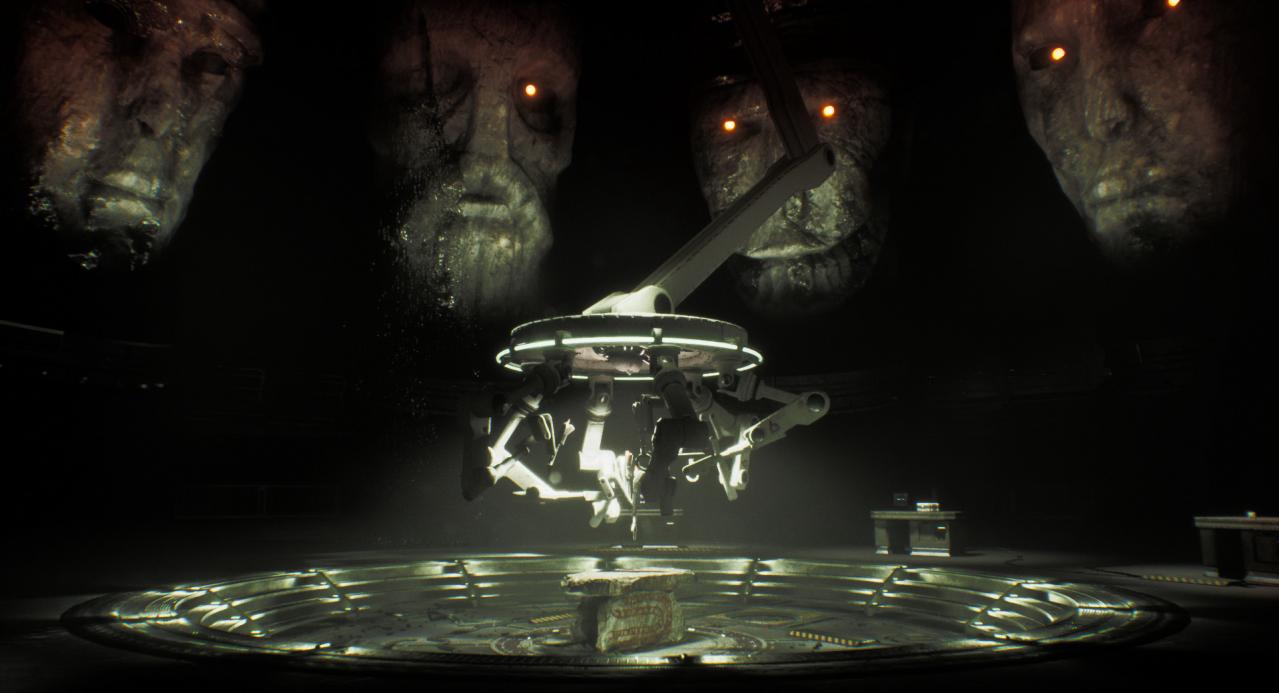
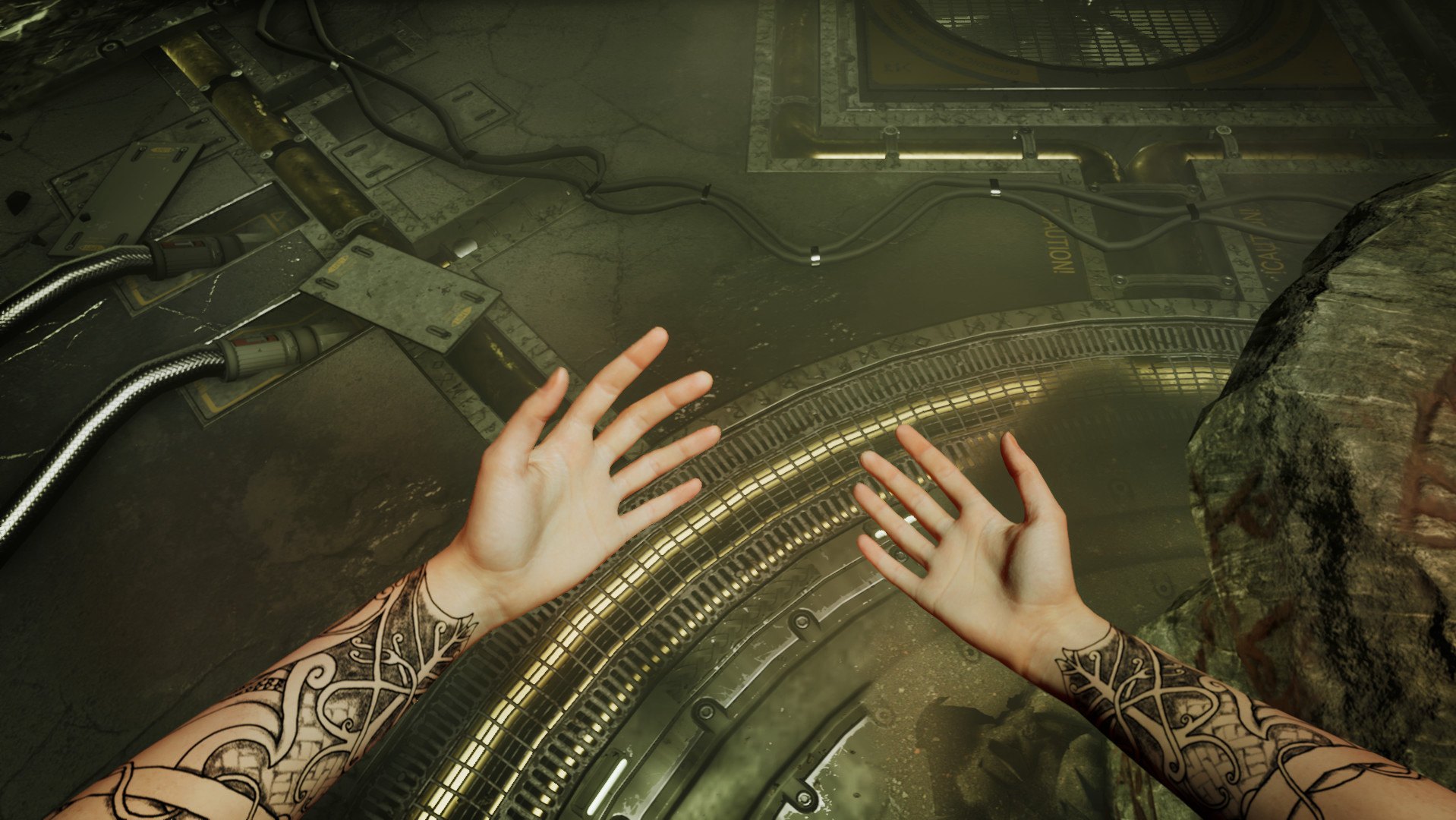
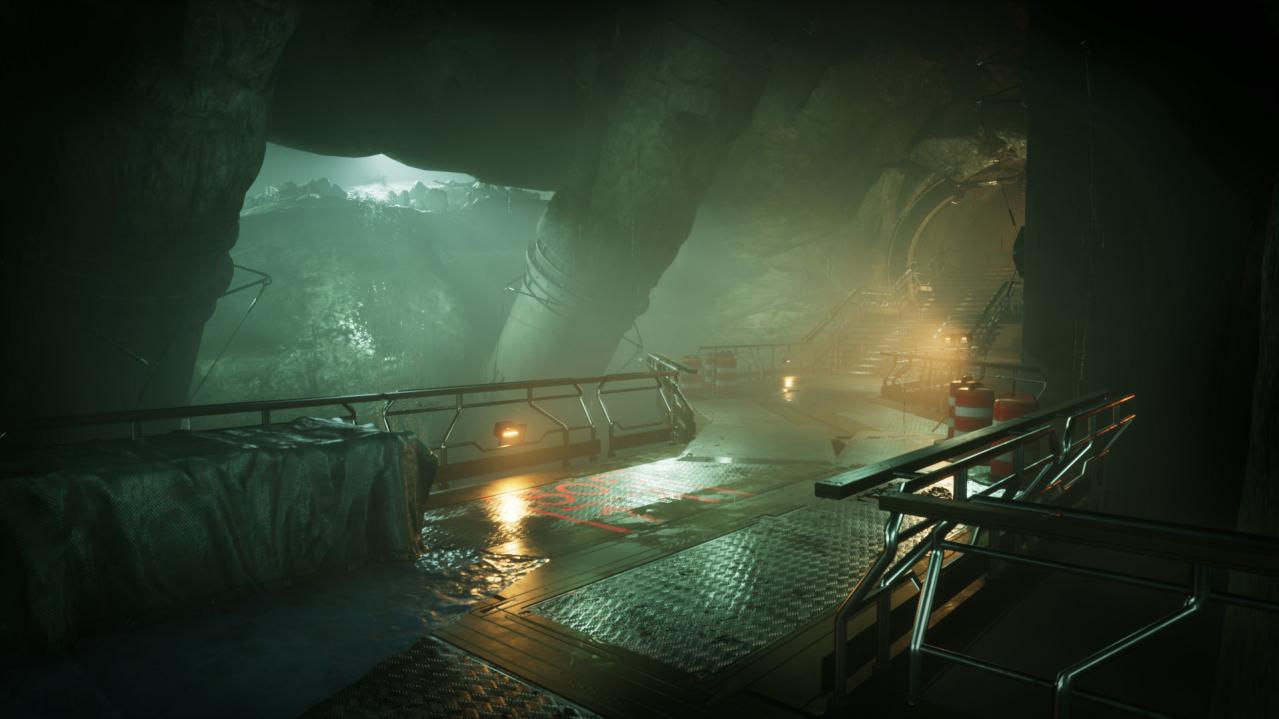
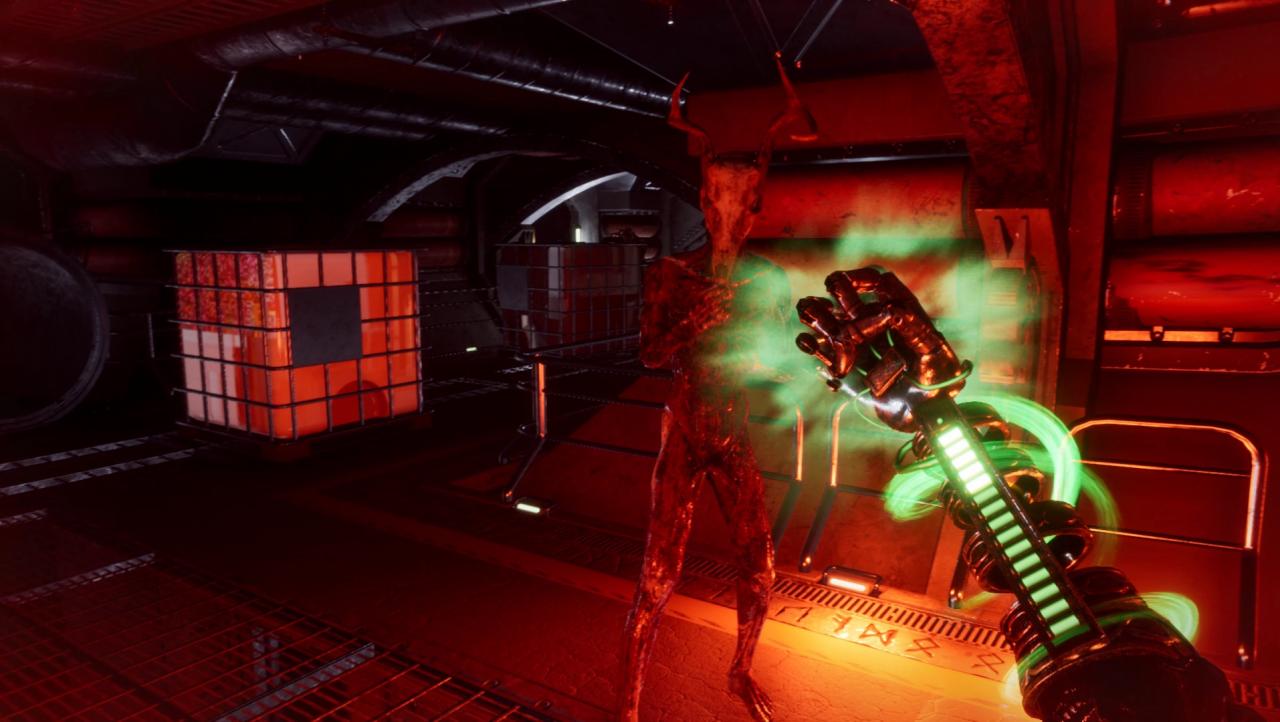
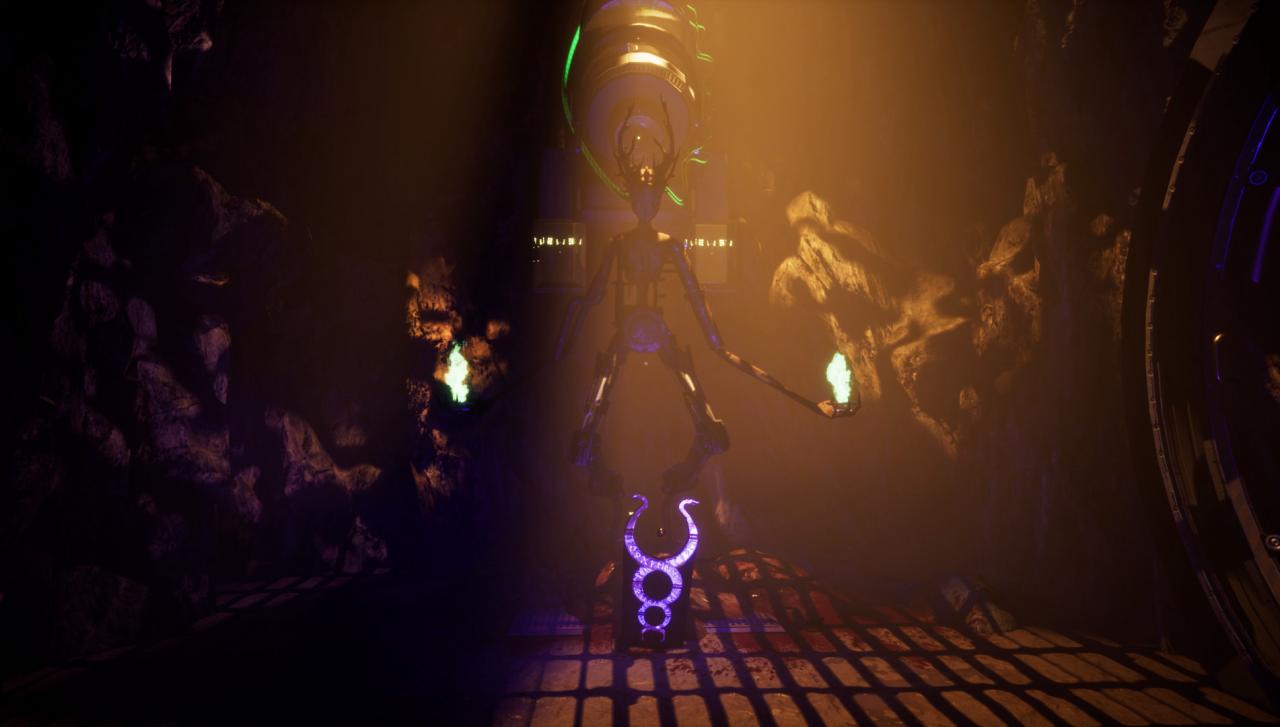
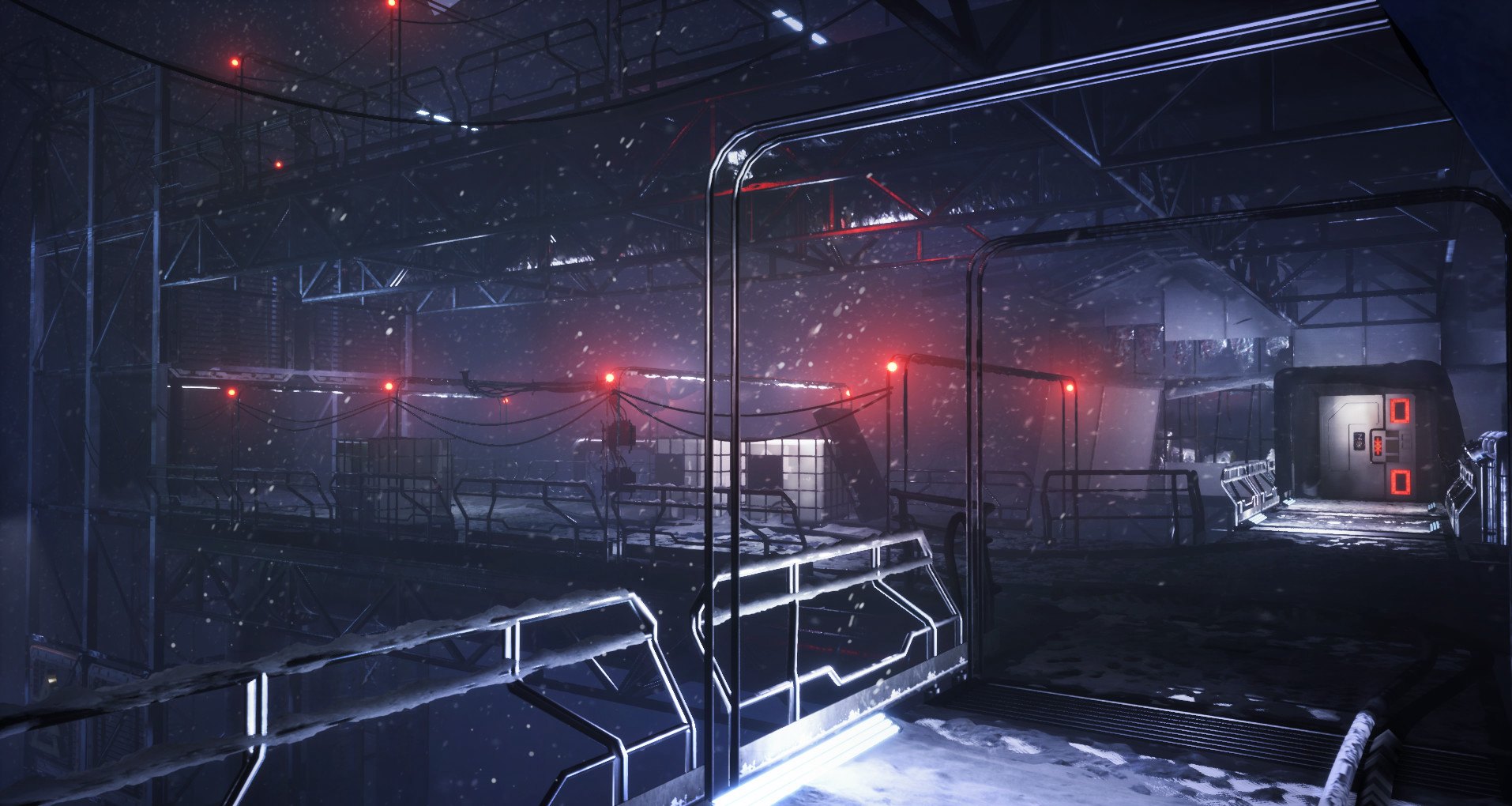
The humans delved far beneath the earth to find the mercy of the gods. What they found was never meant to reach the surface. Not on Midgard, nor any of the nine realms of Yggdrasil. Now their discovery wreaks havoc on their world, exploiting their technology, and leaving all in misery and decay. Through all their conquests and revelations they never stopped to consider that some things are buried for a reason.In a world of technology and mythological artifacts, chaos rules over the human realm. It is in this chaos that you find your purpose and destiny.In this future viking horror you awake in a sanctuary of steel and concrete, built to research and exploit the worlds of Yggdrasil, and to house an artifact, buried in the earth aeons ago.Unveil the secrets of the mythology, the artifacts, and the realms of Yggdrasil in Apsulov: End of Gods.Immerse yourself in this future viking horror containing: A horror-filled adventure game in first person perspective Norse Mythology in a sci-fi setting Immersive environments with atmospheric sounds and music A range of mechanics to help you deal with the environments and creatures in Midgard and other worlds. Difficulty settings, Rebindable keys for keyboard/controller, 4K-support, a reduced head-bobbing-setting and lots of other things to meet your requirements. Warning: Game contains flashing lights, gore, foul language and other unpleasant things… Enjoy!