Get 10% back in Relic Coins on every order
Influent - Dansk [Learn Danish] cover

SteamGlobal· Key

Influent - Dansk [Learn Danish]

€0.93

+€0.09 cashback eligibility in Relic Coins

Check before you play

Platform
Steam
Region
Global
Product type
Key
Developer
Three Flip Studios
Publisher
Rob Howland
Supplier release date
2014-03-20
Genres
Strategy, Simulation, Indie

About this product

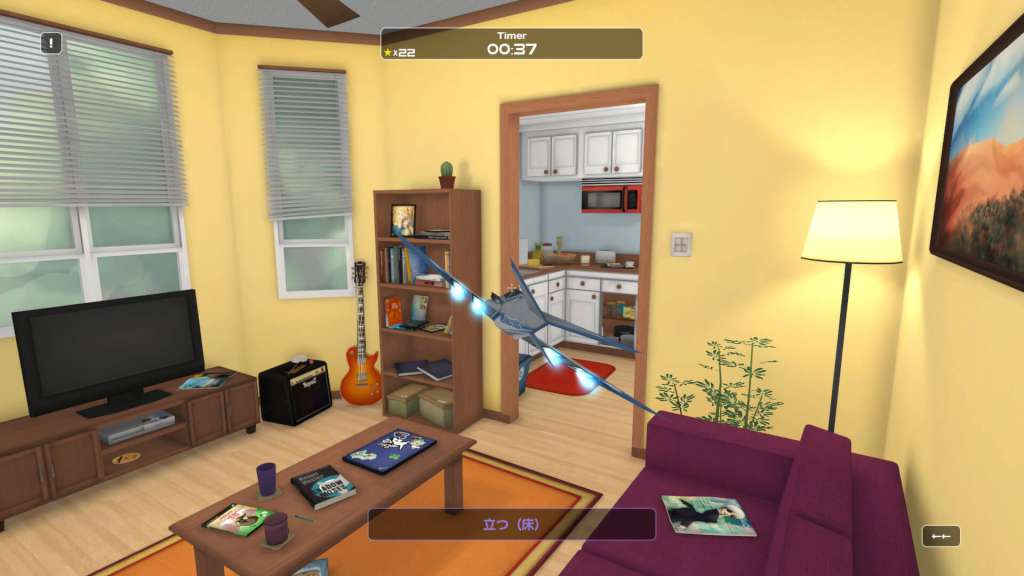
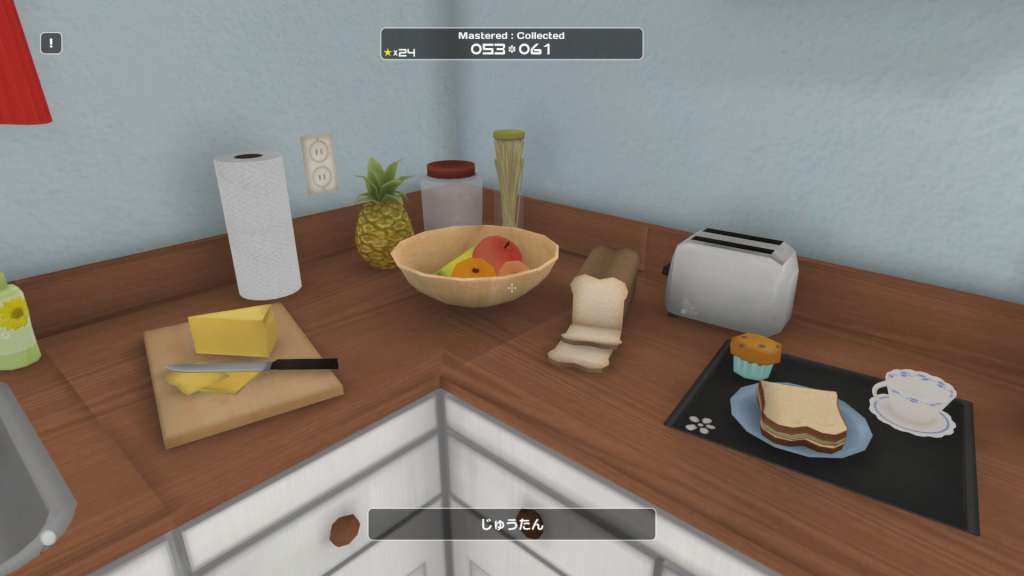
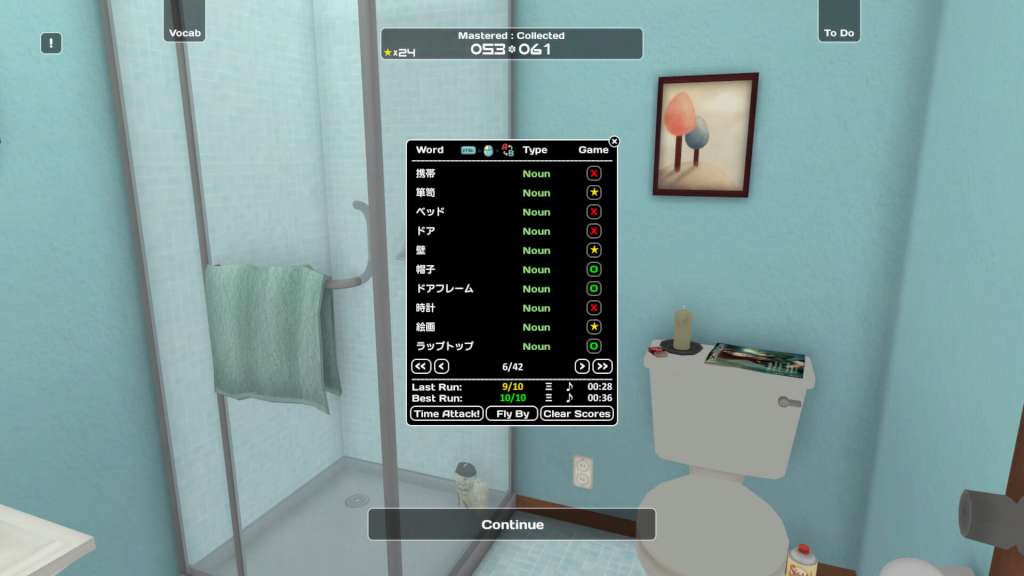
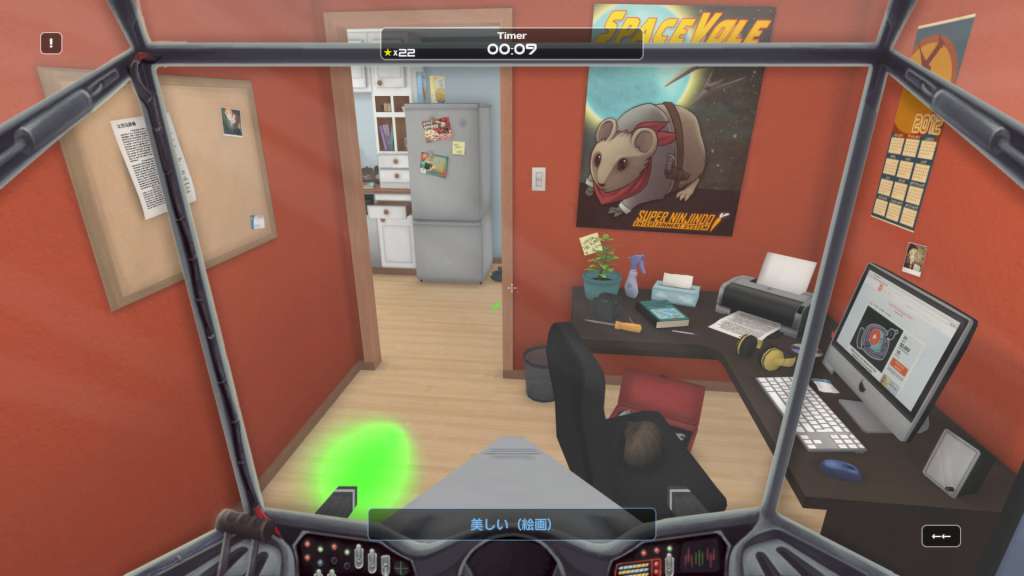
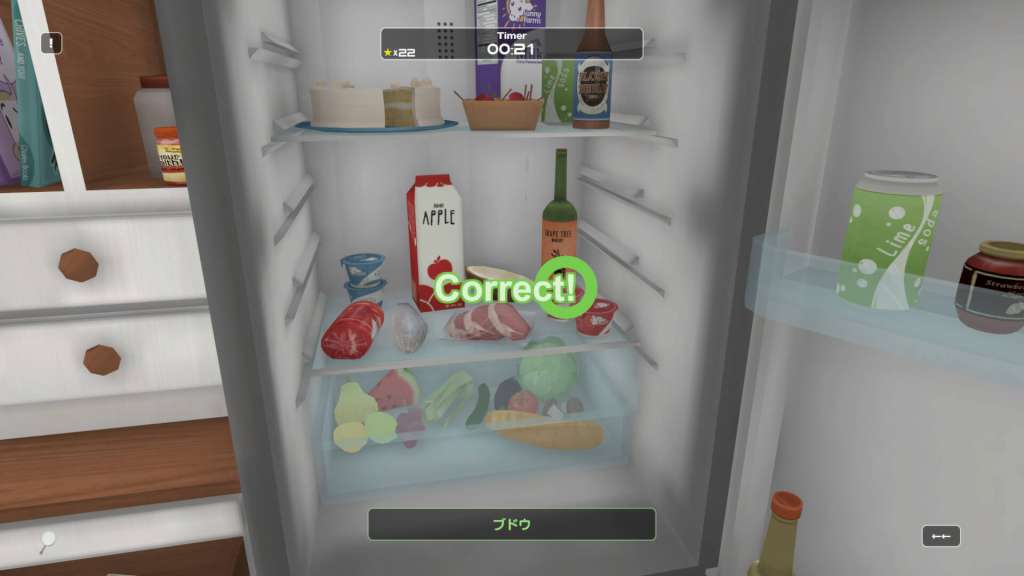
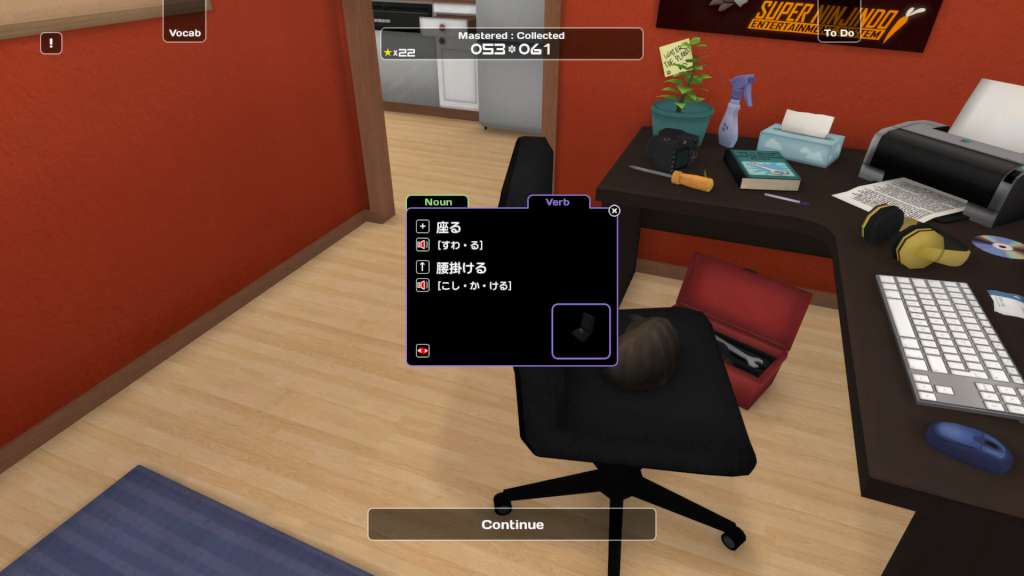
Andrew Cross is infuriated! For three long years, he sat confined to his work, developing a device that he firmly believed to be a technological breakthrough in the way people would interact with the world around them. A device that could scan any object in the real world and then provide its name in any language! Duly dubbing his fancy new invention the "SanjigenJiten, " Andrew arranged an appointment to demonstrate the device's amazing capabilities at the world's largest technology corporation, Technoglobe International.But while on his visit, he fell for a girl he met in the lab, and while she stole his heart, someone else silently stepped in and stole his device! Now, Technoglobe has gone and swiftly marketed the SanjigenJiten as their own, even laying claim to the very name he had so cleverly concocted!But Andrew Cross has a plan. He's made an even better version of his SanjigenJiten and launched an online campaign, swearing to learn 300 words in a foreign language to raise awareness of Technoglobe's blatant theft and prove his device really works! But does the SanjigenJiten really work? Can Andrew actually pull it off?! Play Influent and find out!!! Features Audio from native speakers Synonym swap functionality Learn at your own pace! Fully interactive modern apartment Over 420 words to collect and master Includes Nouns, Adjectives, and Verbs 15+ Languages to choose from (more coming soon!)

Influent - Dansk [Learn Danish] screenshotInfluent - Dansk [Learn Danish] screenshotInfluent - Dansk [Learn Danish] screenshotInfluent - Dansk [Learn Danish] screenshotInfluent - Dansk [Learn Danish] screenshotInfluent - Dansk [Learn Danish] screenshot

How to redeem

  1. 1Check your Steam account and the listed region before purchasing.
  2. 2Find your code and supplier activation instructions in your confirmed order.
  3. 3Open the redeem-code section on Steam, enter the code and follow the platform’s prompts.

Supplier instructions

Go to: http://store.steampowered.com/ and download STEAM client Click "Install Steam" (from the upper right corner) Install and start application, login with your Account name and Password (create one if you don't have). Please follow these instructions to activate a new retail purchase on Steam: Launch Steam and log into your Steam account. Click the Games Menu. Choose Activate a Product on Steam... Follow the onscreen instructions to complete the process. After successful code verification go to the "MY GAMES" tab and start downloading.

You might also like