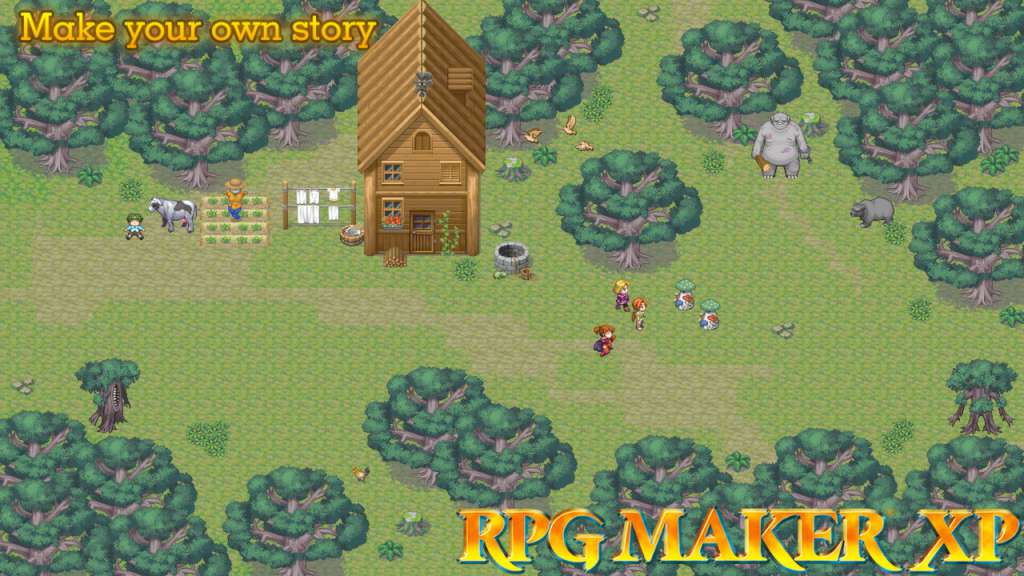
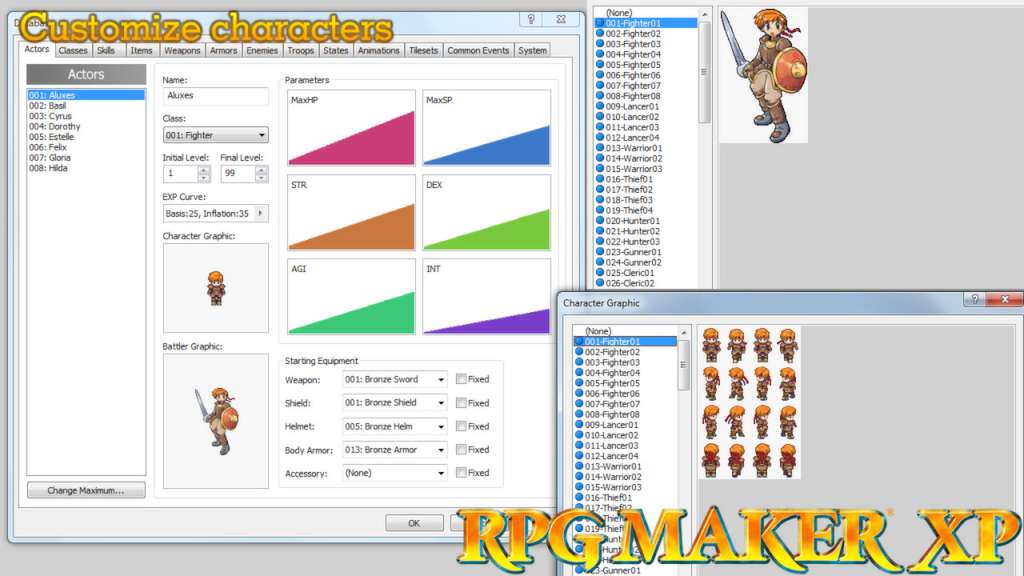
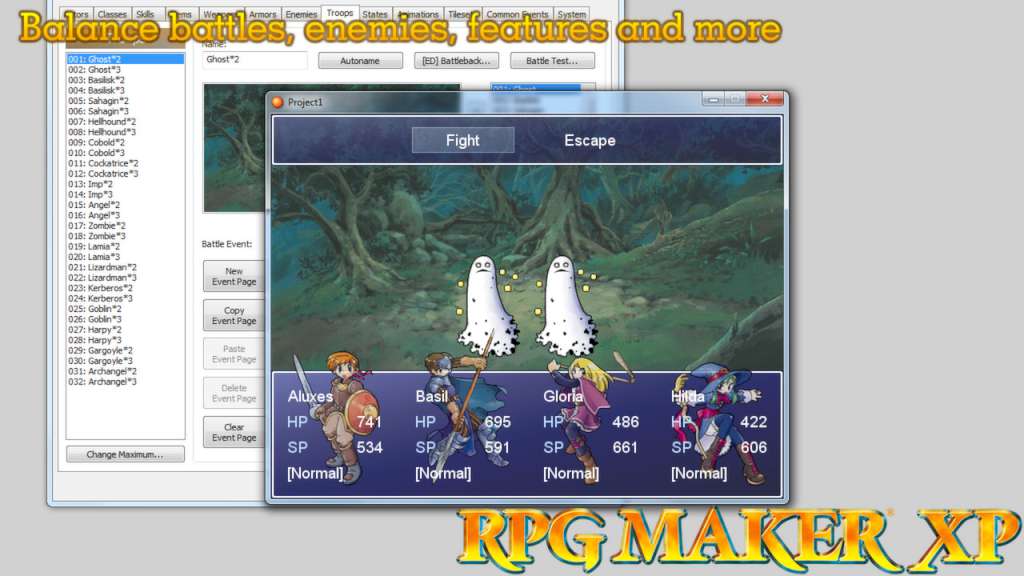
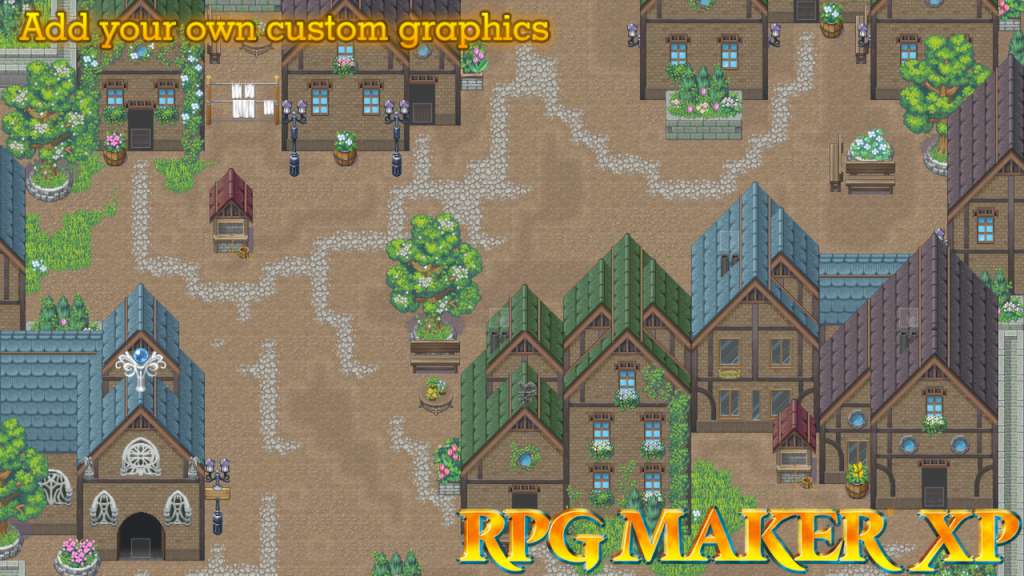
RPG MAKER lets you create an original role-playing game without any prior specialized knowledge or training. RPG MAKER XP is full of the functions you've been asking for, including game data encryption and a scripting feature that lets you change the very heart of the RPG MAKER engine. By improving the operating environment, the program can now provide support for a full-colour display and greatly enhanced graphic capabilities. With support for PNG full-color mode and alpha channel, you can adjust the settings for graphic translucency as well as specify the transparent color. RPG Maker XP includes three map layers, allowing you to create complex and layered maps. The program includes a base set of graphics and sounds that you can use and modify at no extra charge. You can also import your own graphics and sounds, making your game truly stand out. RPG MAKER XP is equipped with the Ruby Game Scripting System (RGSS1), based on the Ruby language and customized especially for this program. Though mastering RGSS may take some time, it is a powerful tool in fully customizing your game. You can use RGSS to change how your game looks, feels, sounds and plays. If programming is just not your forte, you can turn to a wide variety of user-created scripts that's shared within the RPG Maker community. RPG MAKER XP is perfect for beginners and experts alike.