Get 10% back in Relic Coins on every order
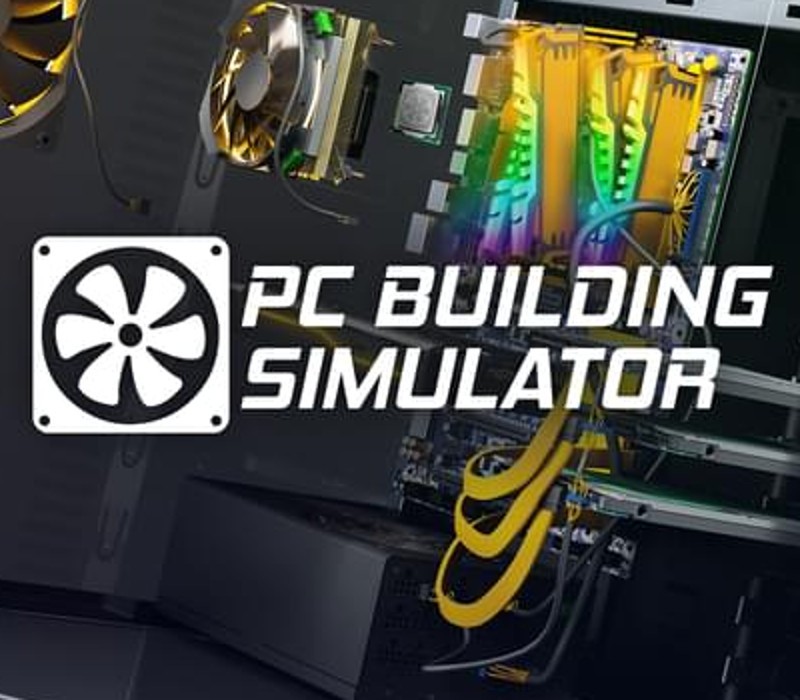
Building Simulator - Overclocked Edition Content DLC cover

SteamGlobal· DLC

Building Simulator - Overclocked Edition Content DLC

€2.89

+€0.29 cashback eligibility in Relic Coins

Check before you play

Platform
Steam
Region
Global
Product type
DLC

Check the required base game and edition before purchasing this add-on.

Developer
The Irregular Corporation
Supplier release date
2018-03-27
Genres
Simulation, Indie

About this product

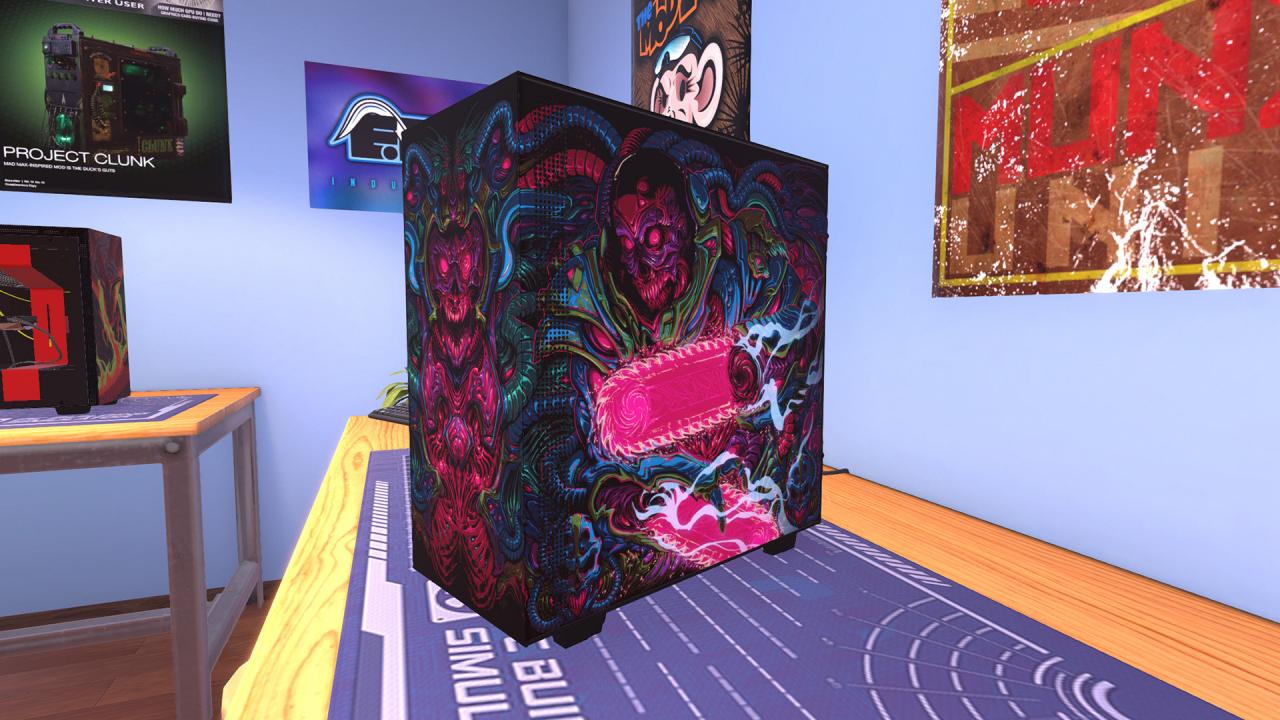
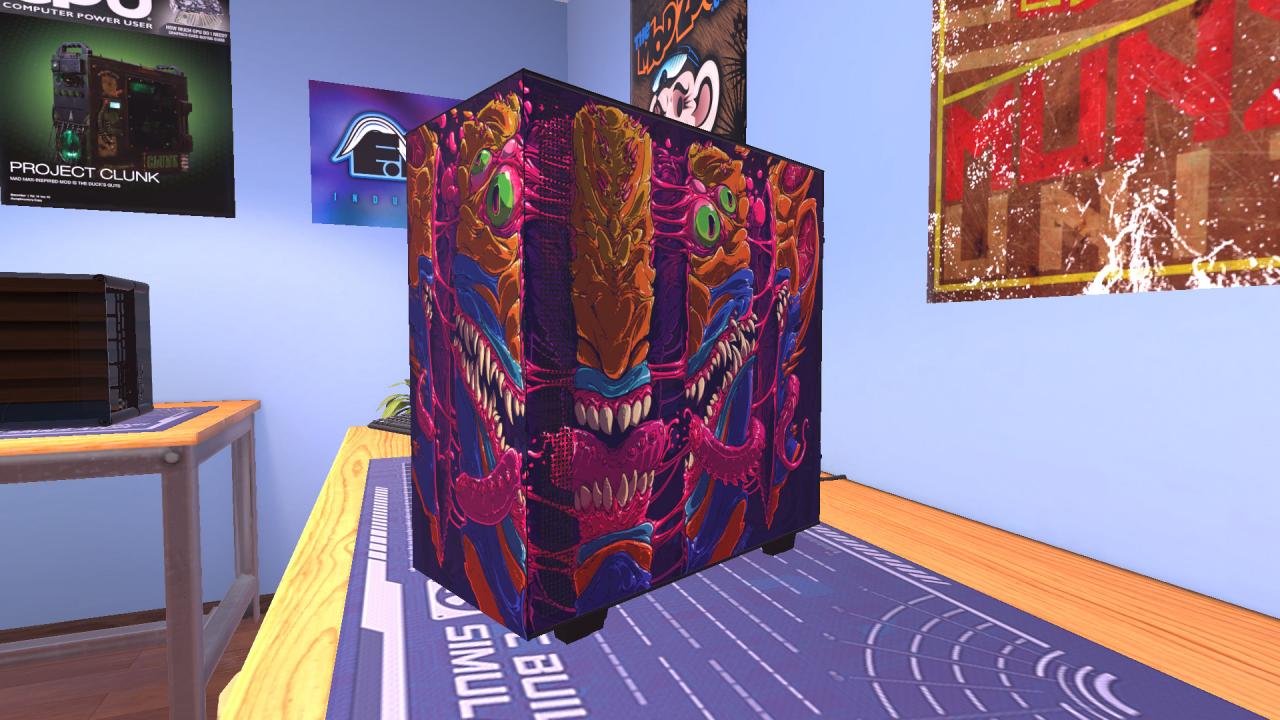
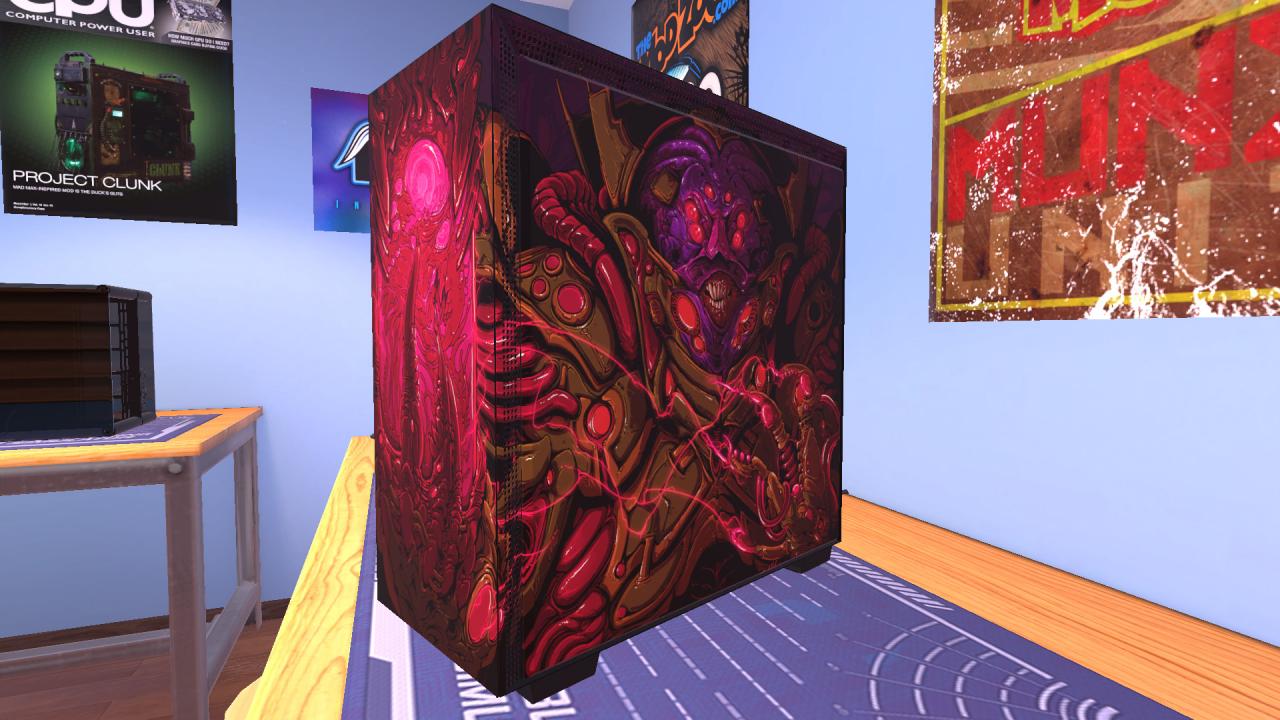
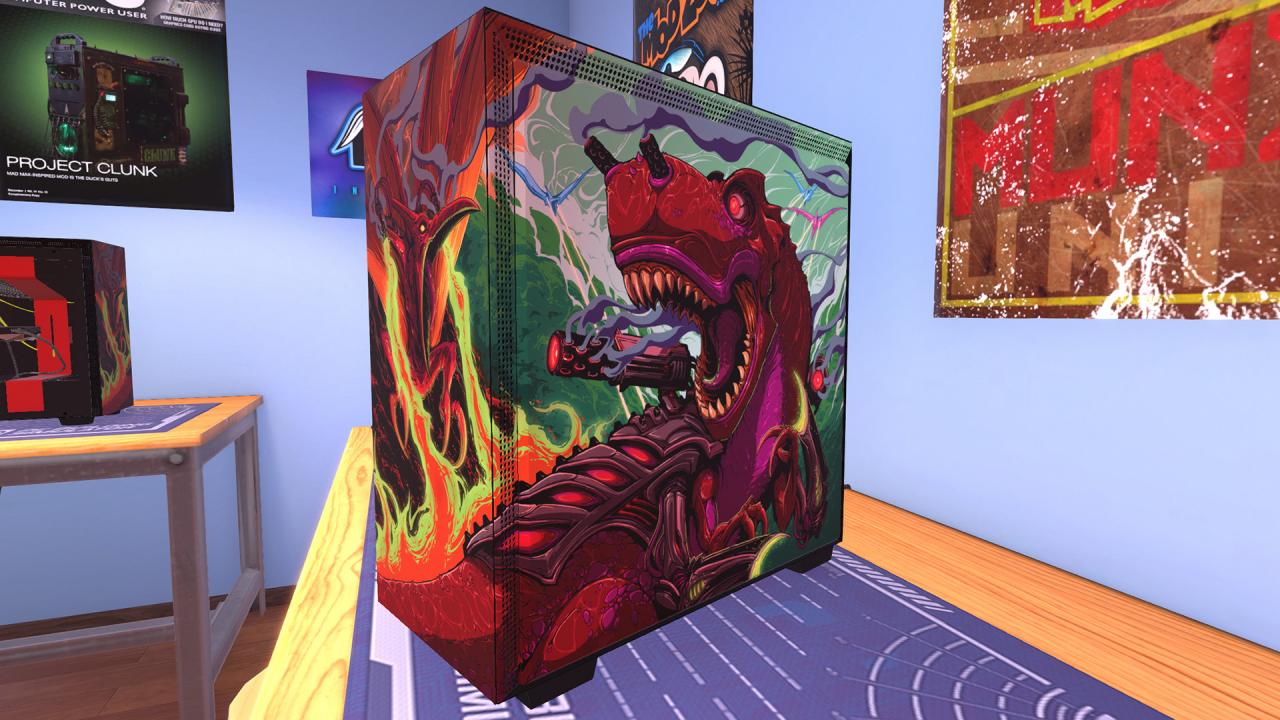
The Overclocked Edition DLC for PC Building Simulator includes 4 Exclusive Special Edition versions of the NZXT H700 and H500 cases that have been specially designed by Brock Hofer (creator of the amazing Hyper Beast designs). NZXT H700i - Extinction Wars(Unlocks in Career mode towards the end of level 27 but in Free Build right away) NZXT H700i - Organ Collector(Unlocks in Career mode towards the end of level 27 but in Free Build right away) NZXT H500 - Re-Animator(Unlocks in Career mode towards the end of level 26 but in Free Build right away) NZXT H500 - Split(Unlocks in Career mode towards the end of level 26 but in Free Build right away) In addition, this DLC also includes the full original soundtrack that can be found in the game.

Building Simulator - Overclocked Edition Content DLC screenshotBuilding Simulator - Overclocked Edition Content DLC screenshotBuilding Simulator - Overclocked Edition Content DLC screenshotBuilding Simulator - Overclocked Edition Content DLC screenshot

How to redeem

  1. 1Check the required base game, platform and edition before purchasing.
  2. 2Find the code or supplier activation instructions in your confirmed order.
  3. 3Redeem on Steam using the supplied instructions, then install the add-on with the compatible base game.

Supplier instructions

Go to: http://store.steampowered.com/ and download STEAM client Click "Install Steam" (from the upper right corner) Install and start application, login with your Account name and Password (create one if you don't have). Please follow these instructions to activate a new retail purchase on Steam: Launch Steam and log into your Steam account. Click the Games Menu. Choose Activate a Product on Steam... Follow the onscreen instructions to complete the process. After successful code verification go to the "MY GAMES" tab and start downloading.

You might also like