Get 10% back in Relic Coins on every order
RPG Maker VX Ace - POP! Horror City DLC cover

Steam Europe - All Countries· DLC

RPG Maker VX Ace - POP! Horror City DLC

€1.71

+€0.17 cashback eligibility in Relic Coins

Check before you play

Platform
Steam
Region
Europe - All Countries
Product type
DLC

Check the required base game and edition before purchasing this add-on.

Developer
Vexed Enigma
Publisher
Degica
Supplier release date
2015-06-08
Genres
Software

About this product

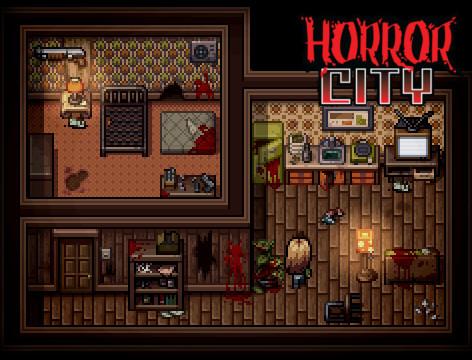
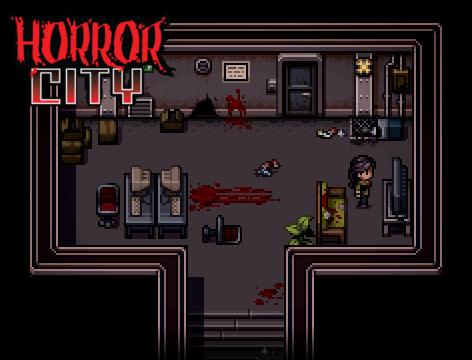
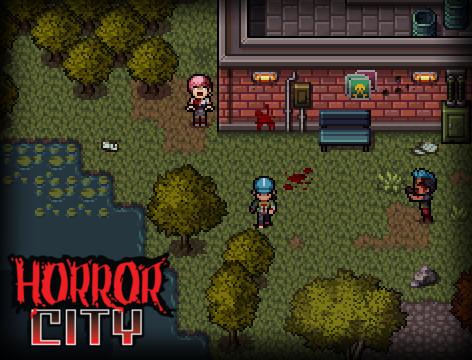
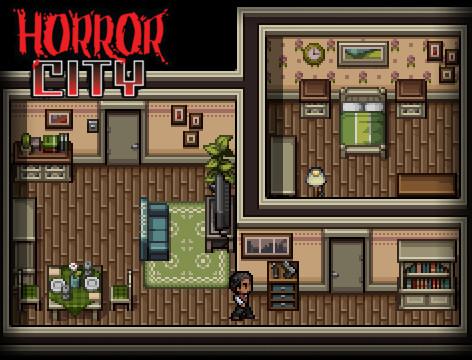
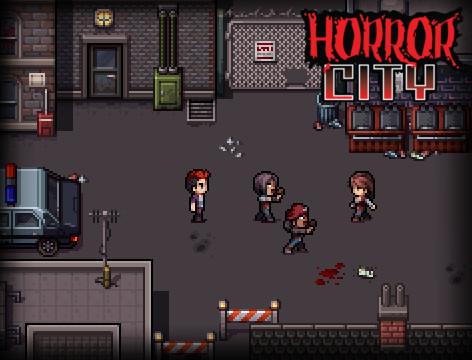
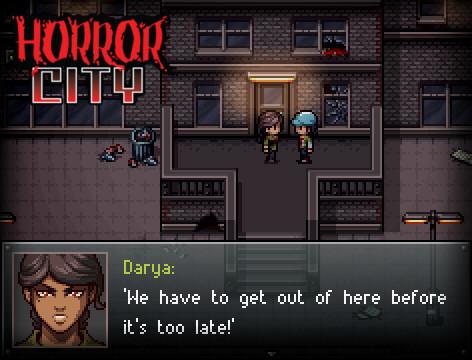
This stylish and pulp-fiction inspired pack contains a large mix of tiles and characters, conveniently bundled together for an affordable price.Created by Vexed Enigma, POP!: Horror City Bundle is the first entry in a brand new series of character and environment sets. Focusing on the dark and gritty life in the modern 90's, the pack is built for modern RPGs, survival horror action, casual adventure and more. With the inclusion of multiple tile sets and character variations, this large pack is a must-have for everyone. Features Brand new high-quality pixel art style. 8 female and 8 male Hero character sprites, as well as zombie variants for each. Bare character bases you can use to draw your own heroes or zombies. Animated lights, door and power-up characters. 12 animated vehicles (cars), including 2 models and service cars - police, taxi. Character-matching facesets, including emotions, zombie alternatives and faceset bases. Tiles A1-A5, Tile B, Tile C, Tile D and Tile E for cityscape outside, with city life essentials and nature tiles. Tiles A1-A5, Tile B, Tile C, Tile D and Tile E for cityscape inside, with inside home essentials, dilapidated homes, office and facility settings, and more.

RPG Maker VX Ace - POP! Horror City DLC screenshotRPG Maker VX Ace - POP! Horror City DLC screenshotRPG Maker VX Ace - POP! Horror City DLC screenshotRPG Maker VX Ace - POP! Horror City DLC screenshotRPG Maker VX Ace - POP! Horror City DLC screenshotRPG Maker VX Ace - POP! Horror City DLC screenshot

How to redeem

  1. 1Check the required base game, platform and edition before purchasing.
  2. 2Find the code or supplier activation instructions in your confirmed order.
  3. 3Redeem on Steam using the supplied instructions, then install the add-on with the compatible base game.

Supplier instructions

Go to: http://store.steampowered.com/ and download STEAM client Click "Install Steam" (from the upper right corner) Install and start application, login with your Account name and Password (create one if you don't have). Please follow these instructions to activate a new retail purchase on Steam: Launch Steam and log into your Steam account. Click the Games Menu. Choose Activate a Product on Steam... Follow the onscreen instructions to complete the process. After successful code verification go to the "MY GAMES" tab and start downloading.

You might also like