Get 10% back in Relic Coins on every order
Creature in the Well cover

SteamGlobal· Key

Creature in the Well

€14.22

+€1.42 cashback eligibility in Relic Coins

Check before you play

Platform
Steam
Region
Global
Product type
Key
Developer
Flight School Studio
Publisher
Flight School Studio
Supplier release date
2019-09-06
Genres
Action, Indie

About this product

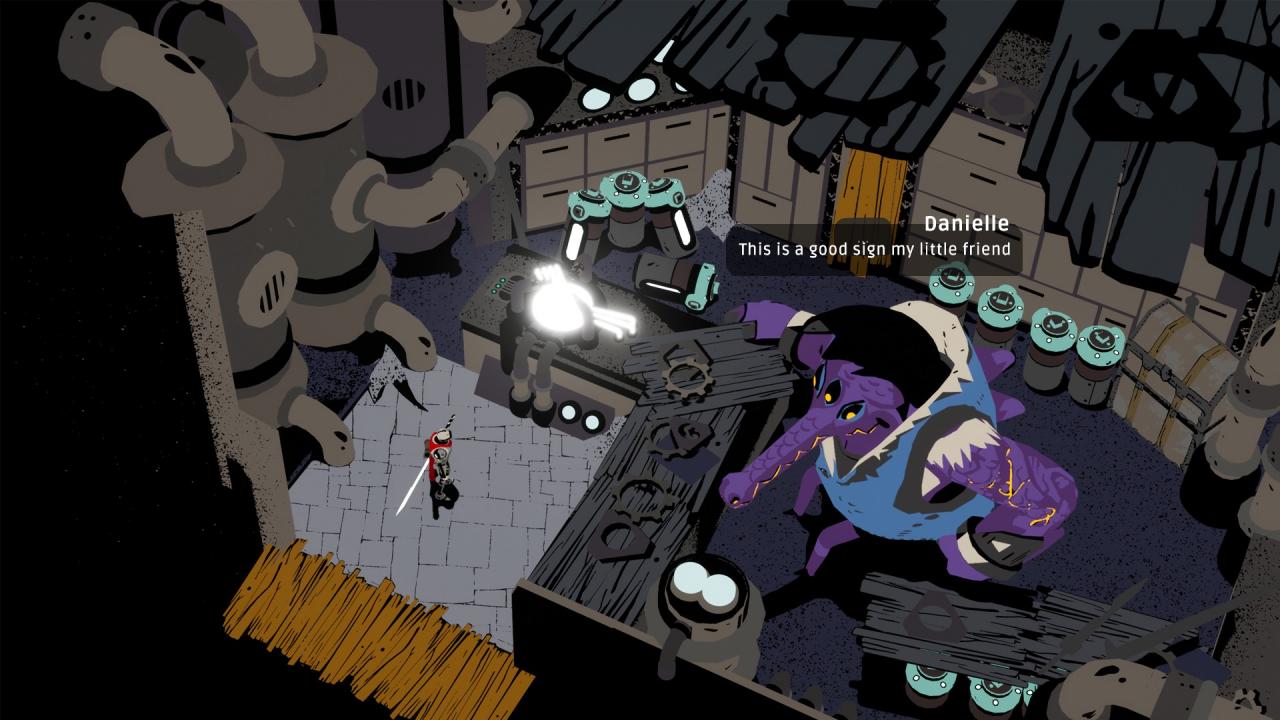
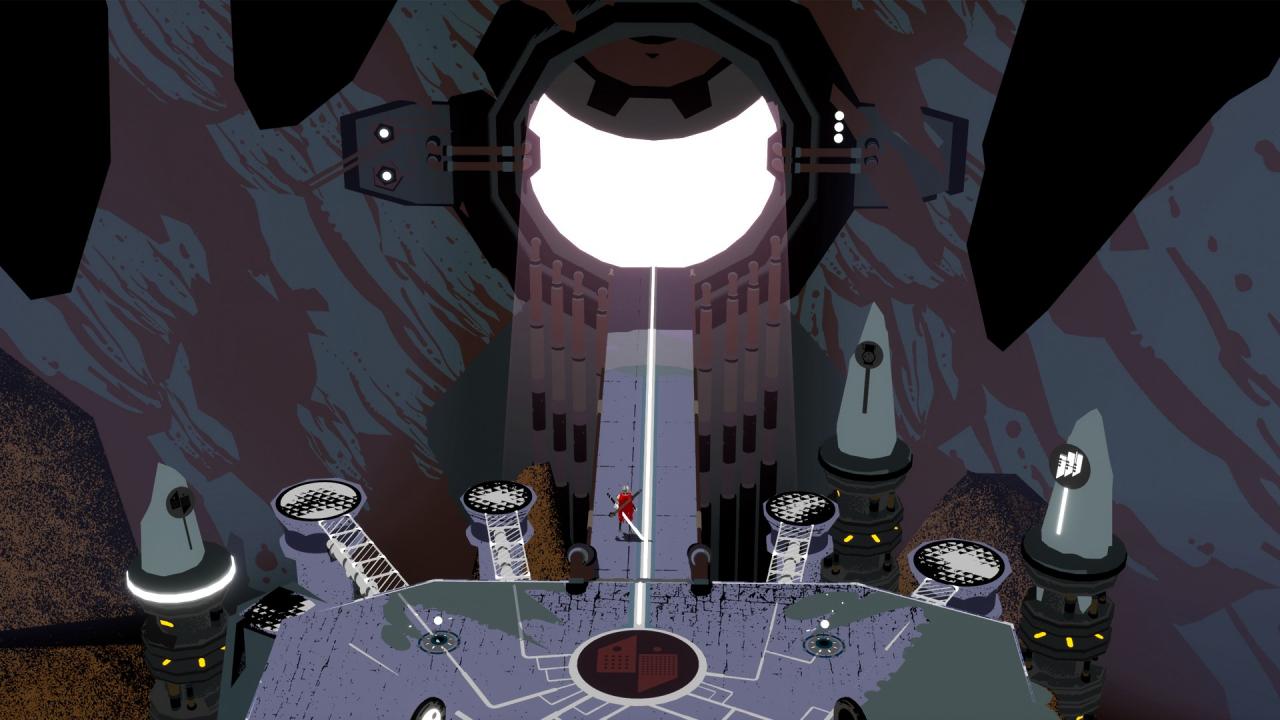
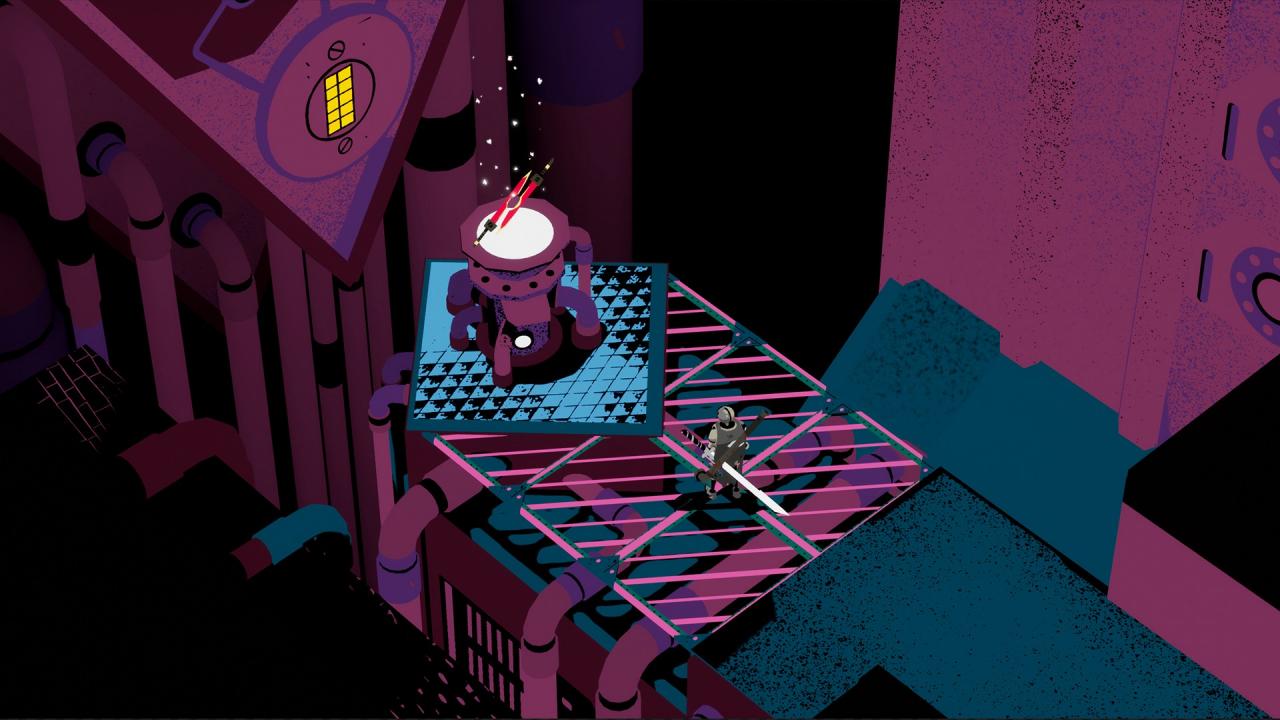
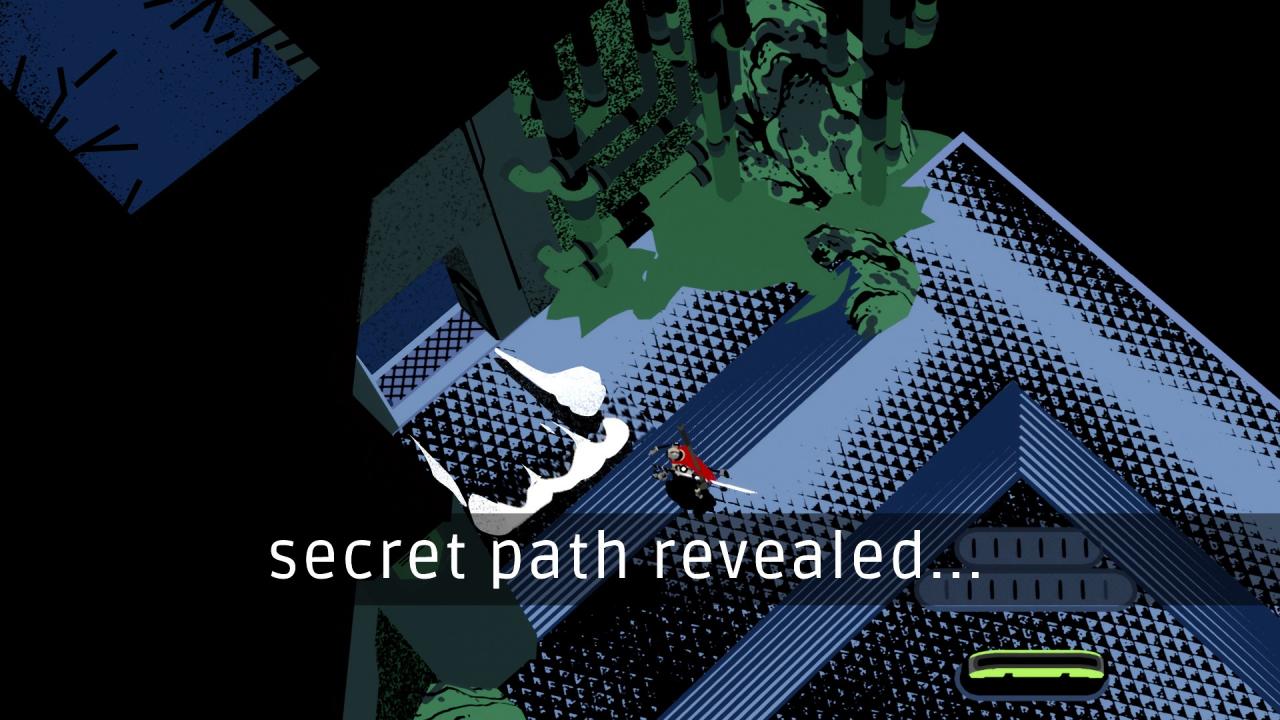
Creature in the Well is a top-down, pinball-inspired, hack-and-slash dungeon crawler. As the last remaining BOT-C unit, venture deep into a desert mountain to restore power to an ancient facility, haunted by a desperate Creature. Uncover and upgrade powerful gear in order to free the city of Mirage from a deadly sandstorm. Features: Pinball with swords: Charge up energy orbs, then bounce and ricochet them to reactivate dormant machinery and stop the sandstorm. Defeat the Creature: Escape the many challenges set by the Creature and confront it in intricate, skillful battles. Dungeon-crawler: Delve deeper into the mountain as you unlock eight hand-crafted dungeons, each filled with unique gameplay themes, unlockables, and secrets to uncover. Over 20 unique items: Customize your playstyle with upgradeable weapons and clothing that change how you play the game.

Creature in the Well screenshotCreature in the Well screenshotCreature in the Well screenshotCreature in the Well screenshotCreature in the Well screenshotCreature in the Well screenshot

How to redeem

  1. 1Check your Steam account and the listed region before purchasing.
  2. 2Find your code and supplier activation instructions in your confirmed order.
  3. 3Open the redeem-code section on Steam, enter the code and follow the platform’s prompts.

Supplier instructions

Go to: http://store.steampowered.com/ and download STEAM client Click "Install Steam" (from the upper right corner) Install and start application, login with your Account name and Password (create one if you don't have). Please follow these instructions to activate a new retail purchase on Steam: Launch Steam and log into your Steam account. Click the Games Menu. Choose Activate a Product on Steam... Follow the onscreen instructions to complete the process. After successful code verification go to the "MY GAMES" tab and start downloading.

You might also like