Get 10% back in Relic Coins on every order
Two Point Hospital - Close Encounters DLC cover

SteamGlobal· DLC

Two Point Hospital - Close Encounters DLC

€4.54

+€0.45 cashback eligibility in Relic Coins

Check before you play

Platform
Steam
Region
Global
Product type
DLC

Check the required base game and edition before purchasing this add-on.

Developer
Two Point Studios
Publisher
Sega
Supplier release date
2019-08-29
Genres
Simulation, Indie

About this product

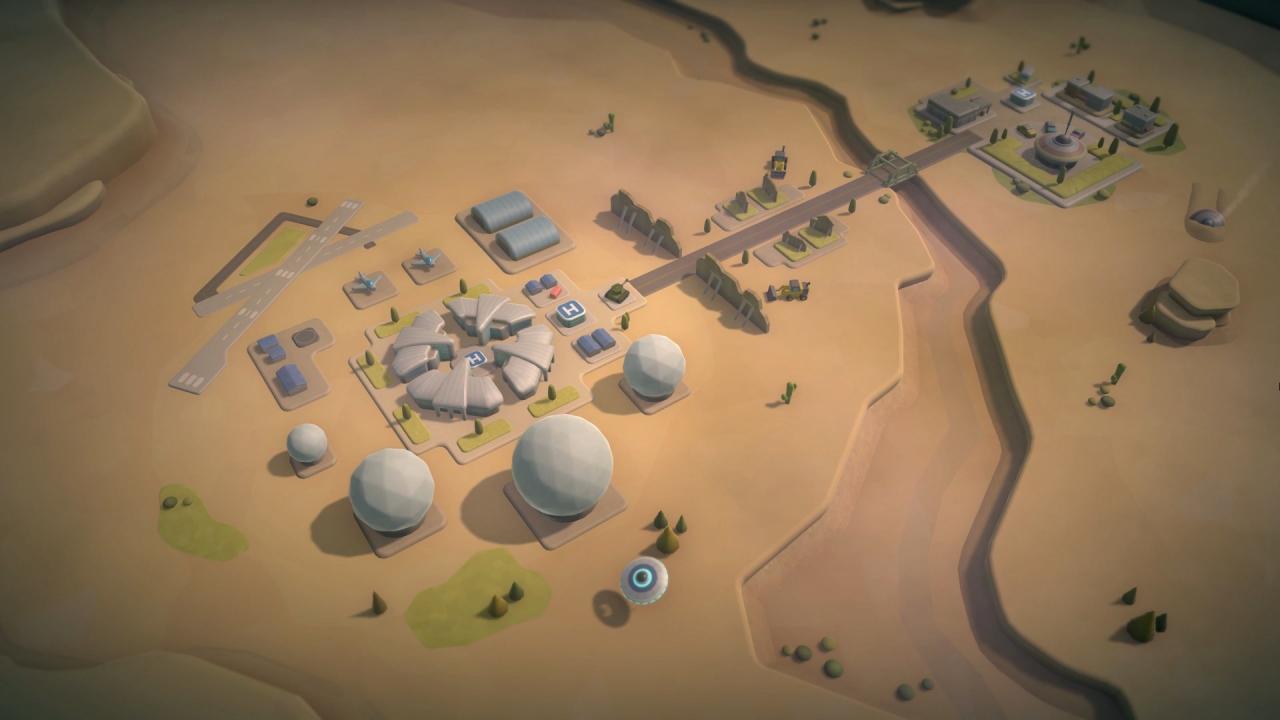
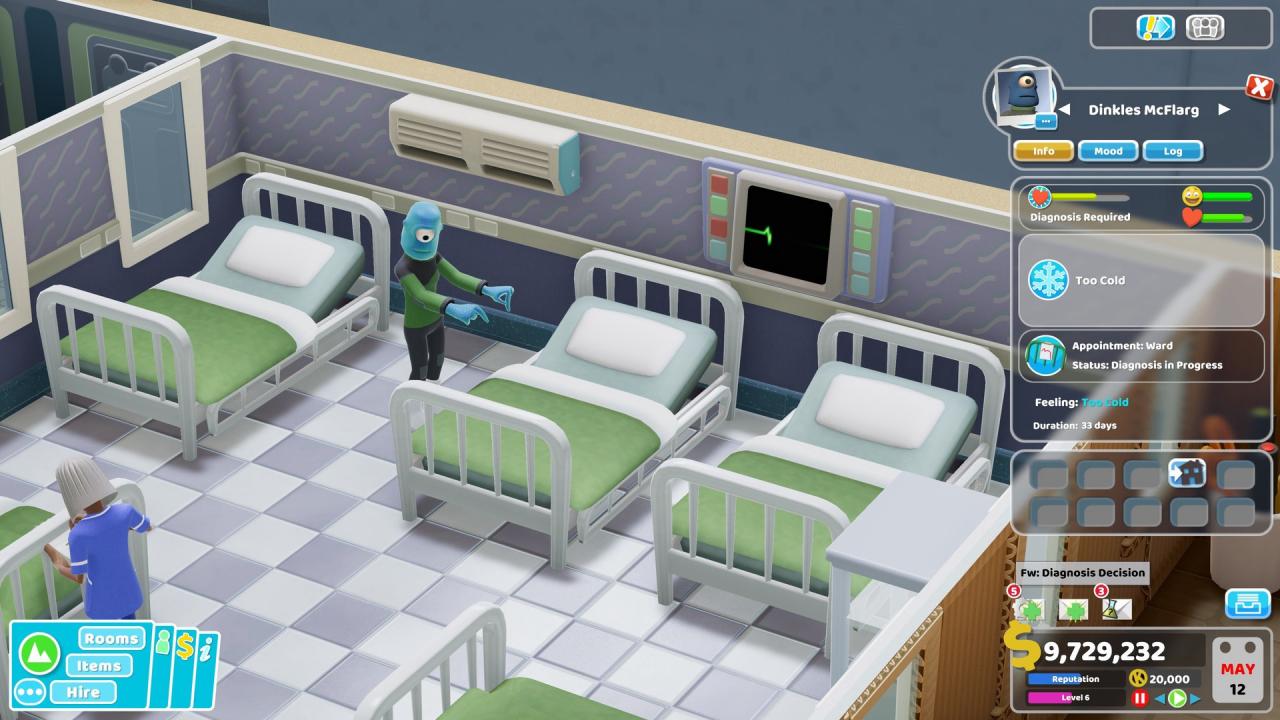
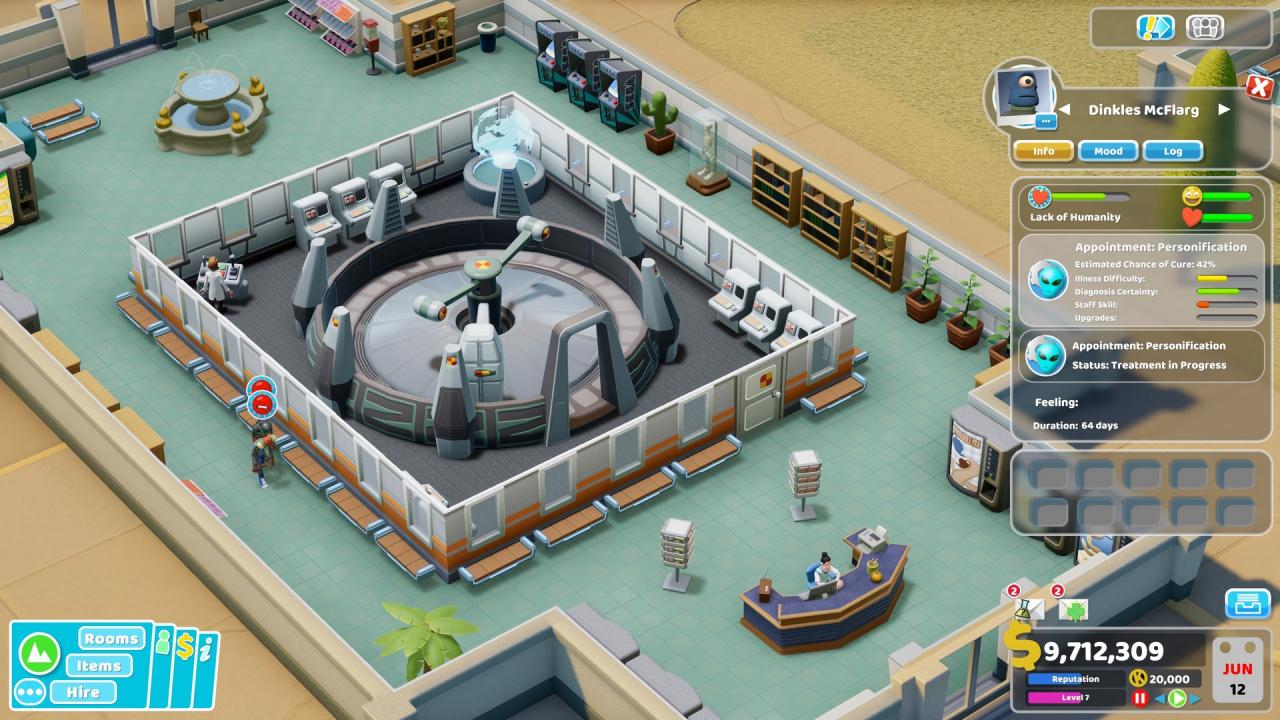
Down in the town of Goldpan, rumours persist of an out of this world encounter. A fireball, witnessed streaking above the sandy climes of Two Point County’s Eastern reaches, is chief suspect after a range of unusual illnesses have caused strife, commotion and general unrest amongst the inhabitants of this oft-forgotten town. As an all-round medical supremo with a knack for tackling the unreal, your administration has operational access to some key locations in the area… including some areas the public really don’t need to know about. The Two Point Squabbler, the County’s finest journalistic institution, wants to know what’s going on… and you’re their ticket in. Features 3 mysterious new locations 3 new, fully animated cure machines 11 new visual illnesses 34 new illnesses in total New gameplay New music, DJ and tannoy lines

Two Point Hospital - Close Encounters DLC screenshotTwo Point Hospital - Close Encounters DLC screenshotTwo Point Hospital - Close Encounters DLC screenshotTwo Point Hospital - Close Encounters DLC screenshotTwo Point Hospital - Close Encounters DLC screenshotTwo Point Hospital - Close Encounters DLC screenshot

How to redeem

  1. 1Check the required base game, platform and edition before purchasing.
  2. 2Find the code or supplier activation instructions in your confirmed order.
  3. 3Redeem on Steam using the supplied instructions, then install the add-on with the compatible base game.

Supplier instructions

Go to: http://store.steampowered.com/ and download STEAM client Click "Install Steam" (from the upper right corner) Install and start application, login with your Account name and Password (create one if you don't have). Please follow these instructions to activate a new retail purchase on Steam: Launch Steam and log into your Steam account. Click the Games Menu. Choose Activate a Product on Steam... Follow the onscreen instructions to complete the process. After successful code verification go to the "MY GAMES" tab and start downloading.

You might also like