Get 10% back in Relic Coins on every order
Gears 5 Ultimate Edition / Windows 10 cover

Xbox OneGlobal· Key

Gears 5 Ultimate Edition / Windows 10

€28.27

+€2.83 cashback eligibility in Relic Coins

Check before you play

Platform
Xbox One
Region
Global
Product type
Key
Developer
The Coalition
Publisher
Xbox Game Studios
Supplier release date
2019-09-10
Genres
Action, Adventure, Strategy, FPS, Third-Person Shooter, Survival

About this product

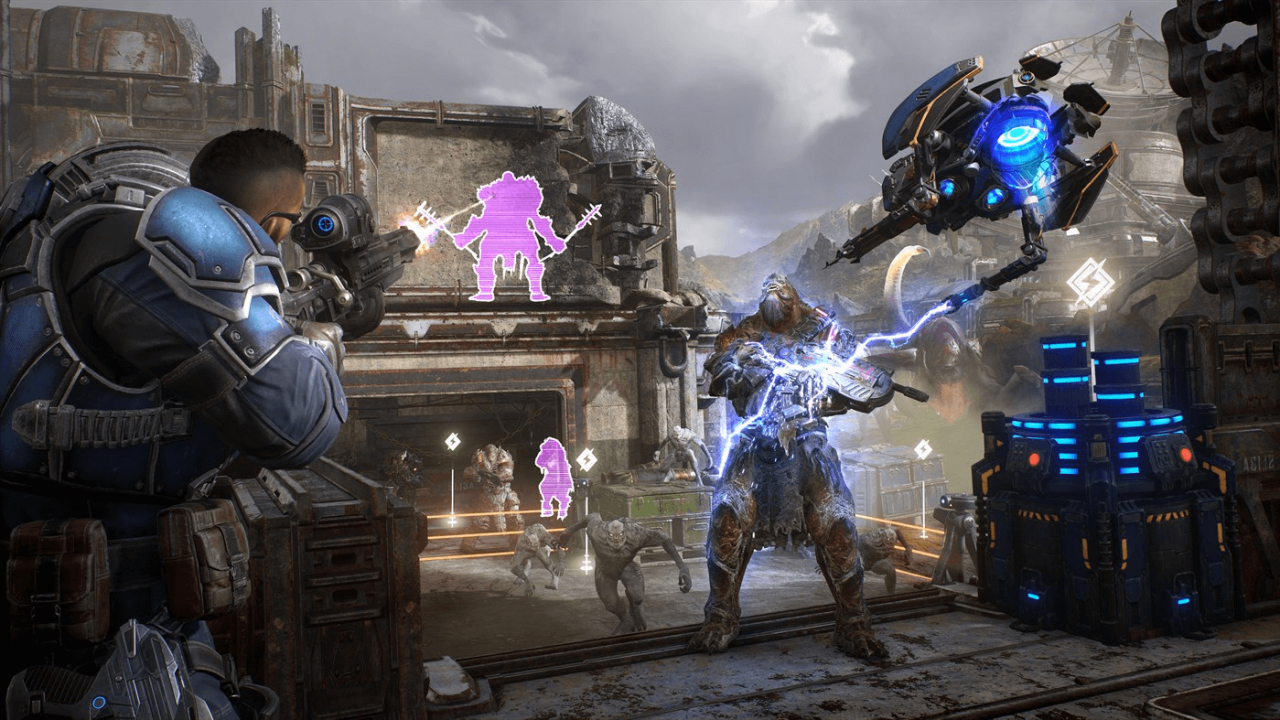
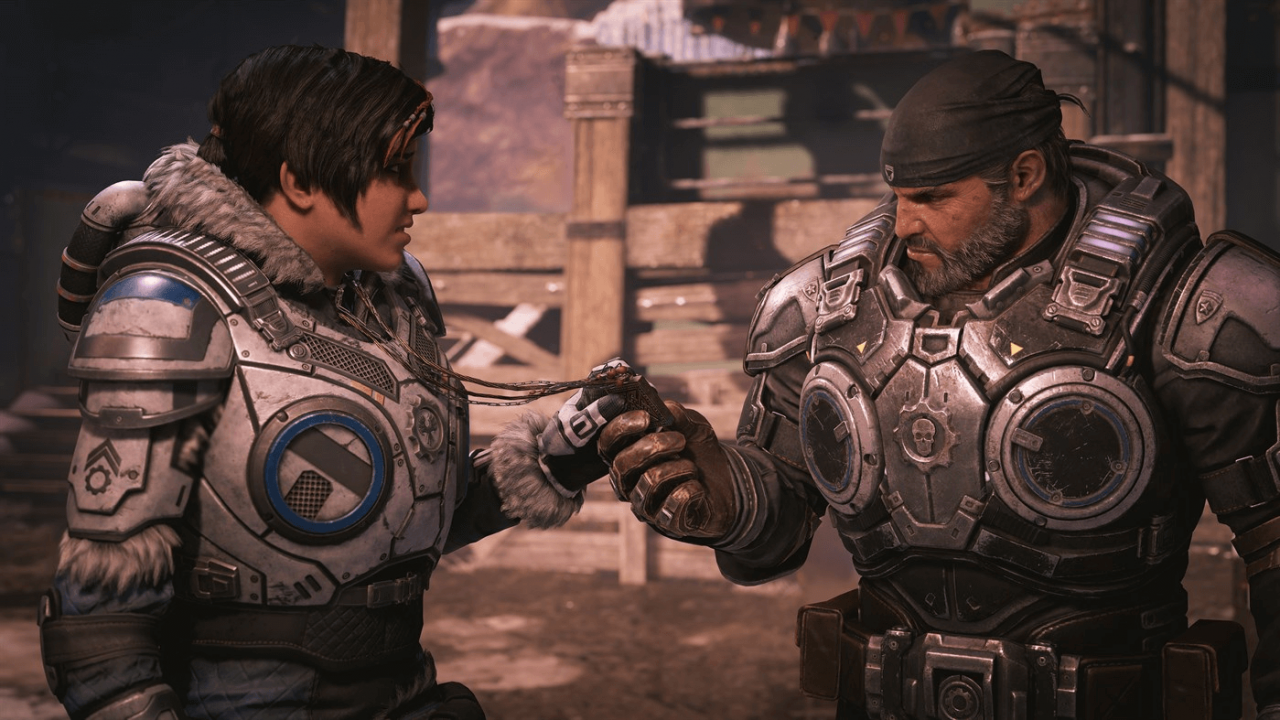
Includes: Gears 5 Standard Edition Halo: Reach Character Pack 30 days of Boost From one of gaming’s most acclaimed sagas, Gears is bigger than ever, with five thrilling modes and the deepest campaign yet. With all-out war descending, Kait Diaz breaks away to uncover her connection to the enemy and discovers the true danger to Sera – herself. From one of gaming’s most acclaimed sagas, Gears is bigger than ever, with five thrilling modes and the deepest campaign yet. Features: Three-player Campaign Co-op: Battle alongside your friends in three-player online or split-screen co-op. Tours of Duty: Rank up from new recruit to four-star general in Gears Tours of Duty. Take on new and exciting challenges, earn awesome rewards and show off your loot. Boot Camp: New to Gears or just a little rusty? Bootcamp is a fun way to learn the ropes, from the basics to advanced combat techniques. Play as Jack: Play as Jack, your personal flying support bot that can protect allies and damage enemies - perfect for players new to Gears. Visual Showcase: Play every mode in 4K and HDR at a smooth 60 frames per second on Xbox One X.

Gears 5 Ultimate Edition / Windows 10 screenshotGears 5 Ultimate Edition / Windows 10 screenshotGears 5 Ultimate Edition / Windows 10 screenshotGears 5 Ultimate Edition / Windows 10 screenshotGears 5 Ultimate Edition / Windows 10 screenshotGears 5 Ultimate Edition / Windows 10 screenshot

How to redeem

  1. 1Check your Xbox One account and the listed region before purchasing.
  2. 2Find your code and supplier activation instructions in your confirmed order.
  3. 3Open the redeem-code section on Xbox One, enter the code and follow the platform’s prompts.

Supplier instructions

In order to use the key follow the instruction below: Go to https://www.xbox.com Login to your account Hover over your account link (the top right of the screen) a menu will appear, click on the "Redeem Code" button. On the next page, click "Redeem" Enter your code Click "Confirm" Click "Confirm" again to assign the key to your account. In order to download and install your game on Windows 10 follow the instructions below: Using your Microsoft account, sign in to the PC where you want to install your games. On the Start screen, select the Store icon. In the Store, select Games from the menu. Browse and select the game you want to install.

You might also like