
SteamGlobal· Key
Touring Karts
€4.41
+€0.44 cashback eligibility in Relic Coins
Check before you play
- Platform
- Steam
- Region
- Global
- Product type
- Key
- Publisher
- Nintendo
- Supplier release date
- 2019-09-12
- Genres
- Racing, Simulation, VR Games
SteamGlobal· Key
€4.41
+€0.44 cashback eligibility in Relic Coins
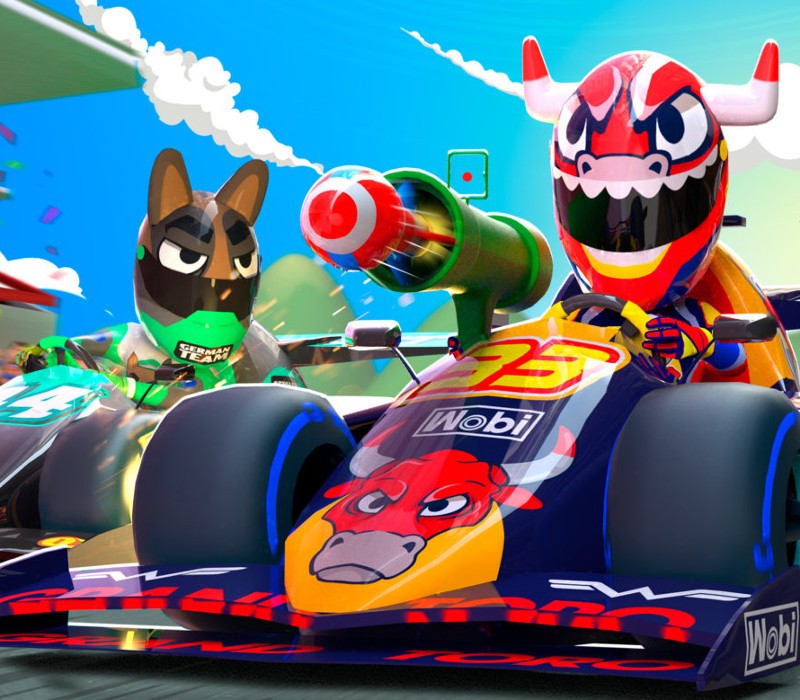
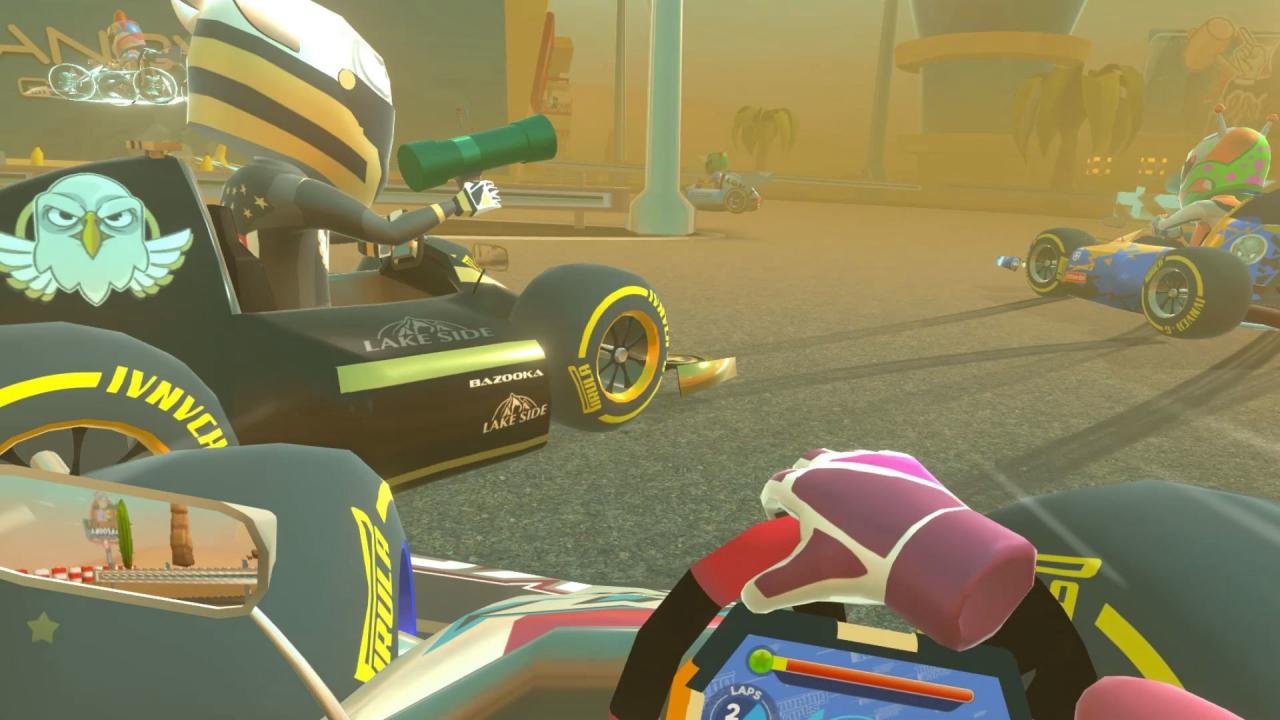
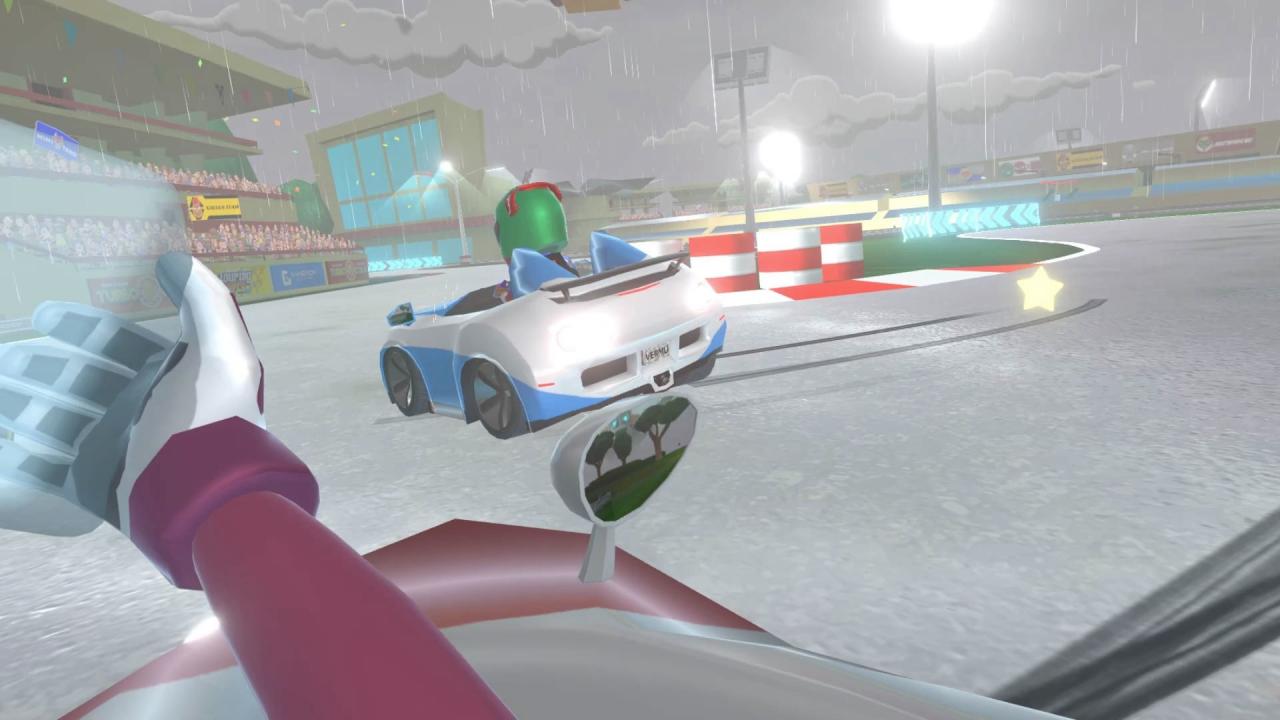
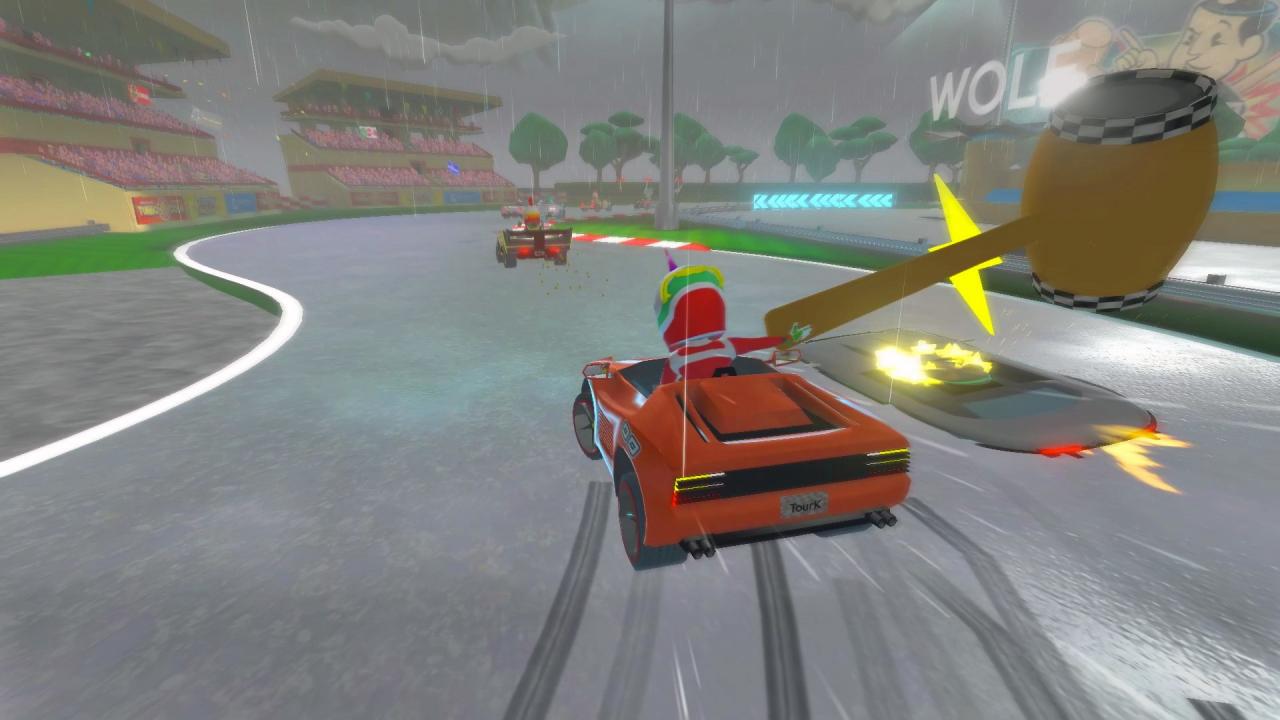
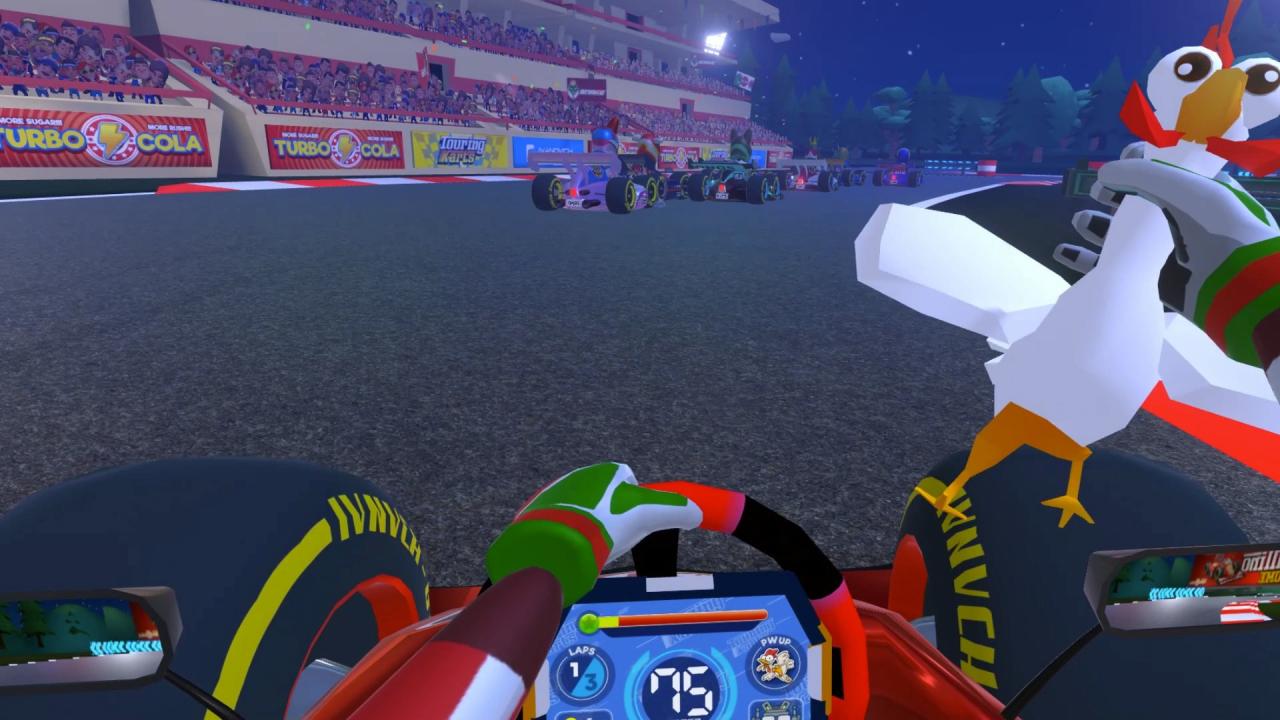
Touring Karts takes maximum advantage of the possibilities of VR by reinventing KART-type races in the midst of chaos full of action and surprises. Features Up-to 8 players Online Multiplayer support with no waiting times. You will be training against the AI meanwhile your rivals enter the circuit. 3 Online Game Modes: Unique Daily Cups, Custom Play with your Friends and Random Play. Story-based Mode with more than 500 original challenges (+120h to complete) with collectible prizes. It can be completed in Single Player or Multiplayer Mode. Craft up-to 45 new power-ups by combining the ones you already have and surprise your rivals! Power-ups originally designed to be used in VR, can also be enjoyed on non-VR platforms. 3 views to choose that are specifically designed for VR: One free of dizziness, a classic one in 3rd person and the more immersive first-person view. 22 tracks and 30 customizable cars, all inspired in Formula 1 tracks and teams. Multiple Controls Compatibility: FFB steering wheels, motion simulators, VR controls with with hand movement detection, classic controls, etc. Quick Race Mode with all cars and tracks available from the get-go.


Go to: http://store.steampowered.com/ and download STEAM client Click "Install Steam" (from the upper right corner) Install and start application, login with your Account name and Password (create one if you don't have). Please follow these instructions to activate a new retail purchase on Steam: Launch Steam and log into your Steam account. Click the Games Menu. Choose Activate a Product on Steam... Follow the onscreen instructions to complete the process. After successful code verification go to the "MY GAMES" tab and start downloading.