Get 10% back in Relic Coins on every order
Jorji and Impossible Forest cover

SteamGlobal· Key

Jorji and Impossible Forest

€0.55

+€0.06 cashback eligibility in Relic Coins

Check before you play

Platform
Steam
Region
Global
Product type
Key
Developer
Uberbax Gaming
Publisher
Uberbax Gaming
Supplier release date
2018-07-11
Genres
Action, Adventure, Indie

About this product

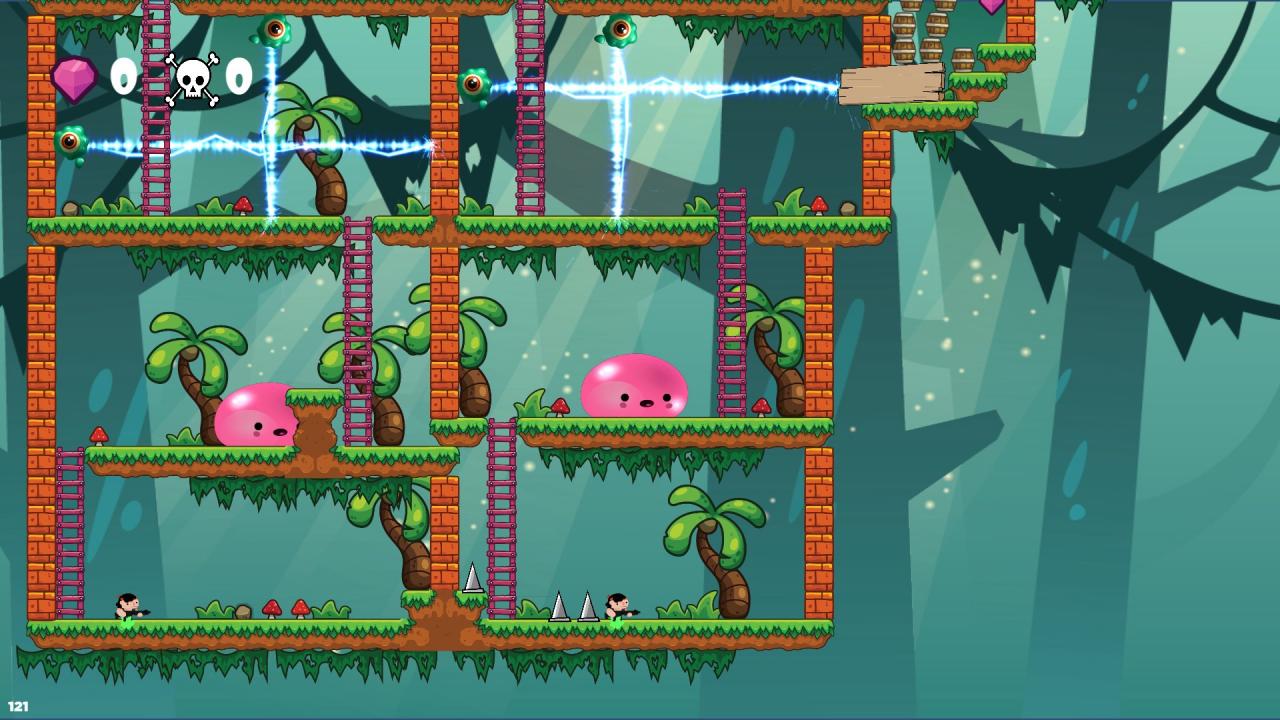
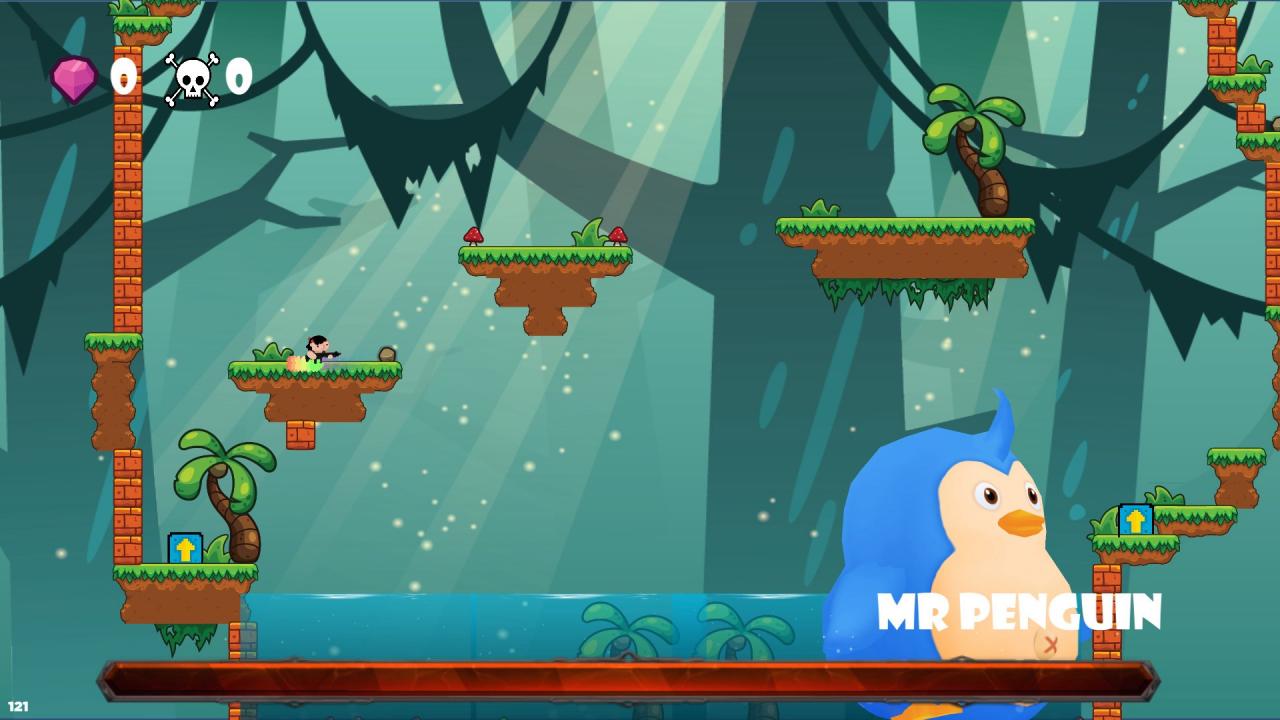
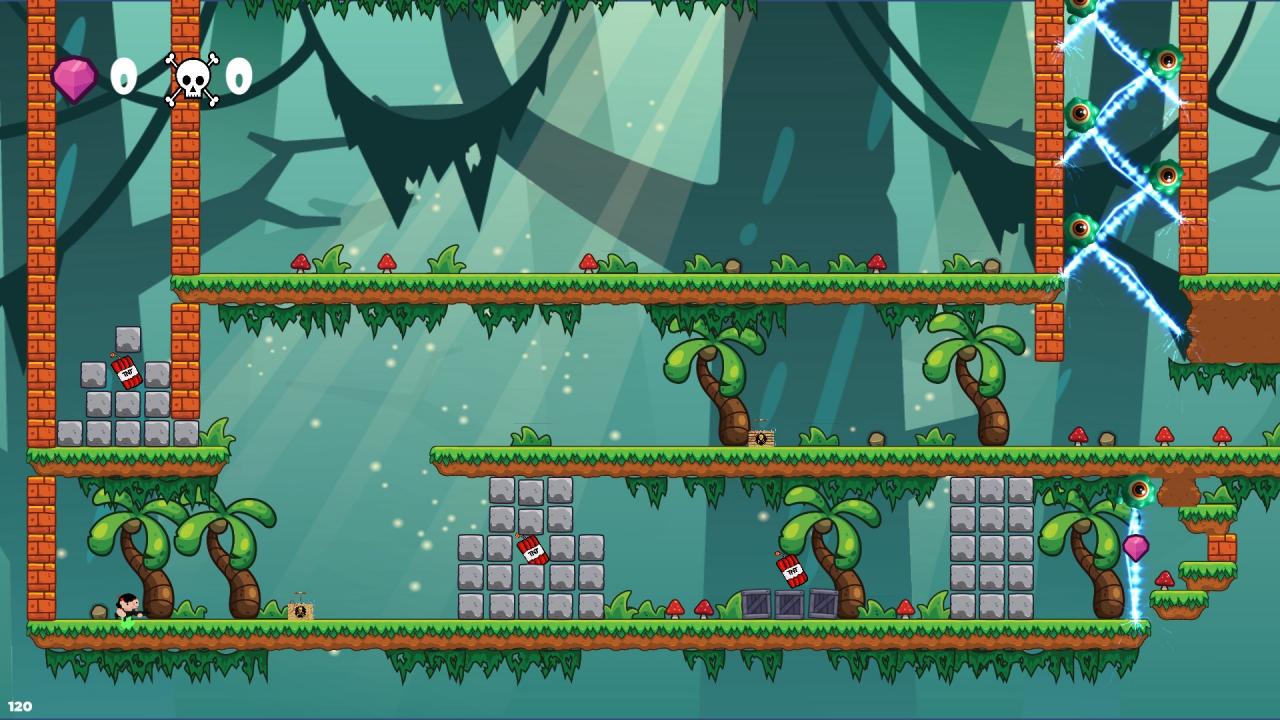
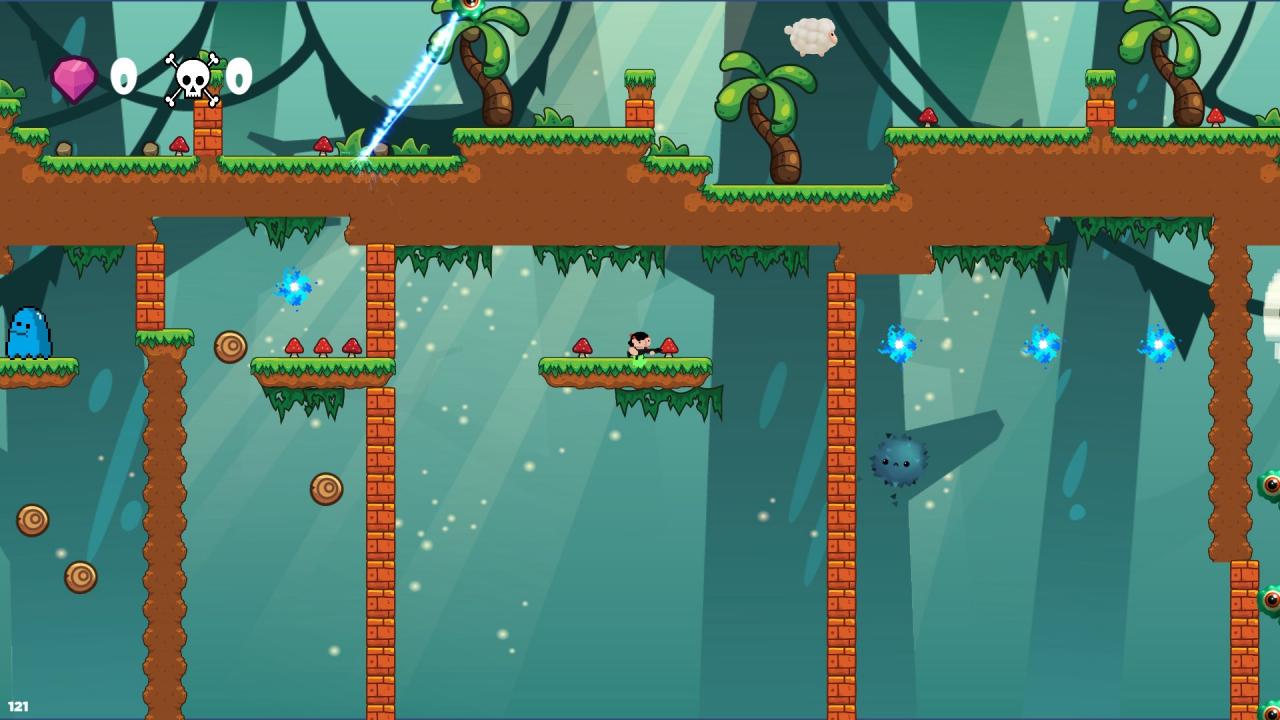
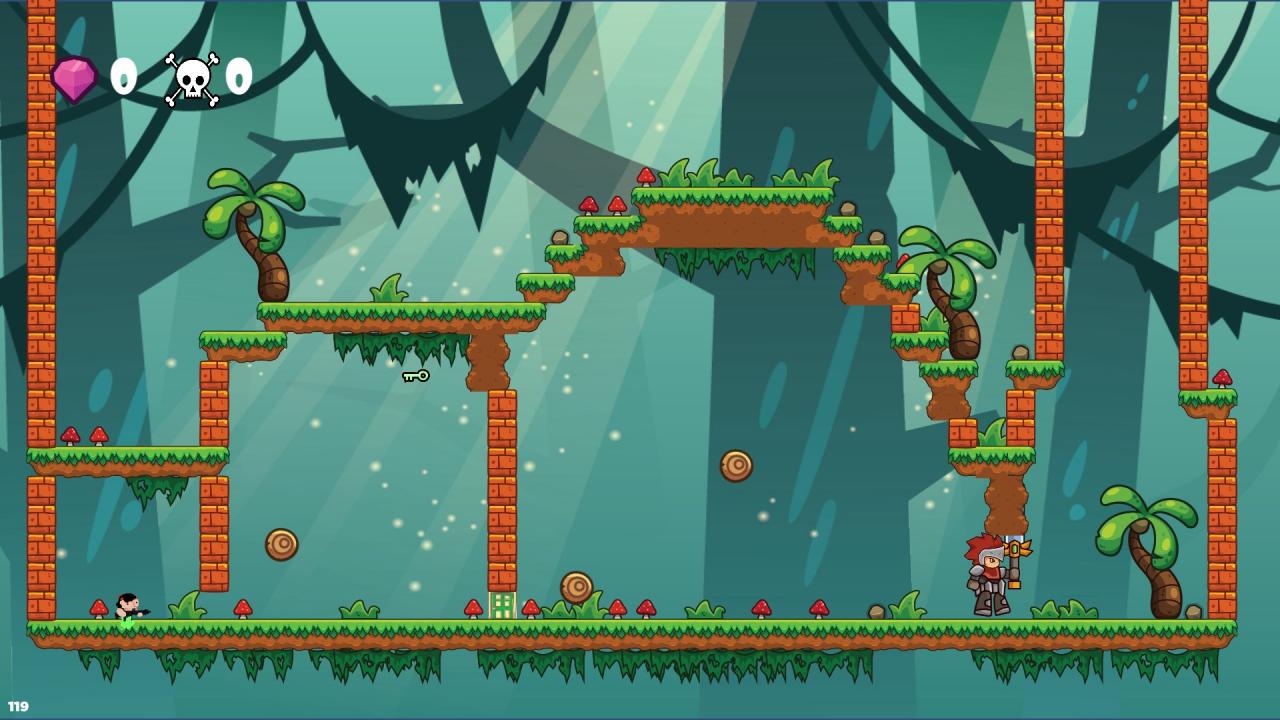
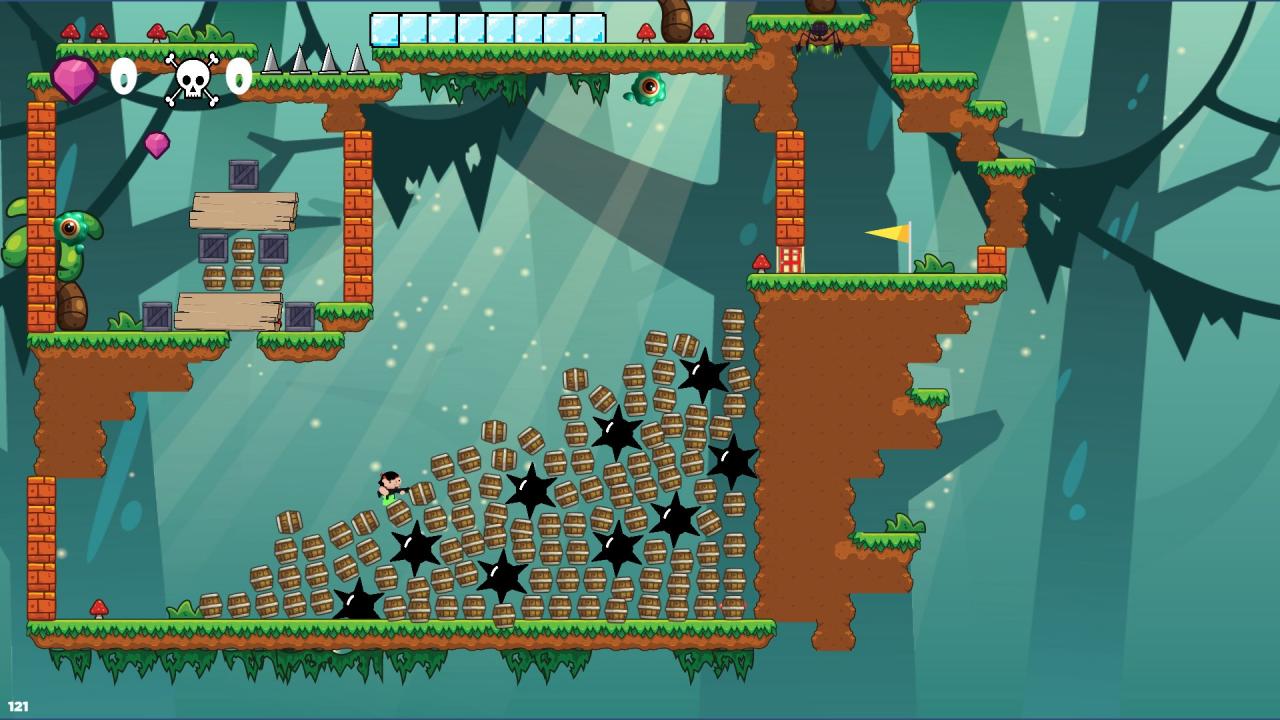
Help little Jorji to survive in his journey to the depths of Impossible Forest, in this super-hard, hand-crafted 2D platformer.Impossible Forest was a very peaceful place, filled with cute inhabitants. But once upon a cruel wizard called Nemrok curses this place with wretched charms, placing seeds of evil into every living soul of Impossible Forest, even into "the Guardians of the forest" - the long-lived protectors of the forest.You are playing as forester boy, named "Little Jorji" - the one who has an immunity to the evil wizard's charms. The controls are very simple - jump, air-dash, shoot, climb - but levels will become hard very fast and your every fail will be a lesson. Fast respawns, puzzles and crafty enemies will make your journey even more fun. Your main aim will be to purge evil forces from the Impossible Forest, making it peaceful again, while understanding why Nemrok has such an interest in this place ?

Jorji and Impossible Forest screenshotJorji and Impossible Forest screenshotJorji and Impossible Forest screenshotJorji and Impossible Forest screenshotJorji and Impossible Forest screenshotJorji and Impossible Forest screenshot

How to redeem

  1. 1Check your Steam account and the listed region before purchasing.
  2. 2Find your code and supplier activation instructions in your confirmed order.
  3. 3Open the redeem-code section on Steam, enter the code and follow the platform’s prompts.

Supplier instructions

Go to: http://store.steampowered.com/ and download STEAM client Click "Install Steam" (from the upper right corner) Install and start application, login with your Account name and Password (create one if you don't have). Please follow these instructions to activate a new retail purchase on Steam: Launch Steam and log into your Steam account. Click the Games Menu. Choose Activate a Product on Steam... Follow the onscreen instructions to complete the process. After successful code verification go to the "MY GAMES" tab and start downloading.

You might also like