Get 10% back in Relic Coins on every order
Dauntless: Desperado Bundle Twitch Loot Digital Download cover

OtherGlobal· Key

Dauntless: Desperado Bundle Twitch Loot Digital Download

€20.99

+€2.10 cashback eligibility in Relic Coins

Check before you play

Region
Global
Product type
Key
Developer
FarSight Studios
Publisher
Active Enterprises
Supplier release date
2019-05-21
Genres
Action, Adventure, RPG

About this product

The very first Twitch Prime Bundle is the Desperado Bundle. This kit delivers the first part of a completely new set of cosmetic armor, called the “The Desperado” accordingly. In addition to booking, you will also receive: Title Desperado for character A seven-day increase in rewards with patrols Consumable items Purple Primus paint WHERE IS MY ARRAY? Access to cosmetic armor awards, such as the Desperado armor kit, is available through the Transmog game menu. Here´s how to apply the Cloak of the Desperate: Open your upload from the main menu. Choose your current breast piece. In the armor menu, select Dye & Transmog. Select the Transmog tab. (This is the one with a glowing green stone.) Find Desperate Cloak and click Apply. WHERE’S MY ARMOUR? Cosmetic armour rewards like the Desperado armour set can be accessed through the in-game Transmog menu. Here’s how to apply the Desperado’s Cloak: Open your Loadout from the Main Menu. Select your current chest piece. On the armour details menu, choose Dye & Transmog. Select the Transmog tab. (It’s the one with the glowing green stone.) Find the Desperado’s Cloak and hit Apply. Transmog Icon Look for the glowing green Transmog Stone on the Loadout screen.

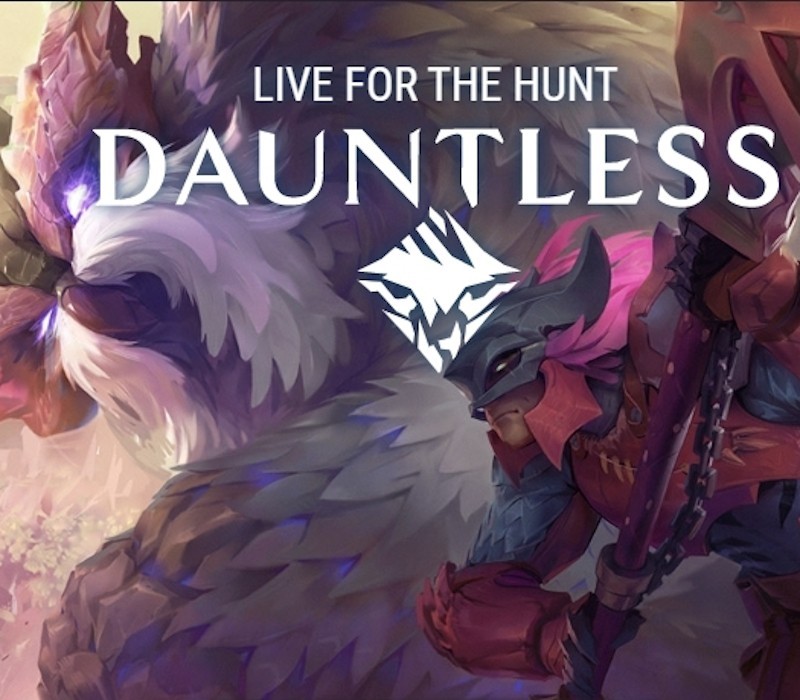
Dauntless: Desperado Bundle Twitch Loot Digital Download screenshotDauntless: Desperado Bundle Twitch Loot Digital Download screenshotDauntless: Desperado Bundle Twitch Loot Digital Download screenshotDauntless: Desperado Bundle Twitch Loot Digital Download screenshotDauntless: Desperado Bundle Twitch Loot Digital Download screenshot

How to redeem

  1. 1Check your Other account and the listed region before purchasing.
  2. 2Find your code and supplier activation instructions in your confirmed order.
  3. 3Open the redeem-code section on Other, enter the code and follow the platform’s prompts.

Supplier instructions

In order to redeem your key, please follow the instructions below: Please open playdauntless.com in a separate browser tab. Log in and go to the "My Account" page. Scroll down to Redeem Code and enter your code. After you have successfully extinguished your code, you will see a special kernel mapped to kernel splitters. You need to split it to get rewards.

You might also like