Get 10% back in Relic Coins on every order
Dead or School cover

Steam Europe - All Countries· Key

Dead or School

€8.39

+€0.84 cashback eligibility in Relic Coins

Check before you play

Platform
Steam
Region
Europe - All Countries
Product type
Key
Developer
Studio Nanafushi
Publisher
Marvelous Entertainment
Supplier release date
2018-07-12
Genres
Action, RPG, Indie

About this product

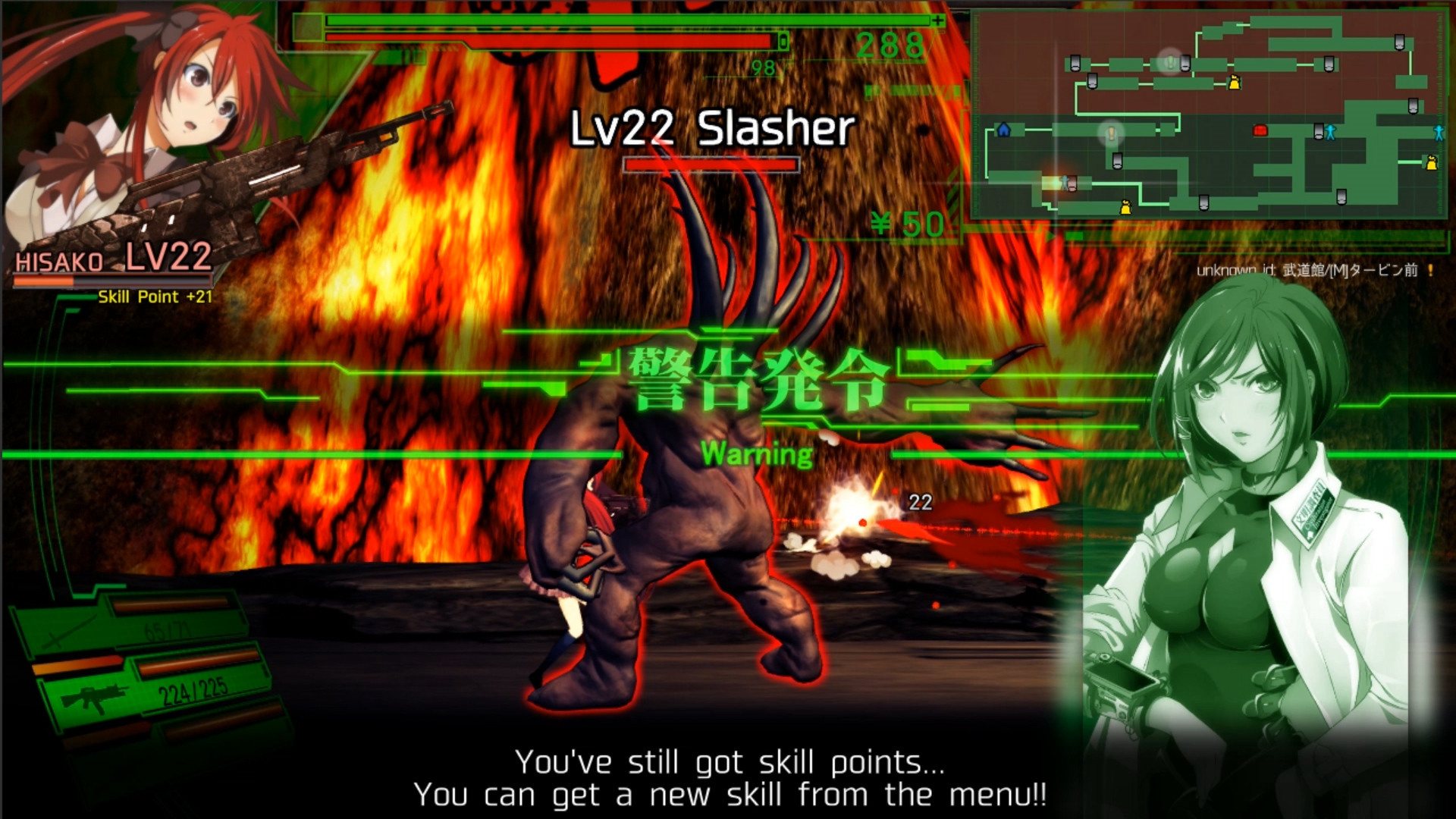
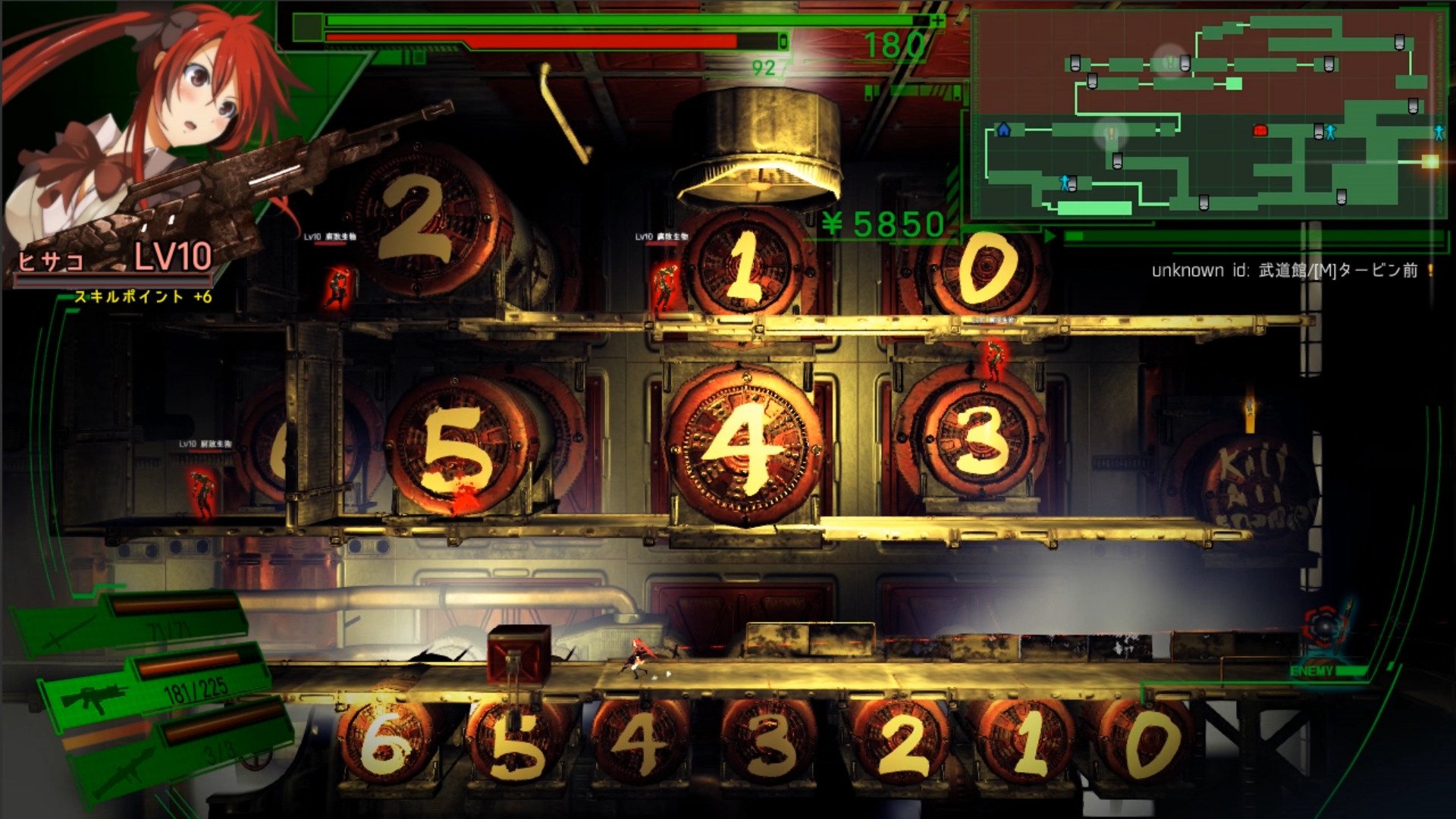
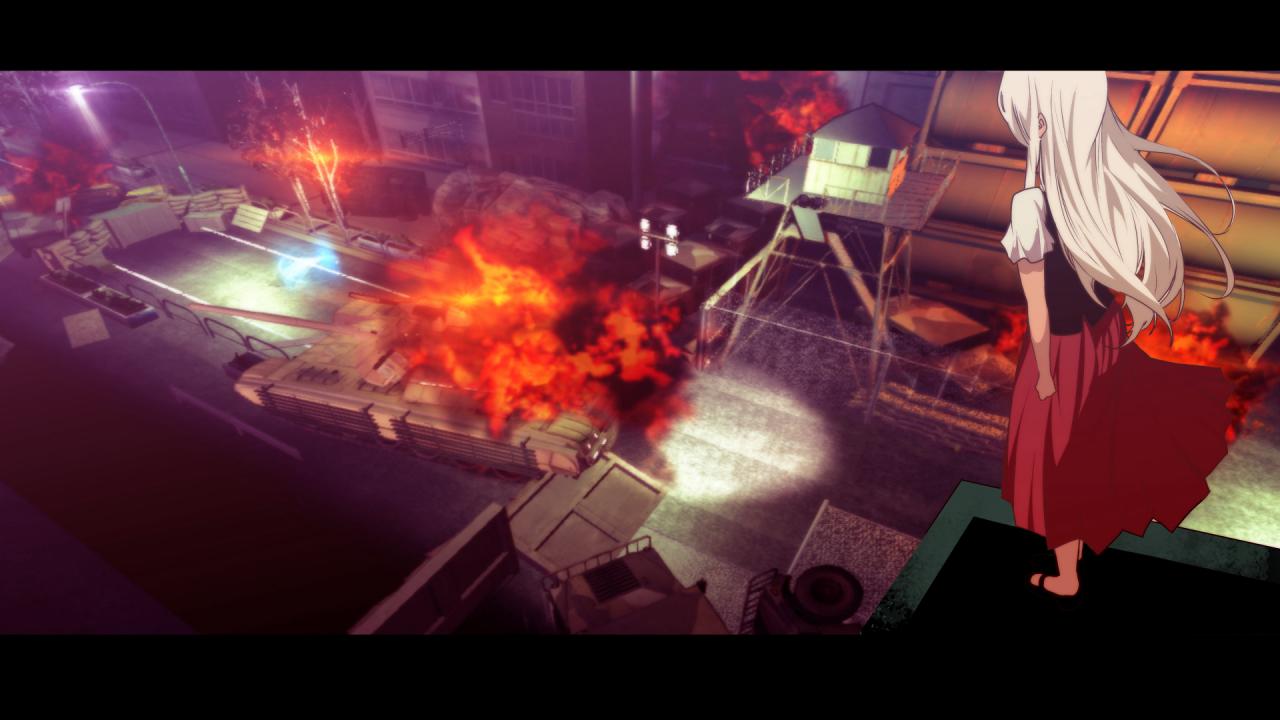
Zombies conquered the land of TokyoWithout hope, in underground shelters, people lived quietly.Hisako, a girl who grew up underground, heard the word “school” from her grandmother.School is where children play and learn. It is a paradise for young people. The best place to spend their youth.Hisako dreamed of this “school”, and one day, she was on an underground train heading above ground. What awaits her? Despair... Defeat enemies, grow your own character. Collect items, create your own most powerful weapons!Hack and Slash X Girl's action Gear obtain with money or gears, disassemble weapons, collect parts, customize your own weapons, and enhance your abilities.Mix and match the parts.Unlimited possibilities to customize your equipment; Attack, Weight, Rare effects...Gain many skills by advancing the player's level.Dynamic actions become possible, when various weapon skills are combined. Make your own unique character!Notice the changes in the player, when a certain level of damage is received.Pay attention to your status, caused by damaged clothes.Increasing your collection raises your parameters. Various souvenirs scattered around, people in need of assistance...Try to collect a variety of items within the game!

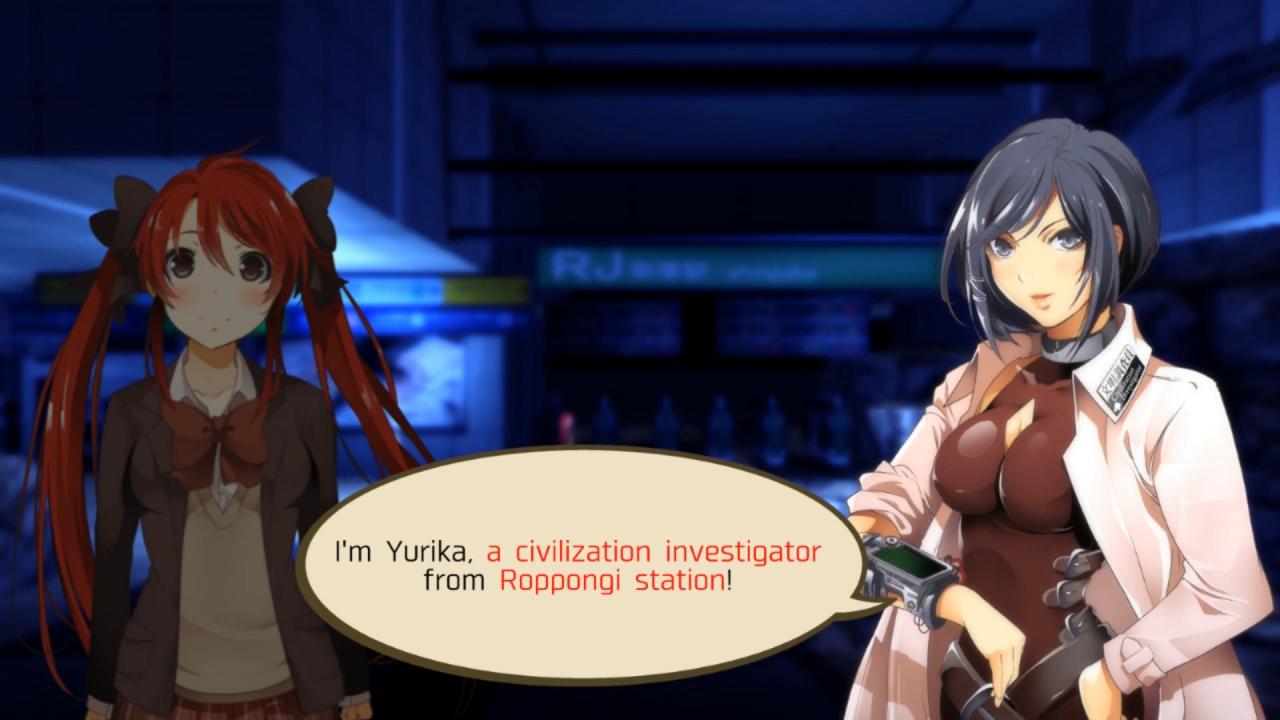
Dead or School screenshotDead or School screenshotDead or School screenshotDead or School screenshotDead or School screenshotDead or School screenshot

How to redeem

  1. 1Check your Steam account and the listed region before purchasing.
  2. 2Find your code and supplier activation instructions in your confirmed order.
  3. 3Open the redeem-code section on Steam, enter the code and follow the platform’s prompts.

Supplier instructions

Go to: http://store.steampowered.com/ and download STEAM client Click "Install Steam" (from the upper right corner) Install and start application, login with your Account name and Password (create one if you don't have). Please follow these instructions to activate a new retail purchase on Steam: Launch Steam and log into your Steam account. Click the Games Menu. Choose Activate a Product on Steam... Follow the onscreen instructions to complete the process. After successful code verification go to the "MY GAMES" tab and start downloading.

You might also like