Get 10% back in Relic Coins on every order
Pine cover

SteamGlobal· Key

Pine

€1.59

+€0.16 cashback eligibility in Relic Coins

Check before you play

Platform
Steam
Region
Global
Product type
Key
Developer
Twirlbound
Publisher
Kongregate
Supplier release date
2019-10-10
Genres
Action, Adventure, RPG, Simulation, Indie, Open World

About this product

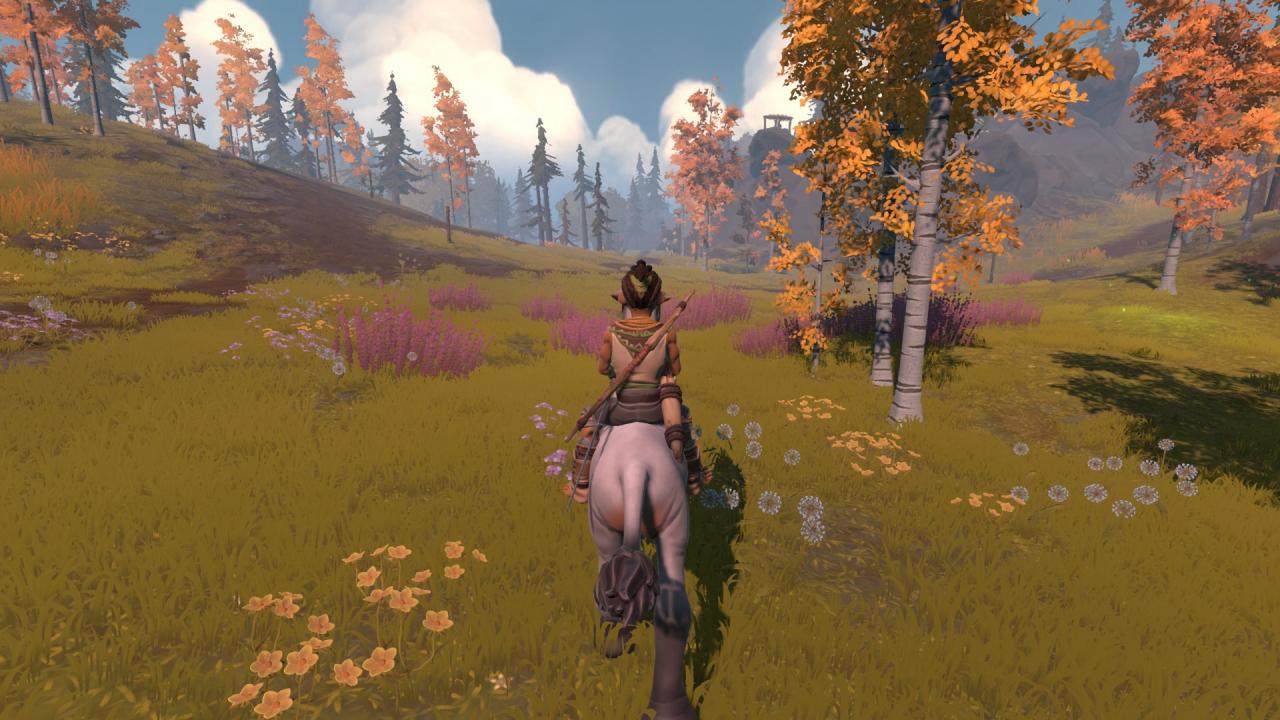
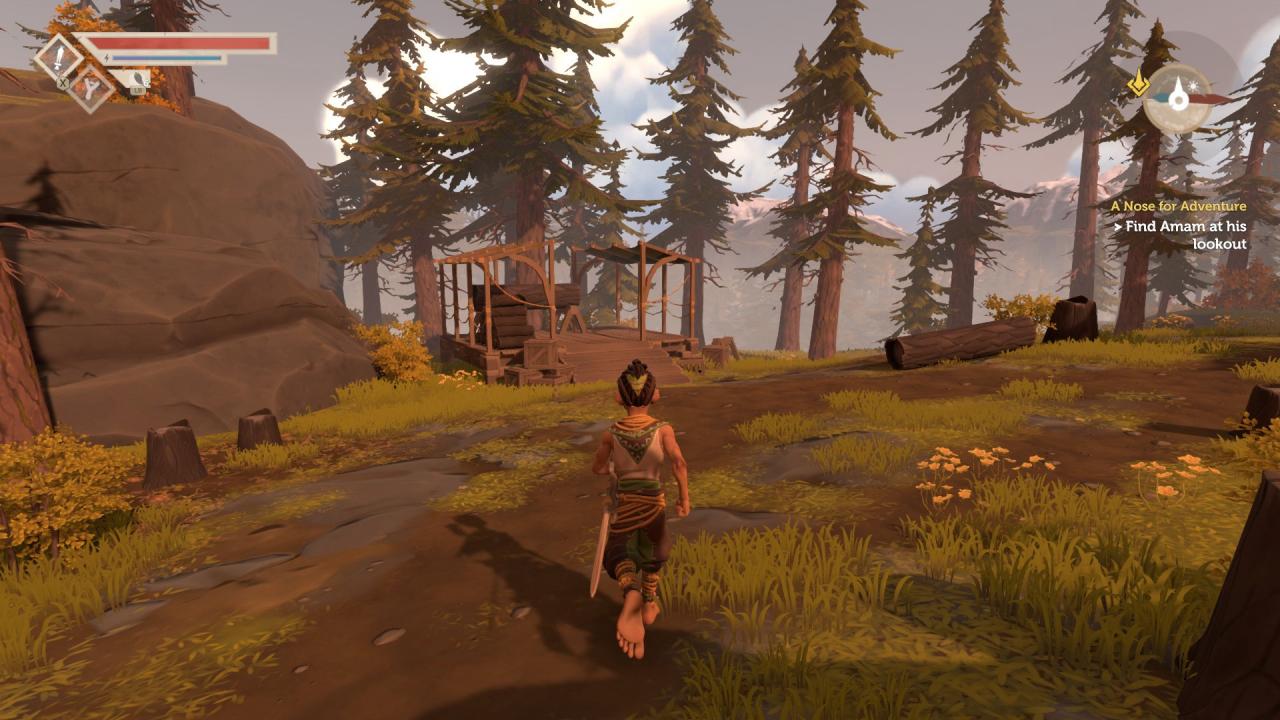
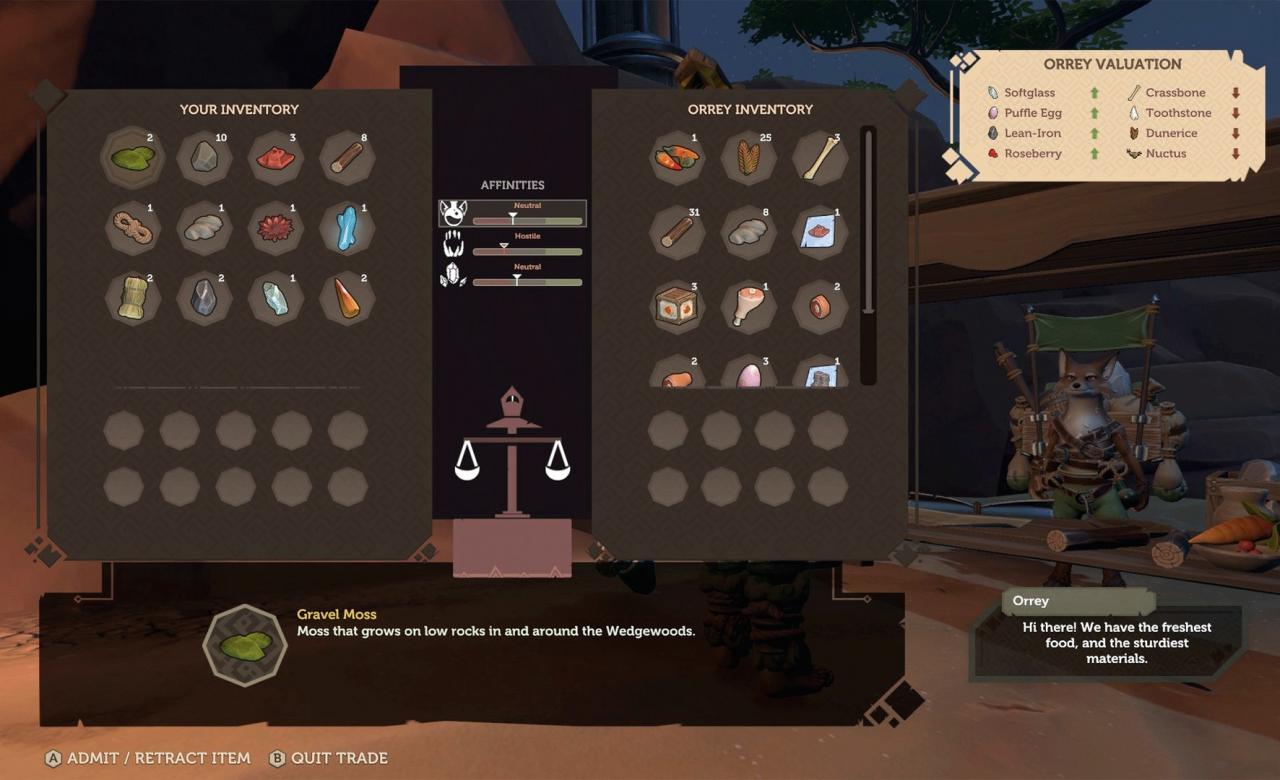
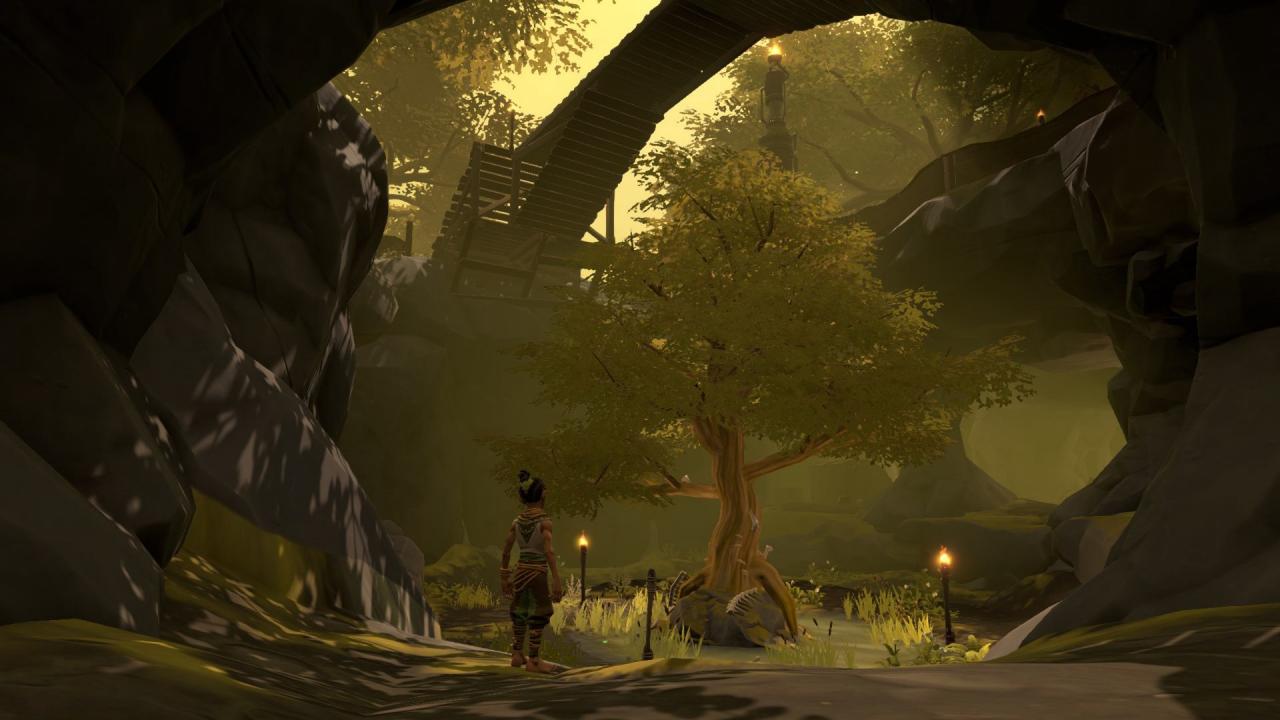
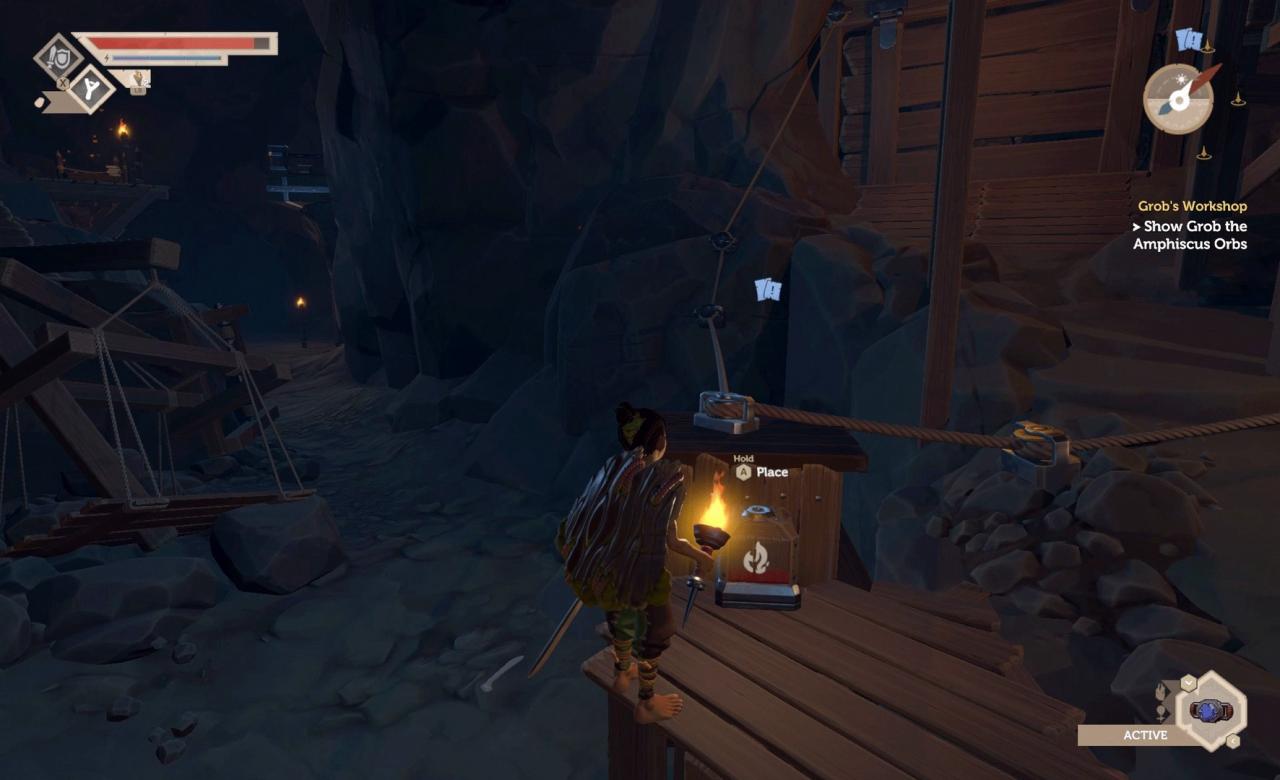
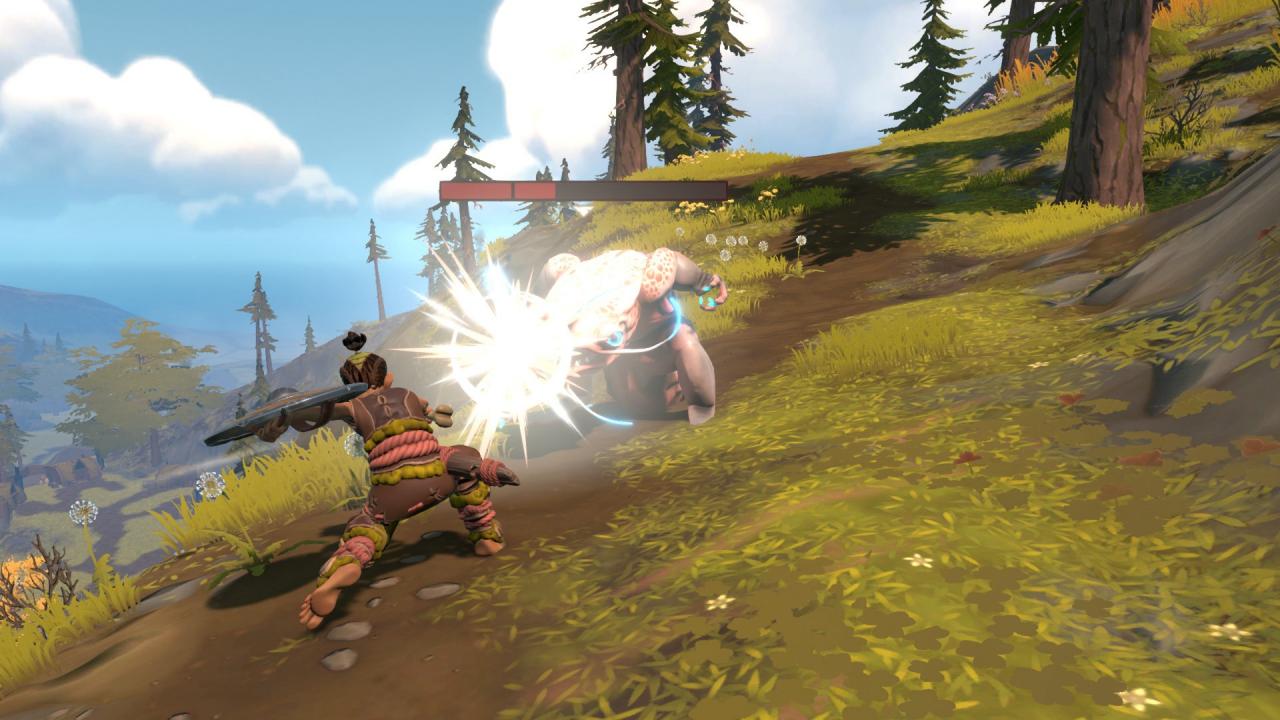
Pine is an open world action adventure simulation game. Set in the beautiful world of Albamare, you take on the role of Hue, a smart young adult who will have to explore, trade, and fight his way through a vibrant world filled with creatures much smarter than humans. As you're looking for a new home for your tribe to settle in, you'll have to engage with the large-scale ecology of Albamare. Prepare by exploring, bartering, talking, crafting and fighting in six different biomes, with and against a diverse cast of species that will not simply help you. In Pine, things will happen across the open game world even without your involvement. All organisms are alive and will try what they can to survive. You can choose to befriend a species, fight alongside them, or you may also to attack them, steal their food or force them to abandon their current habitat. All of this will make the species move across the ecological spectrum.

Pine screenshotPine screenshotPine screenshotPine screenshotPine screenshotPine screenshot

How to redeem

  1. 1Check your Steam account and the listed region before purchasing.
  2. 2Find your code and supplier activation instructions in your confirmed order.
  3. 3Open the redeem-code section on Steam, enter the code and follow the platform’s prompts.

Supplier instructions

Go to: http://store.steampowered.com/ and download STEAM client Click "Install Steam" (from the upper right corner) Install and start application, login with your Account name and Password (create one if you don't have). Please follow these instructions to activate a new retail purchase on Steam: Launch Steam and log into your Steam account. Click the Games Menu. Choose Activate a Product on Steam... Follow the onscreen instructions to complete the process. After successful code verification go to the "MY GAMES" tab and start downloading.

You might also like