Get 10% back in Relic Coins on every order
AstroViking cover

SteamGlobal· Key

AstroViking

€0.97

+€0.10 cashback eligibility in Relic Coins

Check before you play

Platform
Steam
Region
Global
Product type
Key
Developer
Artii Games LLC
Publisher
Artii Games LLC
Supplier release date
2018-08-10
Genres
Action, Indie

About this product

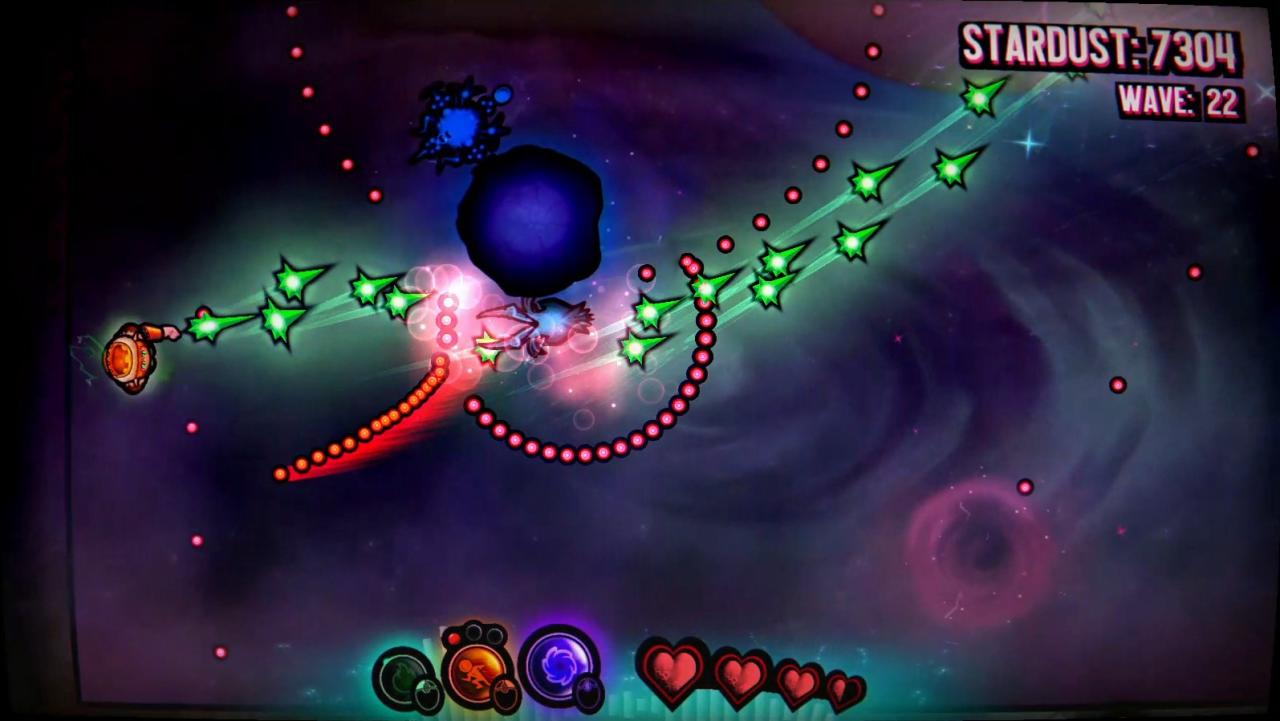
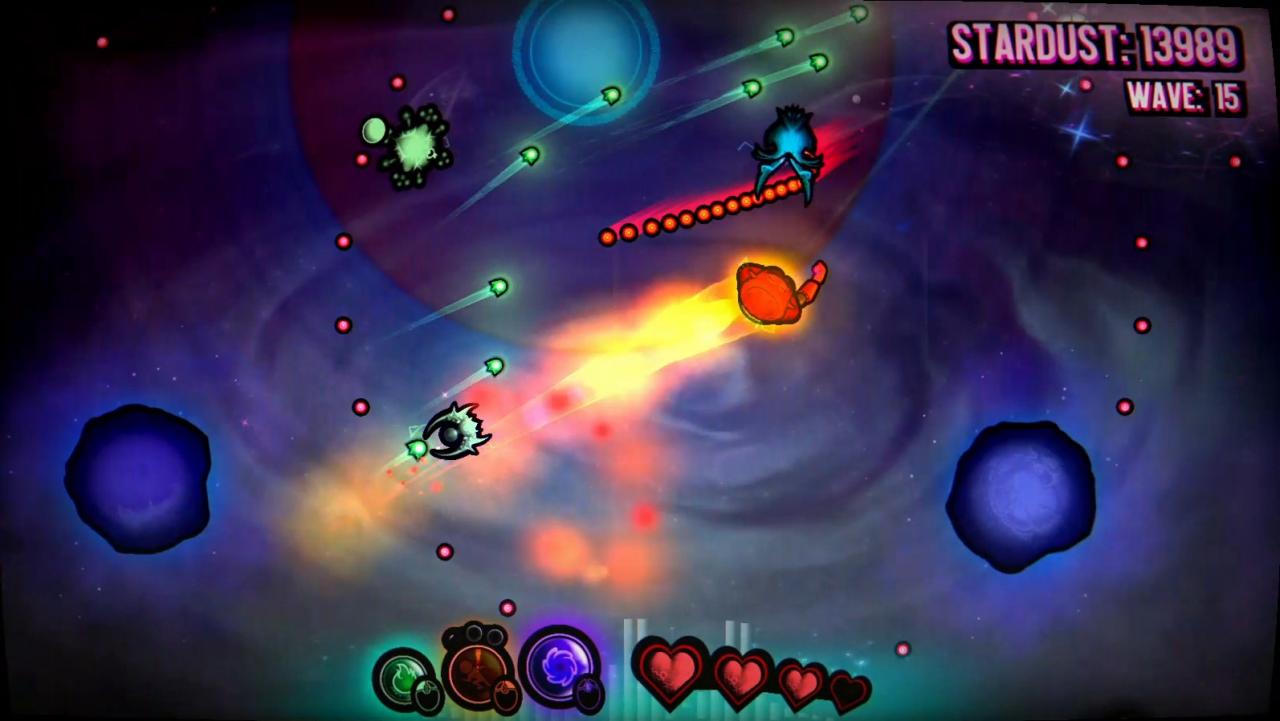
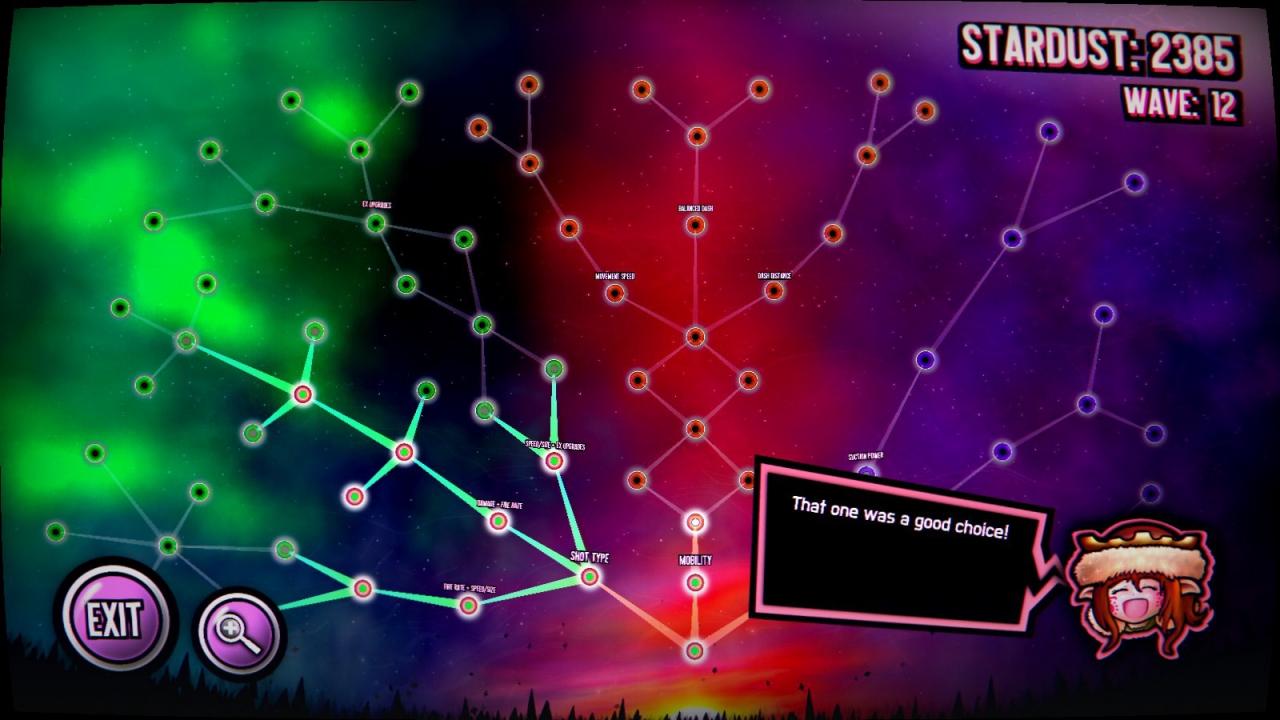
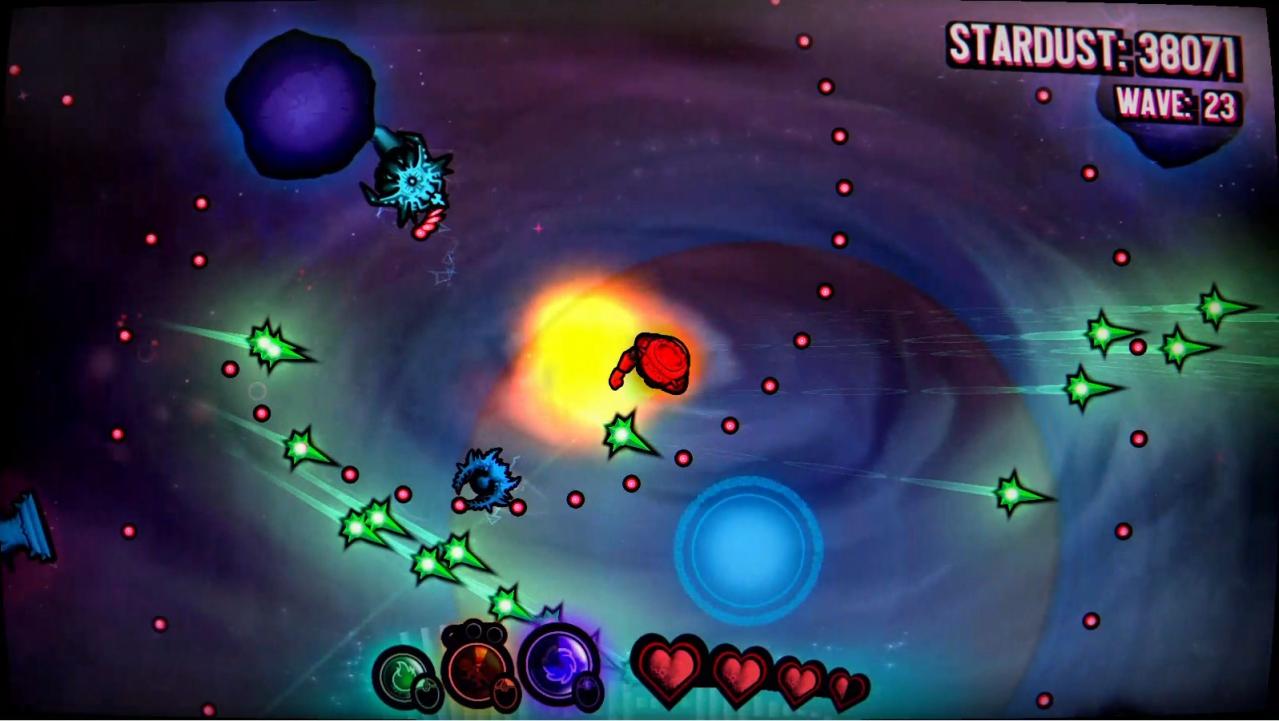
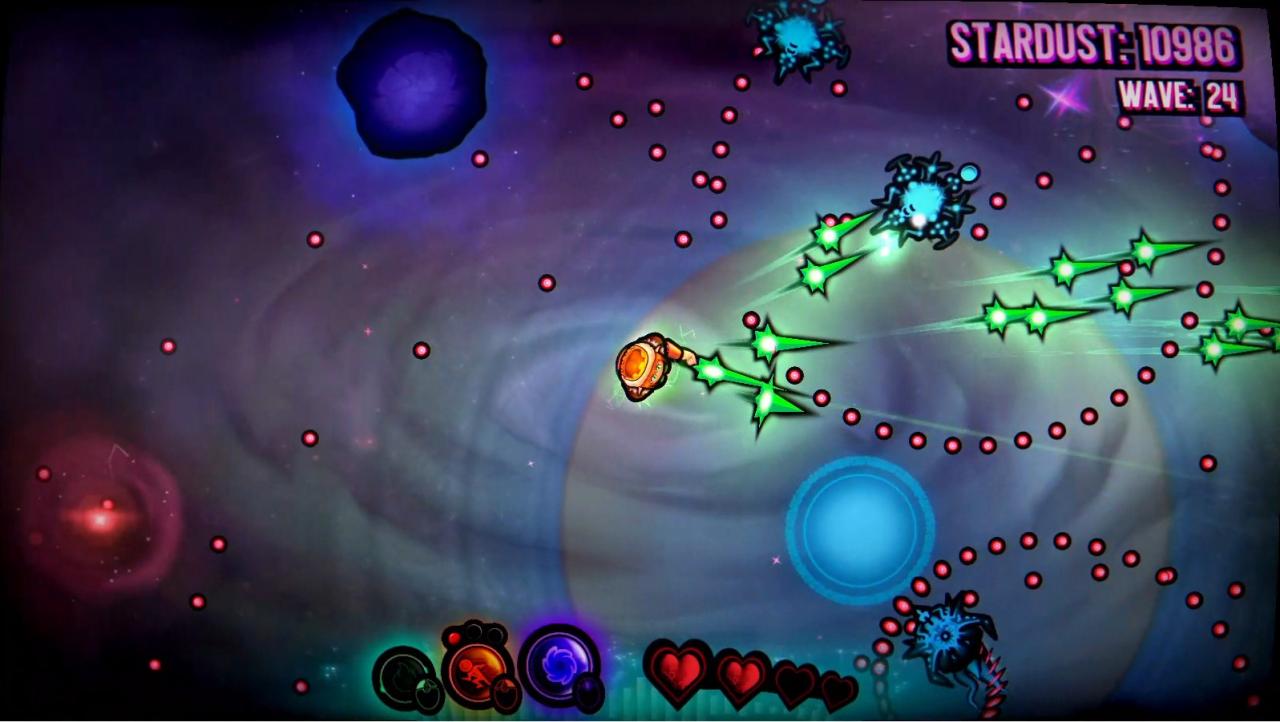
AstroViking is a wave-based survival game with arcade shoot em' up elements! Play as a superpowered viking warrior and fend off hordes of aliens in an endless battle! With a massive selection of upgrades, forge your own ultimate warrior! Mix and match from a skill tree of over 60 nodes to evolve into an overpowered god! Amplify your bullets with piercing needles, multi-shot, super speed, damage, gigantic size, and more! Customize your dash attacks and vortex lure to build your own character class from the ground up!Classic arcade action meets horde survival!Stay on your toes with fast-paced shoot em' up action, built to capture the hyper-addictive gameplay of 90's arcade machines. Combined with Zombie horde mode inspirations and a Vaporwave art-style, AstroViking is a fresh twist on the classics!Compete online against the world in a global test of survival!Earn divisional rankings and badges for your best records as you climb the leaderboard! Players are globally ranked for every wave they survive. Outlast the competition and beat down your rivals!

AstroViking screenshotAstroViking screenshotAstroViking screenshotAstroViking screenshotAstroViking screenshotAstroViking screenshot

How to redeem

  1. 1Check your Steam account and the listed region before purchasing.
  2. 2Find your code and supplier activation instructions in your confirmed order.
  3. 3Open the redeem-code section on Steam, enter the code and follow the platform’s prompts.

Supplier instructions

Go to: http://store.steampowered.com/ and download STEAM client Click "Install Steam" (from the upper right corner) Install and start application, login with your Account name and Password (create one if you don't have). Please follow these instructions to activate a new retail purchase on Steam: Launch Steam and log into your Steam account. Click the Games Menu. Choose Activate a Product on Steam... Follow the onscreen instructions to complete the process. After successful code verification go to the "MY GAMES" tab and start downloading.

You might also like