Get 10% back in Relic Coins on every order
Chompy Chomp Chomp cover

SteamGlobal· Key

Chompy Chomp Chomp

€0.58

+€0.06 cashback eligibility in Relic Coins

Check before you play

Platform
Steam
Region
Global
Product type
Key
Developer
Utopian World of Sandwiches
Publisher
KISS ltd
Supplier release date
2014-05-16
Genres
Action, Indie, Co-op

About this product

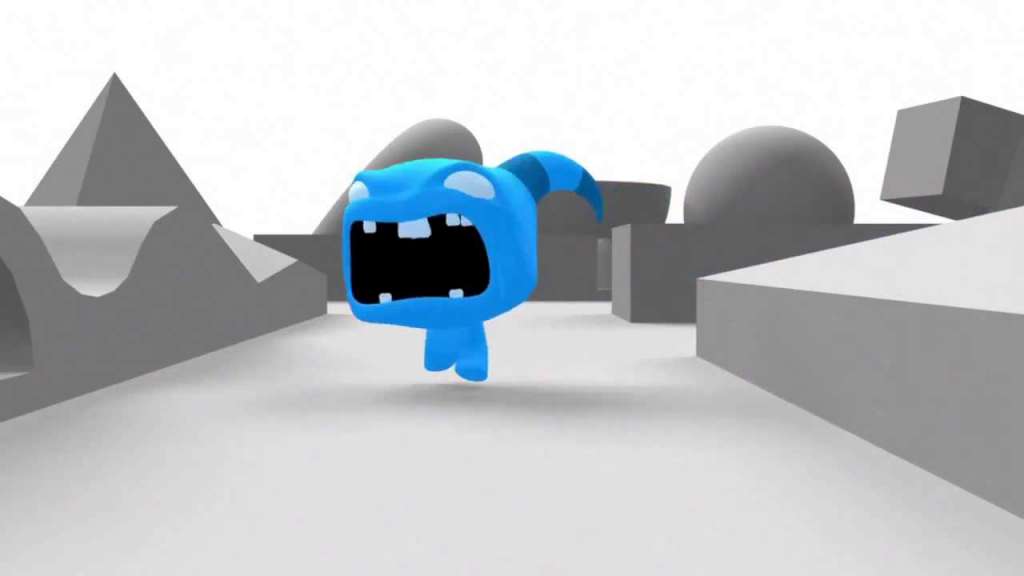
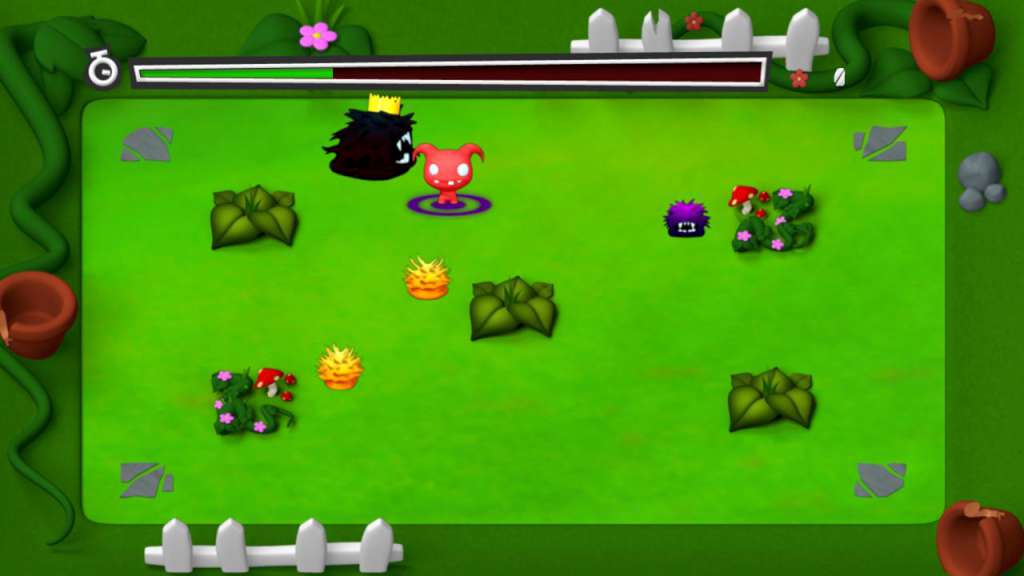
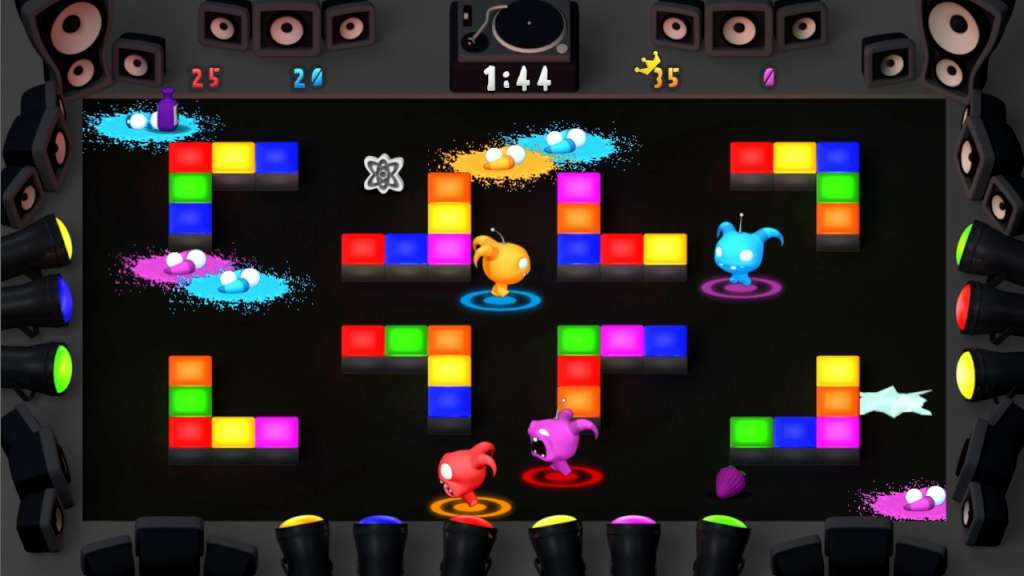
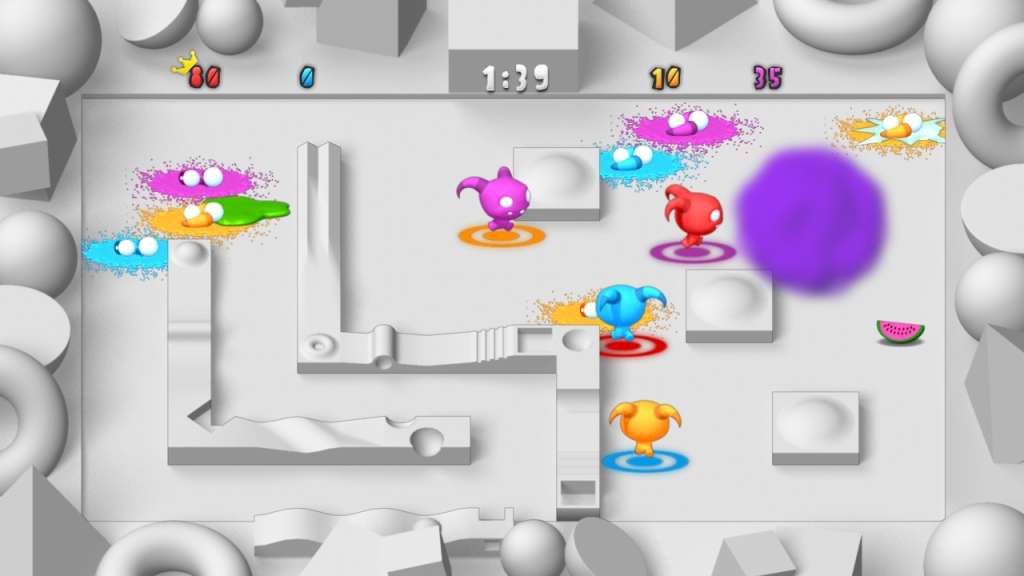
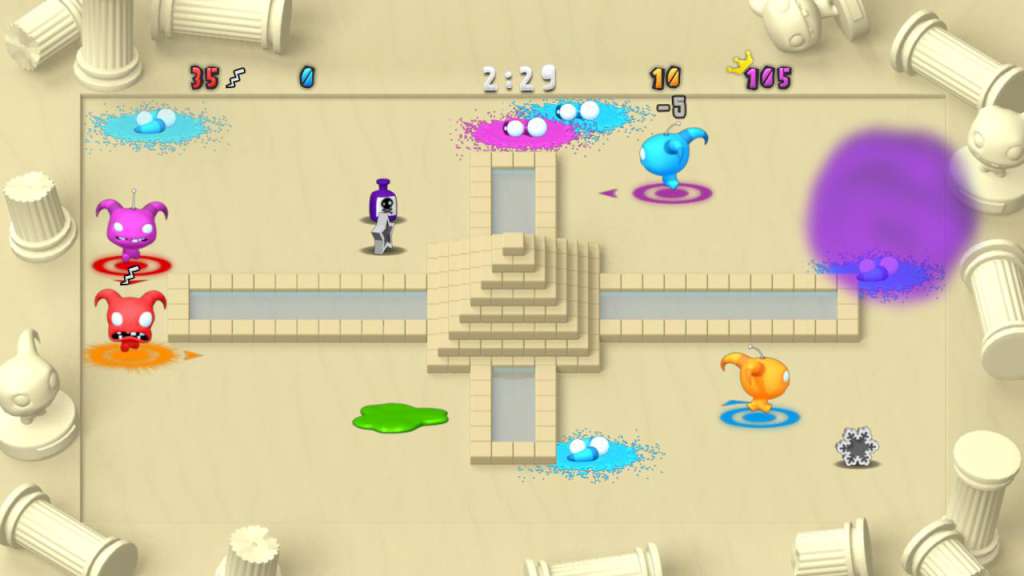
We make games with a purpose. The purpose of Chompy Chomp Chomp is to bring people together. Chompy Chomp Chomp is a game where people of all ages, tastes and skills can play together, and enjoy themselves on a level playing field. Play with your friends/kids/boss/gran, lose your inhibitions, shout and scream and generally have an awesome time. It’s fun, but it’s having fun together that is the important part. Chompy Chomp Chomp is a maze-based multiplayer rampage in which Chompies chase each other around trying to eat their target colour Chompy. Underneath your Chompy's feet you have a target the colour of the Chompy you need to eat. You get points for chomping, you lose points for being chomped. The target colours change at random, turning hunters into hunted and vice versa. It has been awesomely described on a forum somewhere as "the bastard love-child of Pac-Man and Bomberman" Customise your game to chomp your way through rich and varied arena environments and try all the different power-ups. Features 1-4 players, local multiplayer PC exclusive single player/co-op mode AI Bots Lots of power-ups 15 different arenas (with more already on their way) 27 Steam Achievements

Chompy Chomp Chomp screenshotChompy Chomp Chomp screenshotChompy Chomp Chomp screenshotChompy Chomp Chomp screenshotChompy Chomp Chomp screenshotChompy Chomp Chomp screenshot

How to redeem

  1. 1Check your Steam account and the listed region before purchasing.
  2. 2Find your code and supplier activation instructions in your confirmed order.
  3. 3Open the redeem-code section on Steam, enter the code and follow the platform’s prompts.

Supplier instructions

Go to: http://store.steampowered.com/ and download STEAM client Click "Install Steam" (from the upper right corner) Install and start application, login with your Account name and Password (create one if you don't have). Please follow these instructions to activate a new retail purchase on Steam: Launch Steam and log into your Steam account. Click the Games Menu. Choose Activate a Product on Steam... Follow the onscreen instructions to complete the process. After successful code verification go to the "MY GAMES" tab and start downloading.

You might also like