

SteamGlobal· Key
Put In - Run Out
€0.69
+€0.07 cashback eligibility in Relic Coins
Check before you play
- Platform
- Steam
- Region
- Global
- Product type
- Key
- Supplier release date
- 2019-06-11
- Genres
- Adventure, Indie, Casual
SteamGlobal· Key
€0.69
+€0.07 cashback eligibility in Relic Coins
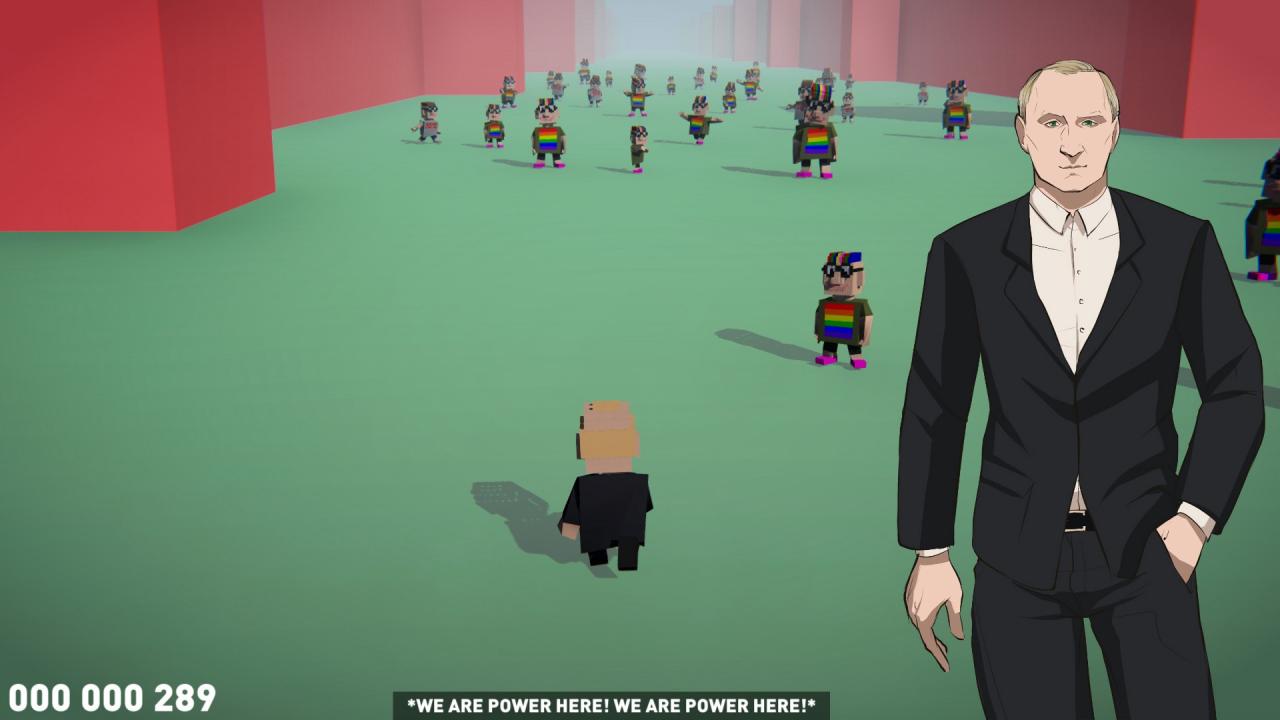
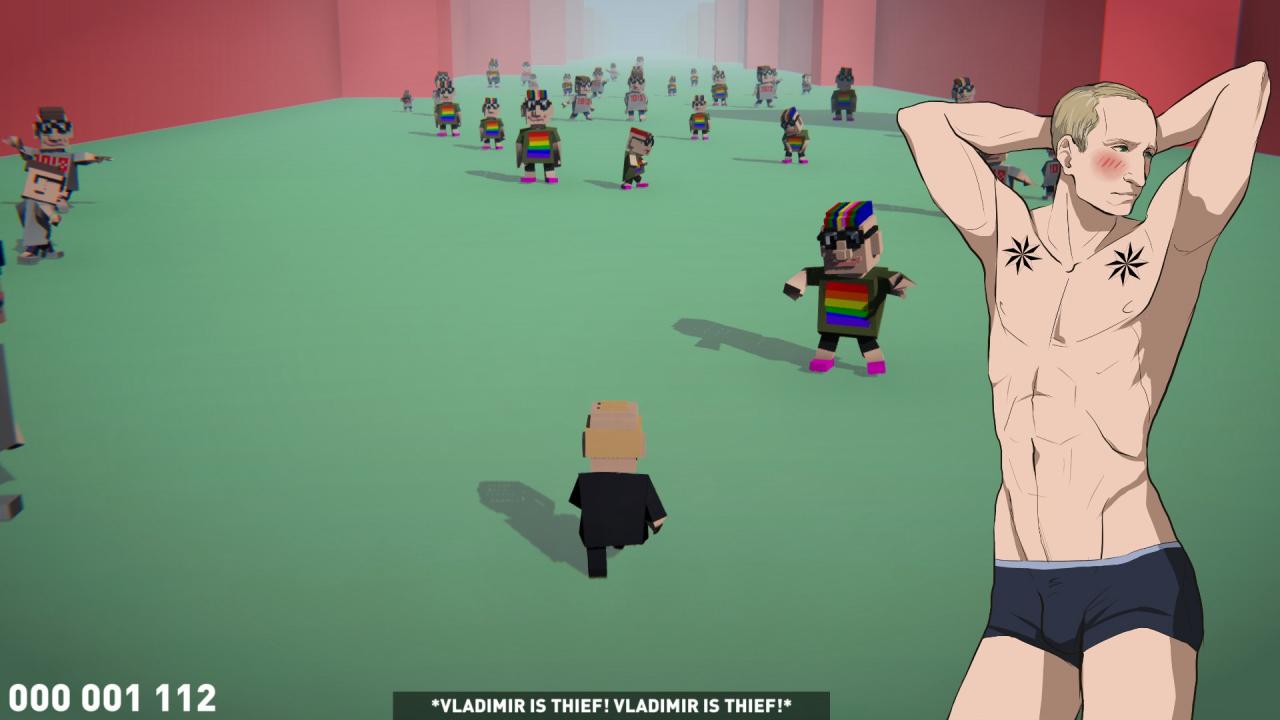
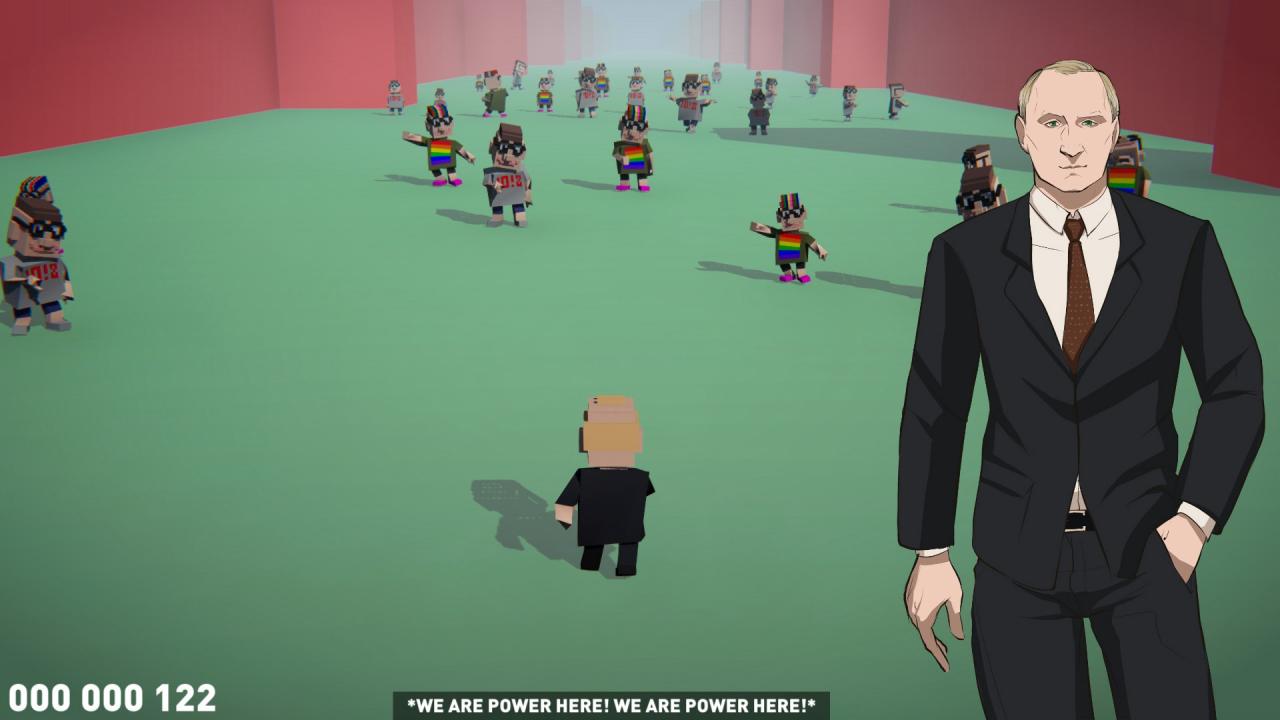
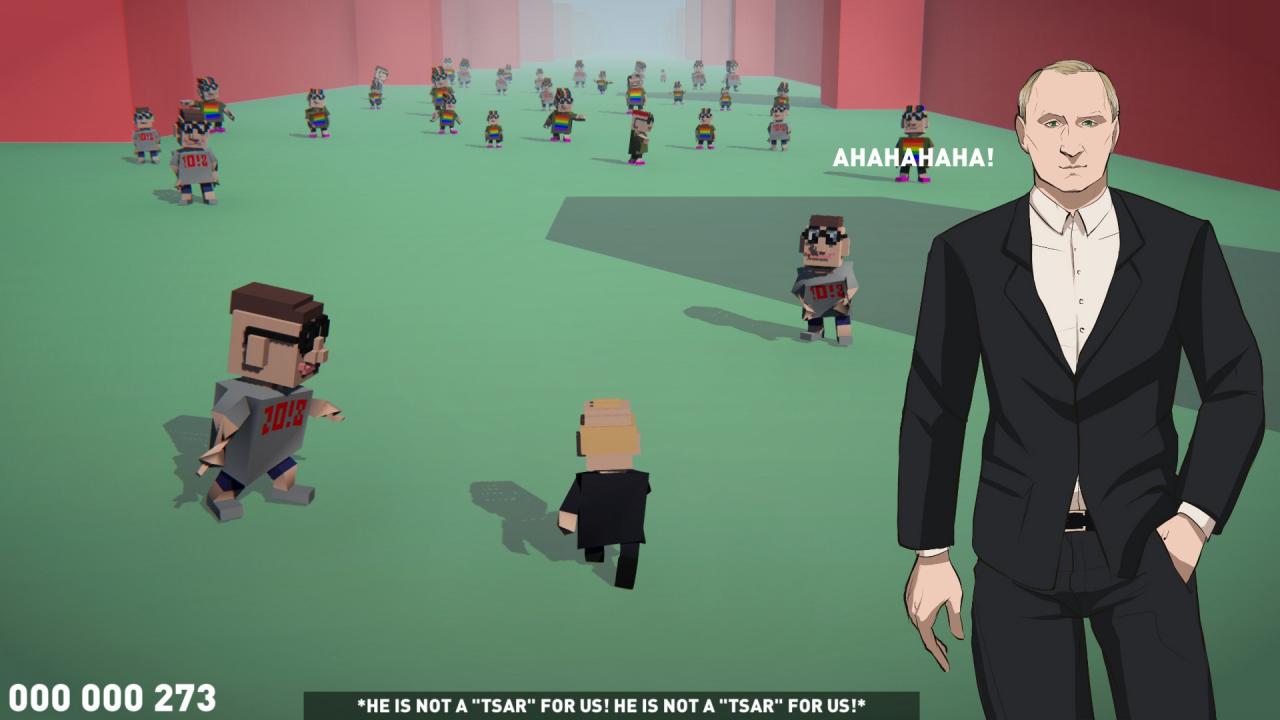
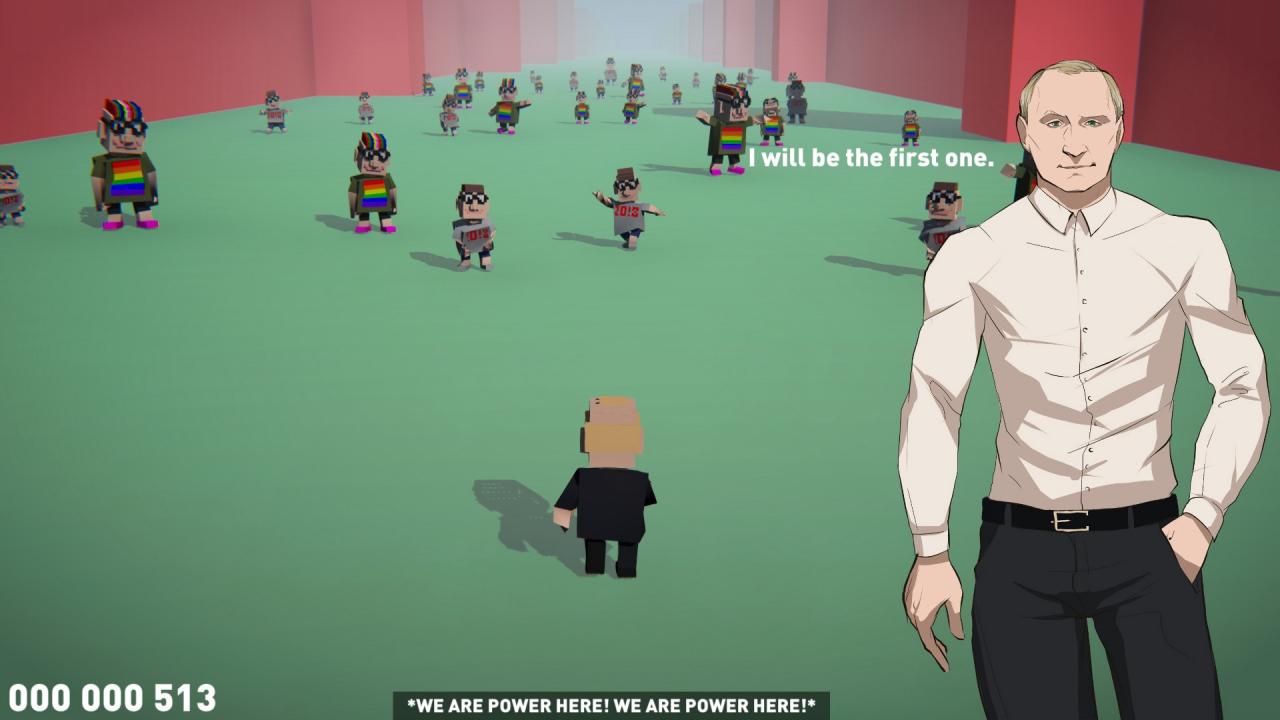
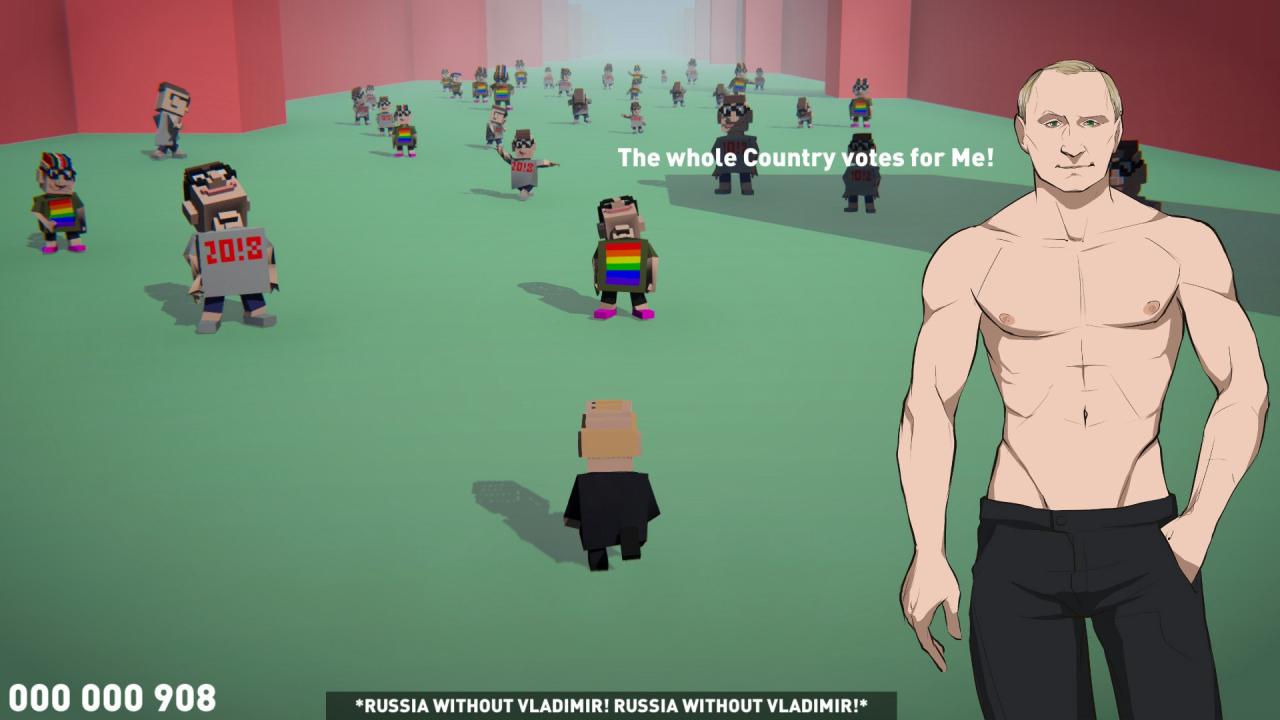
DISCLAIMER This game is a work of fiction. Names, characters, places and events are the products of the authors’ imagination. Any resemblance to actual persons, living or dead, or actual events is purely coincidental. Our dear Tsar Vladimir adores morning runs. One day, having started his regular running, he finds himself in the center of Nevelniy’s protest, who is supported by the US State Department! Evil and spoiled Zoomers, children of corrupt officials, using some sort of stewed fruit, are trying to destabilize the situation in our society. The protest is their main weapon. So let's help our dear Vladimir run this way through two percent of crap that bothers him. Running forward, you need to dodge the young morons. Losing his clothes, Tsar Vladimir gains the support of the adult population. Stripping himself, the hero demonstrates that he is the most honest and worthy ruler who has nothing to conceal. Having received the support of the older generation (parents, grandparents, teachers and professors), the Zoomers will lose their strength and Vladimir will gain power. Good luck! Features The ability to play as Tsar Vladimir Dynamic gameplay Original sounds, which have no analogues in any other game. Authentic phrases Tsar Vladimir’s strip and some clothes dropped during game Energetic soundtrack Steam achievements
Go to: http://store.steampowered.com/ and download STEAM client Click "Install Steam" (from the upper right corner) Install and start application, login with your Account name and Password (create one if you don't have). Please follow these instructions to activate a new retail purchase on Steam: Launch Steam and log into your Steam account. Click the Games Menu. Choose Activate a Product on Steam... Follow the onscreen instructions to complete the process. After successful code verification go to the "MY GAMES" tab and start downloading.