

SteamGlobal· Key
Unity of Command: Stalingrad Campaigns
€0.23
+€0.02 cashback eligibility in Relic Coins
Check before you play
- Platform
- Steam
- Region
- Global
- Product type
- Key
- Publisher
- Dvaput
- Genres
- Strategy, Indie
SteamGlobal· Key
€0.23
+€0.02 cashback eligibility in Relic Coins
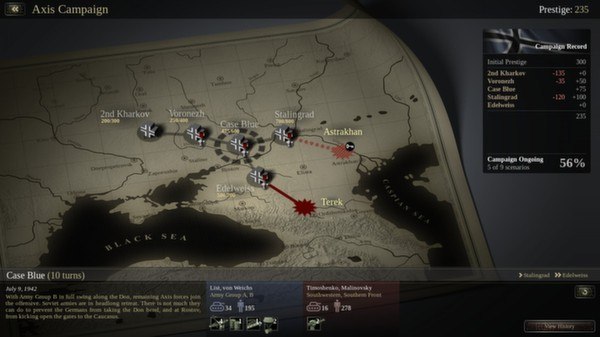
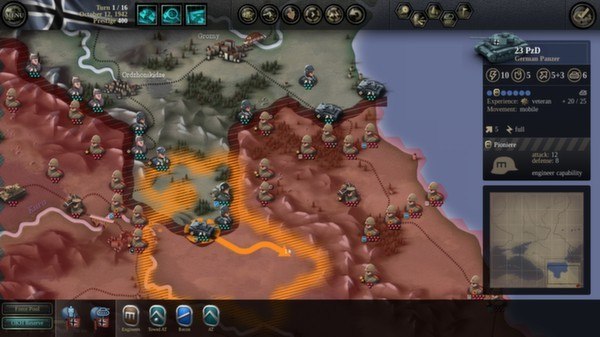
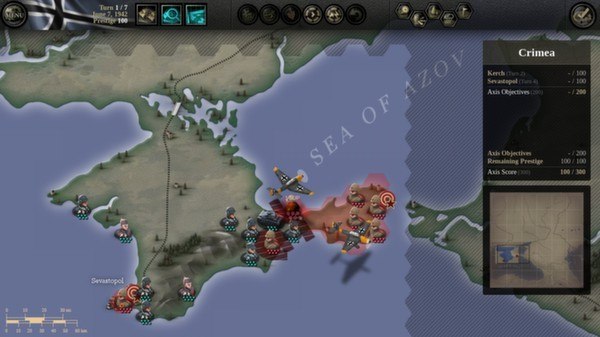
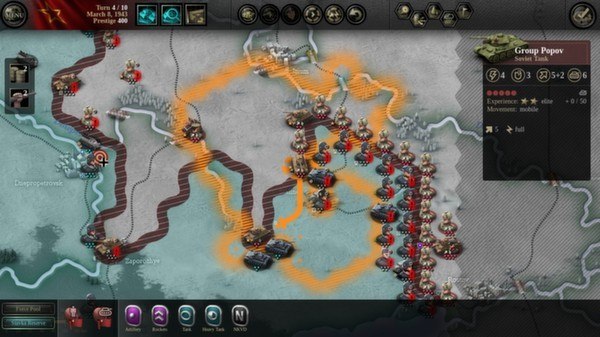
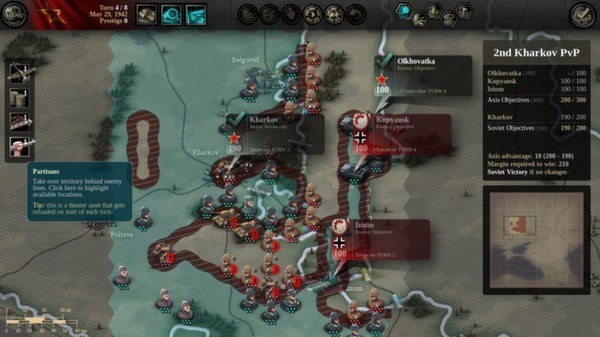
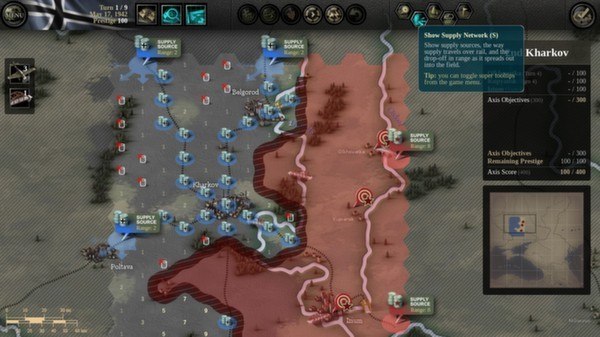
Unity of Command: Stalingrad Campaigns Steam Key Platform: Steam Languages: English Release Date: 17 Oct 2012 Product Description Unity of Command is an innovative and refreshing operational-level wargame that covers the entire 1942/43 Stalingrad Campaign on the Eastern Front. Playable from both the Axis and Soviet perspective, it strives to recreate the strategy, the forces involved and the general tension of that crucial period in World War II. Features Experience the highly fluid, enormously large battles of maneuver in a turn-based strategy setting. Take command in this mobile, back-and-forth sort of war where logistics and poor weather are often the decider, and defeat and victory are sometimes just a mile, or a day, apart. System Requirements PC System Requirements OS:Windows XP Processor:1.6 GHz Memory:1 GB RAM Hard Drive:150 MB HD space Mac System Requirements OS:10.6 Processor:1.6 GHz Memory:1 GB RAM Hard Drive:150 MB HD space Linux System Requirements Processor:1.6 GHz Memory:1 GB RAM Hard Drive:150 MB HD space
Go to: http://store.steampowered.com/ and download STEAM client Click "Install Steam" (from the upper right corner) Install and start application, login with your Account name and Password (create one if you don't have). Please follow these instructions to activate a new retail purchase on Steam: Launch Steam and log into your Steam account. Click the Games Menu. Choose Activate a Product on Steam... Follow the onscreen instructions to complete the process. After successful code verification go to the "MY GAMES" tab and start downloading.