Get 10% back in Relic Coins on every order
Driven Out cover

SteamGlobal· Key

Driven Out

€8.42

+€0.84 cashback eligibility in Relic Coins

Check before you play

Platform
Steam
Region
Global
Product type
Key
Developer
No Pest Productions
Publisher
Jens Kolhammar
Supplier release date
2019-10-18
Genres
Action, Adventure, Indie

About this product

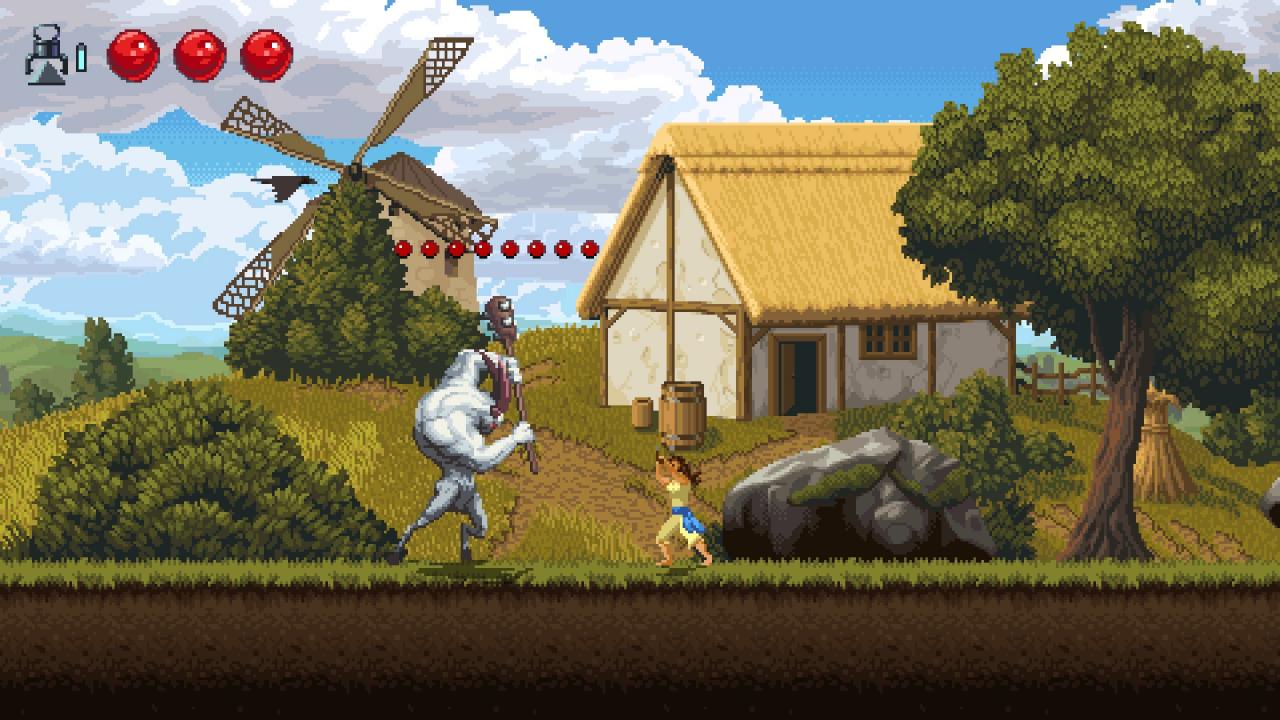
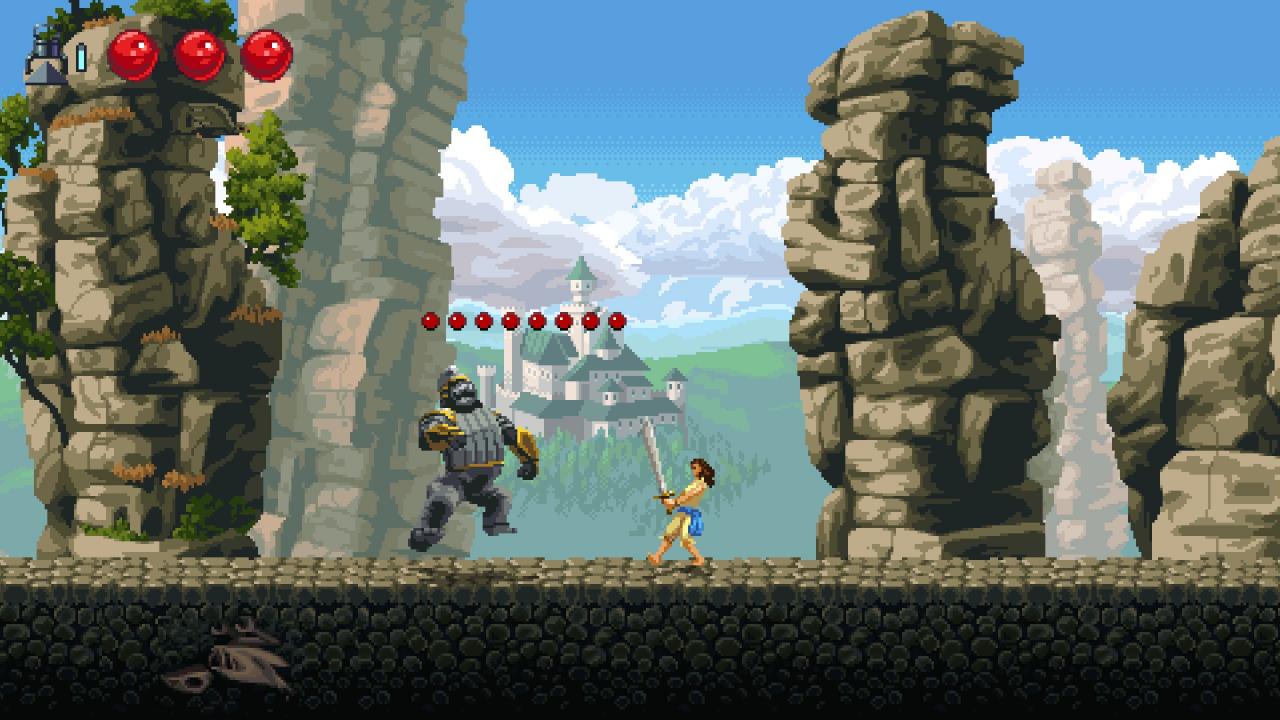
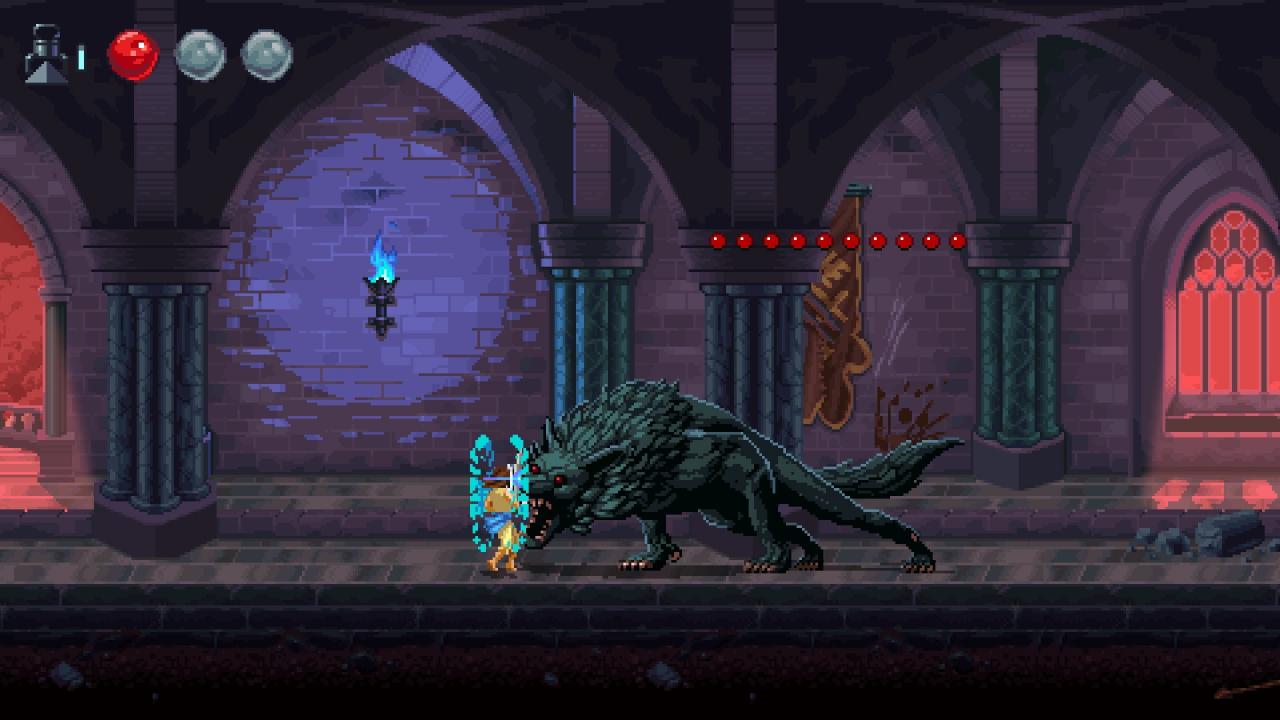
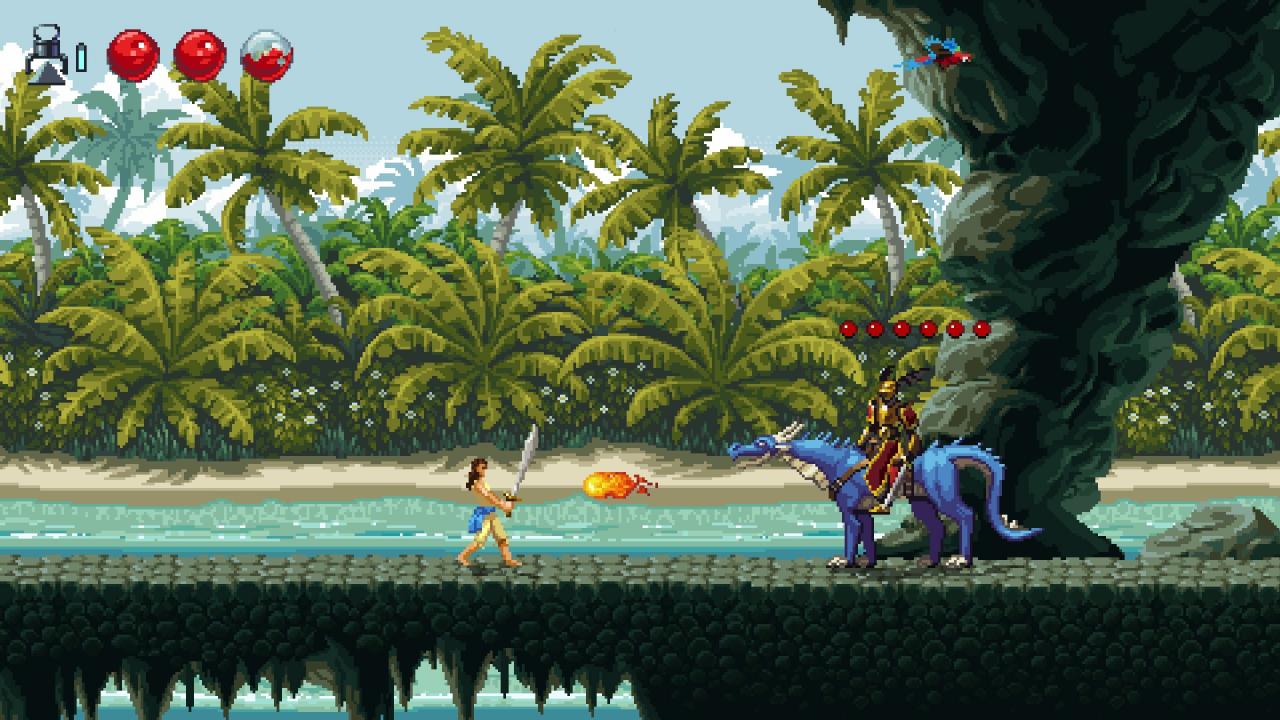
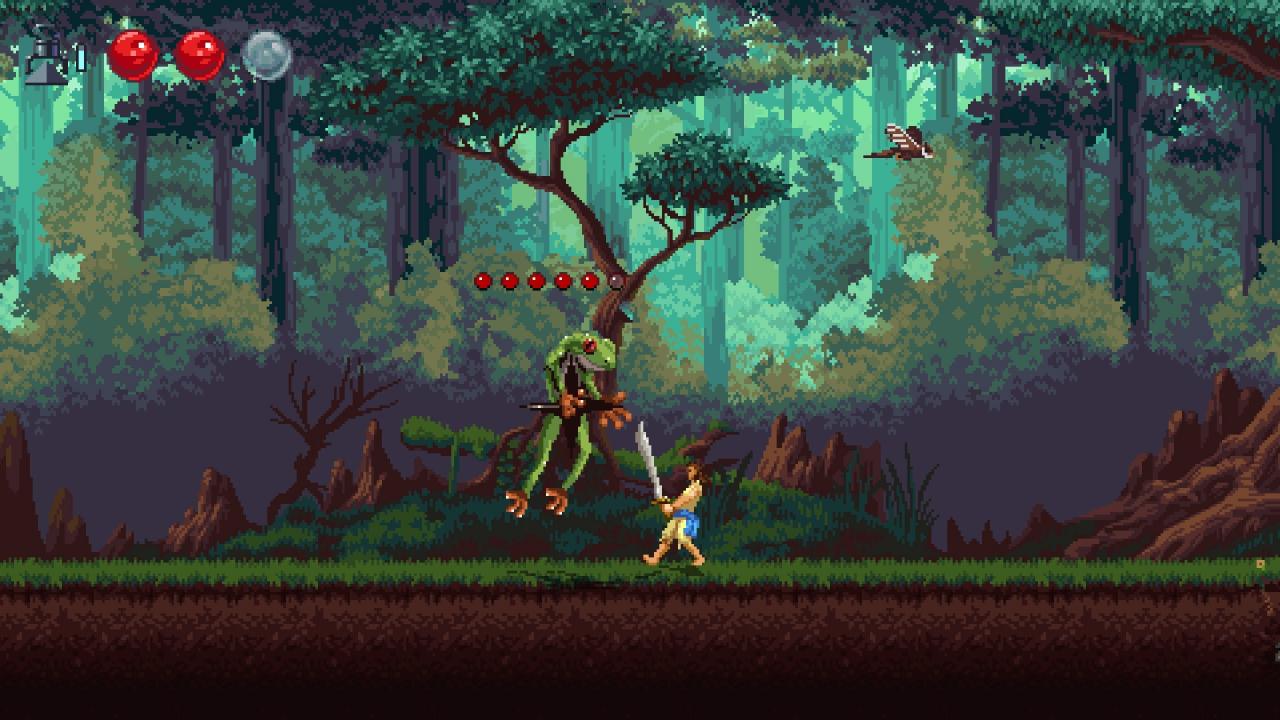
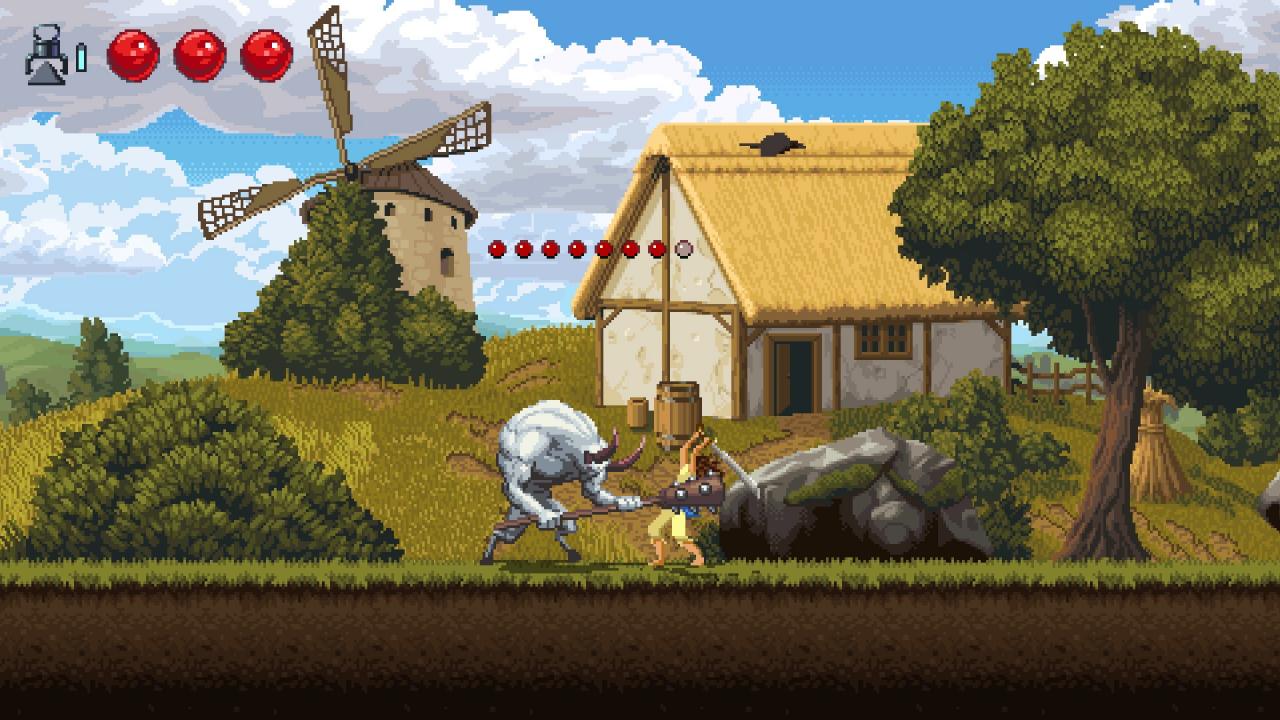
Driven Out is a challenging 2d side-scroller with deliberate combat and beautiful 16 bit retro aesthetic. A farmer is forced from her home into a dangerous world in upheaval. Forced to fight dangerous fantastical creatures. Luckily she has stumbled upon a magical contraption that creates copies of herself if she perishes. As long as this device has power she can place custom checkpoints. However it is a fragile device and if the enemies choose to attack the device it will quickly break.Enemies are numerous and varied in this seamless world. The farmer has no combat experience but as long as she keeps her wits about her and read the enemies she can prevail. The enemies are also not without wit and might choose to attack the checkpoint if left unprotected. Features Deliberate combat. Read the enemy and act accordingly. Beautiful 16 bit retro art style with fluid animations. Seamless world without any in-game load screens. Checkpoints can be placed anywhere. Destructible checkpoint, if left unprotected the enemies can choose to attack the checkpoints instead of the player. Skill based combat. No character progression and no loot.

Driven Out screenshotDriven Out screenshotDriven Out screenshotDriven Out screenshotDriven Out screenshotDriven Out screenshot

How to redeem

  1. 1Check your Steam account and the listed region before purchasing.
  2. 2Find your code and supplier activation instructions in your confirmed order.
  3. 3Open the redeem-code section on Steam, enter the code and follow the platform’s prompts.

Supplier instructions

Go to: http://store.steampowered.com/ and download STEAM client Click "Install Steam" (from the upper right corner) Install and start application, login with your Account name and Password (create one if you don't have). Please follow these instructions to activate a new retail purchase on Steam: Launch Steam and log into your Steam account. Click the Games Menu. Choose Activate a Product on Steam... Follow the onscreen instructions to complete the process. After successful code verification go to the "MY GAMES" tab and start downloading.

You might also like