

OtherGlobal· Key
THOR Vigilance Home - Antivirus (1 year / 3 PCs)
€16.12
+€1.61 cashback eligibility in Relic Coins
Check before you play
- Region
- Global
- Product type
- Key
- Developer
- HEIMDAL SECURITY
- Publisher
- HEIMDAL SECURITY
- Genres
- Software
OtherGlobal· Key
€16.12
+€1.61 cashback eligibility in Relic Coins
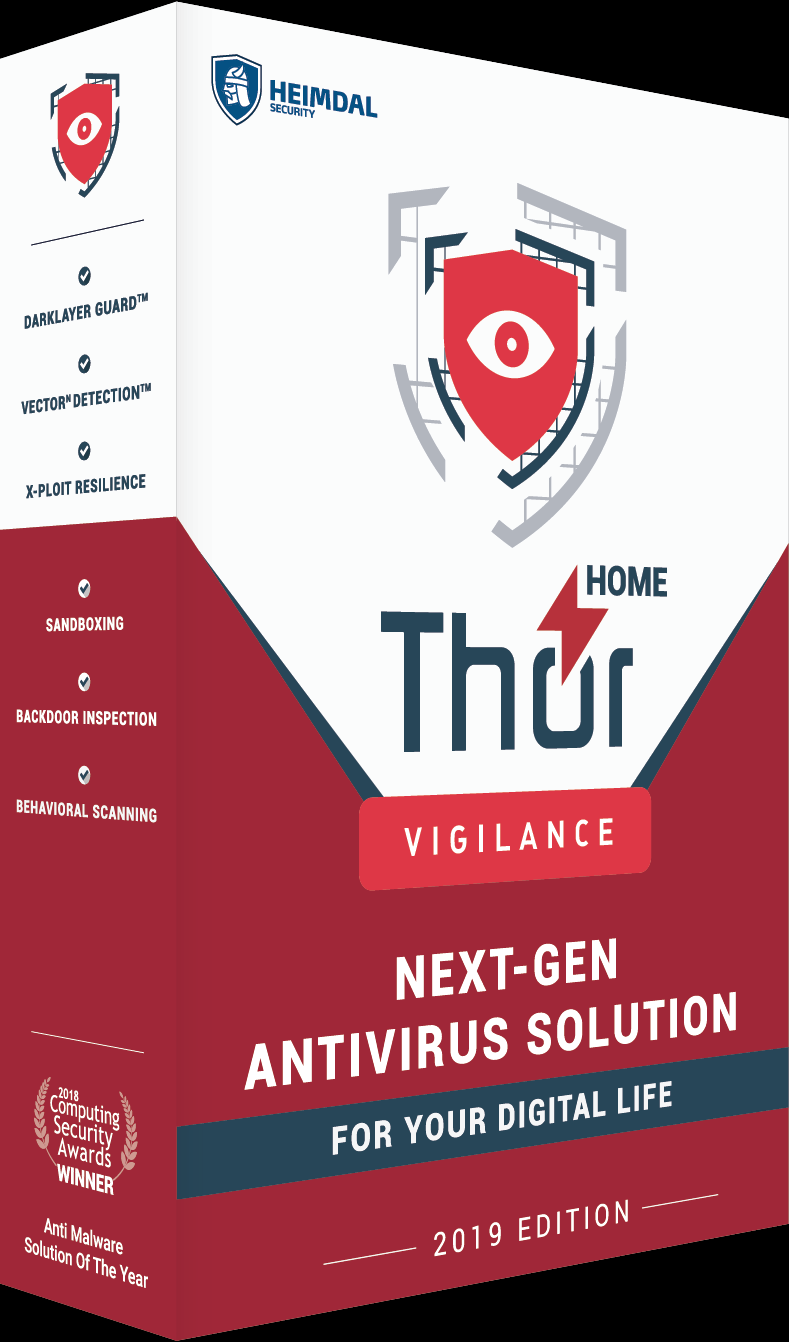
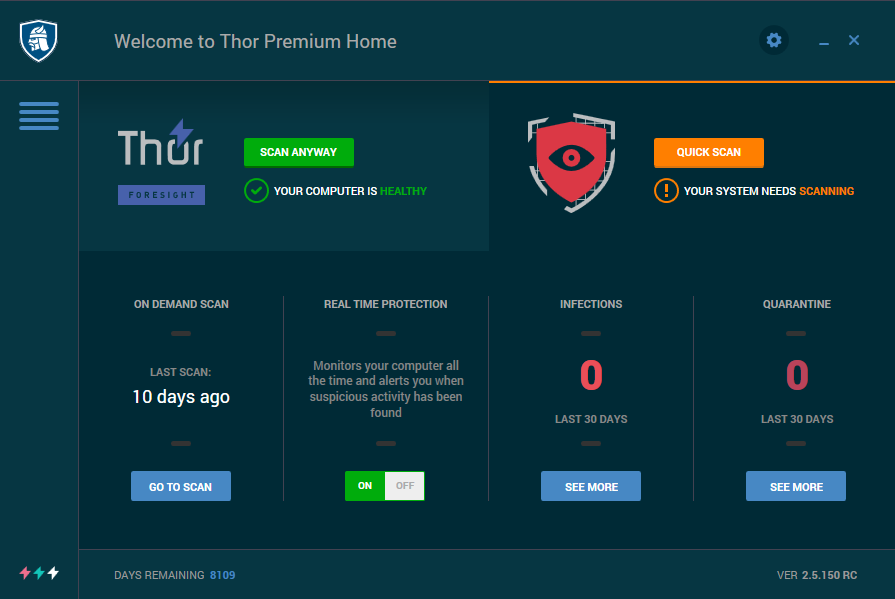
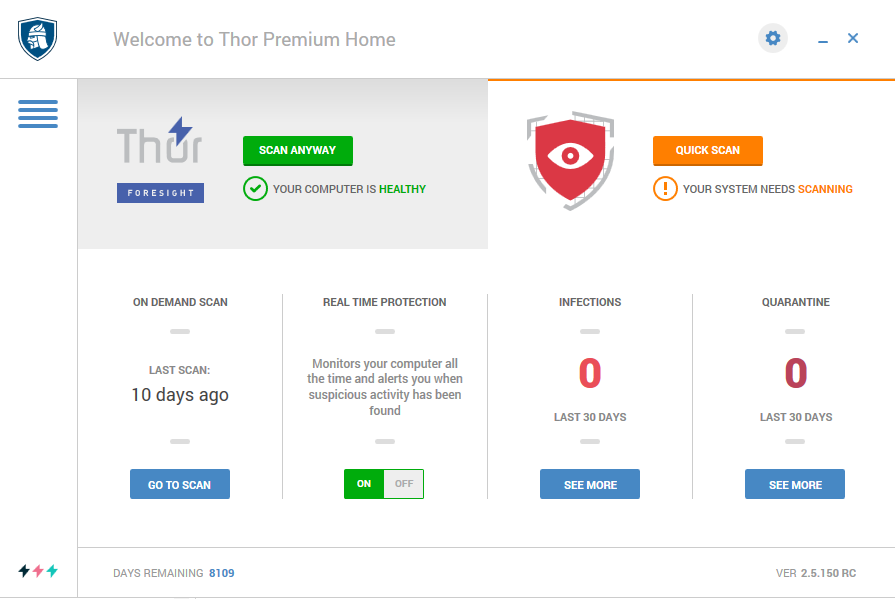
This lightweight, antivirus solution combines the techniques known by both traditional and next-gen antivirus engines to provide unparalleled protection against online threats.It will stop viruses, malware, ransomware, APTs, data leakage, exploits and other threats to your digital life. Features: Local and cloud scanning with behavioral detection Monitors your system continuously for potentially malicious files Stops cybercriminals from extracting personal data Protects against viruses, ransomware, APTs and other known malware Smooth performance and lightweight installation Game/Silent mode 24/7, world-class support and educational resources Interface available in dark or light theme
1. Download the installer https://heimdalsecurity.com/en/products/thor-download/thank-you%20.2. Run the installer by clicking on the downloaded file3. Read the terms and conditions. The “I Agree” button will become available only when you scroll to the bottom.4. Choose the language for the user interface. Language can be switched also later, directly from the interface. 5. Choose installation path 6. Enter your license key in the “I want to activate Thor Home/Enterprise” field and finish the installation.7. You will receive the “Activation is complete” message, and get information about the type of license you have and its corresponding expiration date.