Get 10% back in Relic Coins on every order
Phoenix Wright: Ace Attorney Trilogy cover

Steam Asia - All Countries· Key

Phoenix Wright: Ace Attorney Trilogy

€8.44

+€0.84 cashback eligibility in Relic Coins

Check before you play

Platform
Steam
Region
Asia - All Countries
Product type
Key
Developer
Capcom
Publisher
Capcom
Supplier release date
2019-04-09
Genres
Adventure

About this product

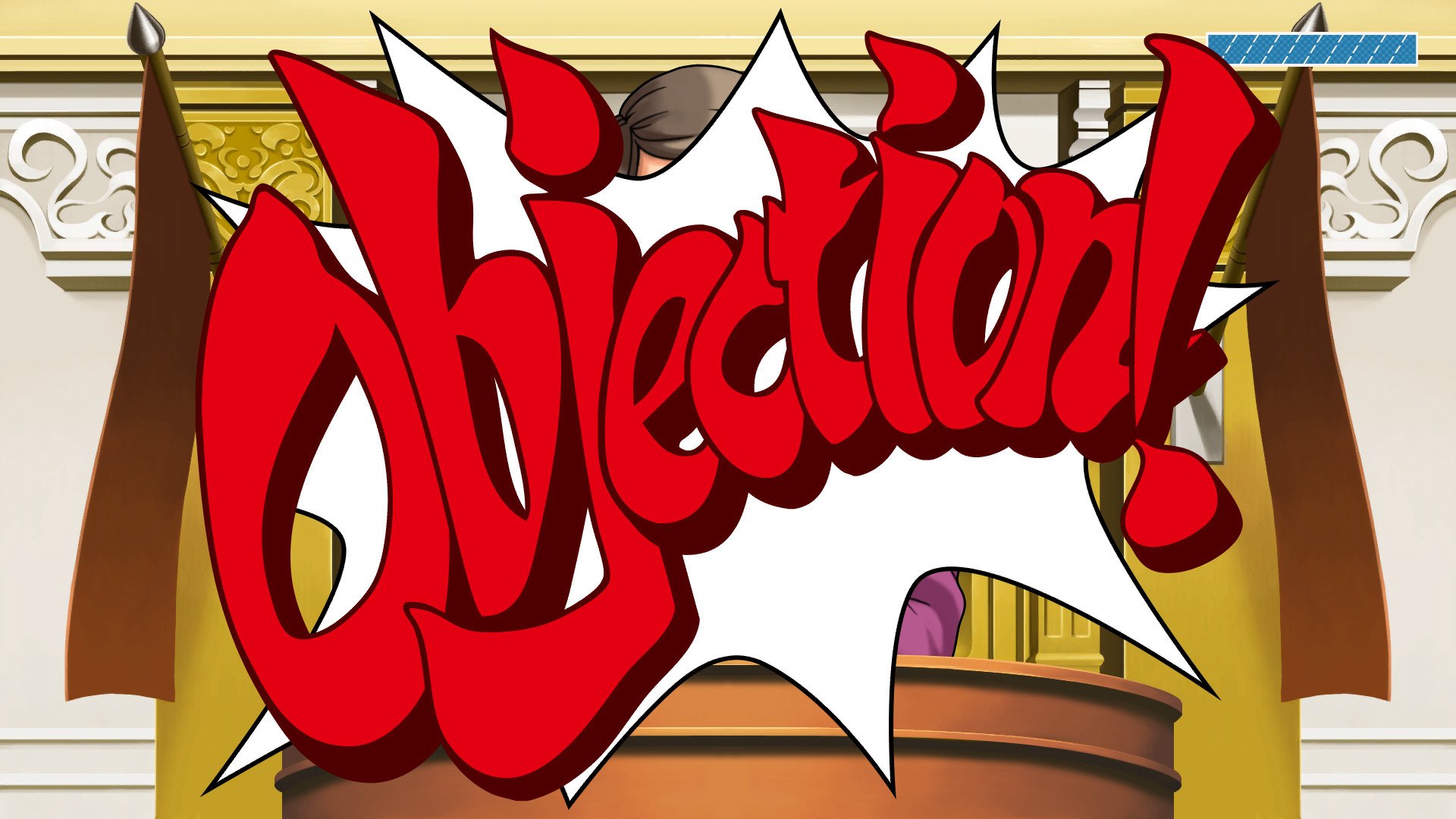
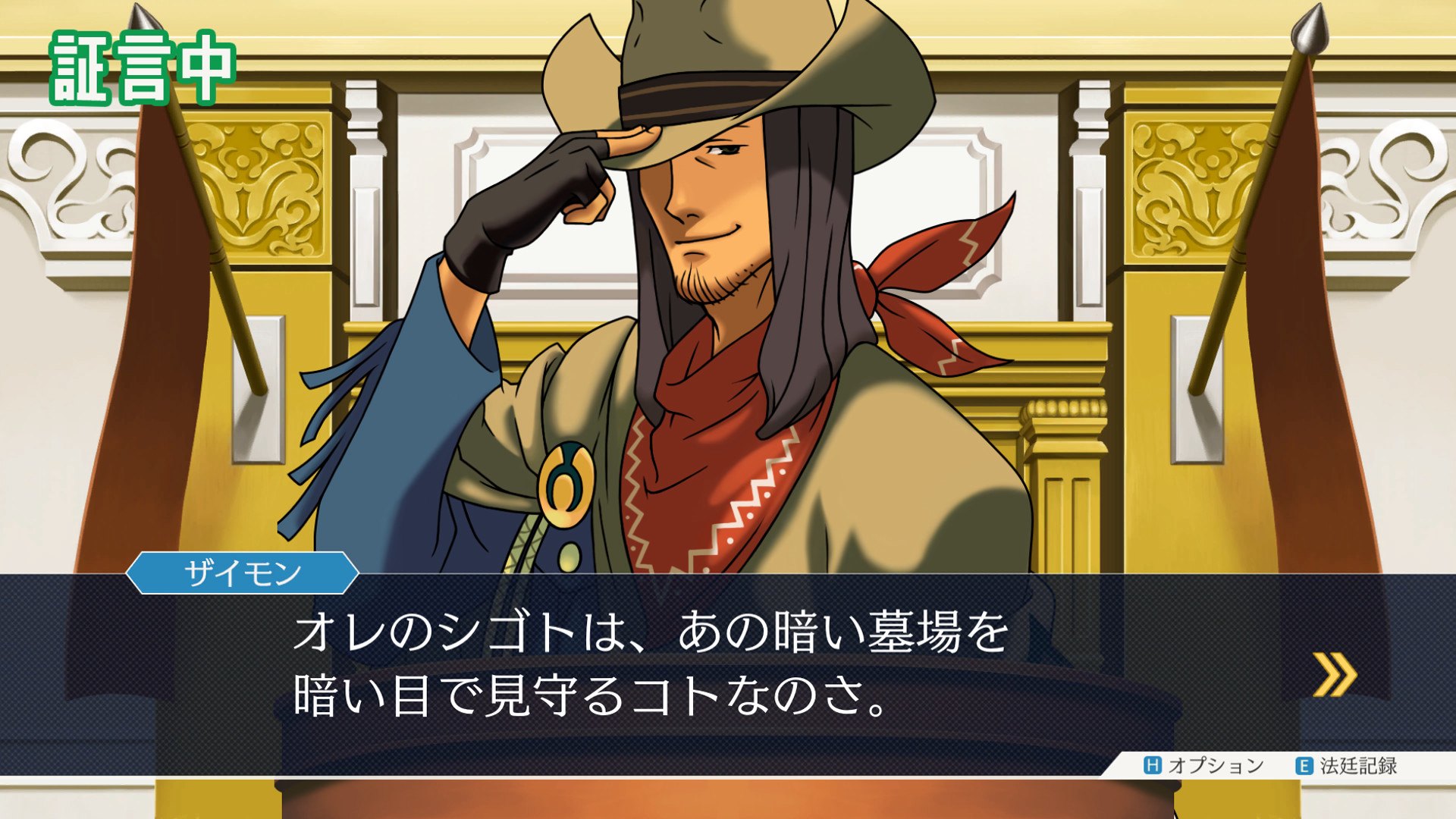
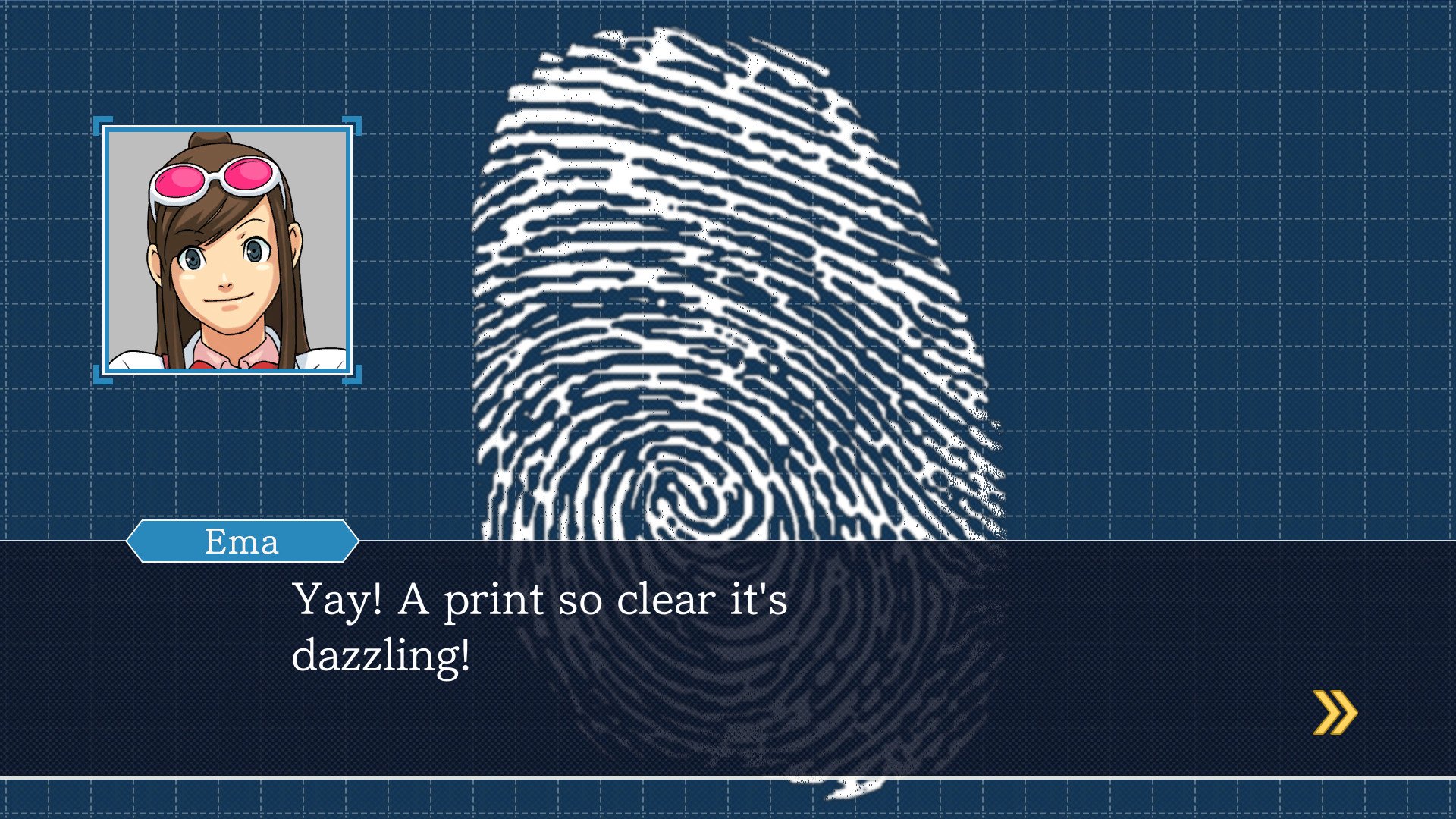
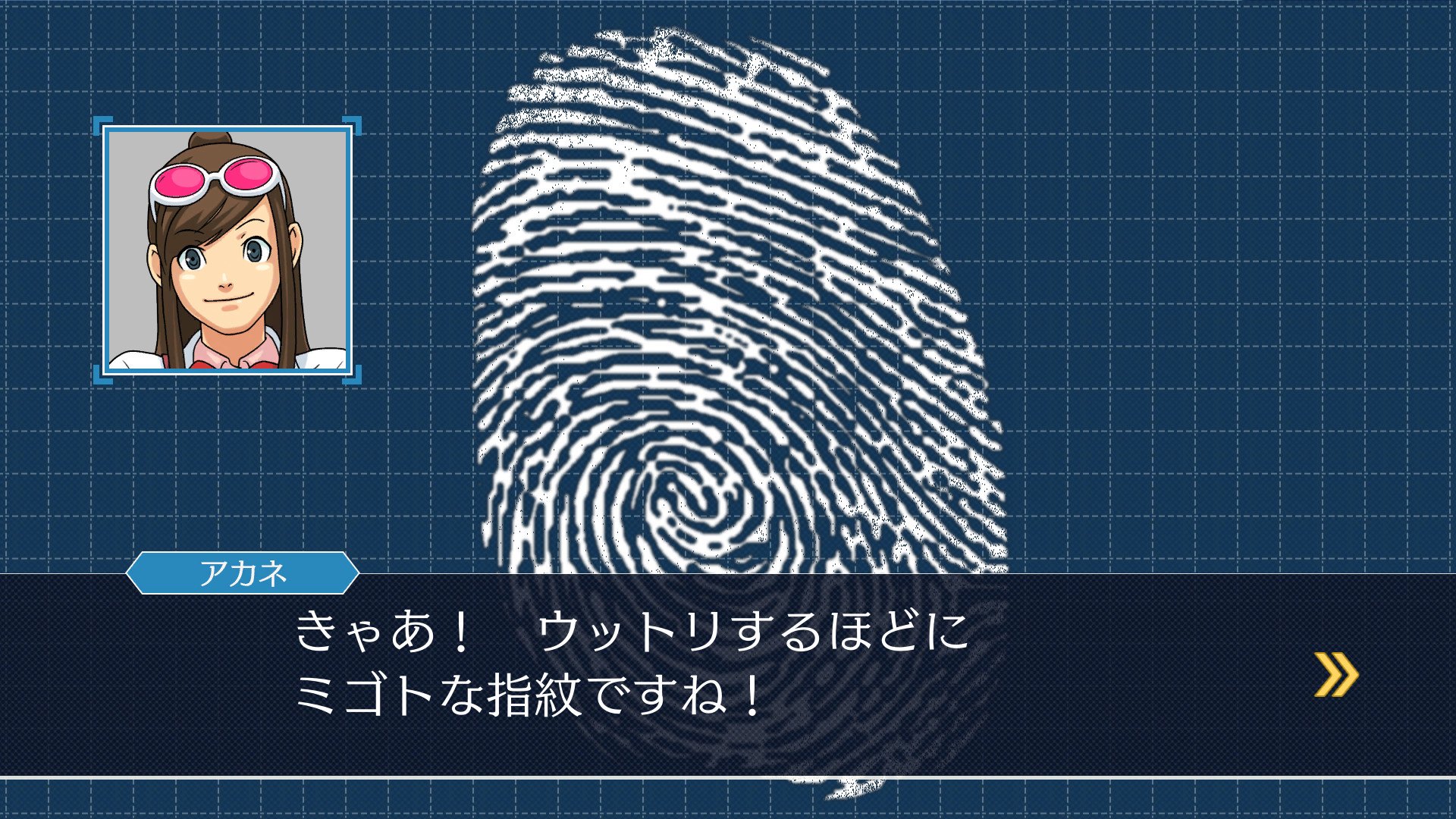
TAKE THAT! This Steam-exclusive original wallpaper features an array of adorable sprites from Phoenix Wright: Ace Attorney Trilogy. Can you unlock the mystery behind their lineup? There are no penalties for guessing! Take a closer look after finishing each game, and you might discover something new! The classic courtroom adventure series that has sold over 6.7 million copies worldwide is finally here. Become Phoenix Wright and experience the thrill of battle as you fight to save your innocent clients in a court of law. Play all 14 episodes, spanning the first three games, in one gorgeous collection. Solve the intriguing mysteries behind each case and witness the final truth for yourself! NOTE: French, German, Korean, Simplified Chinese, and Traditional Chinese language support will be added to the game in a post-launch update.

Phoenix Wright: Ace Attorney Trilogy screenshotPhoenix Wright: Ace Attorney Trilogy screenshotPhoenix Wright: Ace Attorney Trilogy screenshotPhoenix Wright: Ace Attorney Trilogy screenshotPhoenix Wright: Ace Attorney Trilogy screenshotPhoenix Wright: Ace Attorney Trilogy screenshot

How to redeem

  1. 1Check your Steam account and the listed region before purchasing.
  2. 2Find your code and supplier activation instructions in your confirmed order.
  3. 3Open the redeem-code section on Steam, enter the code and follow the platform’s prompts.

Supplier instructions

Go to: http://store.steampowered.com/ and download STEAM client Click "Install Steam" (from the upper right corner) Install and start application, login with your Account name and Password (create one if you don't have). Please follow these instructions to activate a new retail purchase on Steam: Launch Steam and log into your Steam account. Click the Games Menu. Choose Activate a Product on Steam... Follow the onscreen instructions to complete the process. After successful code verification go to the "MY GAMES" tab and start downloading.

You might also like