Get 10% back in Relic Coins on every order
PBA Pro Bowling cover

SteamGlobal· Key

PBA Pro Bowling

€10.13

+€1.01 cashback eligibility in Relic Coins

Check before you play

Platform
Steam
Region
Global
Product type
Key
Developer
FarSight Studios
Publisher
FarSight Studios
Supplier release date
2019-10-23
Genres
Sport, Simulation

About this product

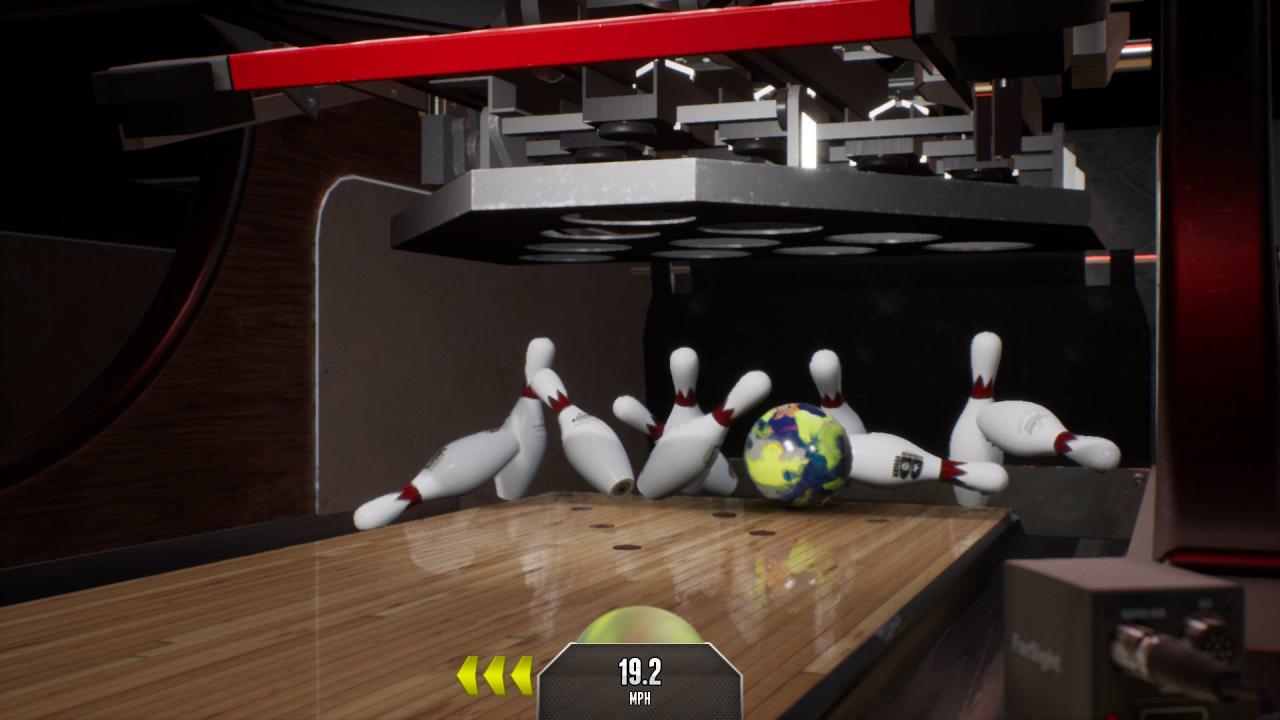
Lace up your bowling shoes and experience the most realistic bowling simulation ever created with PBA Pro Bowling! The Professional Bowlers Association and FarSight Studios have partnered to create an officially licensed PBA video game. The game features a career mode with over 100 tournaments set in dozens of venues, quickplay and local multi-player modes, online tournaments and more. 19 PBA pros will be included in the launch of the game with in-game commentary from Rob Stone and PBA legend Randy Pederson. Features Officially licensed PBA product. Real PBA Tour Professionals! Belmo, Butturff, Tackett, Norm Duke, Walter Ray, and many more. Accurate pro bowling styles featuring motion-captured animations. Expert commentary from Rob Stone and PBA legend Randy Pederson. Extensive career mode with over 100 virtual tournaments. Dozens of venues and environments. Compete against other players in online tournaments. Quickplay and local multi-player modes. Best bowling physics ever in a video game. Authentic PBA Tour oil patterns. Power-up special balls. Over 100 bonus challenges. Brunswick licensed pins and lane equipment. Real licensed bowling balls from many different ball manufacturers.

PBA Pro Bowling screenshotPBA Pro Bowling screenshotPBA Pro Bowling screenshotPBA Pro Bowling screenshotPBA Pro Bowling screenshot

How to redeem

  1. 1Check your Steam account and the listed region before purchasing.
  2. 2Find your code and supplier activation instructions in your confirmed order.
  3. 3Open the redeem-code section on Steam, enter the code and follow the platform’s prompts.

Supplier instructions

Go to: http://store.steampowered.com/ and download STEAM client Click "Install Steam" (from the upper right corner) Install and start application, login with your Account name and Password (create one if you don't have). Please follow these instructions to activate a new retail purchase on Steam: Launch Steam and log into your Steam account. Click the Games Menu. Choose Activate a Product on Steam... Follow the onscreen instructions to complete the process. After successful code verification go to the "MY GAMES" tab and start downloading.

You might also like