Get 10% back in Relic Coins on every order
OUTBUDDIES DX cover

SteamGlobal· Key

OUTBUDDIES DX

€0.78

+€0.08 cashback eligibility in Relic Coins

Check before you play

Platform
Steam
Region
Global
Product type
Key
Developer
Julian Laufer
Publisher
Headup
Supplier release date
2019-10-15
Genres
Action, Adventure, Indie, Platformer, Co-op

About this product

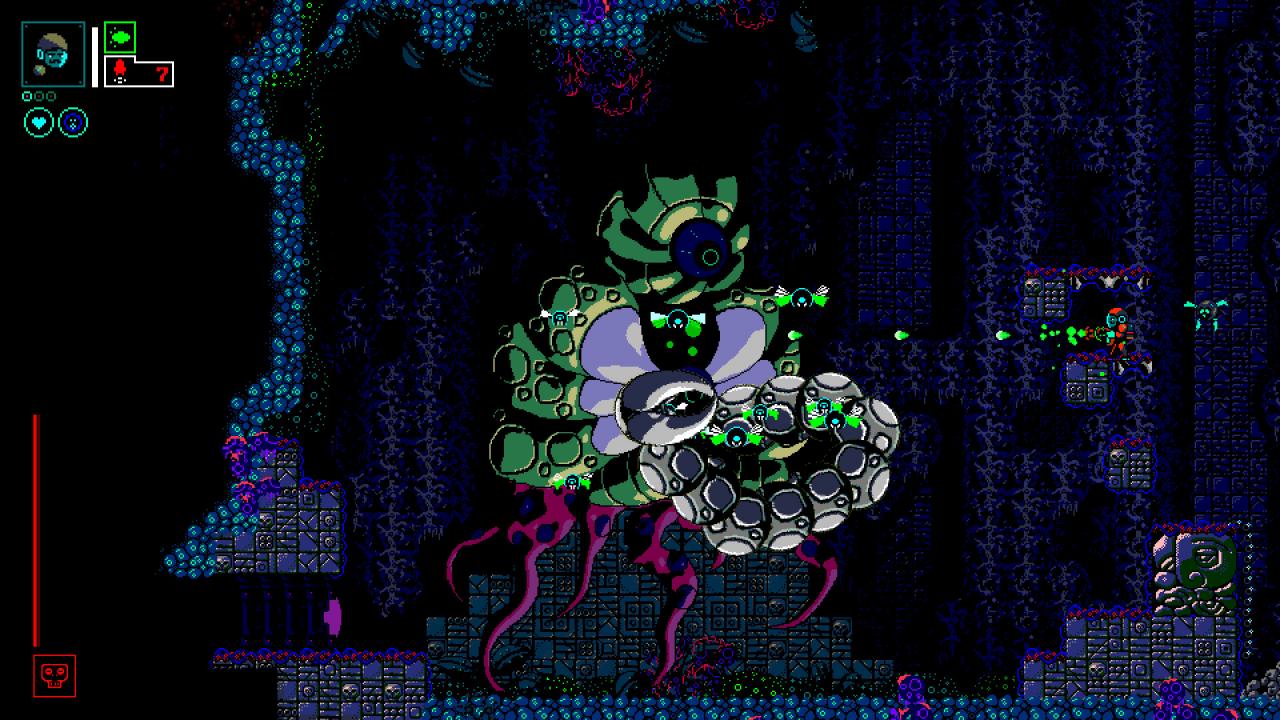
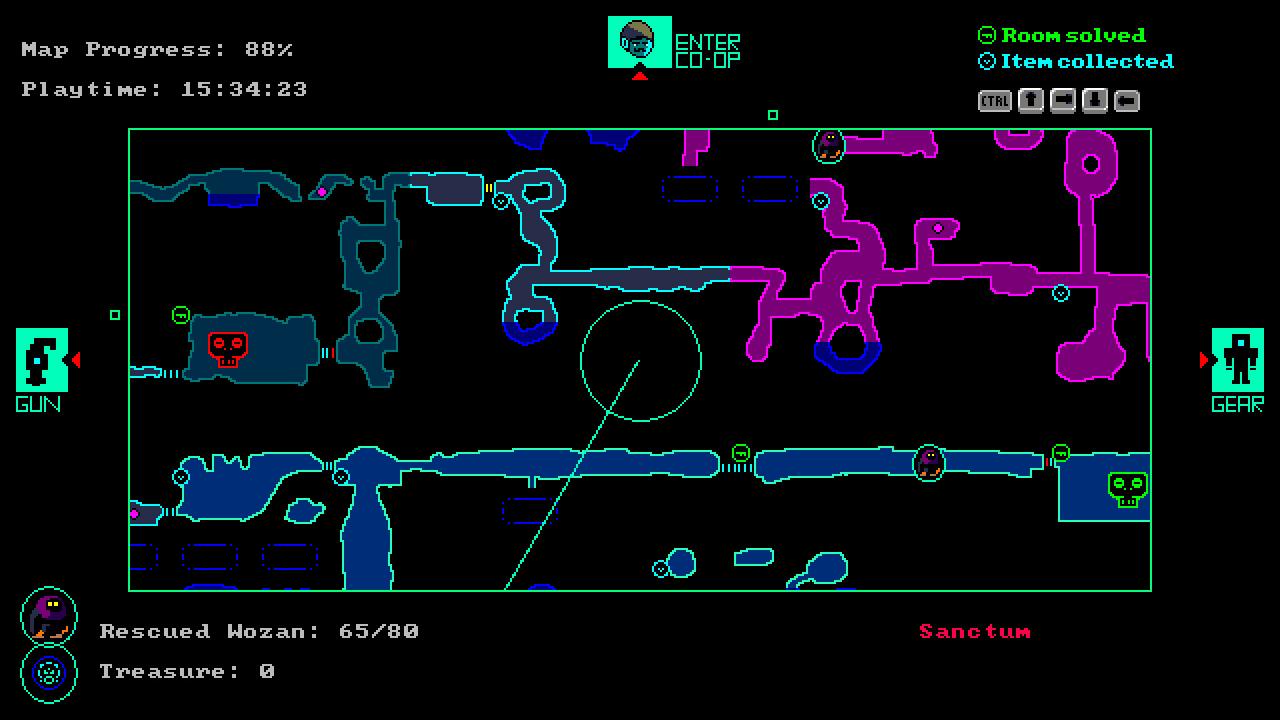
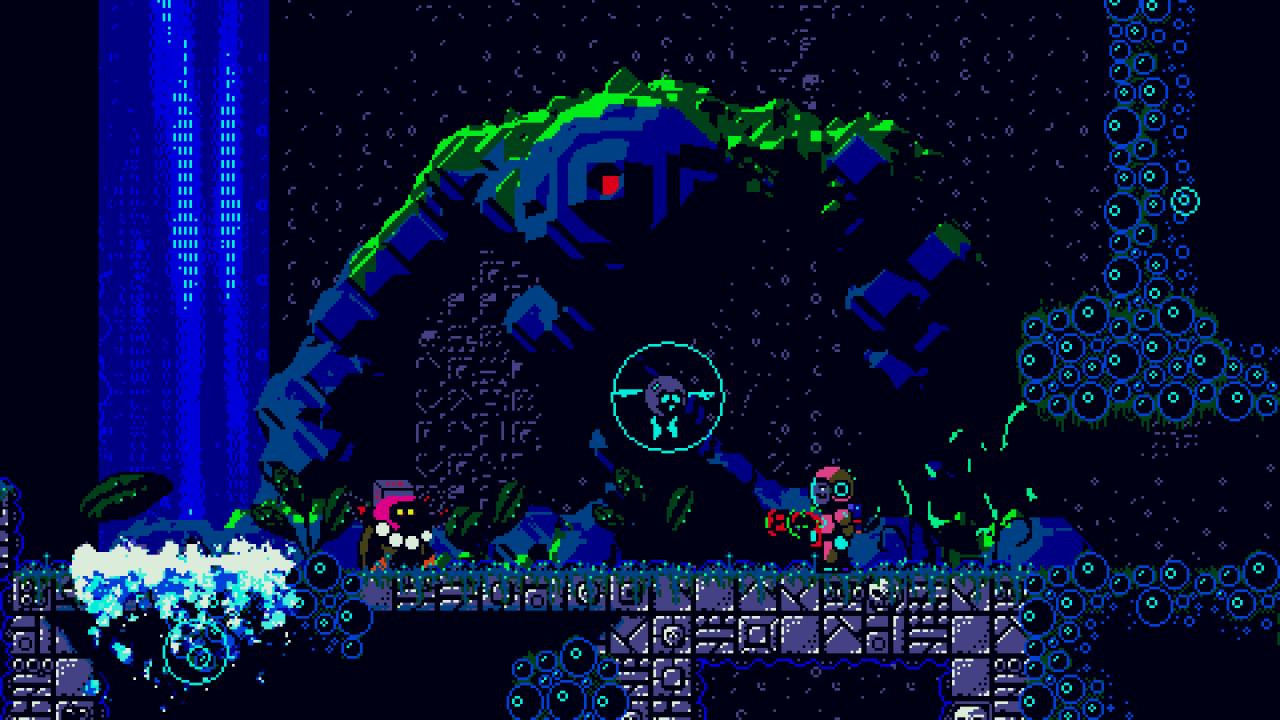
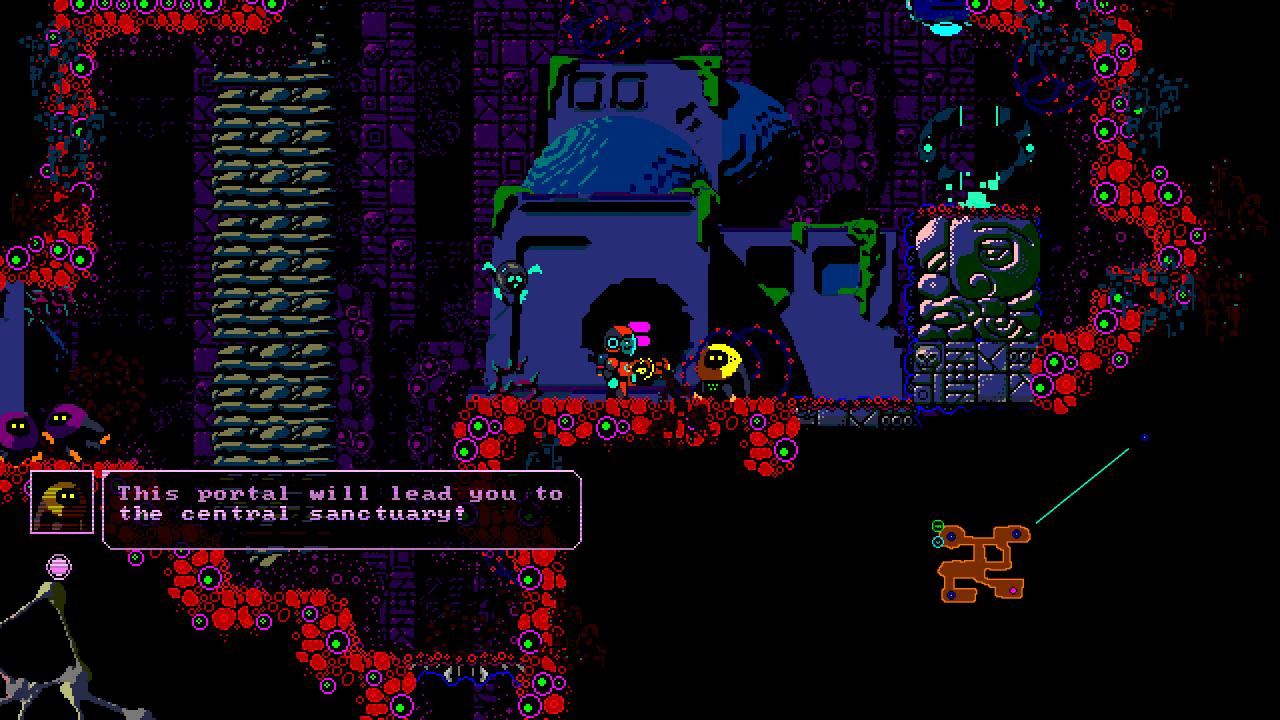
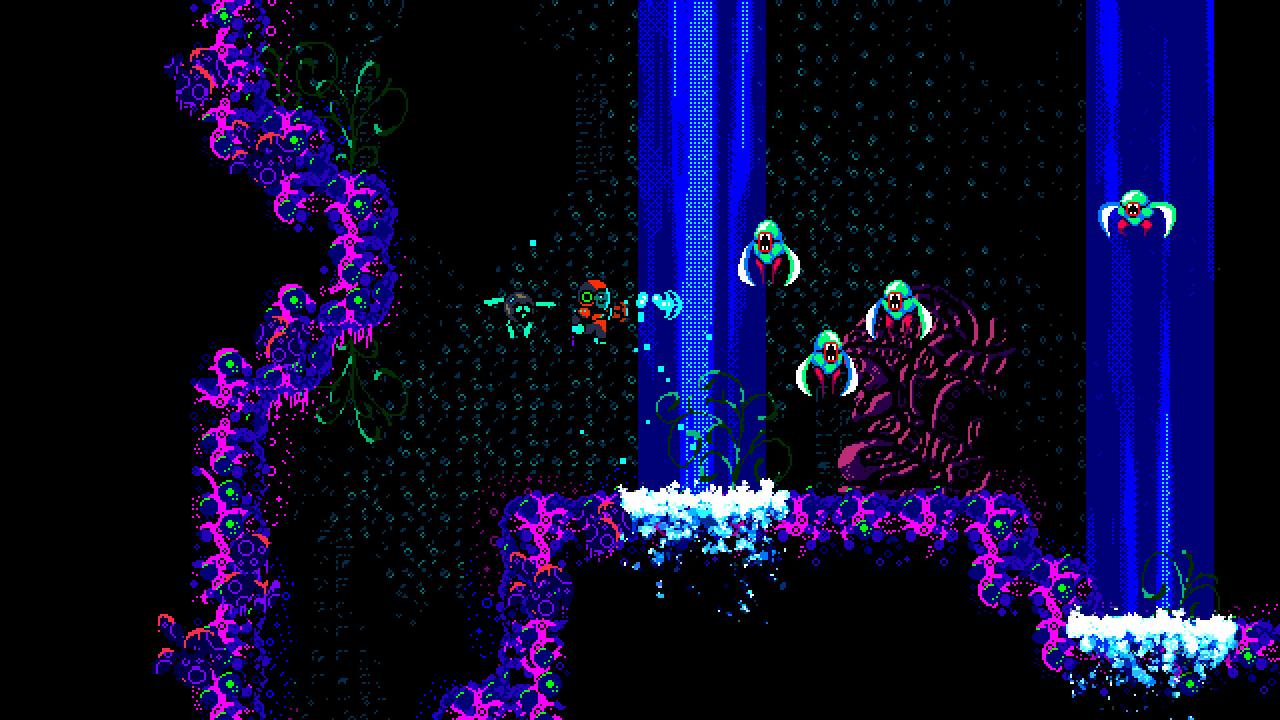
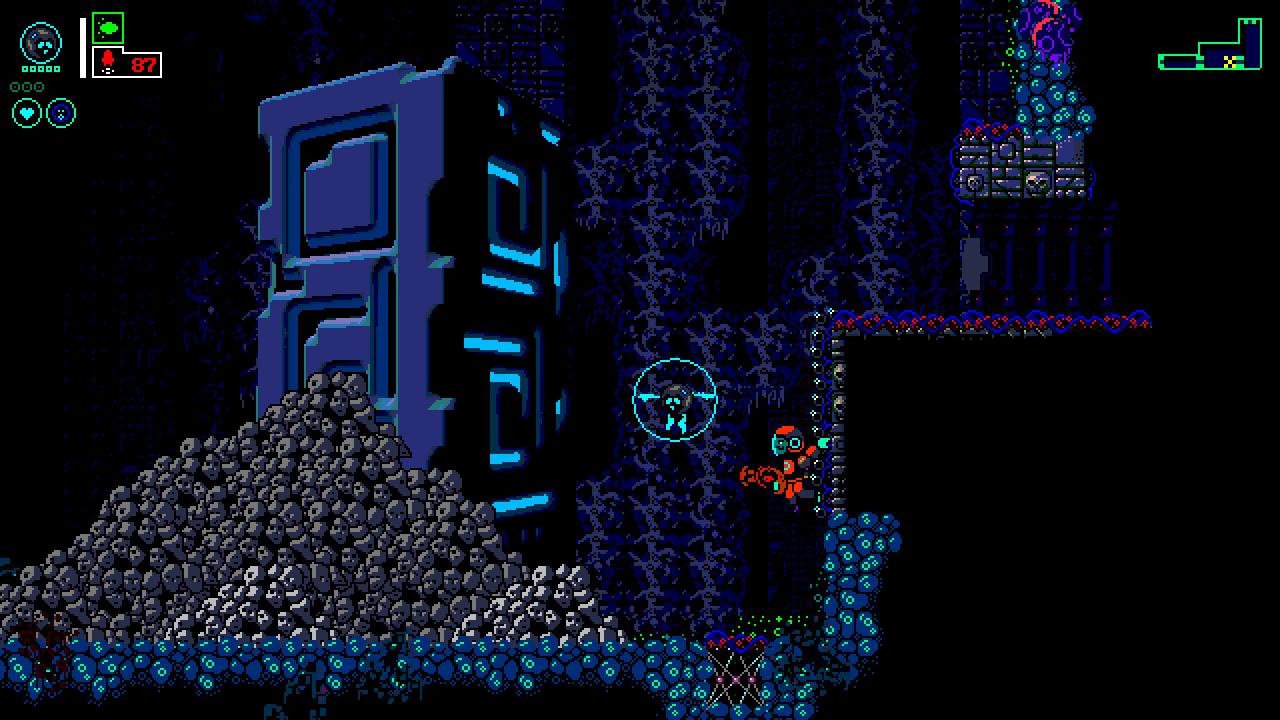
Enter Bahlam, a sunken city of the Old Gods, located deep in the South Atlantic Ocean. Following a shipwreck, adventurer and maritime archaeologist Nikolay Bernstein regains consciousness 36.000 feet under the sea. He's severely wounded and unwillingly connected to a supernatural Buddy-unit. Searching for answers about his displacement our main protagonist digs deep into the lost undercity, gradually realizing an ominous presence hollowing in its shadowed caverns. On your journey home you will share your fate with a friendly tribe of mining creatures, the Wozan, who fear the Old Gods and strive to get back to the surface since their ancestors had been enslaved 5000 years ago. Some of them were able to flee and founded secret colonies deep inside the sunken ruins, others are still exploited by the hostile creatures that have overtaken the city since the Old Gods suddenly disappeared.

OUTBUDDIES DX screenshotOUTBUDDIES DX screenshotOUTBUDDIES DX screenshotOUTBUDDIES DX screenshotOUTBUDDIES DX screenshotOUTBUDDIES DX screenshot

How to redeem

  1. 1Check your Steam account and the listed region before purchasing.
  2. 2Find your code and supplier activation instructions in your confirmed order.
  3. 3Open the redeem-code section on Steam, enter the code and follow the platform’s prompts.

Supplier instructions

Go to: http://store.steampowered.com/ and download STEAM client Click "Install Steam" (from the upper right corner) Install and start application, login with your Account name and Password (create one if you don't have). Please follow these instructions to activate a new retail purchase on Steam: Launch Steam and log into your Steam account. Click the Games Menu. Choose Activate a Product on Steam... Follow the onscreen instructions to complete the process. After successful code verification go to the "MY GAMES" tab and start downloading.

You might also like