Get 10% back in Relic Coins on every order
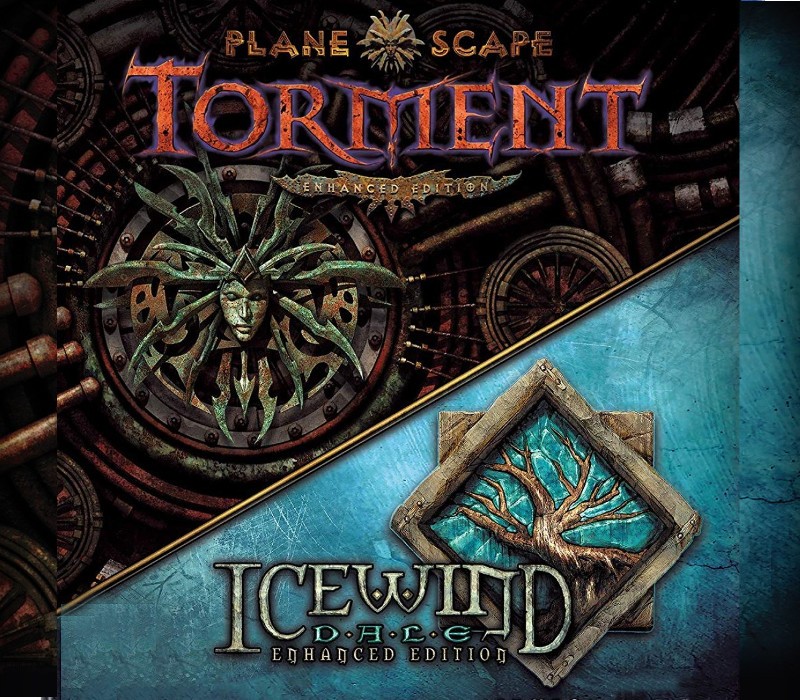
Planescape: Torment and Icewind Dale: Enhanced Editions cover

Xbox One· Key

Planescape: Torment and Icewind Dale: Enhanced Editions

€181.83

+€18.18 cashback eligibility in Relic Coins

Check before you play

Platform
Xbox One
Product type
Key
Developer
ZVitor
Publisher
ZVitor
Supplier release date
2019-10-15
Genres
Adventure, RPG, Co-op

About this product

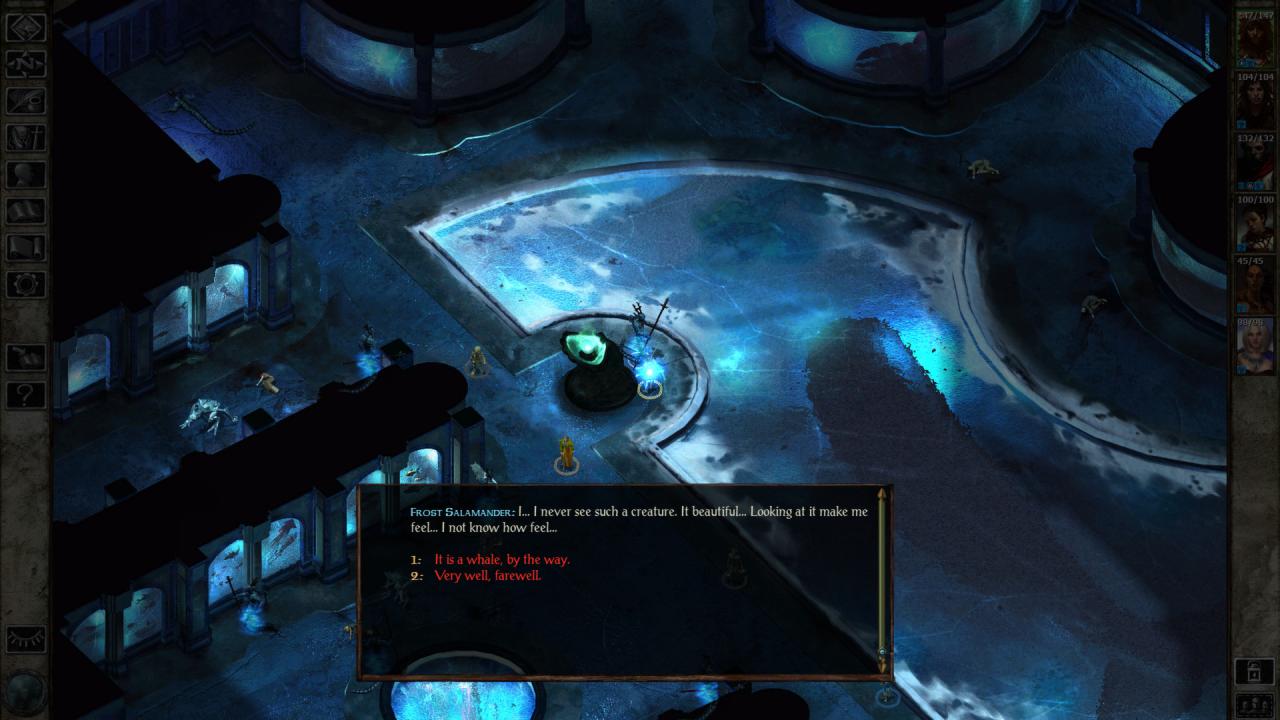
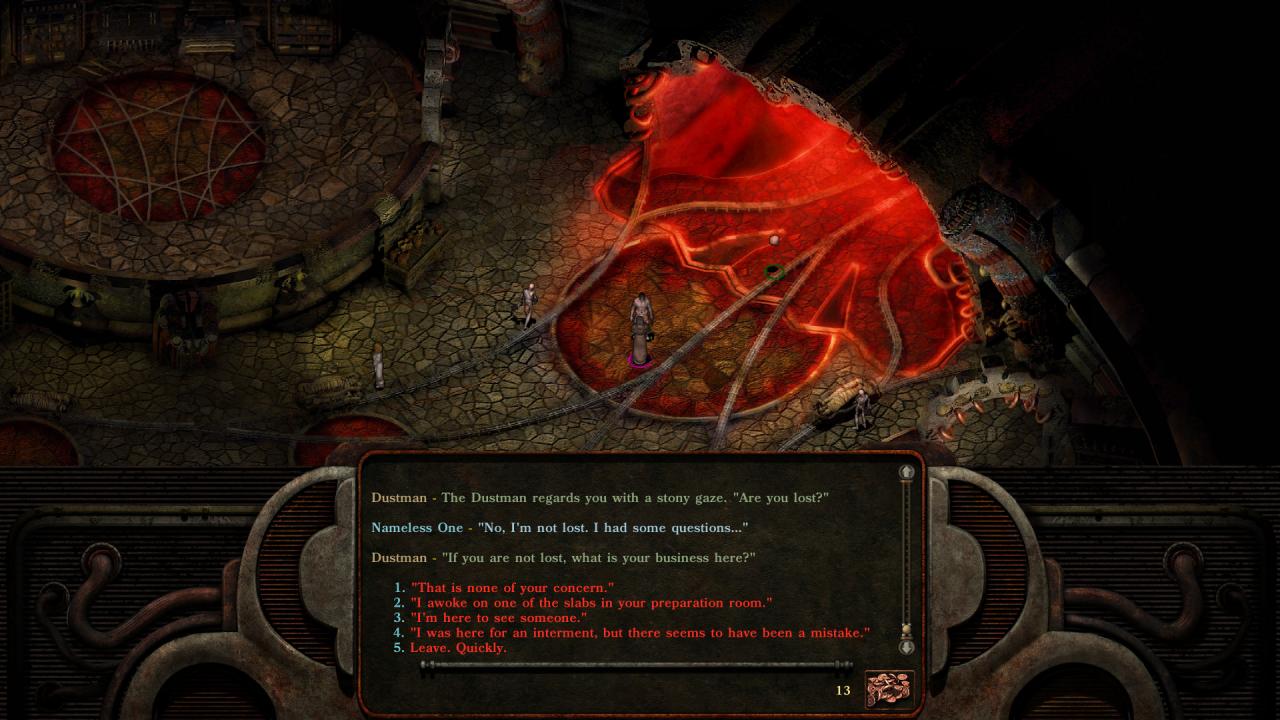
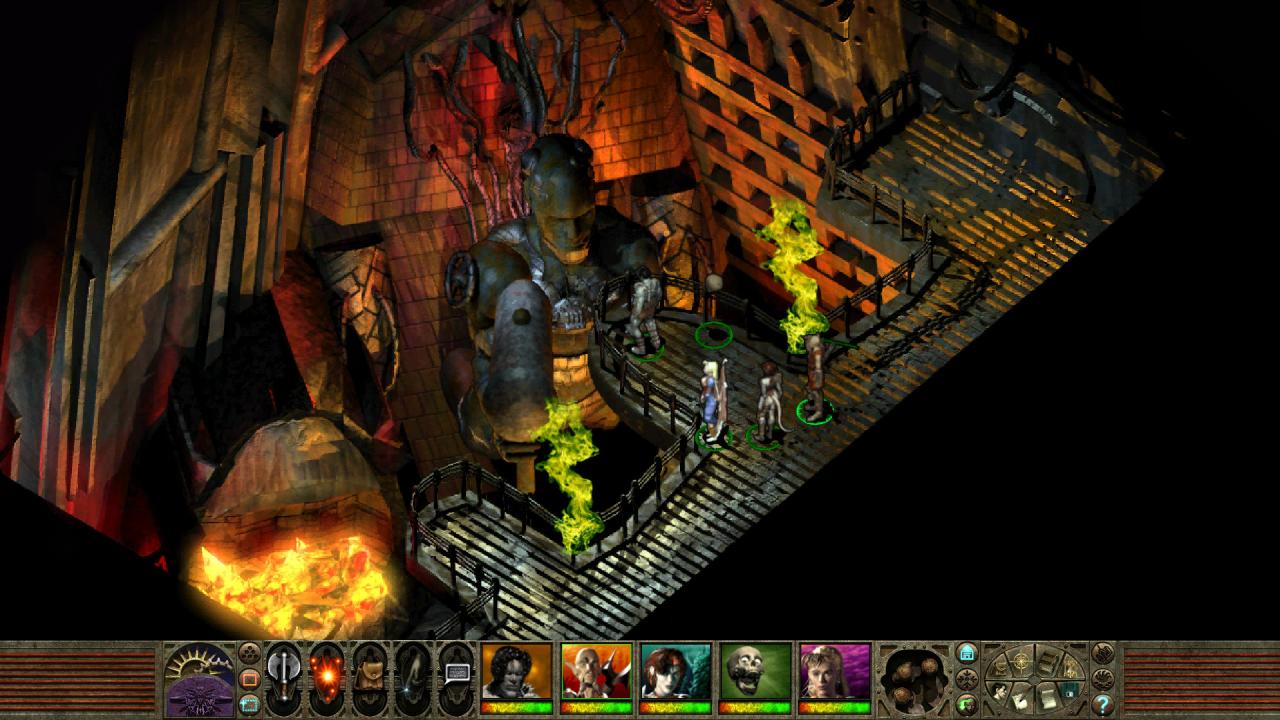
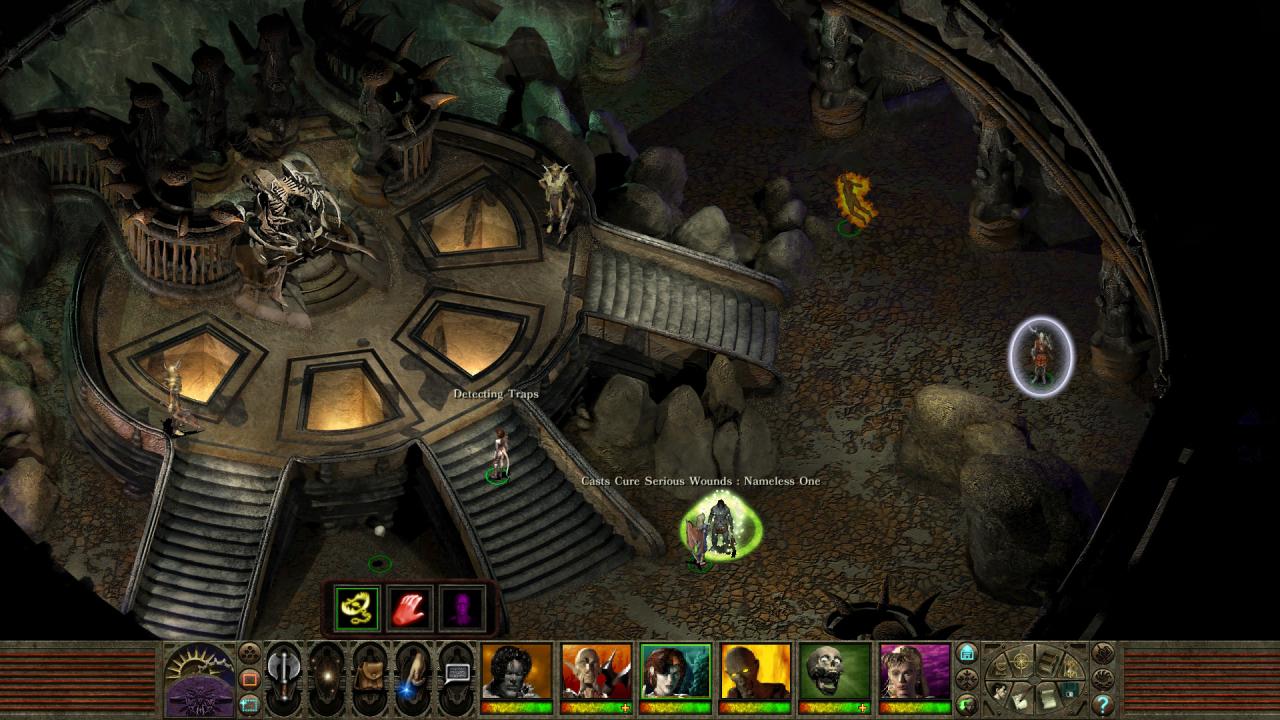
Includes: Planescape: Torment Enhanced Edition Icewind Dale: Enhanced Edition Journey deep into Icewind Dale, a harsh and unforgiving territory settled only by the hardiest folk. Battle the cunning, ferocious beasts that survive among the snow-shrouded peaks, and confront an evil that schemes to wreak destruction upon the world.Then, explore the bizarre universe of Planescape, from the dirty streets of Sigil to the mysterious Outer Planes--and even the depths of Hell itself. This is a place where the word is mightier than the sword, where thought defines reality, and belief has the power to reshape worlds.Icewind Dale and Planescape: Torment are award-winning classics of the isometric RPG genre. Planescape: Torment and Icewind Dale: Enhanced Editions contain the entirety of Icewind Dale (including the Heart of Winter and Trials of the Luremaster expansions) and Planescape: Torment.

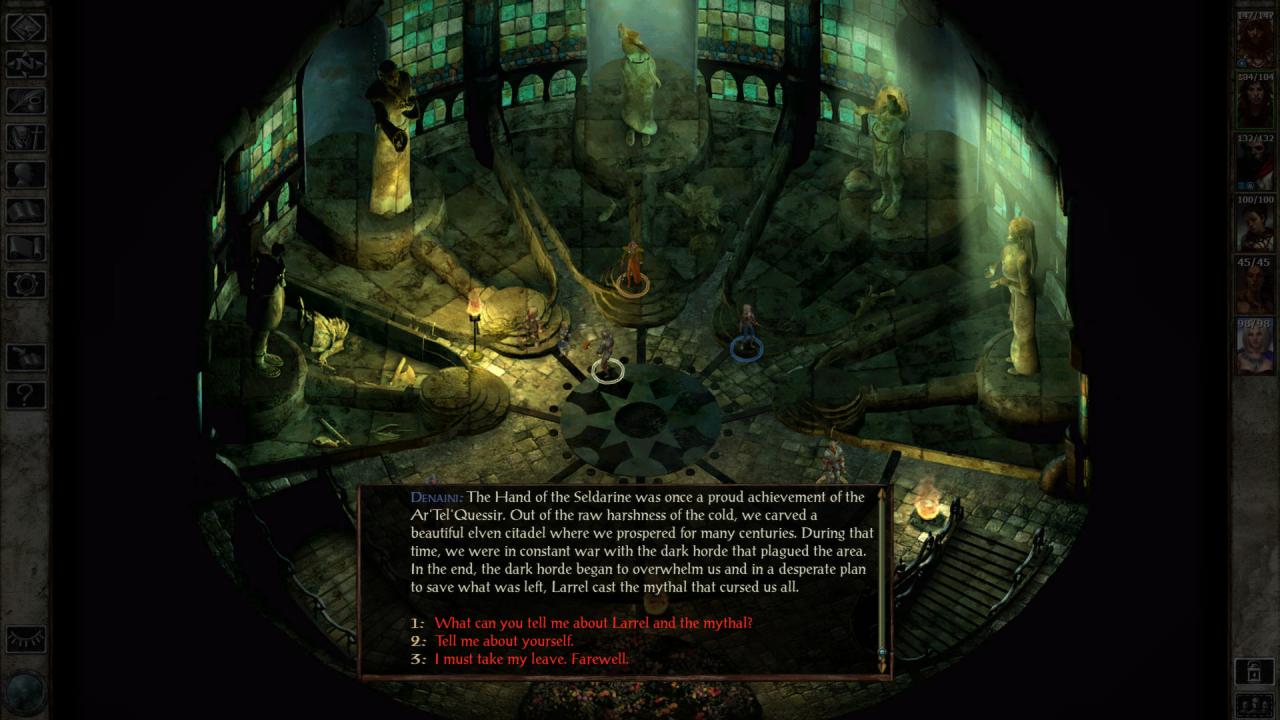
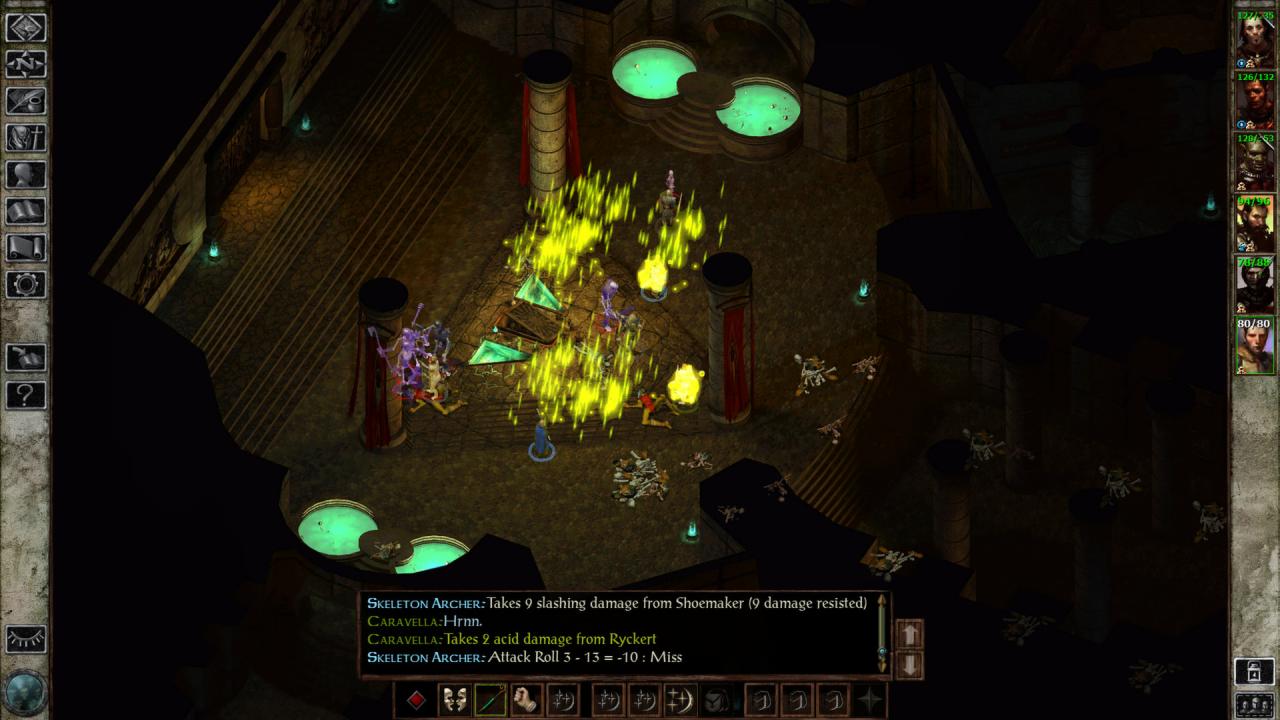
Planescape: Torment and Icewind Dale: Enhanced Editions screenshotPlanescape: Torment and Icewind Dale: Enhanced Editions screenshotPlanescape: Torment and Icewind Dale: Enhanced Editions screenshotPlanescape: Torment and Icewind Dale: Enhanced Editions screenshotPlanescape: Torment and Icewind Dale: Enhanced Editions screenshotPlanescape: Torment and Icewind Dale: Enhanced Editions screenshot

How to redeem

  1. 1Check your Xbox One account and the listed region before purchasing.
  2. 2Find your code and supplier activation instructions in your confirmed order.
  3. 3Open the redeem-code section on Xbox One, enter the code and follow the platform’s prompts.

Supplier instructions

Go to https://www.xbox.com Login to your account Hover over your account link (the top right of the screen) a menu will appear, click on the "Redeem Code" button. On the next page, click "Redeem" Enter your code Click "Confirm" Click "Confirm" again to assign the key to your account.

You might also like