Get 10% back in Relic Coins on every order
Railway Empire NA/OCE cover

Steam· Key

Railway Empire NA/OCE

€1.47

+€0.15 cashback eligibility in Relic Coins

Check before you play

Platform
Steam
Product type
Key
Developer
Gaming Minds Studios
Publisher
Kalypso Media
Supplier release date
2018-01-26
Genres
Strategy, Simulation

About this product

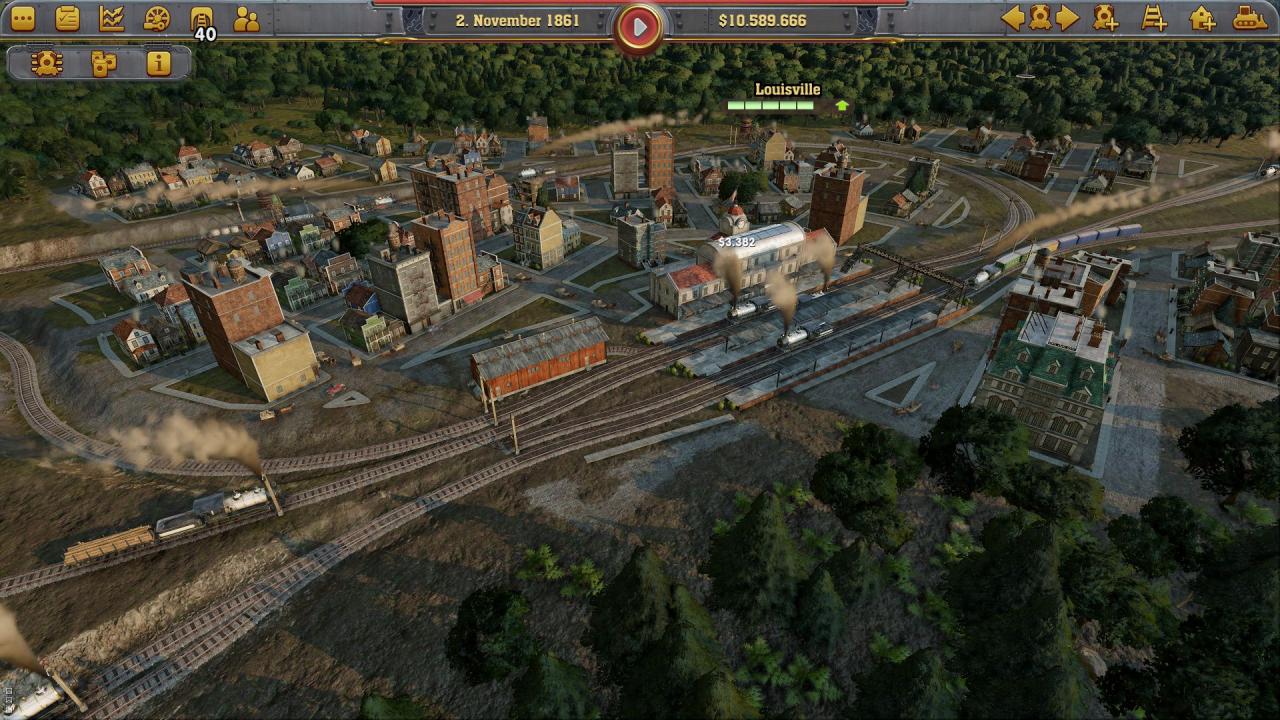
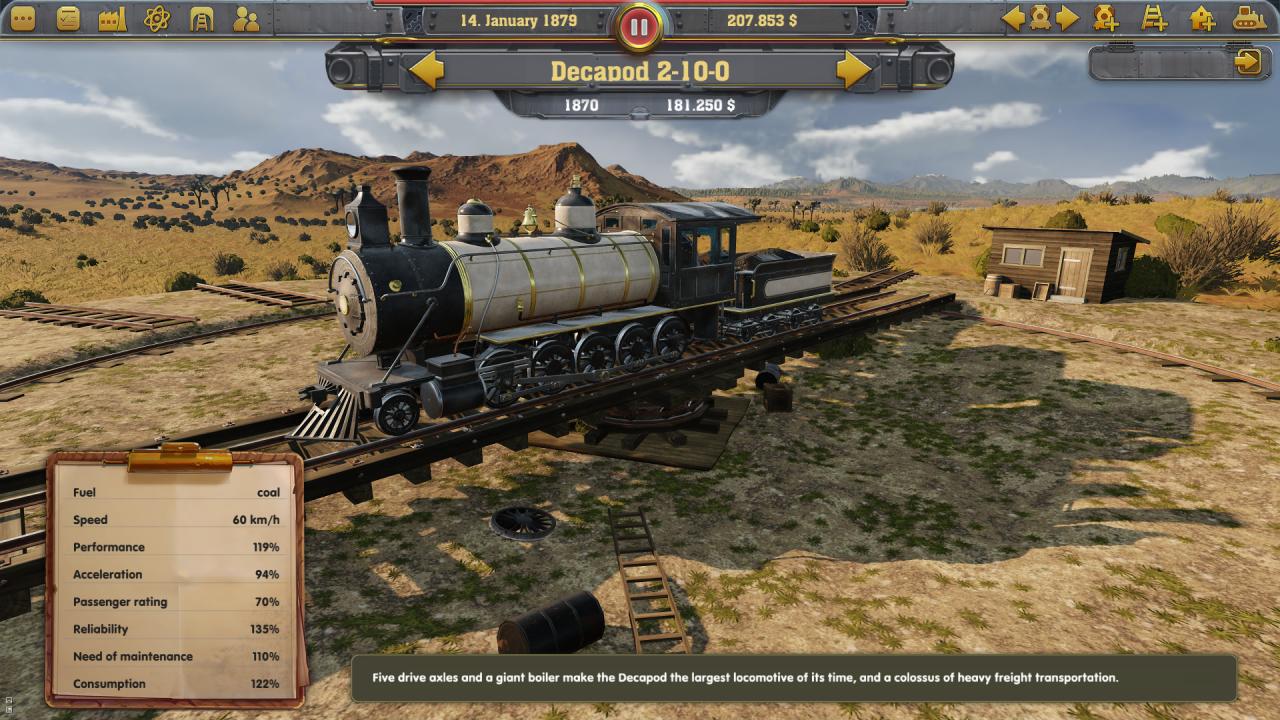
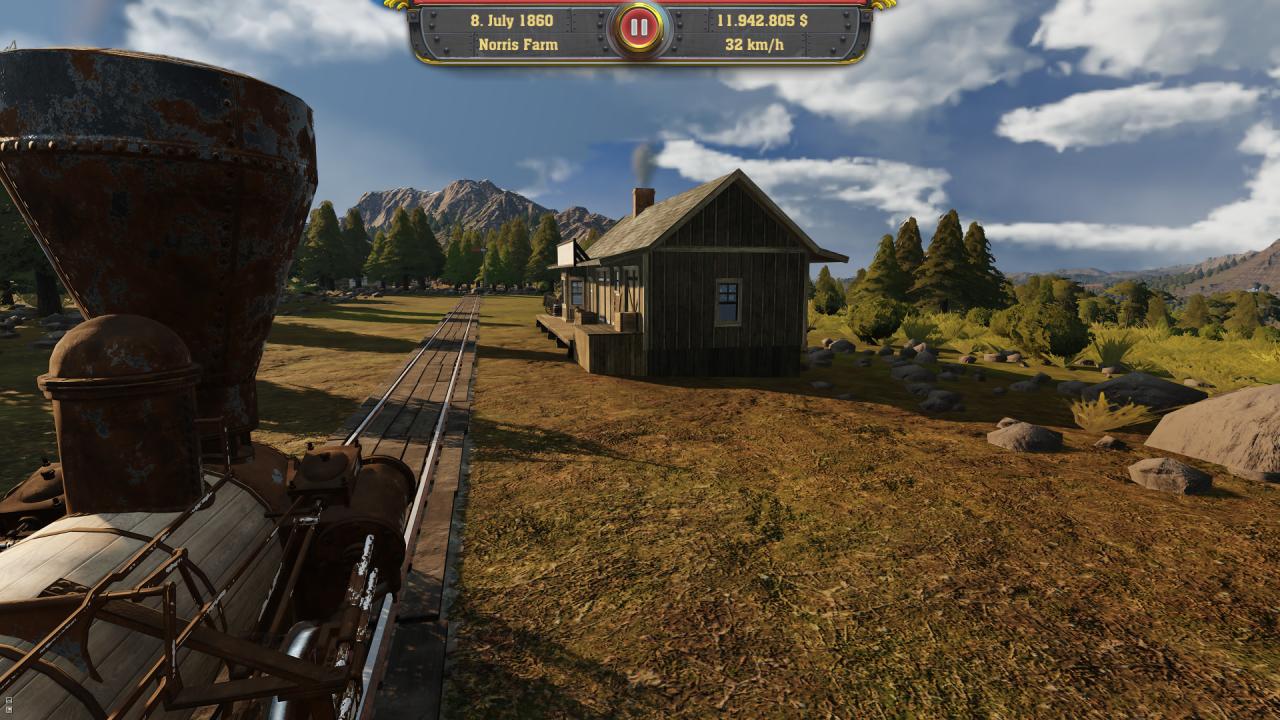
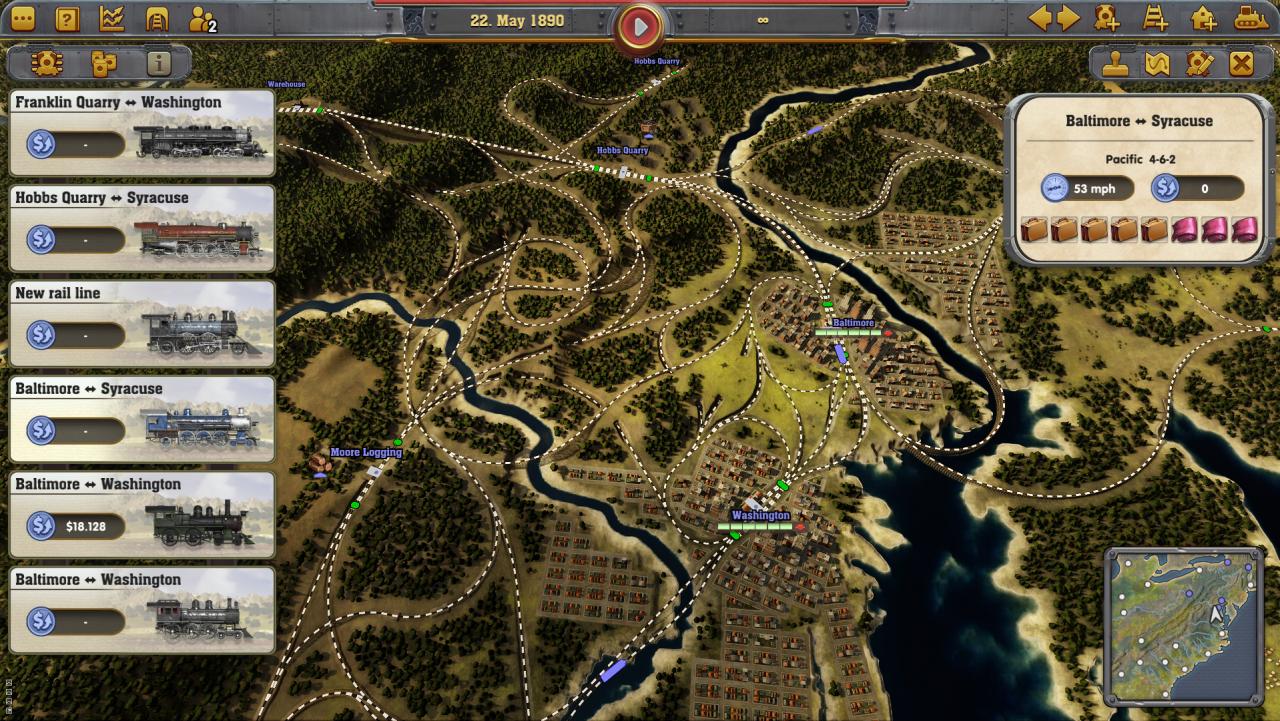
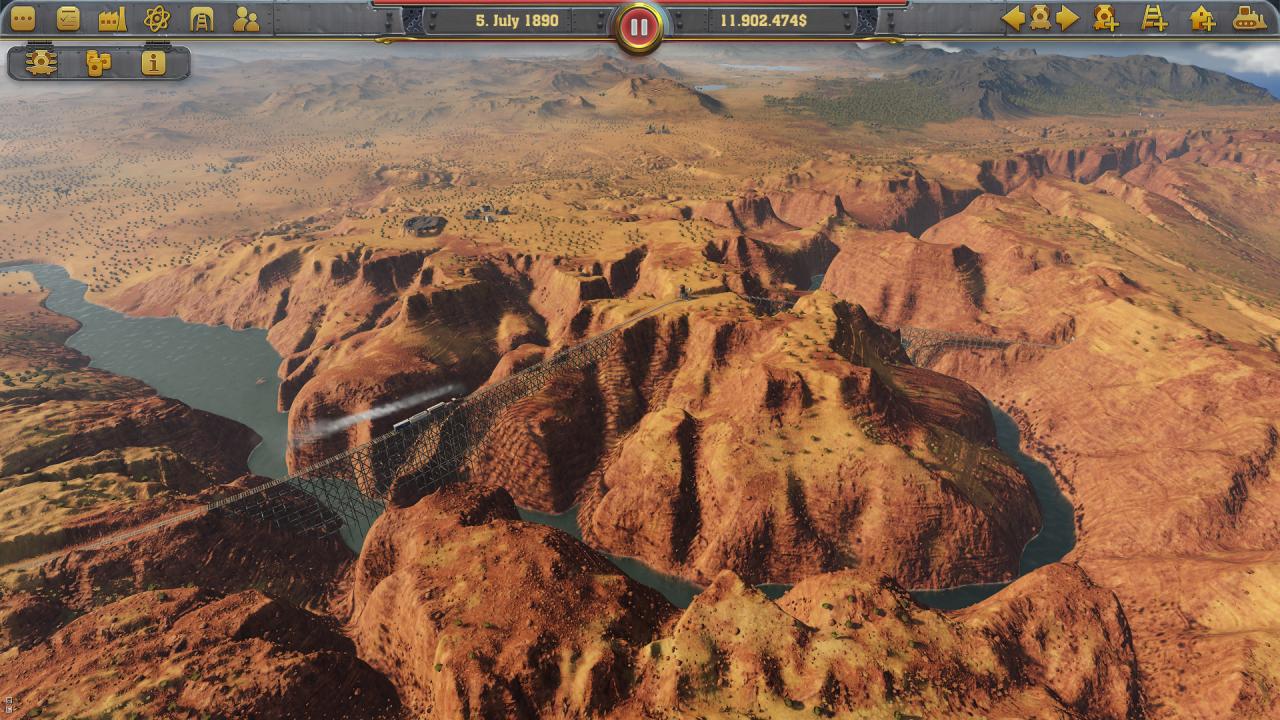
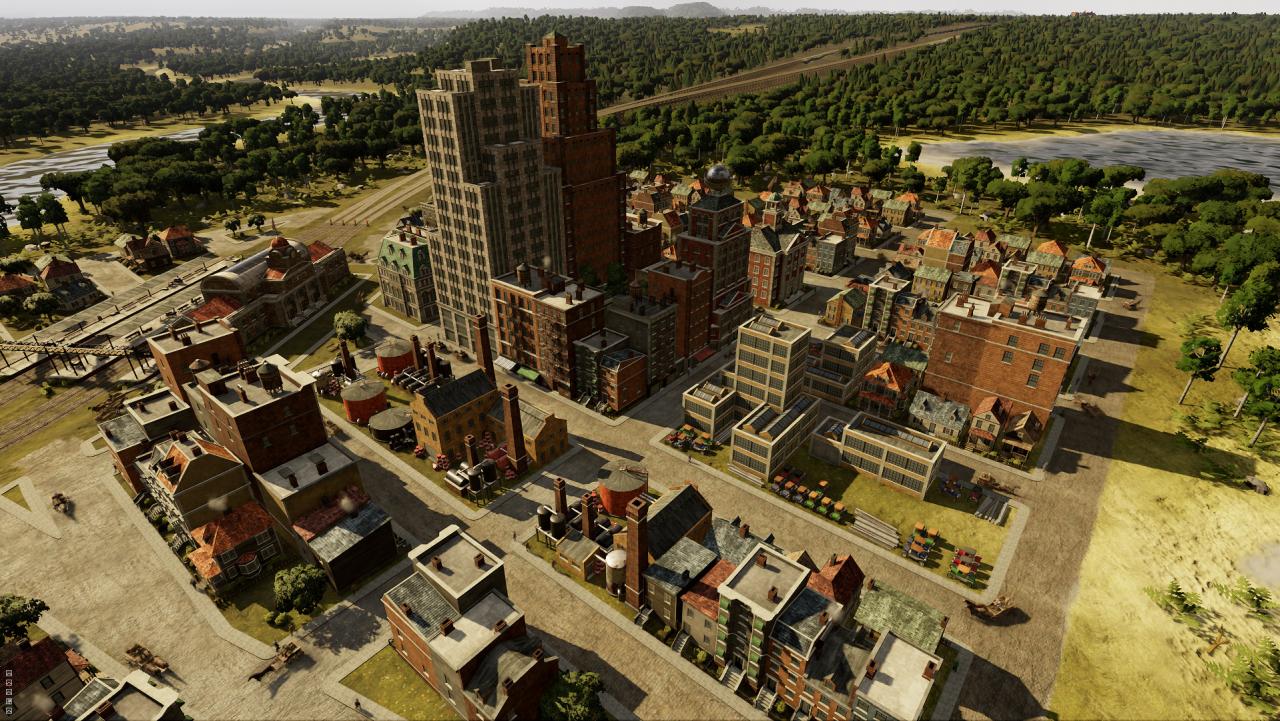
United States, 1830: ‘The New World’ is in its ascendancy. Industry is booming, and the race is on to establish the most dominant and powerful rail empire in all of North America. It’s time to outthink and outmaneuver your competitors as you lead your company into the 20th century! In Railway Empire, you will create an elaborate and wide-ranging rail network, purchase over 40 different trains modelled in extraordinary detail, and buy or build railway stations, maintenance buildings, factories and tourist attractions to keep your travel network ahead of the competition. You’ll also need to hire and manage your workforce if you want to ensure an efficient train service, whilst also develop over 300 technologies ranging from mechanical improvements to the trains themselves to workplace infrastructures and advanced amenities as you progress through five eras of technological innovations. However, you can’t just build and research your way to the top – the competition never sleeps, and to keep your business on track you’ll have to survive against up to three rival tycoons. To get to the top you may have to resort to more cutthroat tactics as you attack and sabotage your opponents through raids and industrial espionage.

Railway Empire NA/OCE screenshotRailway Empire NA/OCE screenshotRailway Empire NA/OCE screenshotRailway Empire NA/OCE screenshotRailway Empire NA/OCE screenshotRailway Empire NA/OCE screenshot

How to redeem

  1. 1Check your Steam account and the listed region before purchasing.
  2. 2Find your code and supplier activation instructions in your confirmed order.
  3. 3Open the redeem-code section on Steam, enter the code and follow the platform’s prompts.

Supplier instructions

Go to: http://store.steampowered.com/ and download STEAM client Click "Install Steam" (from the upper right corner) Install and start application, login with your Account name and Password (create one if you don't have). Please follow these instructions to activate a new retail purchase on Steam: Launch Steam and log into your Steam account. Click the Games Menu. Choose Activate a Product on Steam... Follow the onscreen instructions to complete the process. After successful code verification go to the "MY GAMES" tab and start downloading.

You might also like