Get 10% back in Relic Coins on every order
Audio Trip cover

SteamGlobal· Key

Audio Trip

€3.12

+€0.31 cashback eligibility in Relic Coins

Check before you play

Platform
Steam
Region
Global
Product type
Key
Developer
Kinemotik Studios
Publisher
Andromeda Entertainment
Supplier release date
2019-10-24
Genres
Indie

About this product

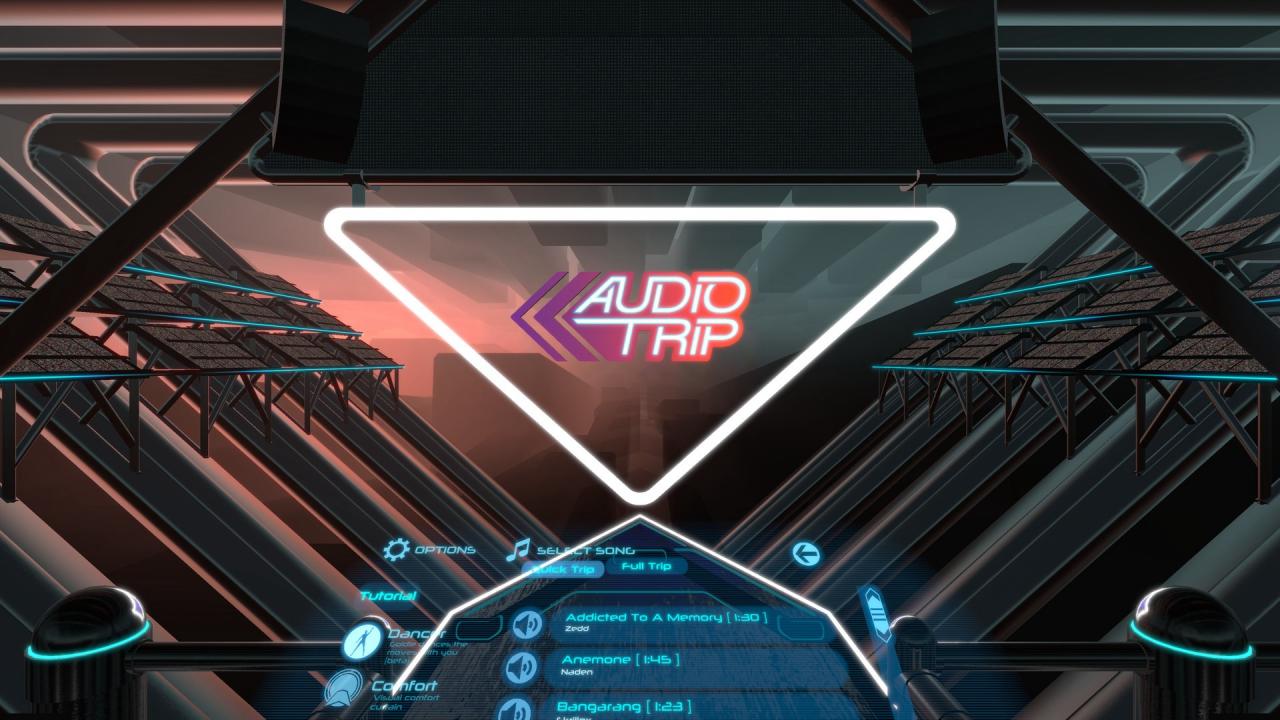
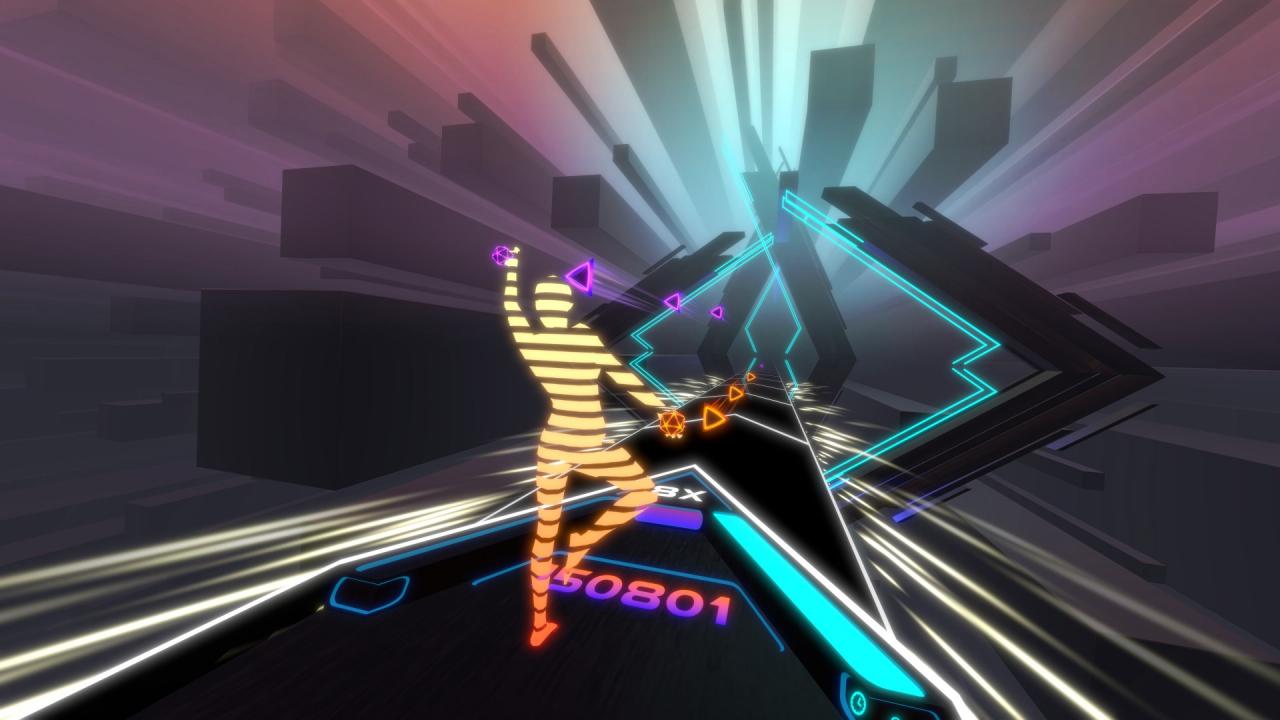
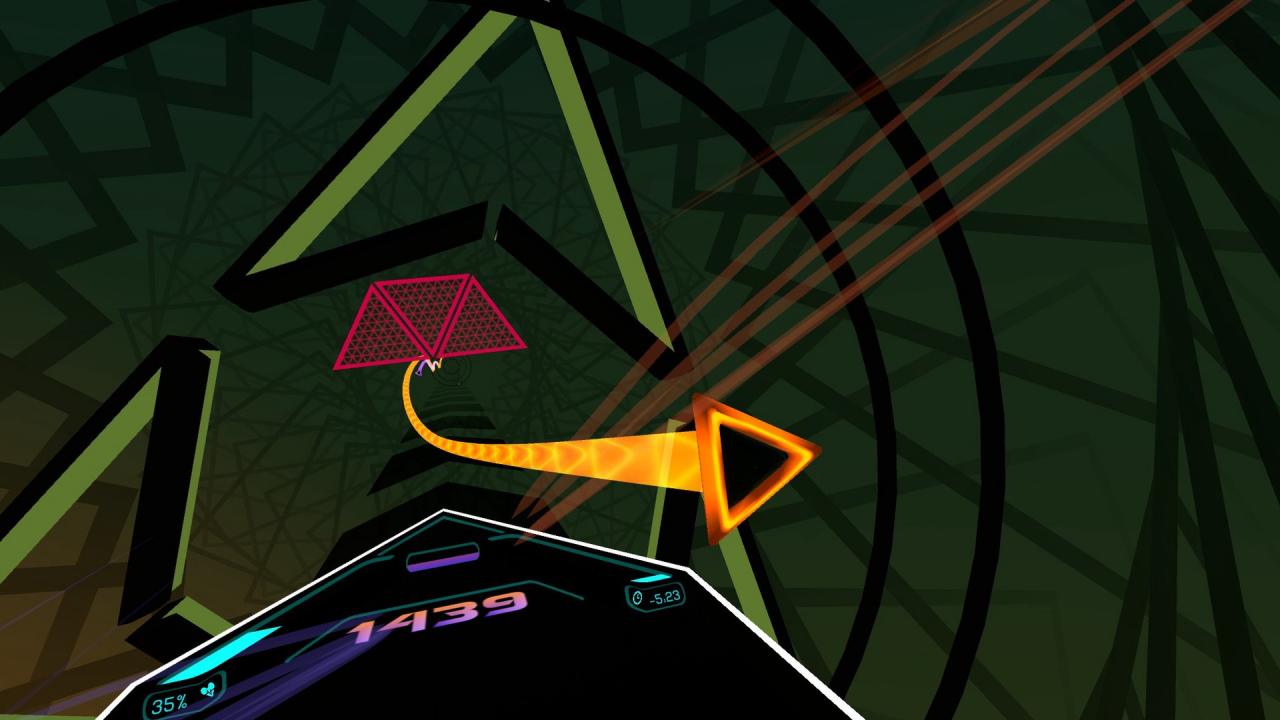
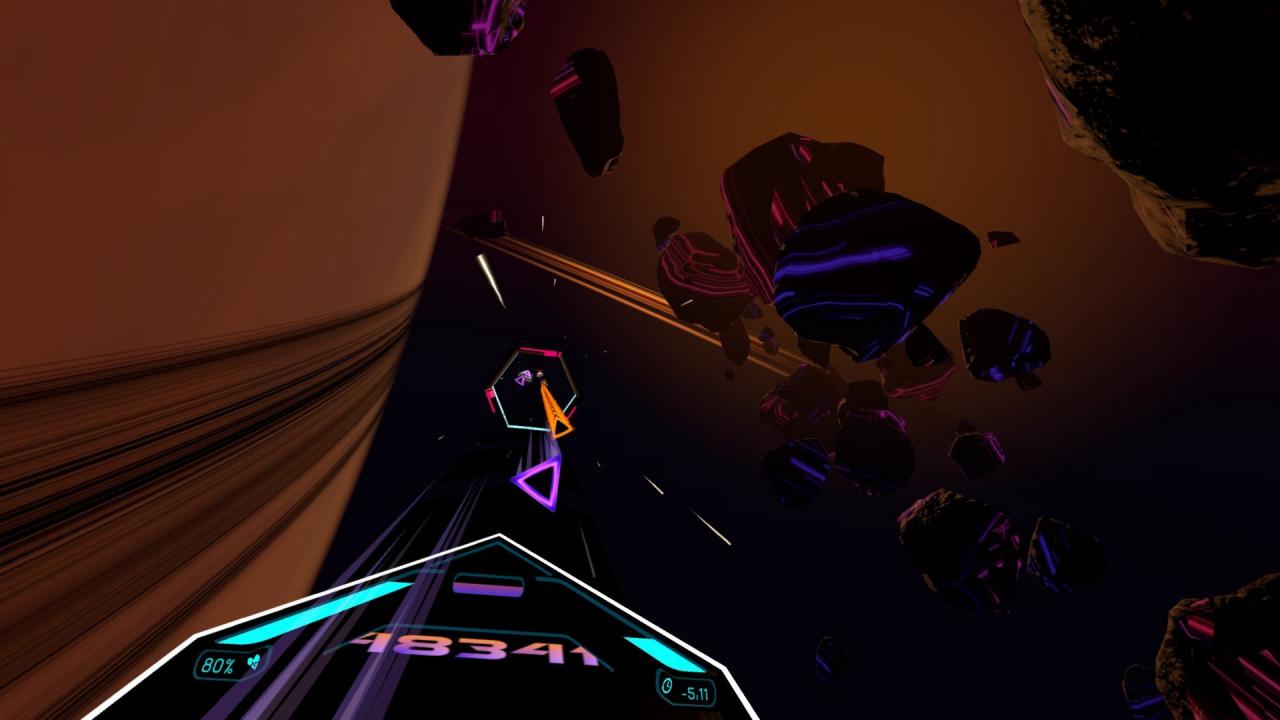
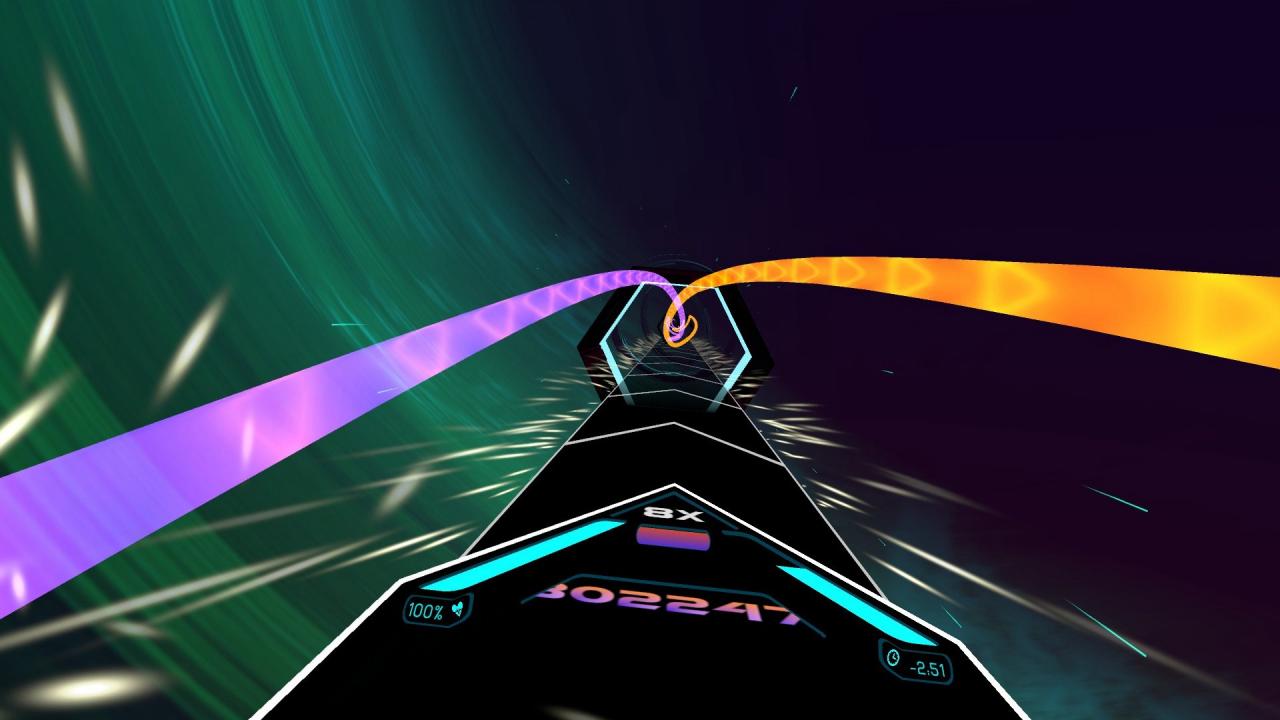
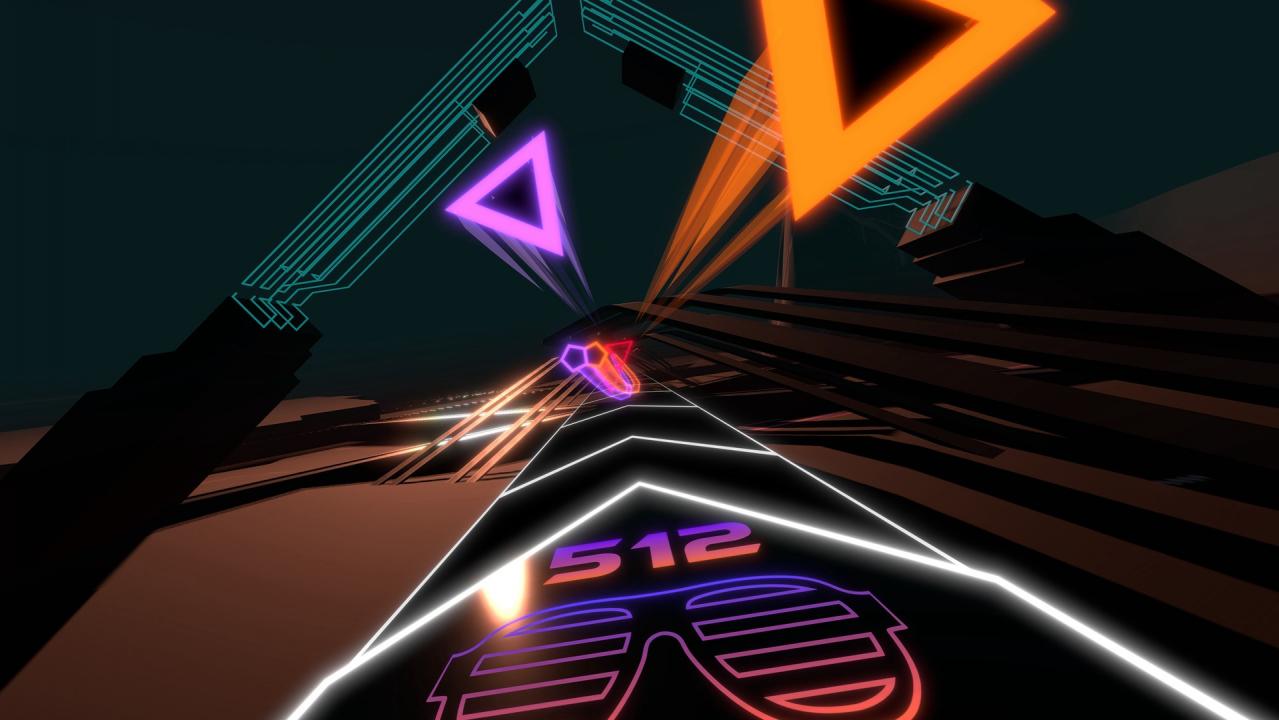
Audio Trip aims to be the definitive VR dance game. Catch gems, ride ribbons, dodge barriers, and smash drums. MOVE YOUR BODY as you dance your way through surreal environments with moves choreographed by a professional dancer. No other VR game gets you moving this hard!FeaturesLicensed music by top artists:Skrillex, Zedd, deadmau5, Lady Gaga, and more10 tracks at Early Access20 tracks total upon full releaseThree levels of difficulty for each trackHand-crafted choreography by a professional dancerFully immersive dynamic environmentsIntuitive UI - pick up and playSimple tutorial included for each first-time playerOptional ‘Comfort Mode’ for visually sensitive playersOptional ‘Dancer Mode’ to follow along with “Goldie” the dancerOptional ‘No Fail Mode’LIV mixed reality integration on supported platformsGlobal leaderboard integration COMING SOON Choreography tool COMING SOON - create your own moves and share with other players

Audio Trip screenshotAudio Trip screenshotAudio Trip screenshotAudio Trip screenshotAudio Trip screenshotAudio Trip screenshot

How to redeem

  1. 1Check your Steam account and the listed region before purchasing.
  2. 2Find your code and supplier activation instructions in your confirmed order.
  3. 3Open the redeem-code section on Steam, enter the code and follow the platform’s prompts.

Supplier instructions

Go to: http://store.steampowered.com/ and download STEAM client Click "Install Steam" (from the upper right corner) Install and start application, login with your Account name and Password (create one if you don't have). Please follow these instructions to activate a new retail purchase on Steam: Launch Steam and log into your Steam account. Click the Games Menu. Choose Activate a Product on Steam... Follow the onscreen instructions to complete the process. After successful code verification go to the "MY GAMES" tab and start downloading.

You might also like