Get 10% back in Relic Coins on every order
Crusader Kings II - Conclave Content Pack DLC EMEA cover

Steam· DLC

Crusader Kings II - Conclave Content Pack DLC EMEA

€5.94

+€0.59 cashback eligibility in Relic Coins

Check before you play

Platform
Steam
Product type
DLC

Check the required base game and edition before purchasing this add-on.

Developer
Paradox Development Studio
Publisher
Paradox Interactive
Supplier release date
2016-02-02
Genres
Strategy, RPG, Simulation

About this product

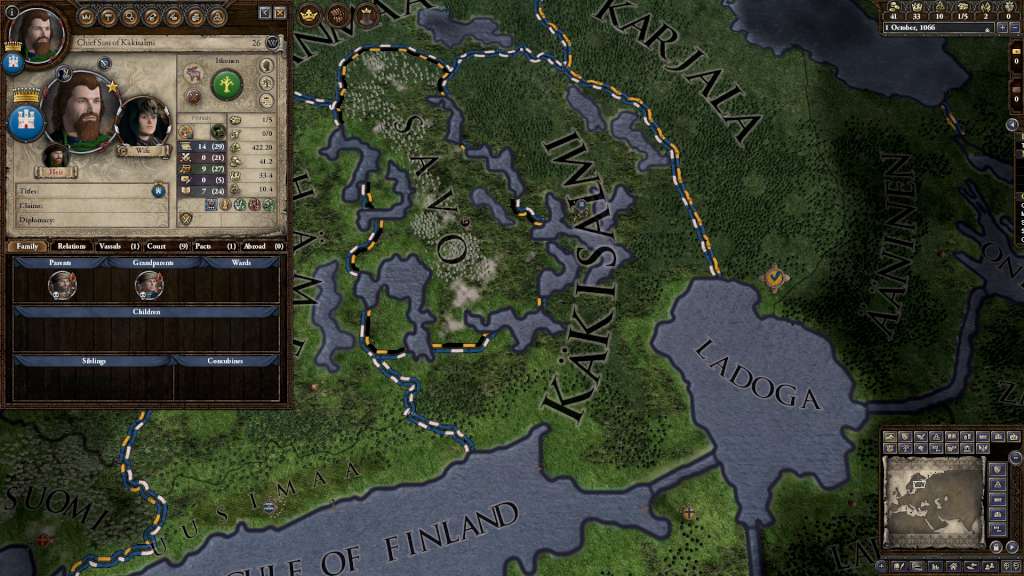
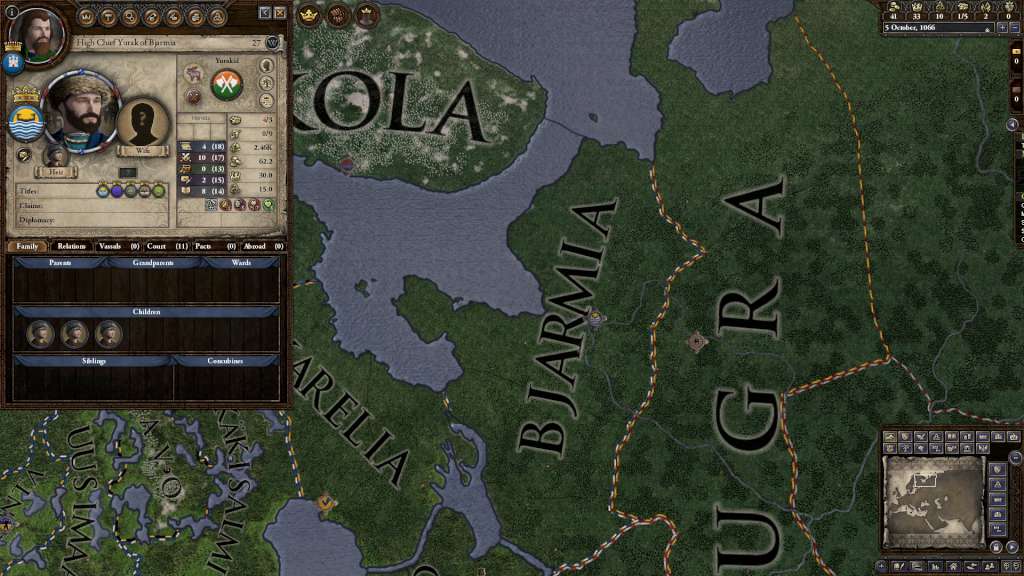
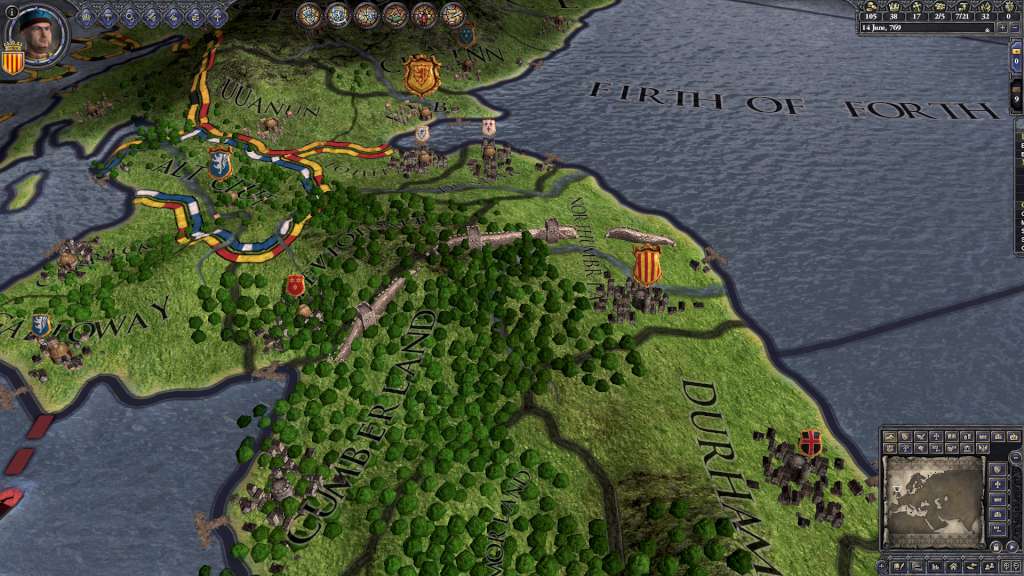
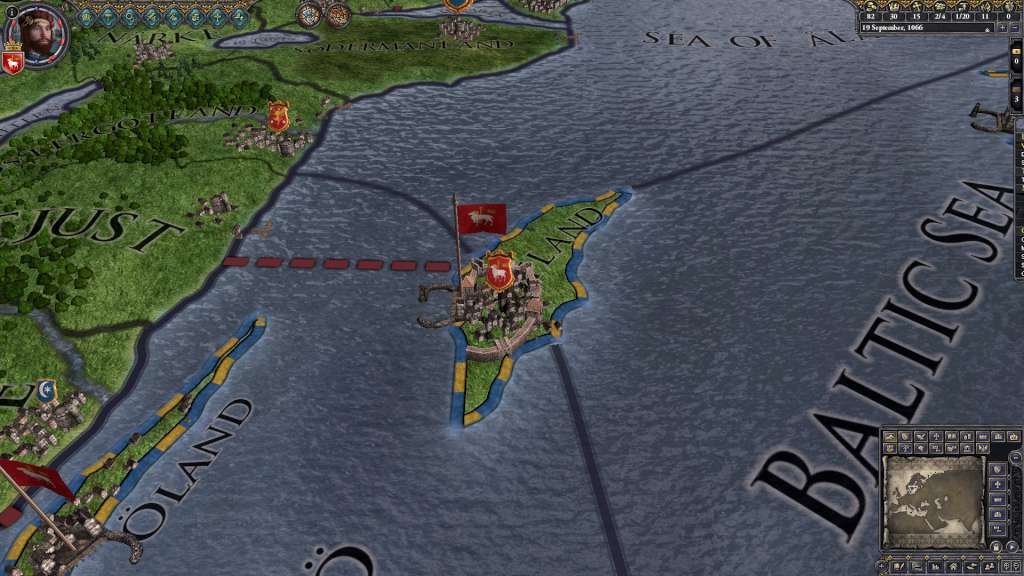
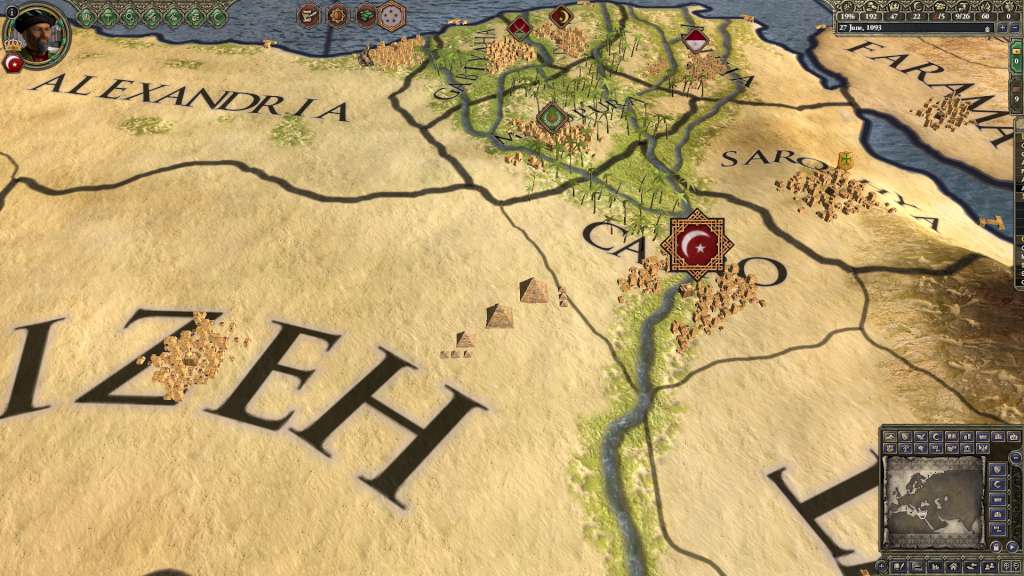
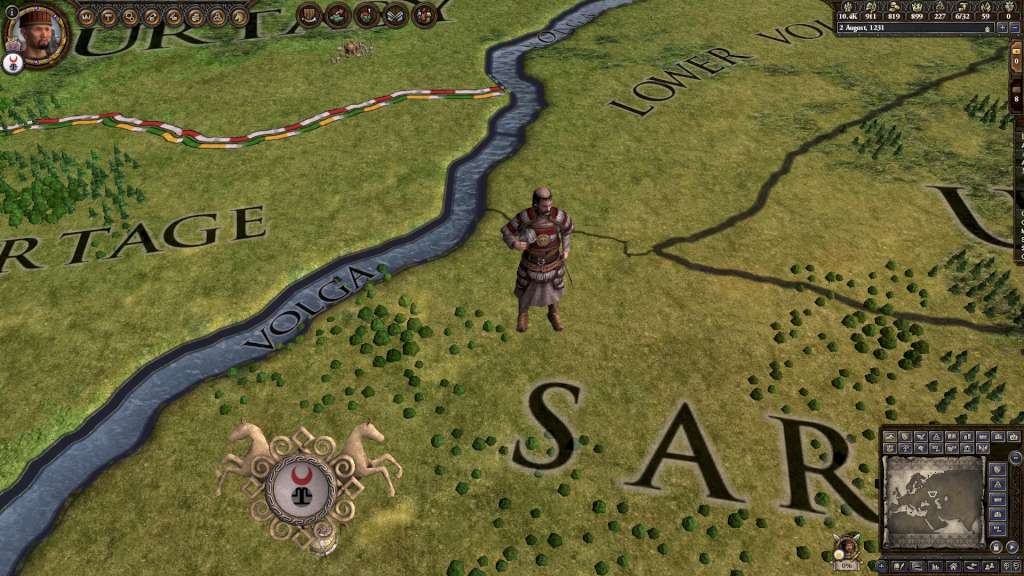
The Conclave Content Pack pack includes: Corners of the Earth Building Pack: Pyramids of Giza, Petra, Hadrian’s Wall, Charlemagne’s Palace, Visby Ringmur, and the Agra Fort appear on the map Finno-Ugric Portrait Pack: New faces for this northern nation Indian Boats Unit Pack and Arabic Boats Unit Pack Mongol/Steppe Male and Female Councilor Model Pack and Western/Christian Female Councilor Model Pack New Event Pictures and one new loading screen: because we love our artists Conclave is the latest major expansion for Crusader Kings II, and its release is accompanied by a new Content Pack to bring the majesty and diversity of the Middle Ages to life on your computer. Conclave will give your vassals some bite, as the council that governs your realm will now demand some say in how you rule. Keep your council happy, and the mighty vassals will resist the pull of faction and civil war. Dismiss their interests, though, and you may find yourself trying to hold together a council at war with itself. There are also major changes to childhood education, laws, and marriage alliances.

Crusader Kings II - Conclave Content Pack DLC EMEA screenshotCrusader Kings II - Conclave Content Pack DLC EMEA screenshotCrusader Kings II - Conclave Content Pack DLC EMEA screenshotCrusader Kings II - Conclave Content Pack DLC EMEA screenshotCrusader Kings II - Conclave Content Pack DLC EMEA screenshotCrusader Kings II - Conclave Content Pack DLC EMEA screenshot

How to redeem

  1. 1Check the required base game, platform and edition before purchasing.
  2. 2Find the code or supplier activation instructions in your confirmed order.
  3. 3Redeem on Steam using the supplied instructions, then install the add-on with the compatible base game.

Supplier instructions

Go to: http://store.steampowered.com/ and download STEAM client Click "Install Steam" (from the upper right corner) Install and start application, login with your Account name and Password (create one if you don't have). Please follow these instructions to activate a new retail purchase on Steam: Launch Steam and log into your Steam account. Click the Games Menu. Choose Activate a Product on Steam... Follow the onscreen instructions to complete the process. After successful code verification go to the "MY GAMES" tab and start downloading.

You might also like