Get 10% back in Relic Coins on every order
Europa Universalis IV - The Cossacks Content Pack DLC cover

SteamUnited States· DLC

Europa Universalis IV - The Cossacks Content Pack DLC

€3.06

+€0.31 cashback eligibility in Relic Coins

Check before you play

Platform
Steam
Region
United States
Product type
DLC

Check the required base game and edition before purchasing this add-on.

Supplier release date
2015-01-12
Genres
Adventure, Strategy, Simulation, Casual

About this product

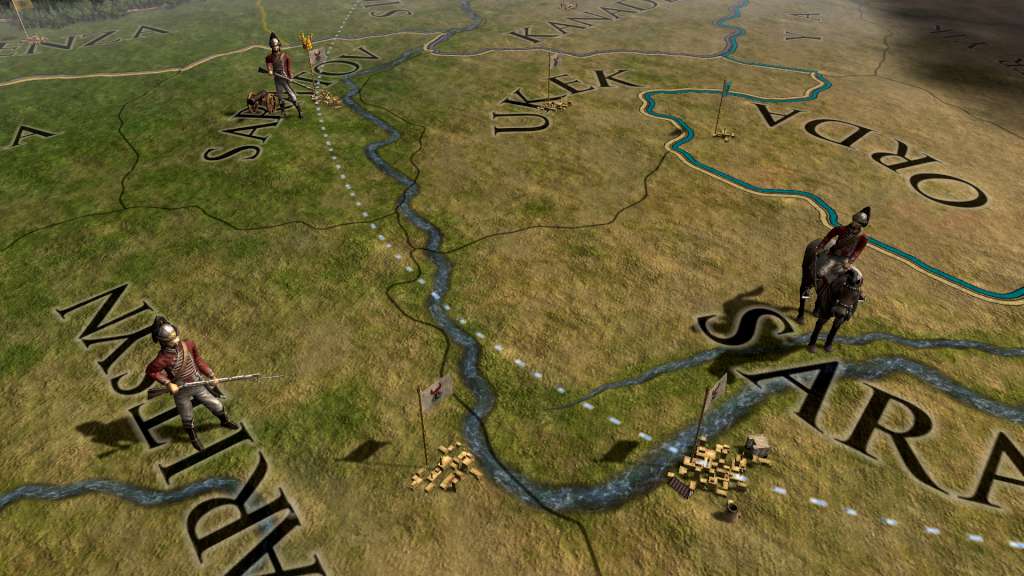
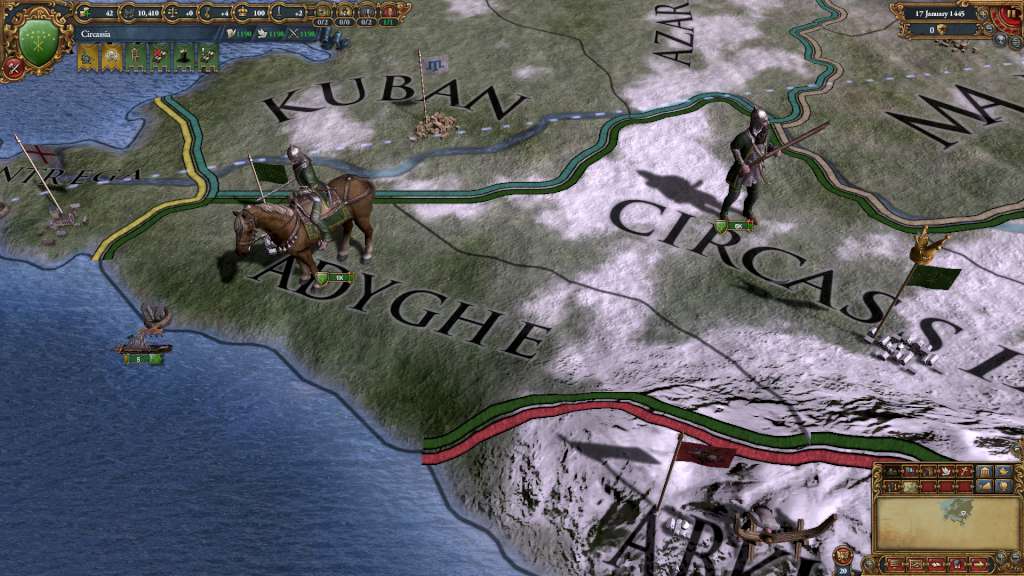
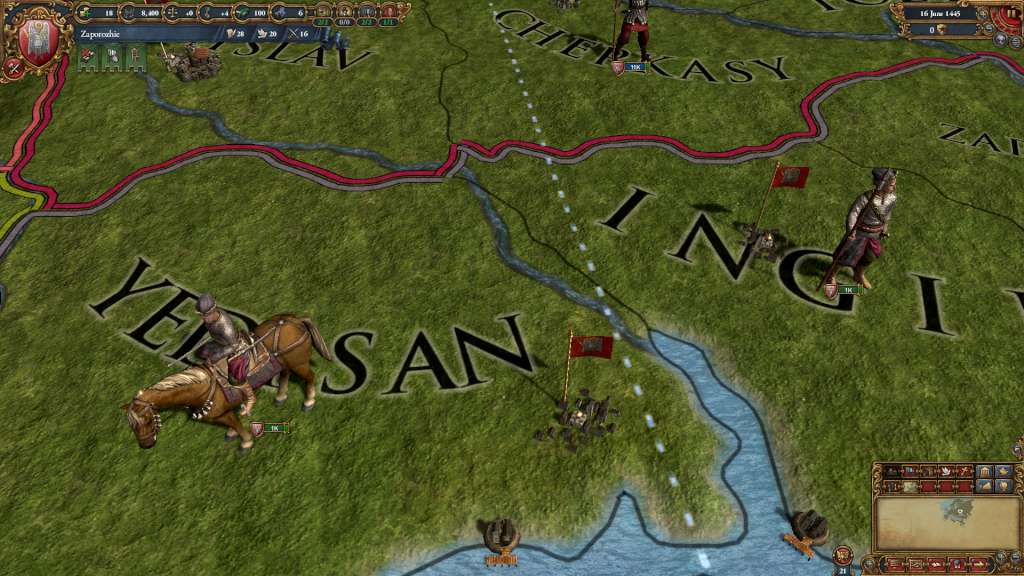
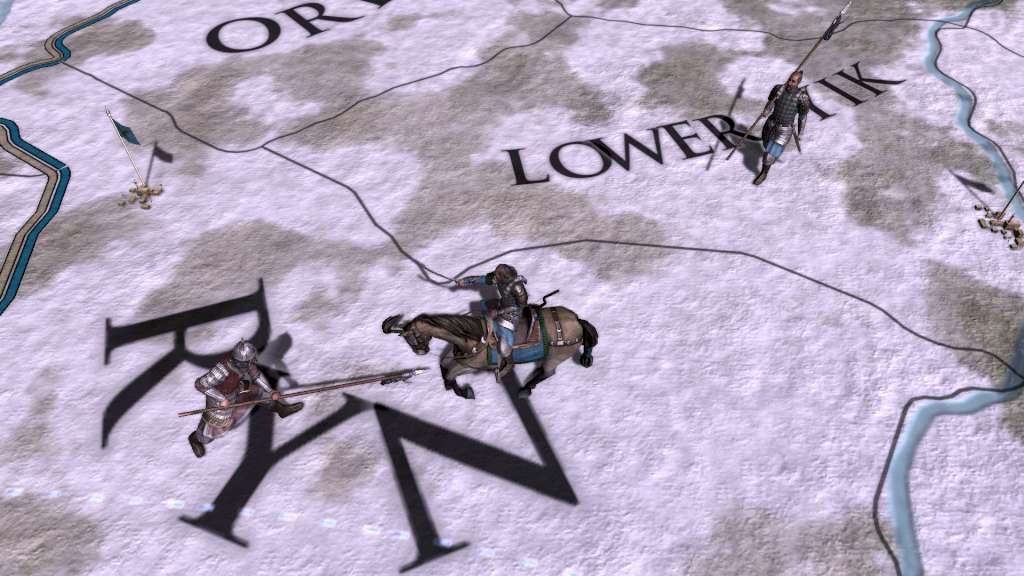
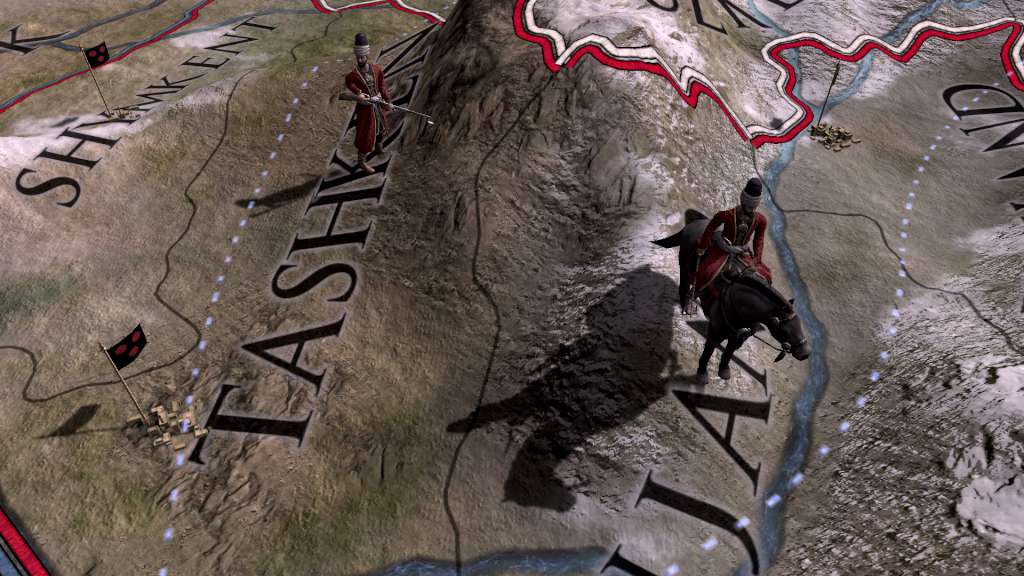
Europa Universalis IV: Cossacks Content Pack includes three new unit packs and a fort pack as part of the Cossacks expansion. The Cossacks is the sixth major expansion for Europa Universalis IV and focuses on Hordes and Eastern Europe. This addition allows you to plunder your neighbours as a horde in order to keep your tribes loyal and raze their lands to gain power to advance in technology or reform into a settled nation. Features Black Sea Unit Pack: This unit pack adds 32 new unit models for Zaporozhie, Crimea, Circassia and Theodoro. Great Hordes Unit Pack: This unit pack adds 32 new unit models for Timurids, Golden Horde, Nogai and Uzbek. European Cavalry Unit Pack: This unit pack adds 12 new unit models for European cavalry, including France, Spain and Britain. Fort Pack: This pack adds 18 new models for Western, Muslim, Asian, Indian, African South and North American forts.

Europa Universalis IV - The Cossacks Content Pack DLC screenshotEuropa Universalis IV - The Cossacks Content Pack DLC screenshotEuropa Universalis IV - The Cossacks Content Pack DLC screenshotEuropa Universalis IV - The Cossacks Content Pack DLC screenshotEuropa Universalis IV - The Cossacks Content Pack DLC screenshot

How to redeem

  1. 1Check the required base game, platform and edition before purchasing.
  2. 2Find the code or supplier activation instructions in your confirmed order.
  3. 3Redeem on Steam using the supplied instructions, then install the add-on with the compatible base game.

Supplier instructions

Go to: http://store.steampowered.com/ and download STEAM client Click "Install Steam" (from the upper right corner) Install and start application, login with your Account name and Password (create one if you don't have). Please follow these instructions to activate a new retail purchase on Steam: Launch Steam and log into your Steam account. Click the Games Menu. Choose Activate a Product on Steam... Follow the onscreen instructions to complete the process. After successful code verification go to the "MY GAMES" tab and start downloading.

You might also like